PlinthBook
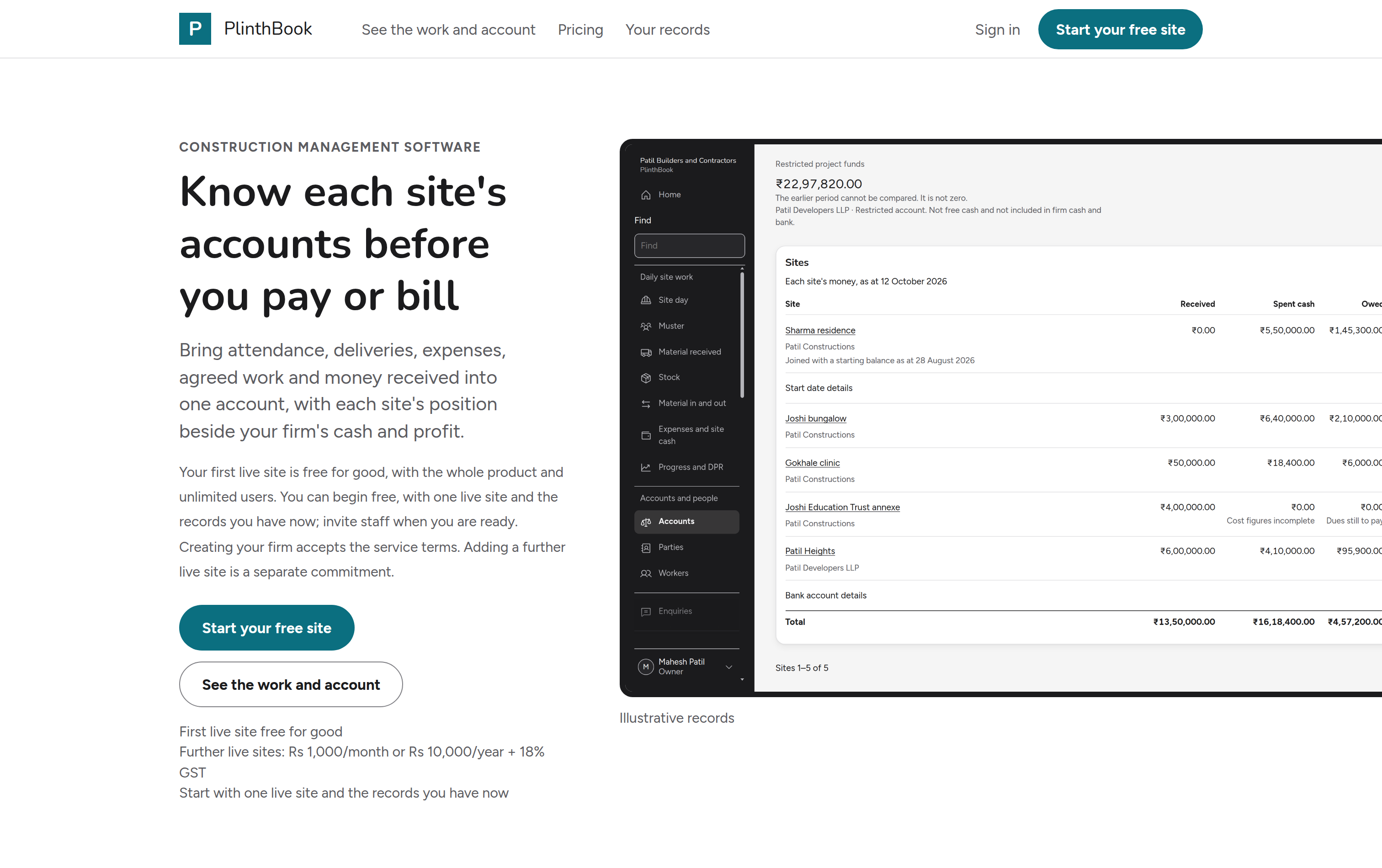
PlinthBook is construction management software for owner-run builders and contractors in India: every site's money, labour, material and client billing in one account.
Who it is for
Owner-run building and contracting firms in India. The owner runs a few sites through supervisors and labour contractors, and buys and pays.
From sign-in to the first bill
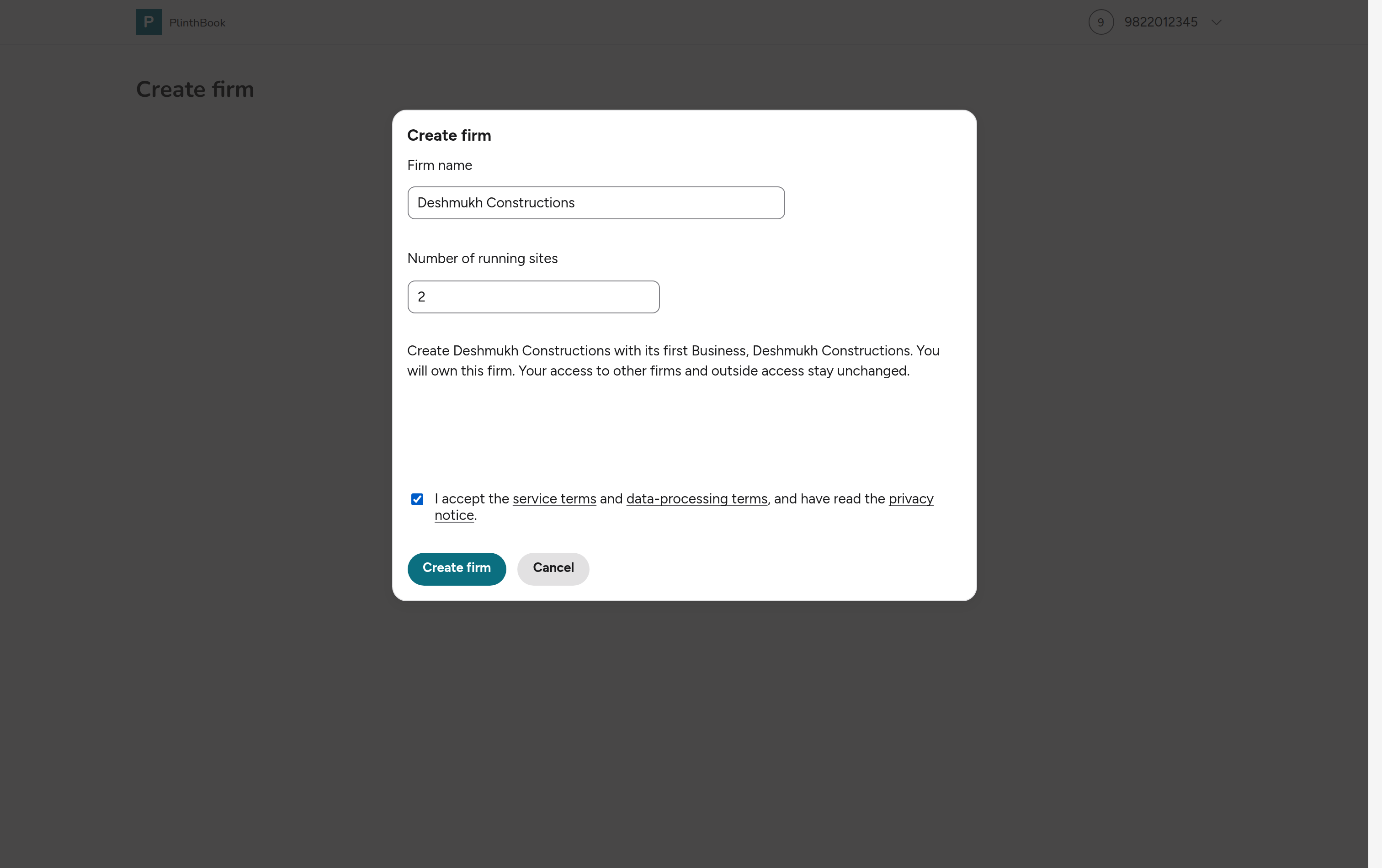
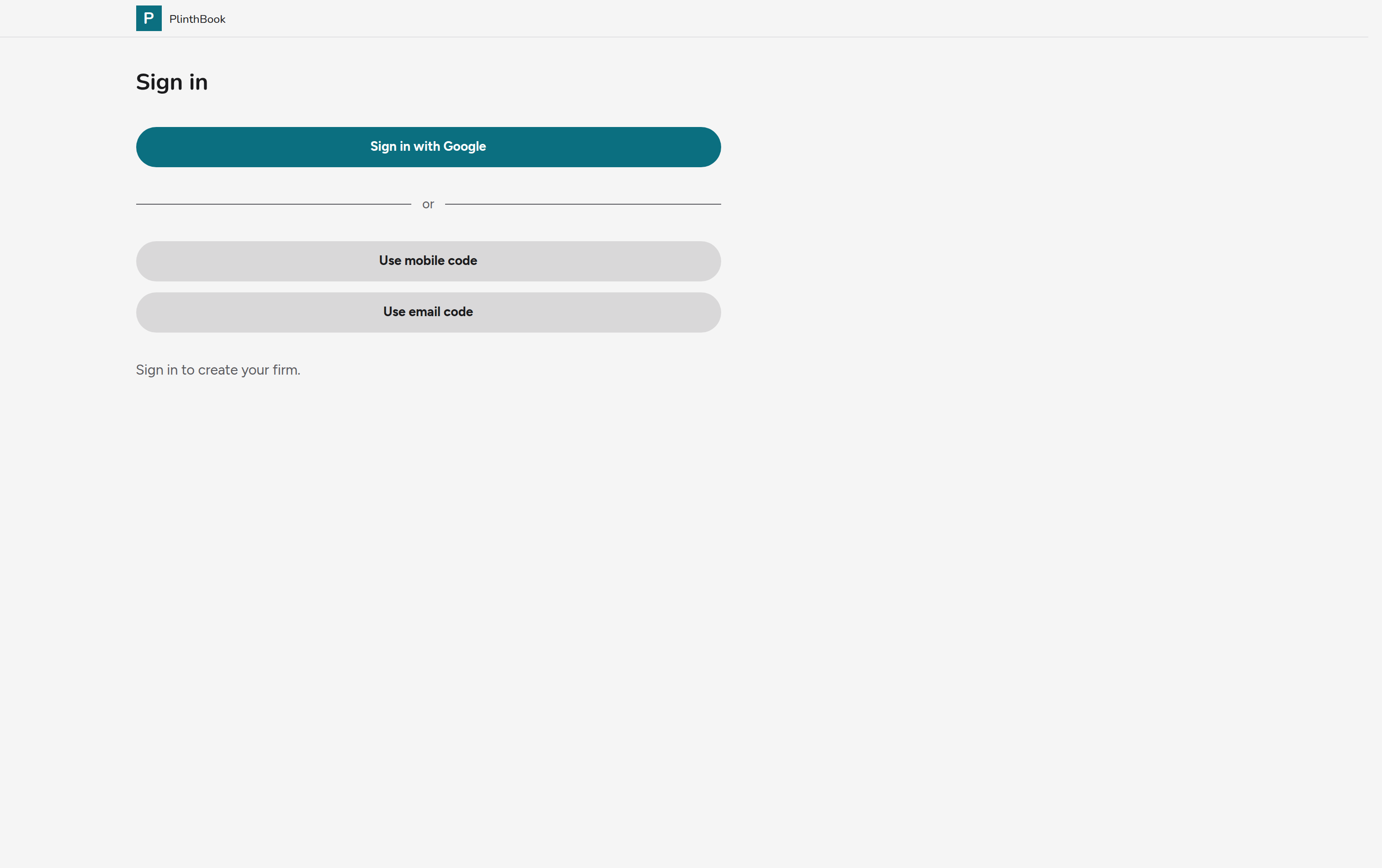
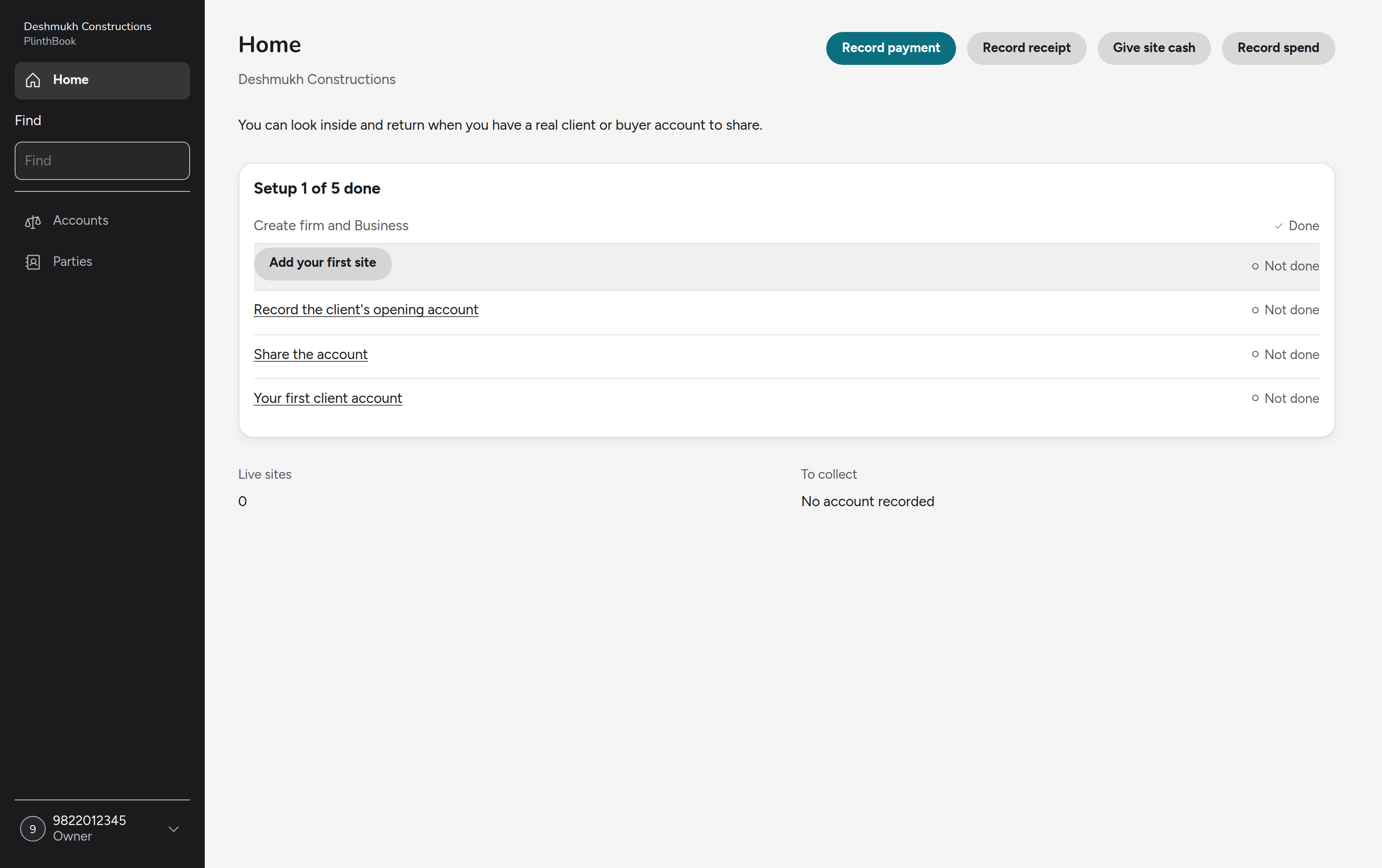
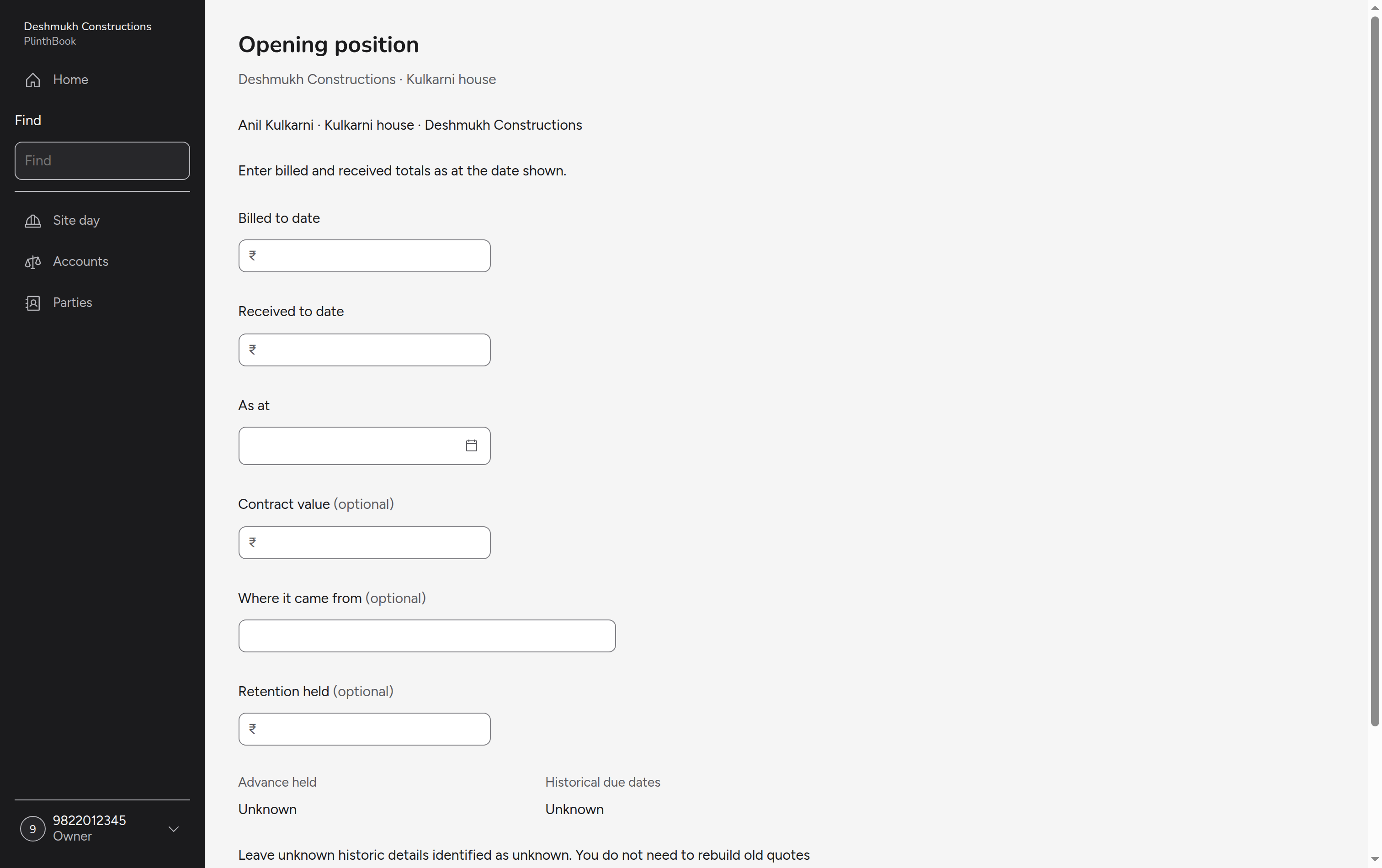
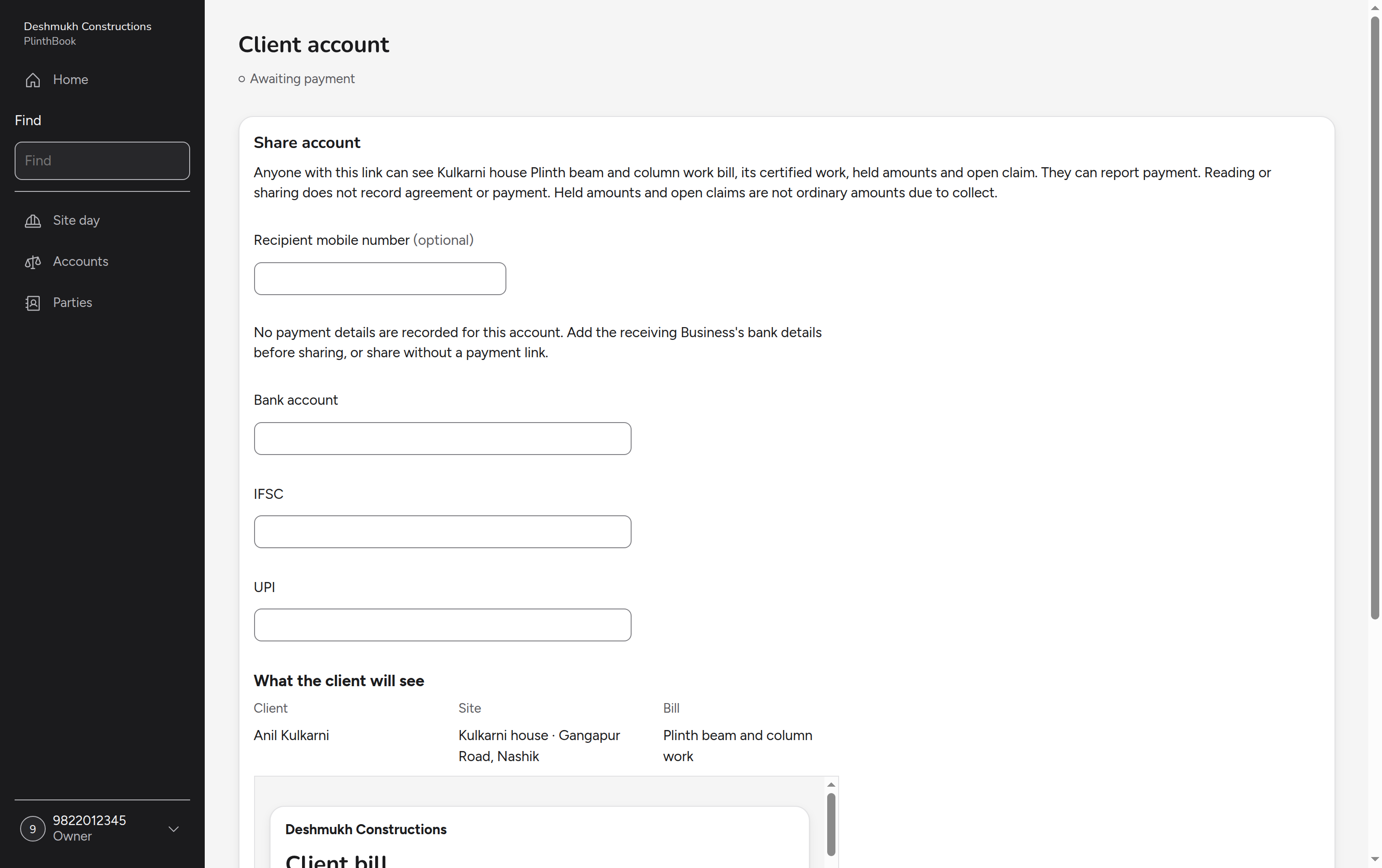
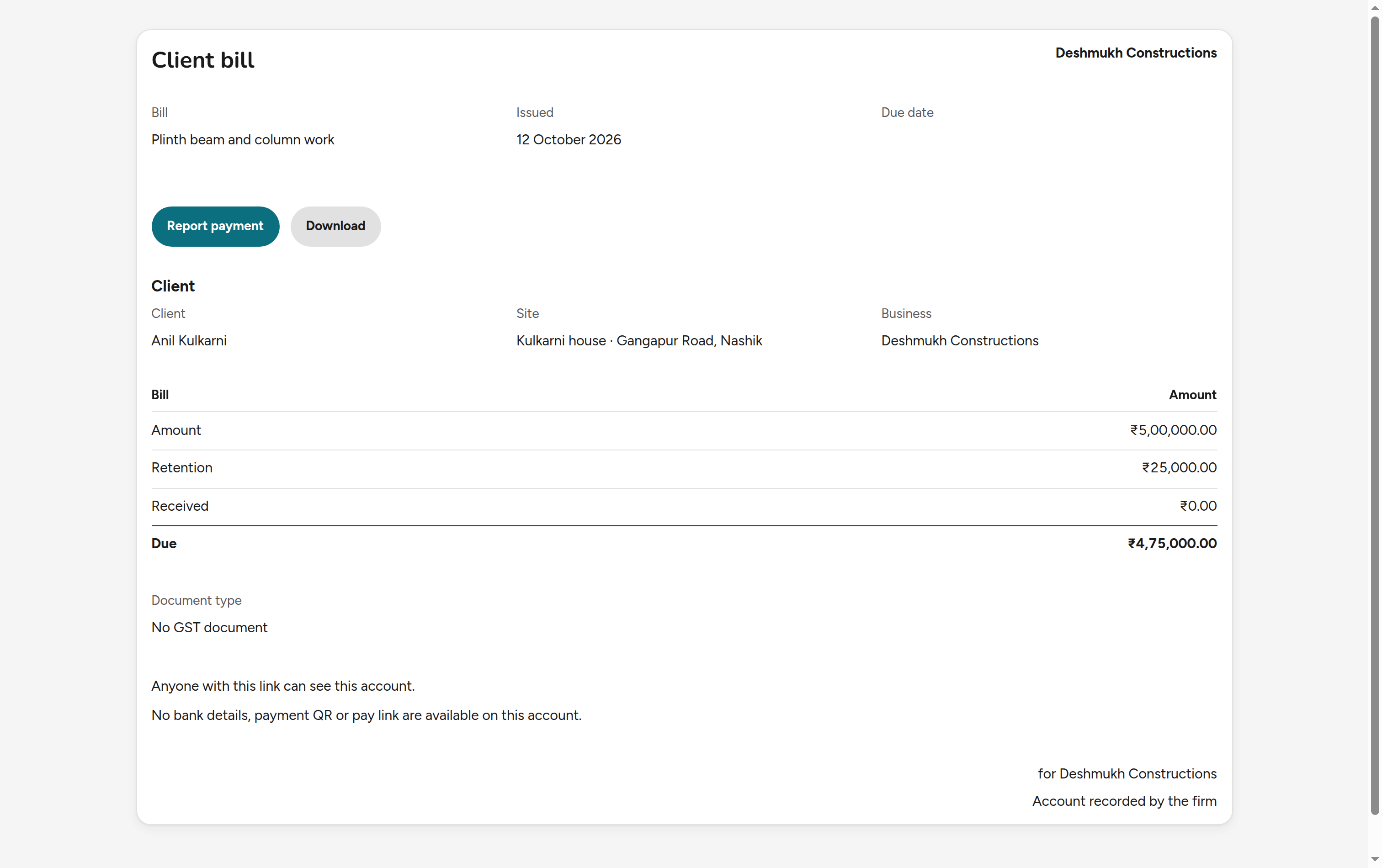
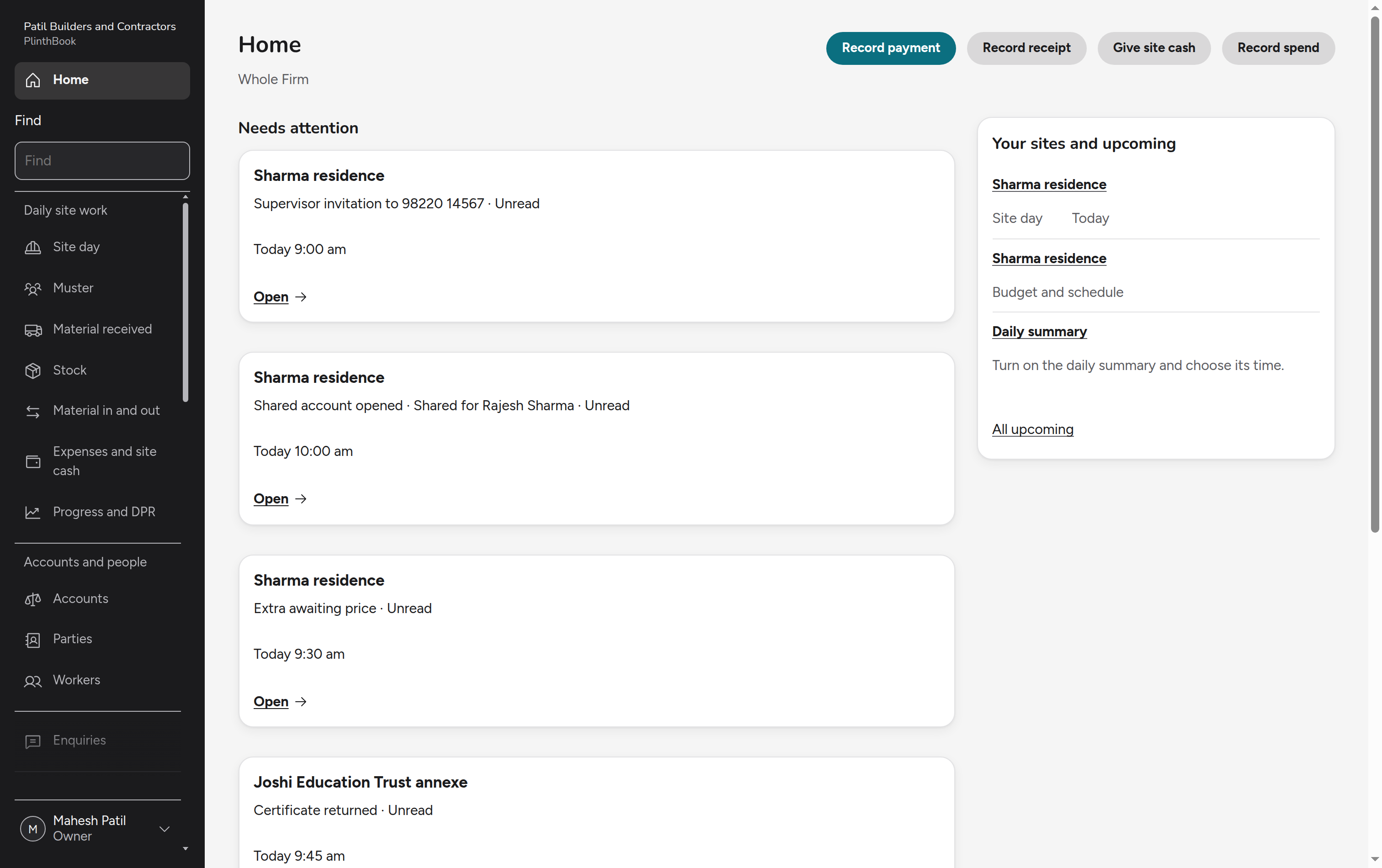
The owner signs in, sets up the firm and its first site, records the client's opening position, and issues and shares the first bill. The client opens it when they choose, and the owner is told when they do.
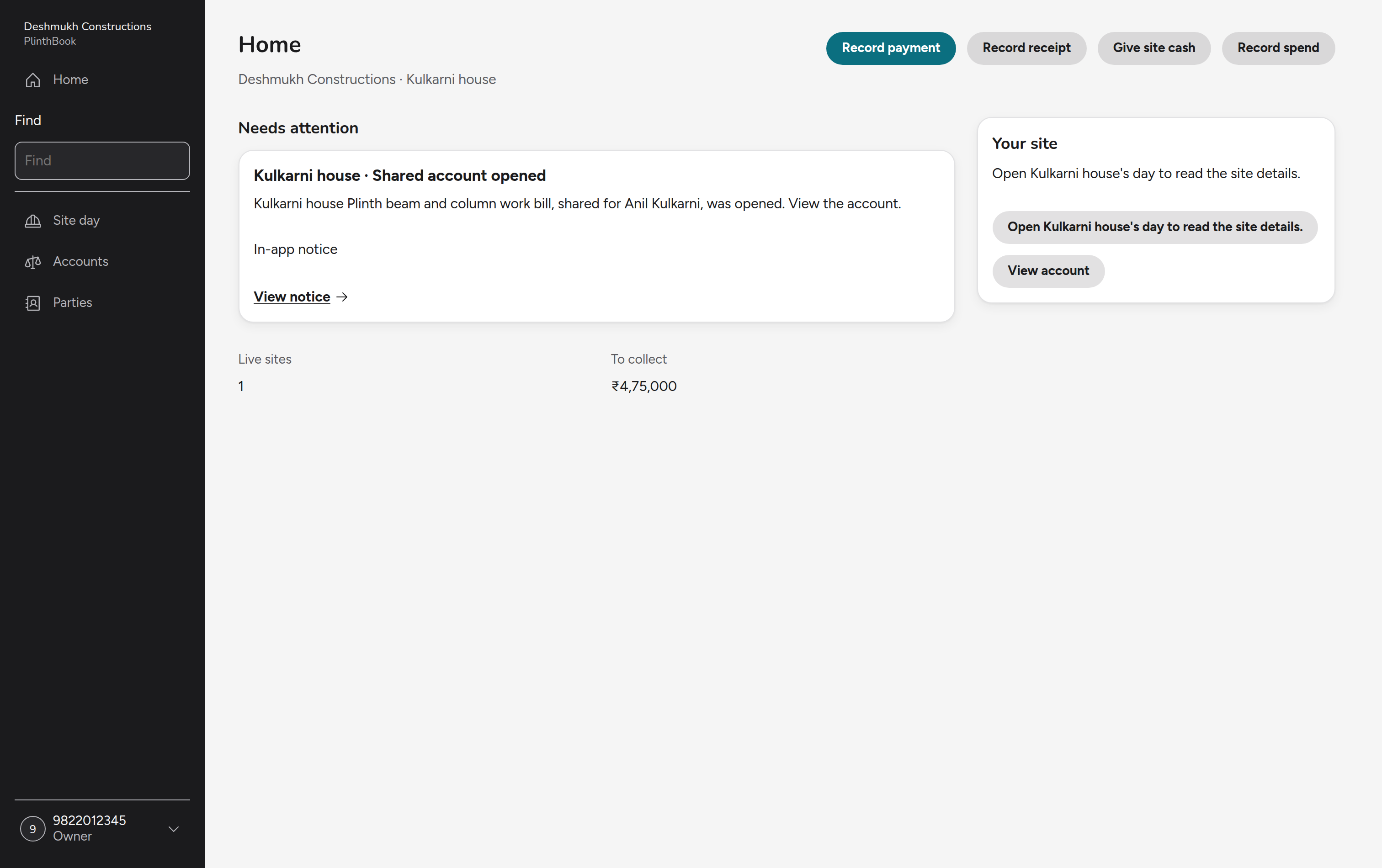
Record the day once
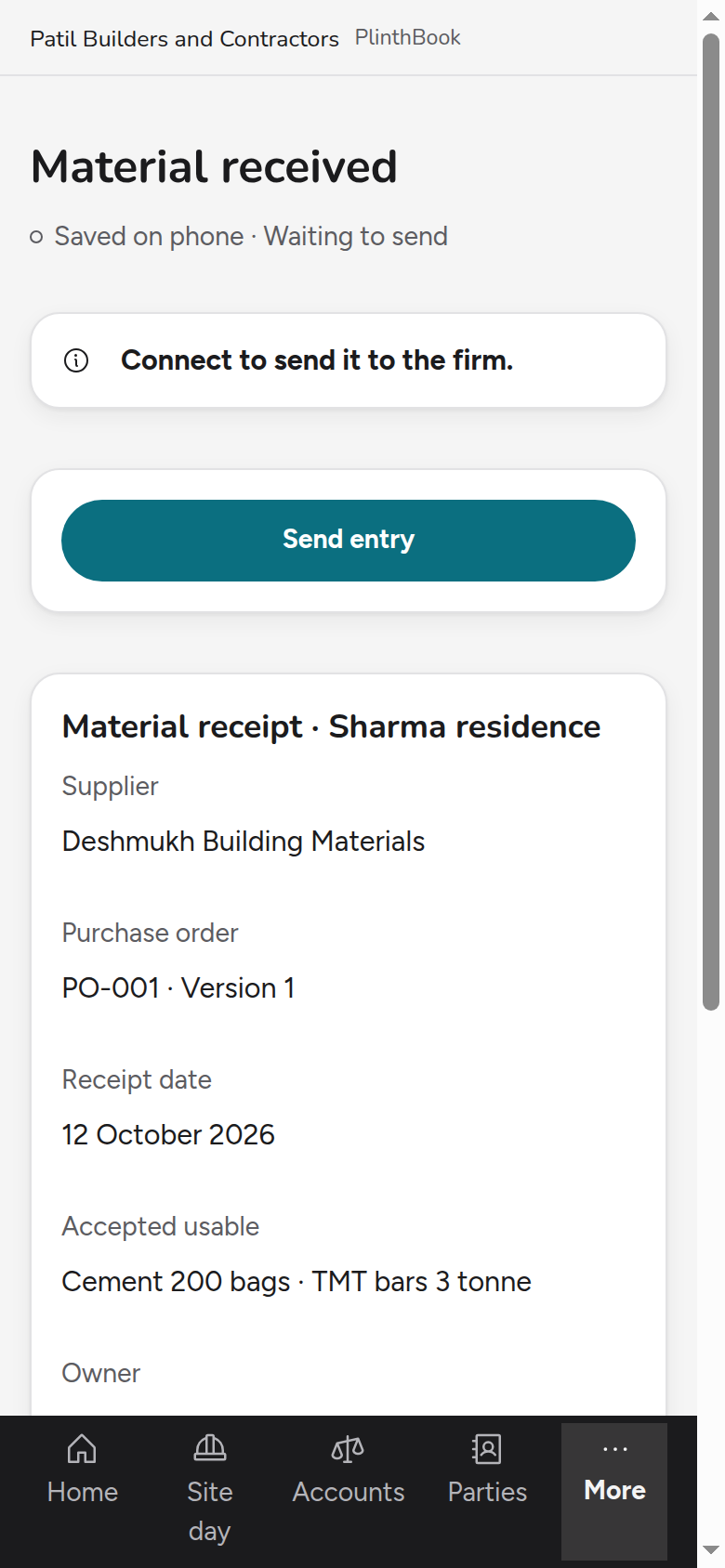
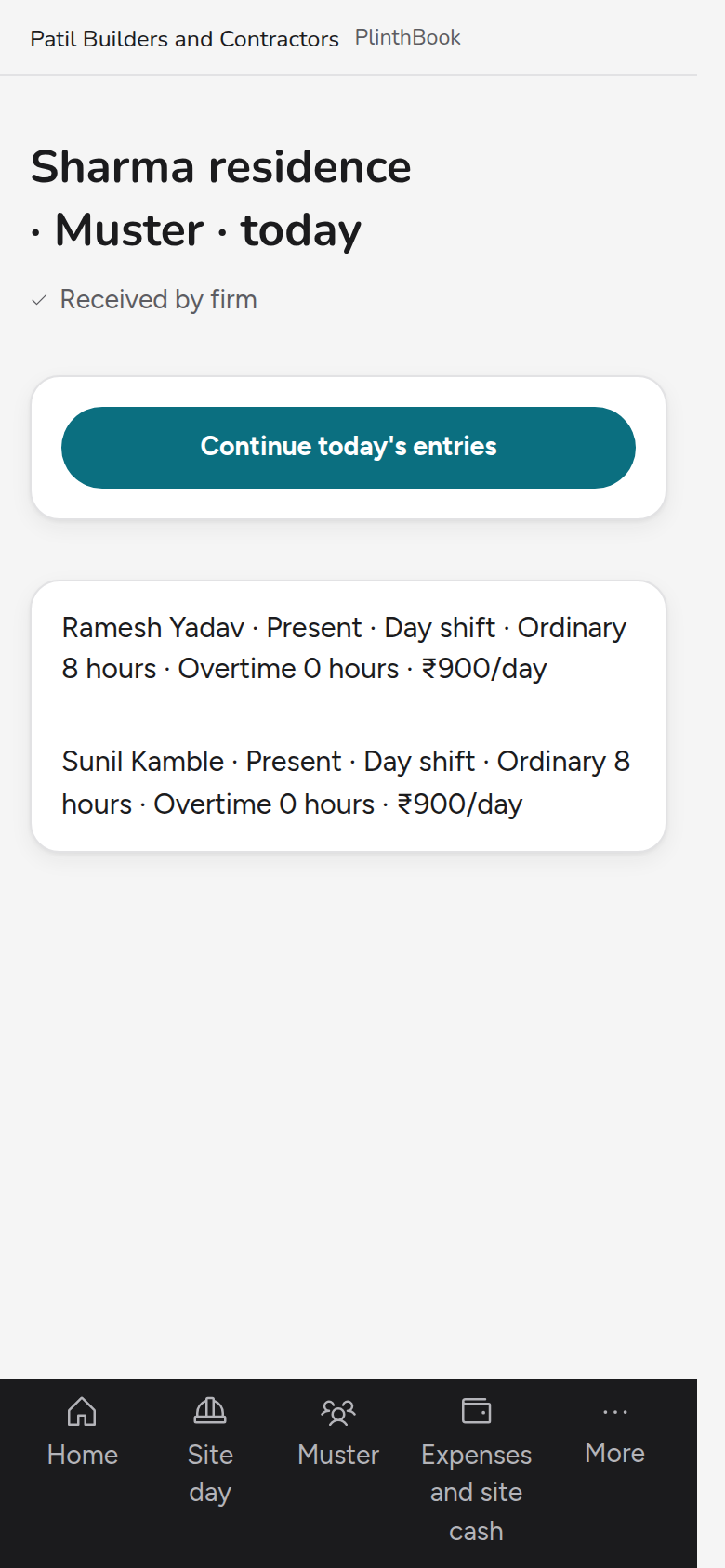
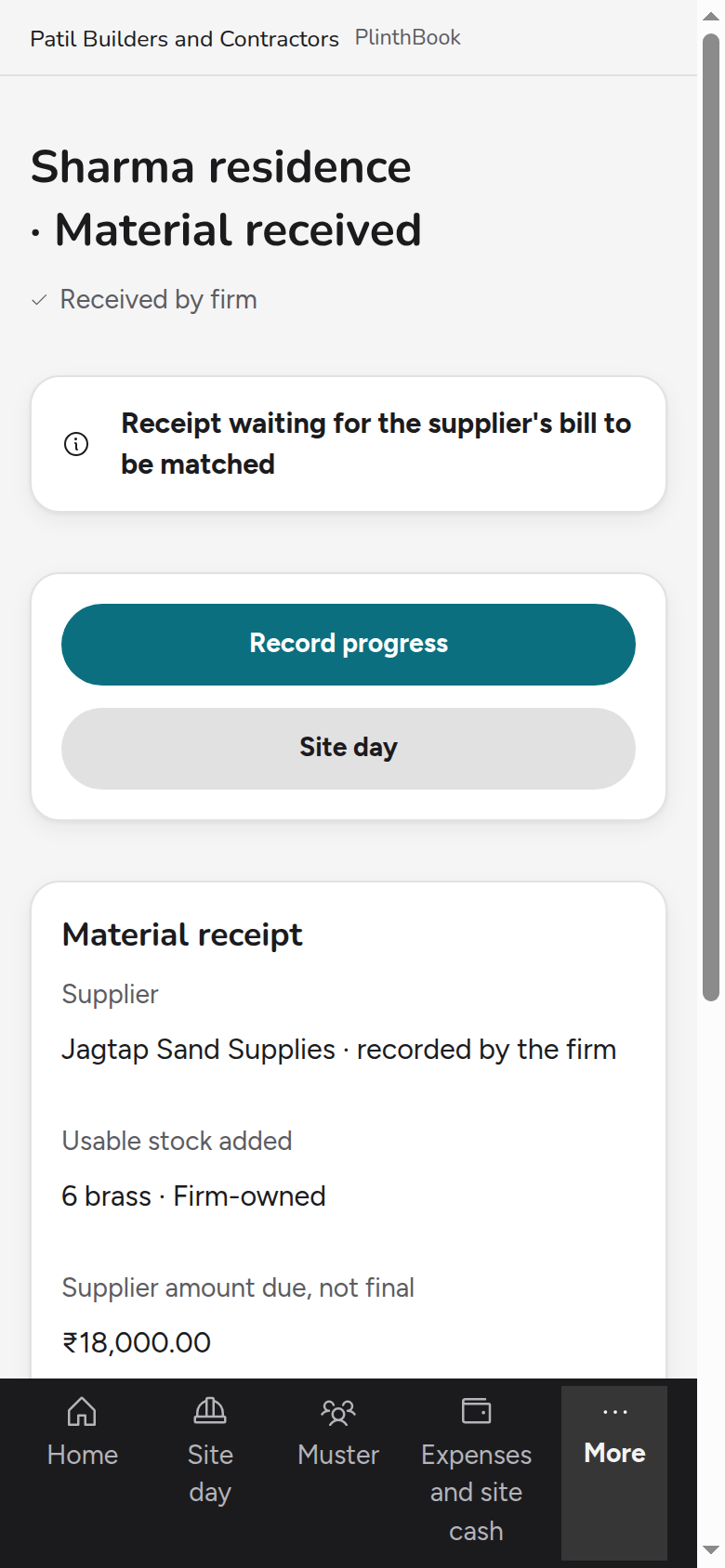
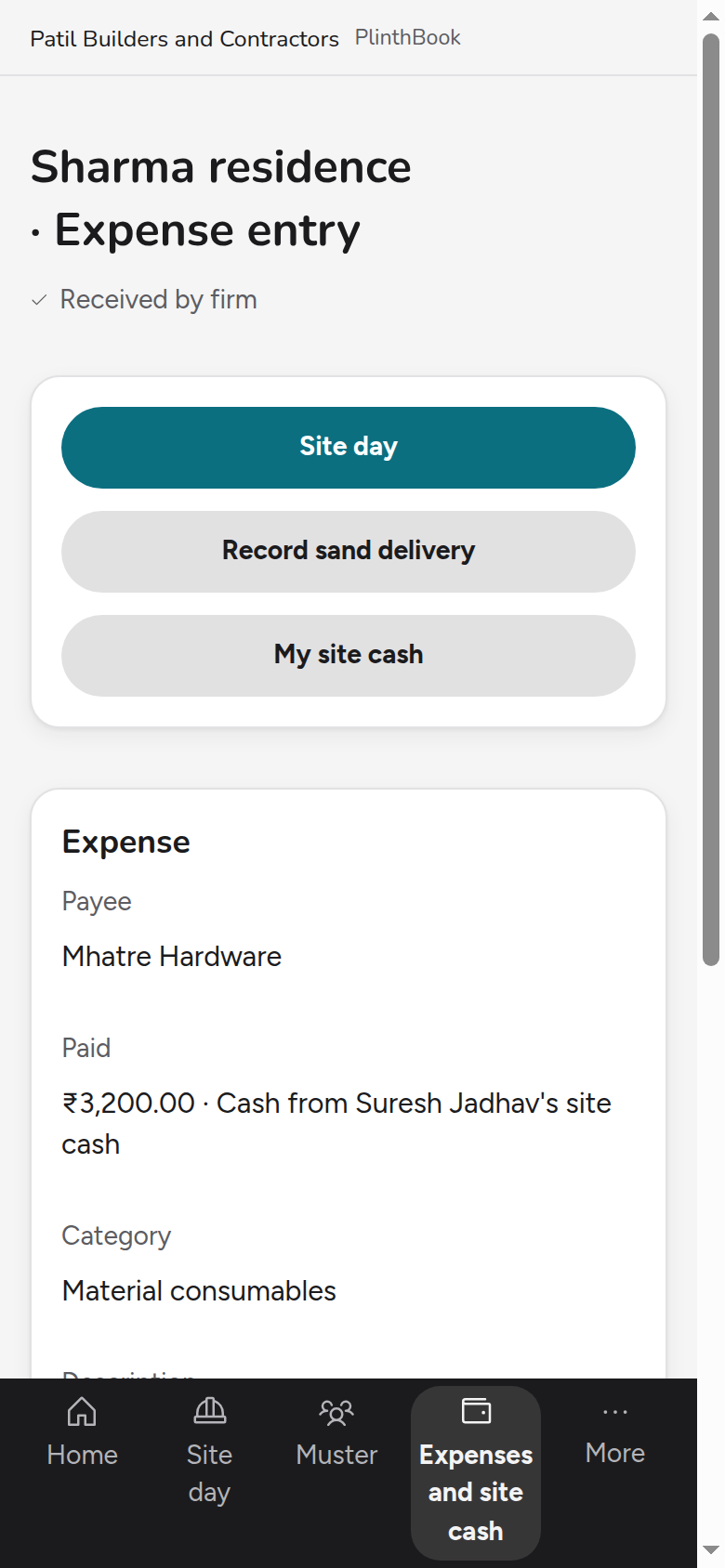
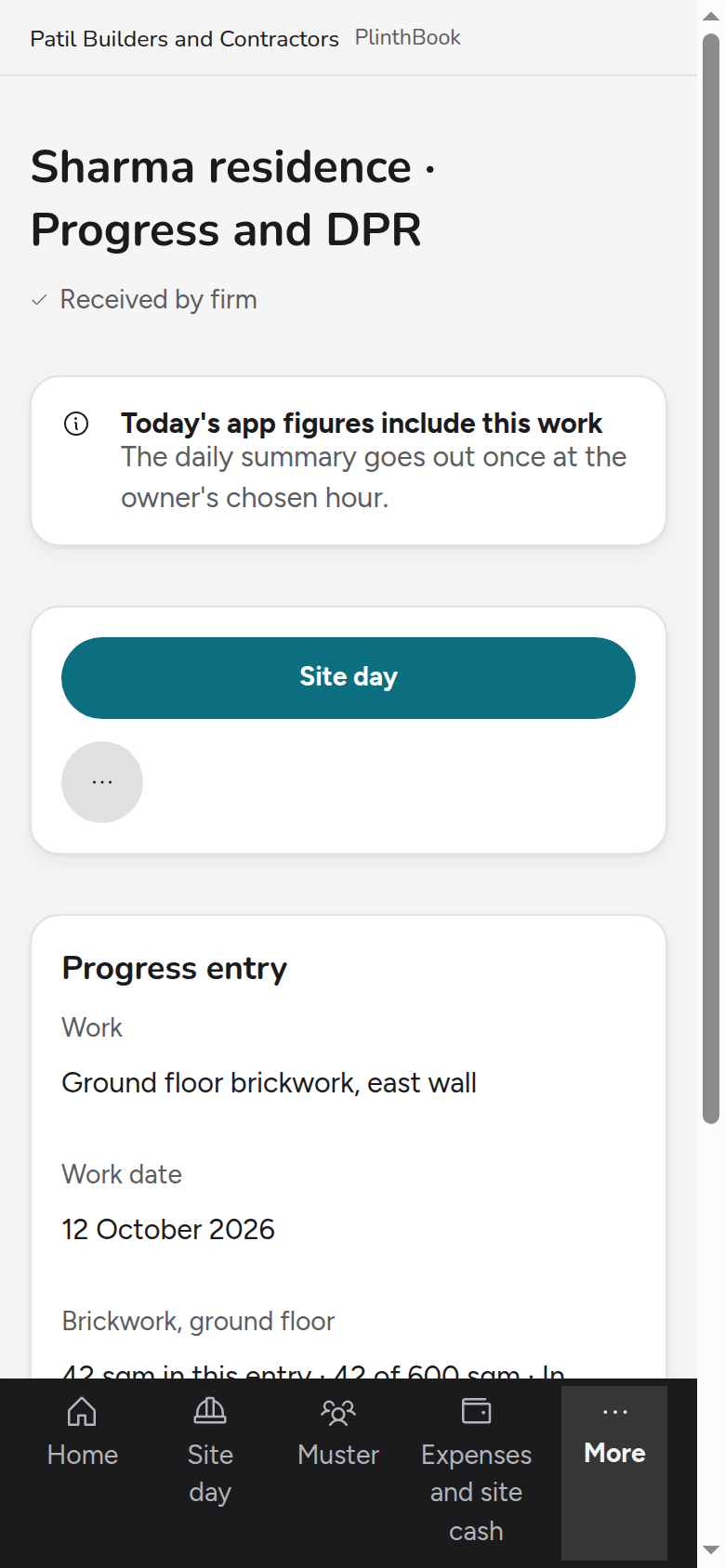
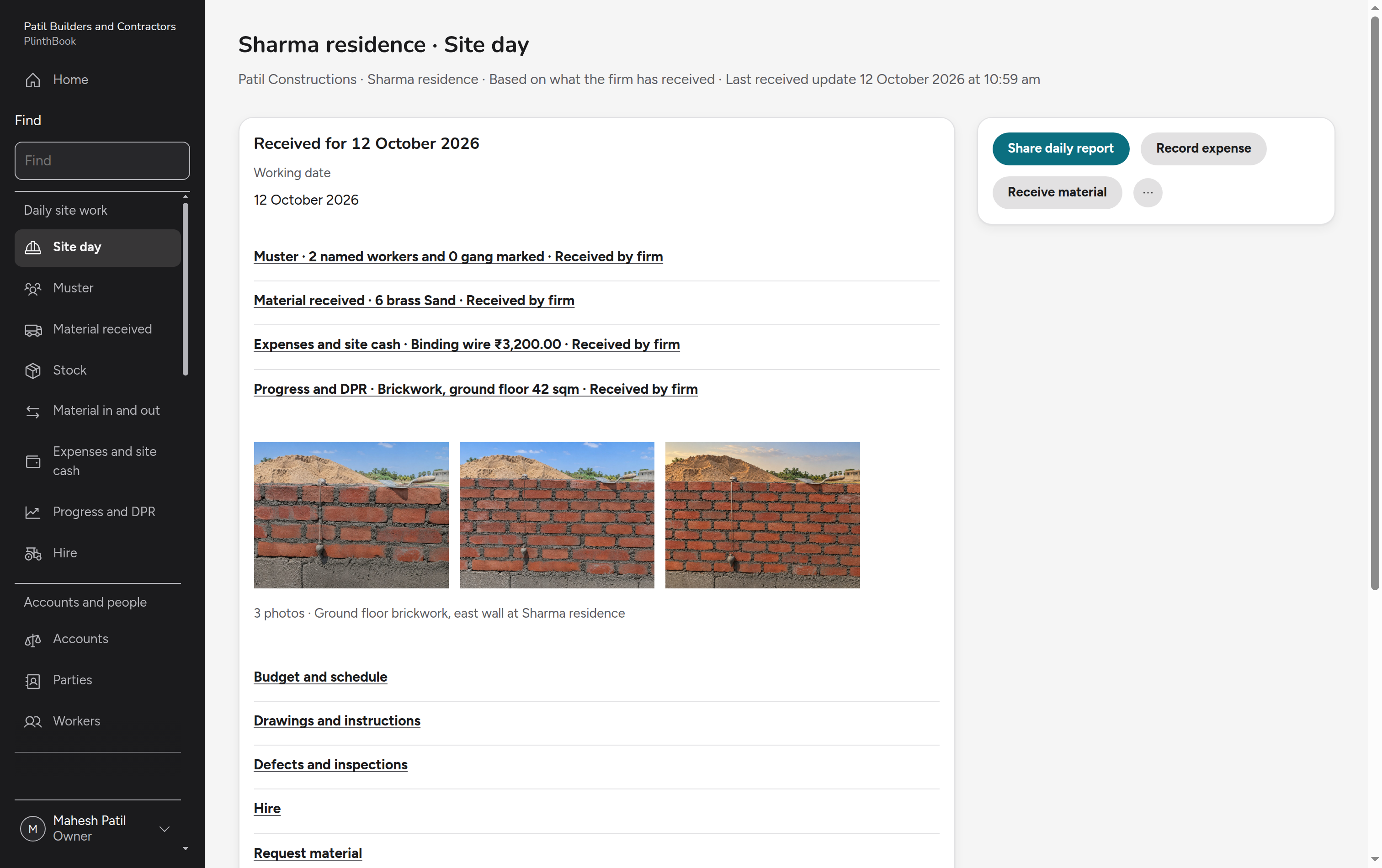
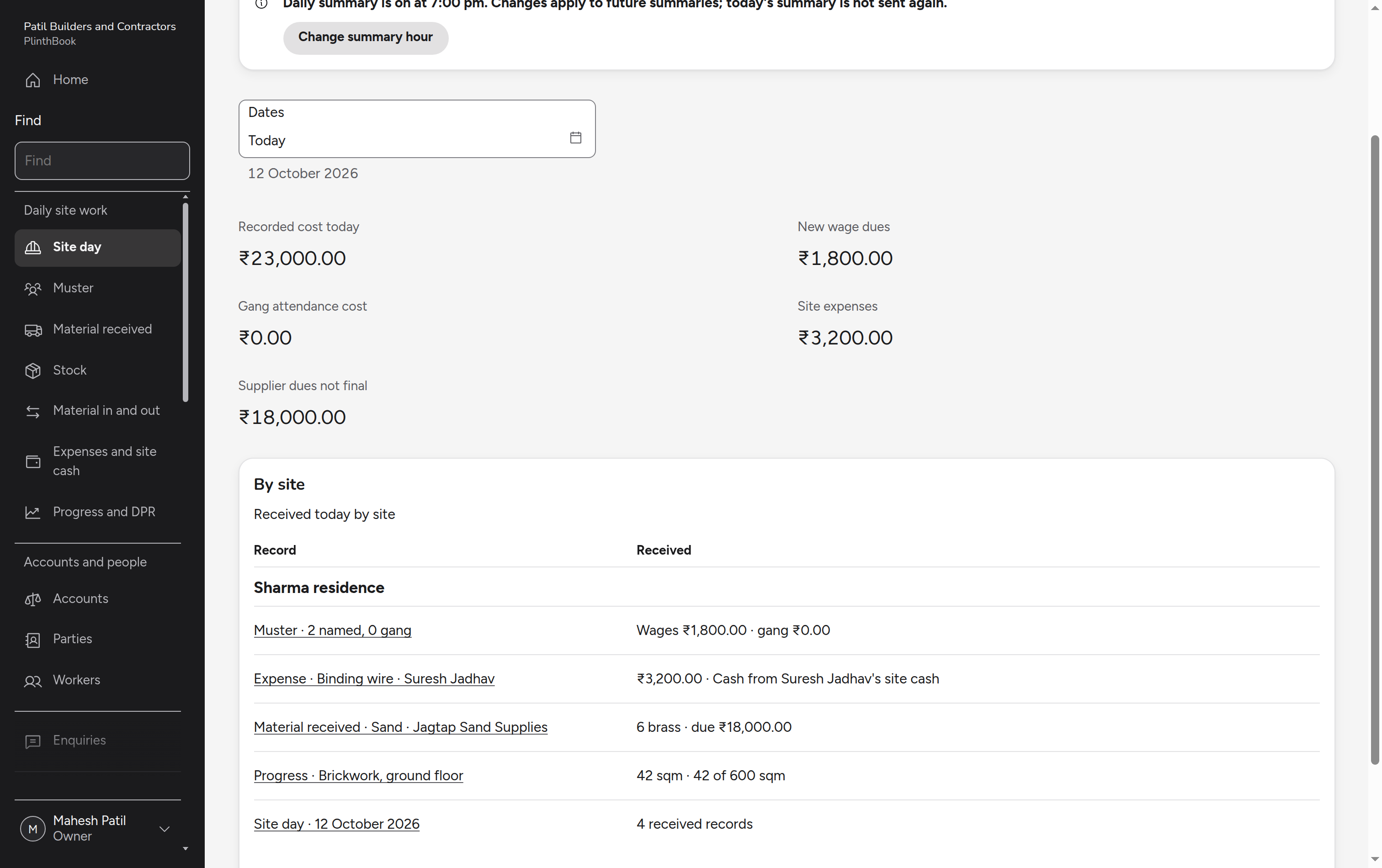
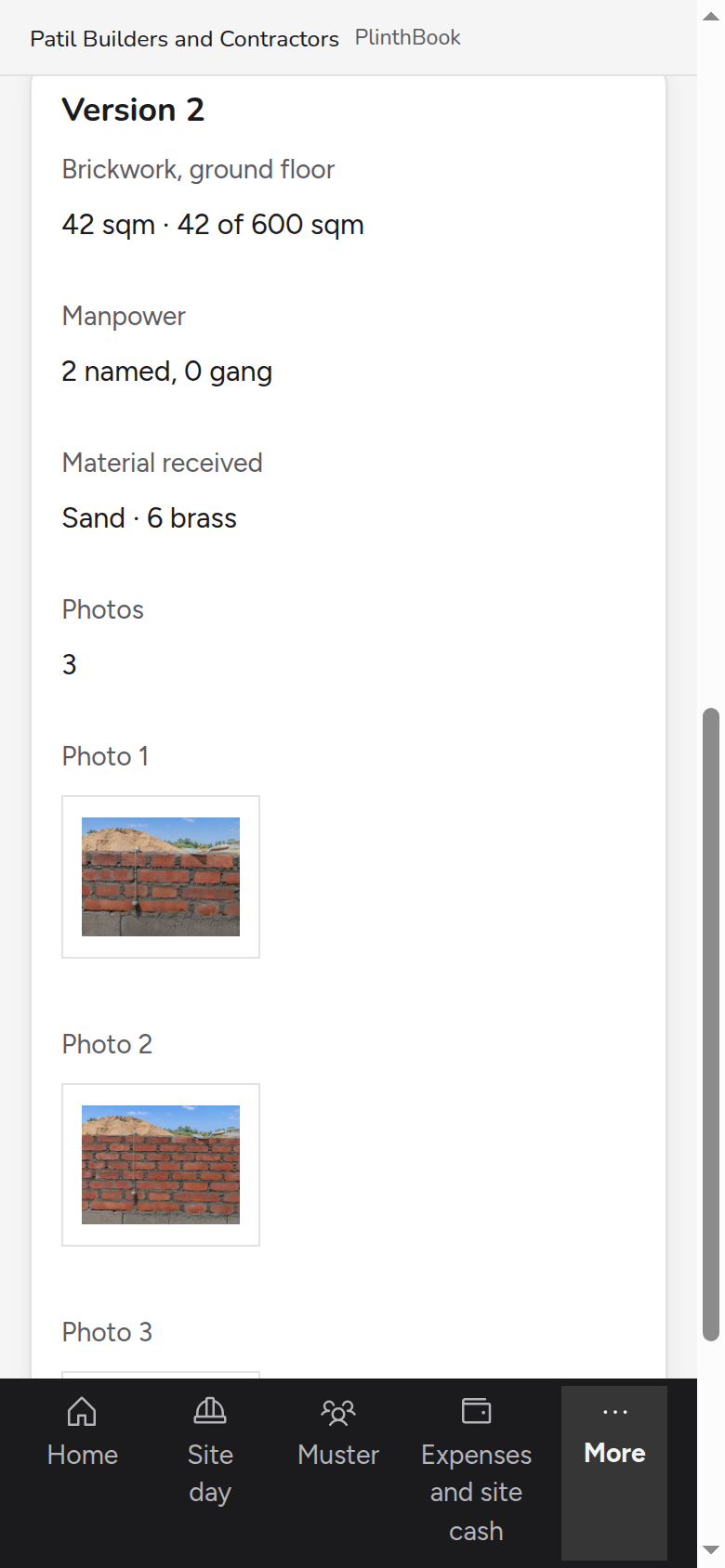
The supervisor records the day on the phone: who worked, what arrived, what was spent and what was built. The owner reads it as the site's day and in the daily summary, with nothing entered twice.
Read every site's accounts
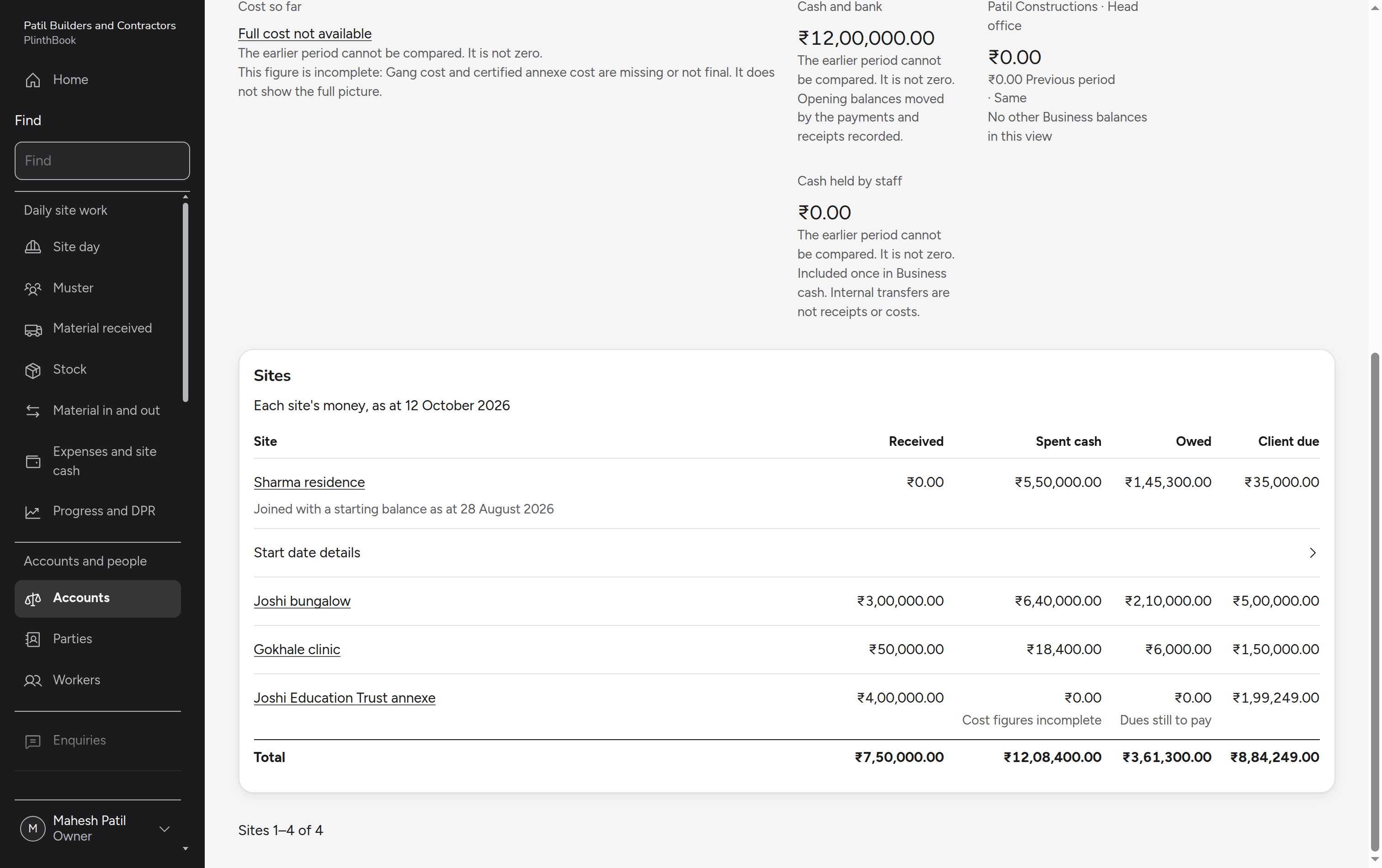
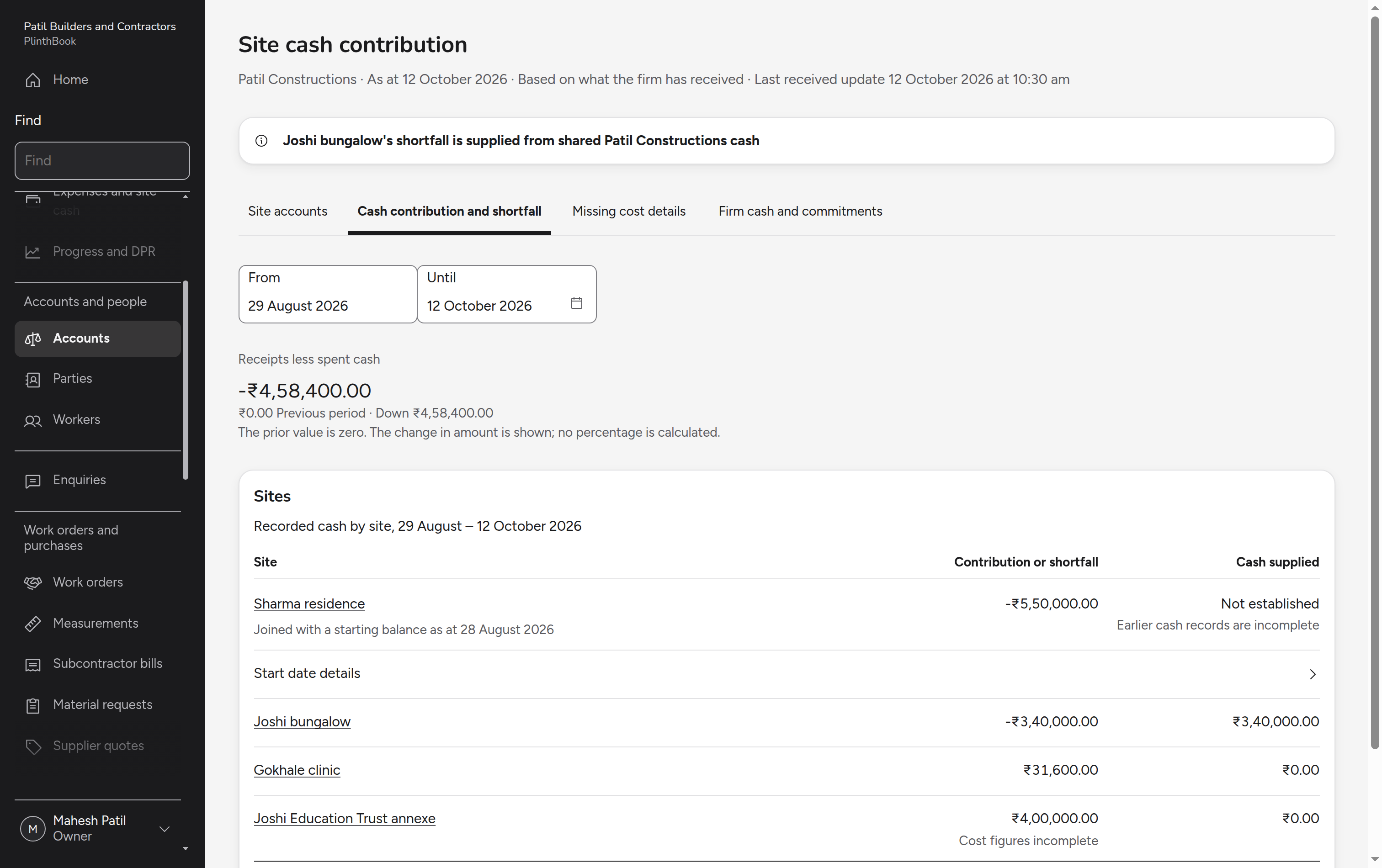
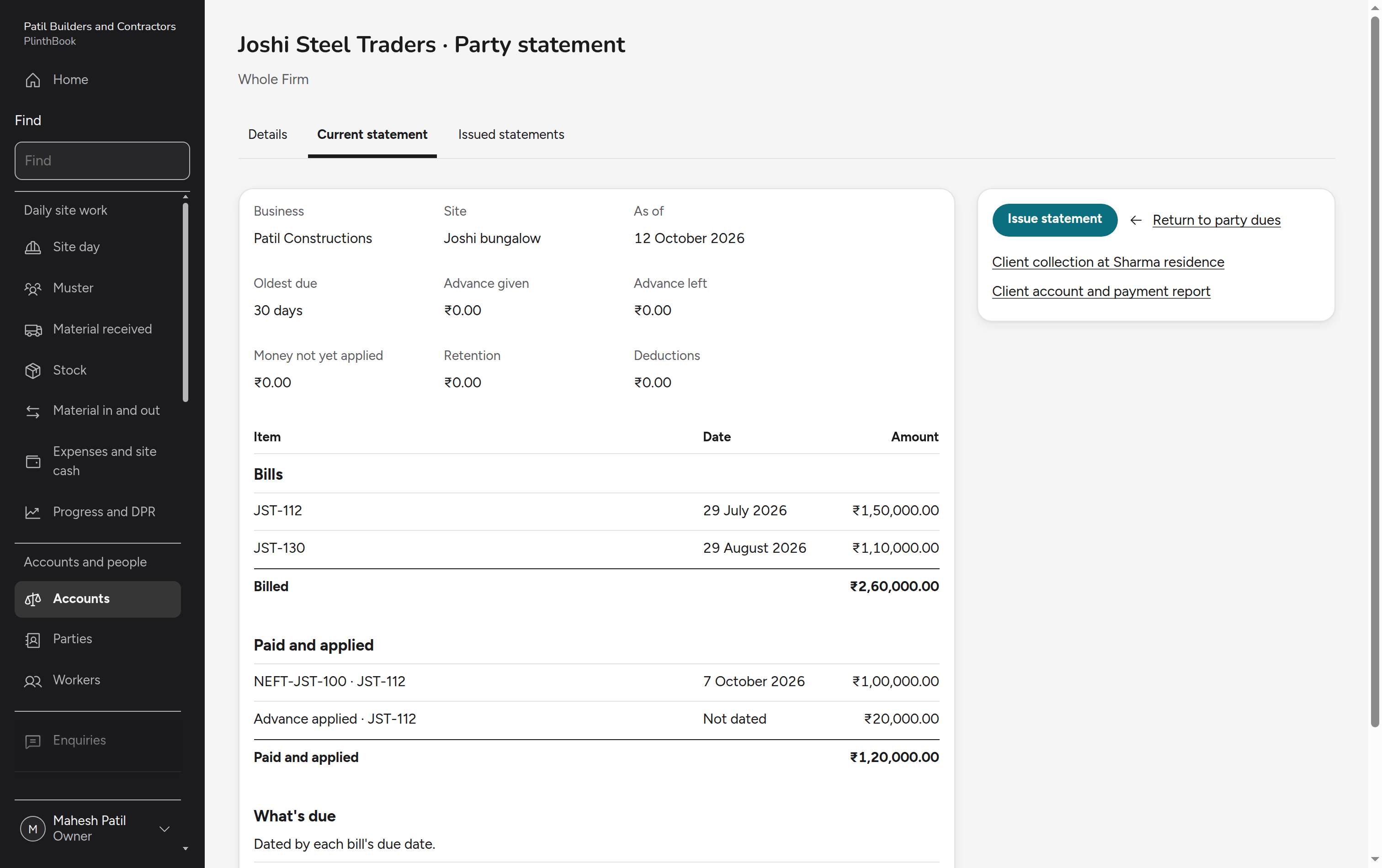
The owner sees which site is earning and which is running on another site's cash, then opens a party's dues behind the position.
Order material knowing the cash
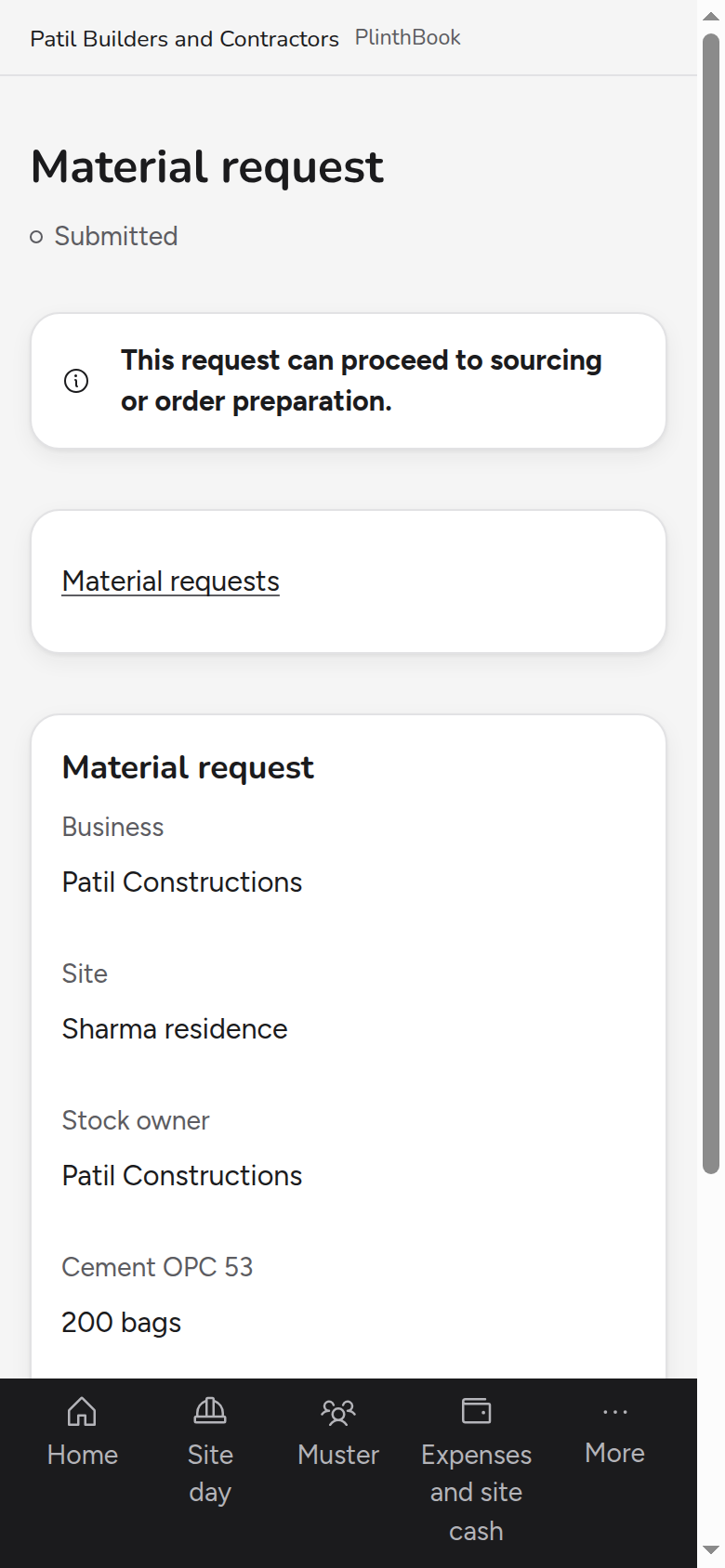
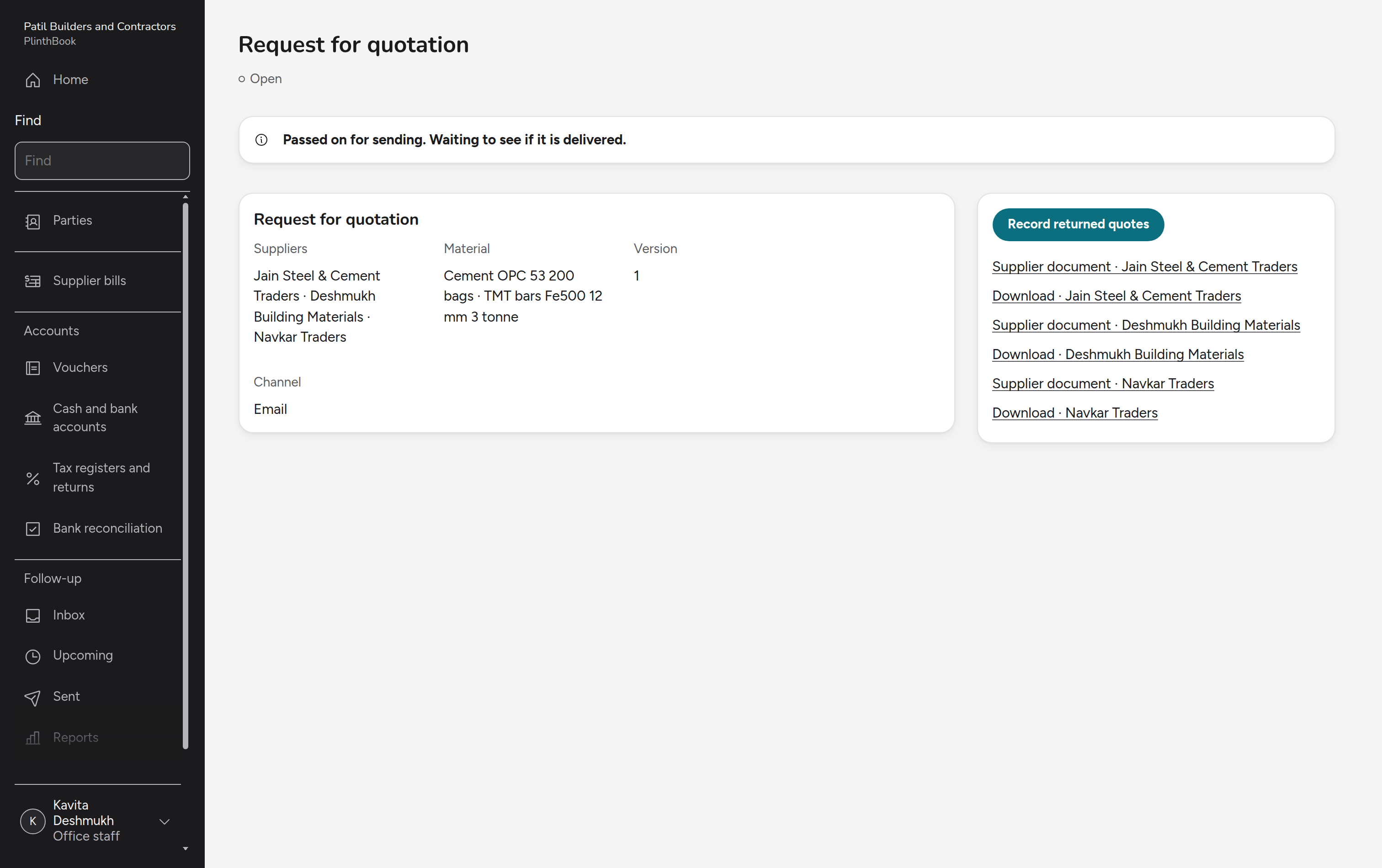
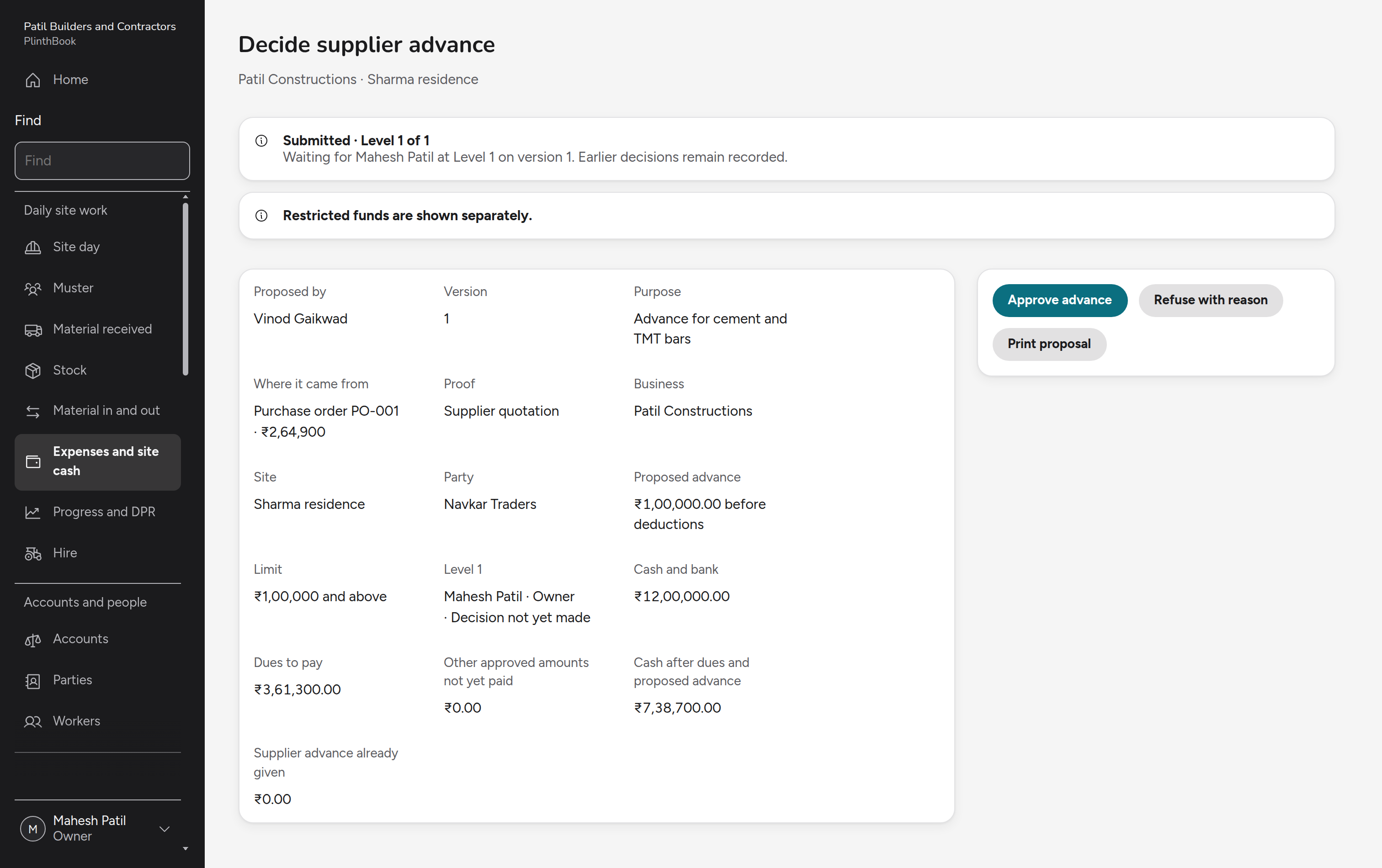
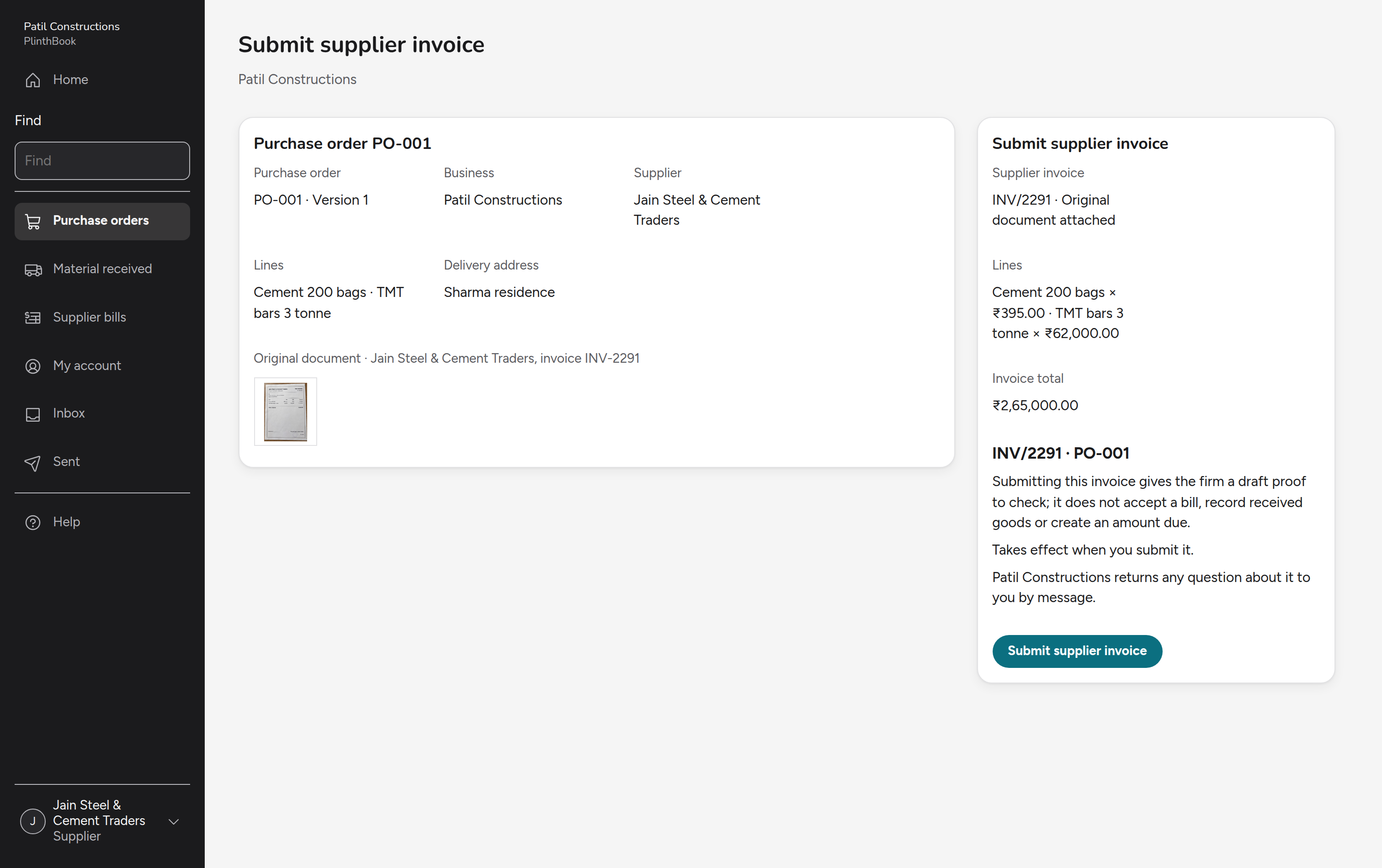
The supervisor asks for material, the office collects supplier quotes, compares them and issues the order, and the owner decides an advance on that order with the firm's cash and dues in front of them.
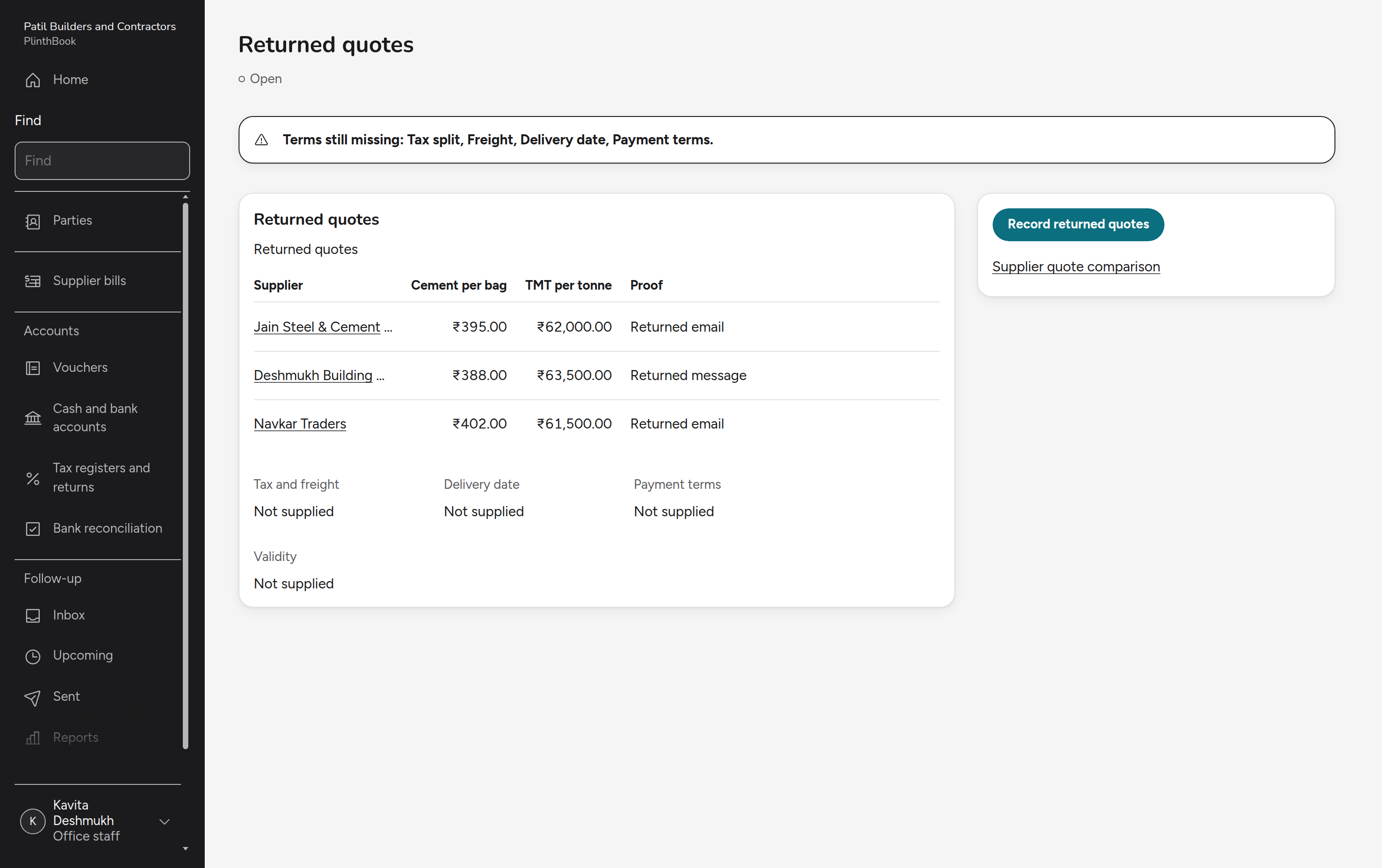
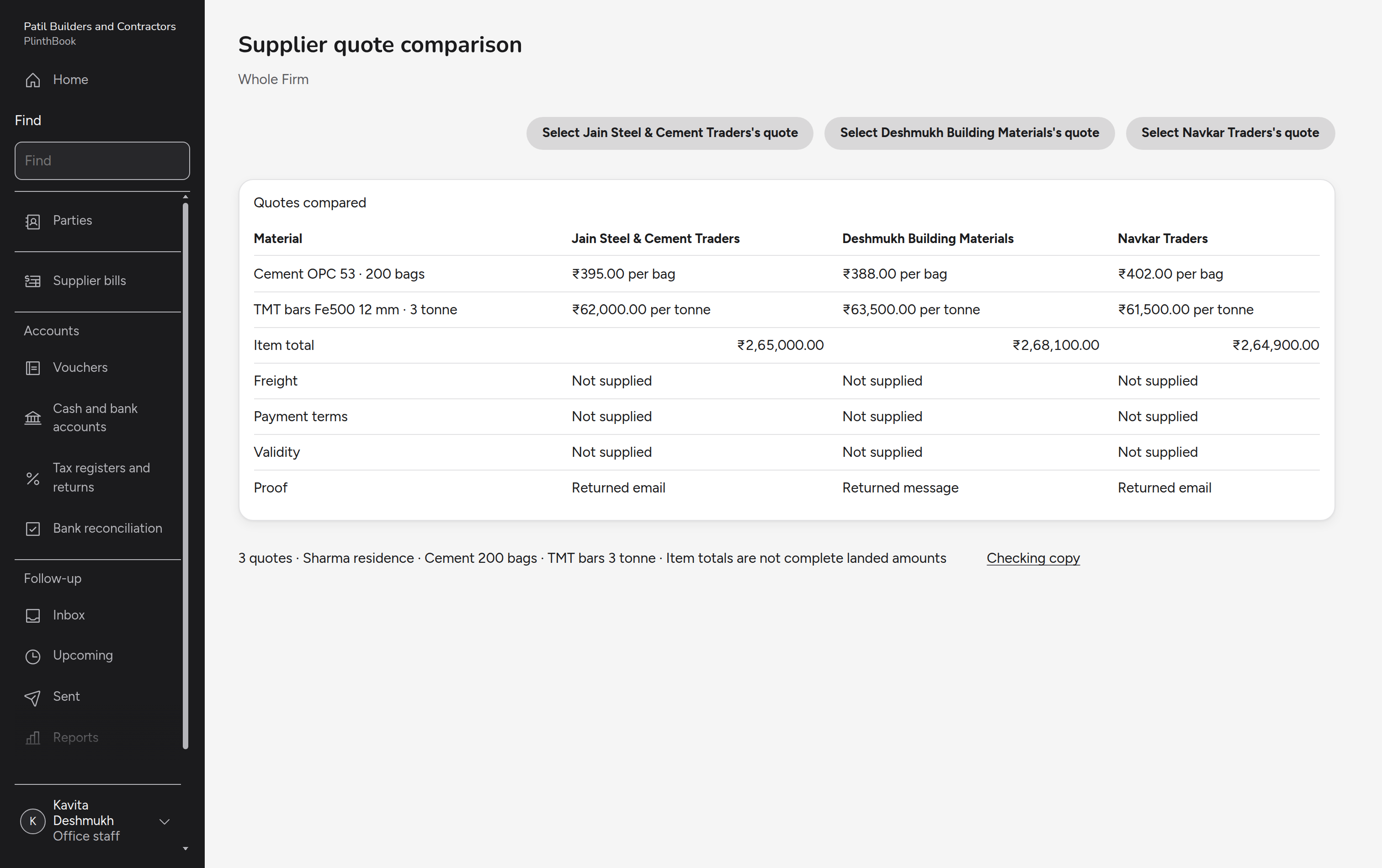
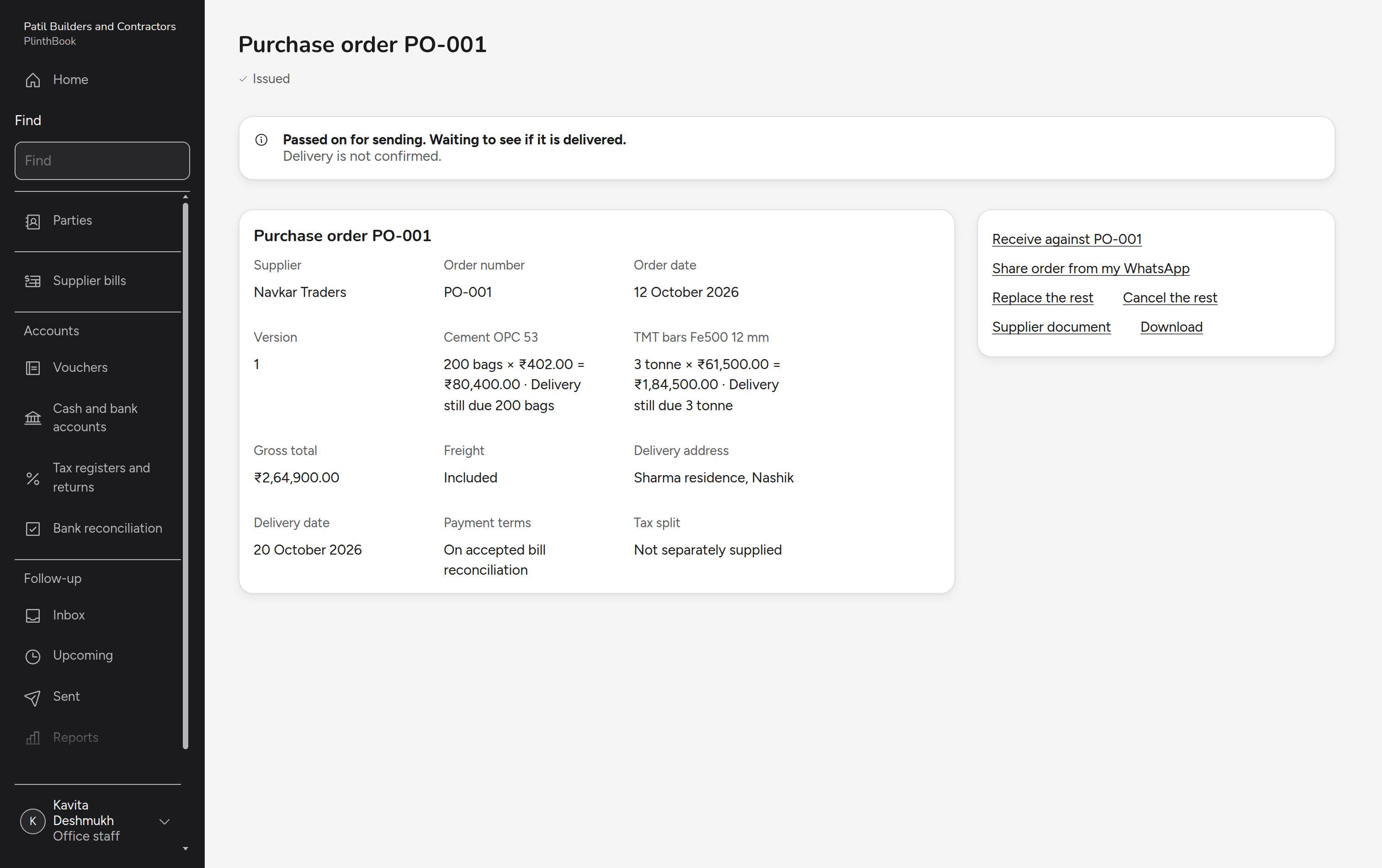
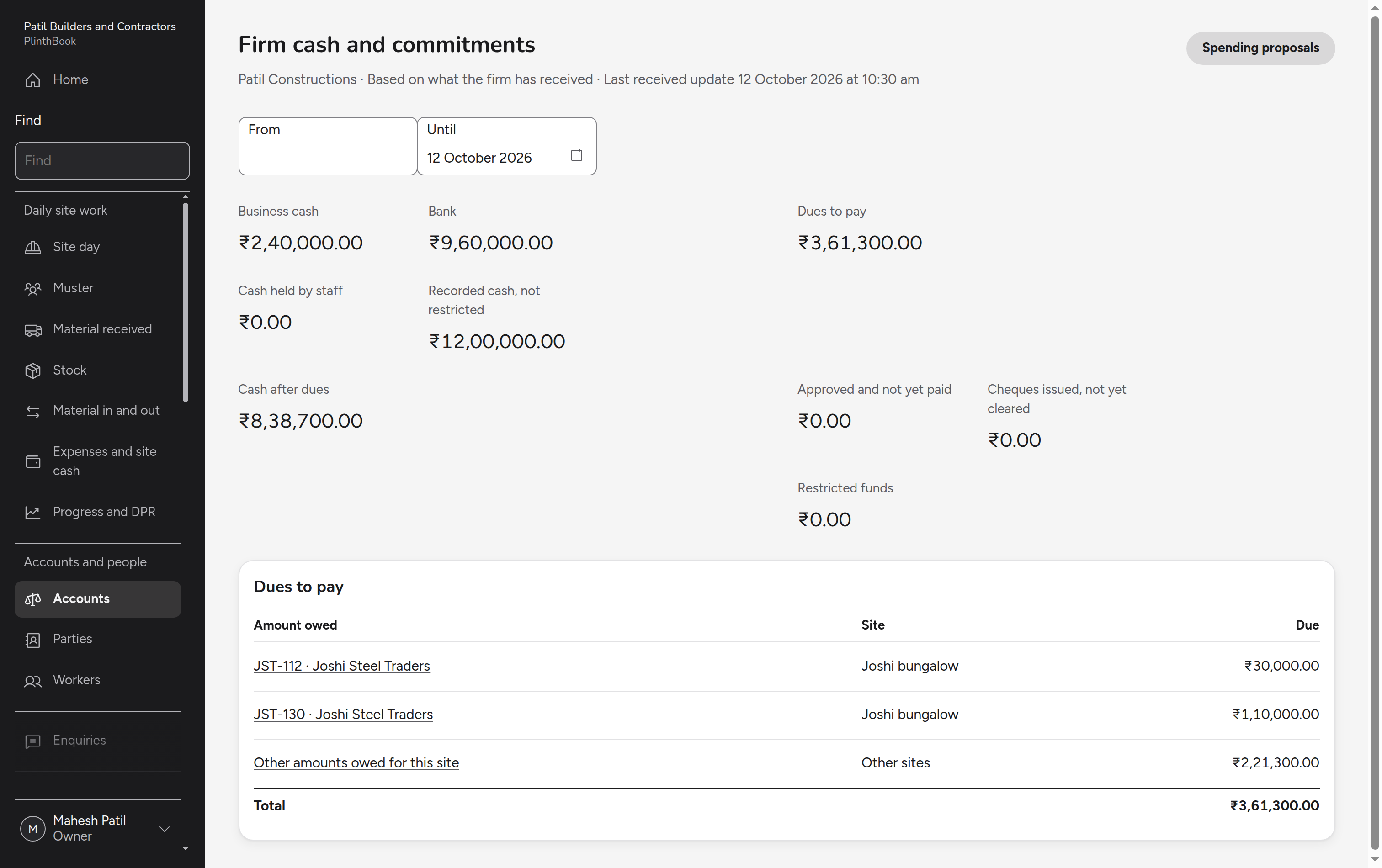
From the agreed work order to settlement
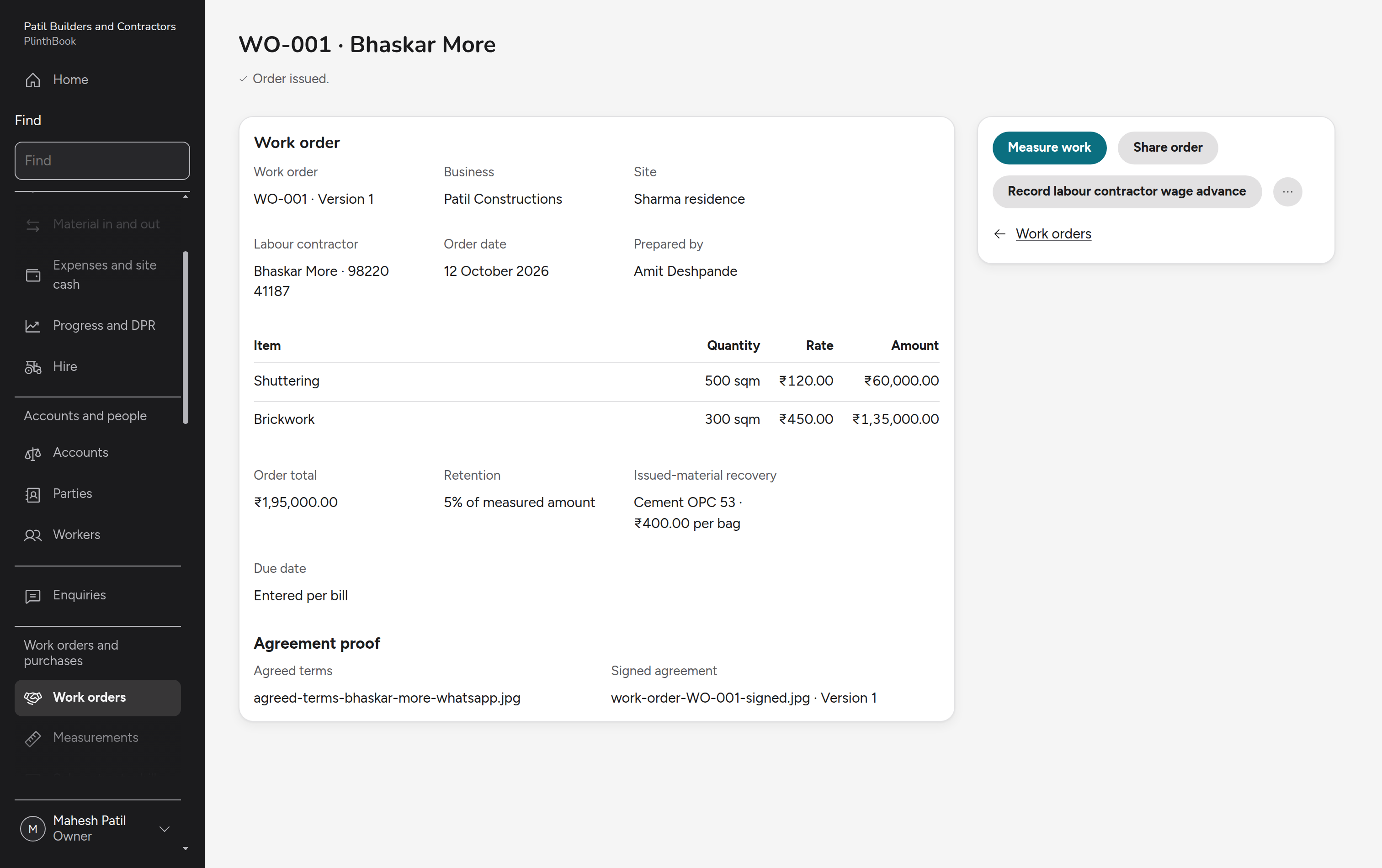
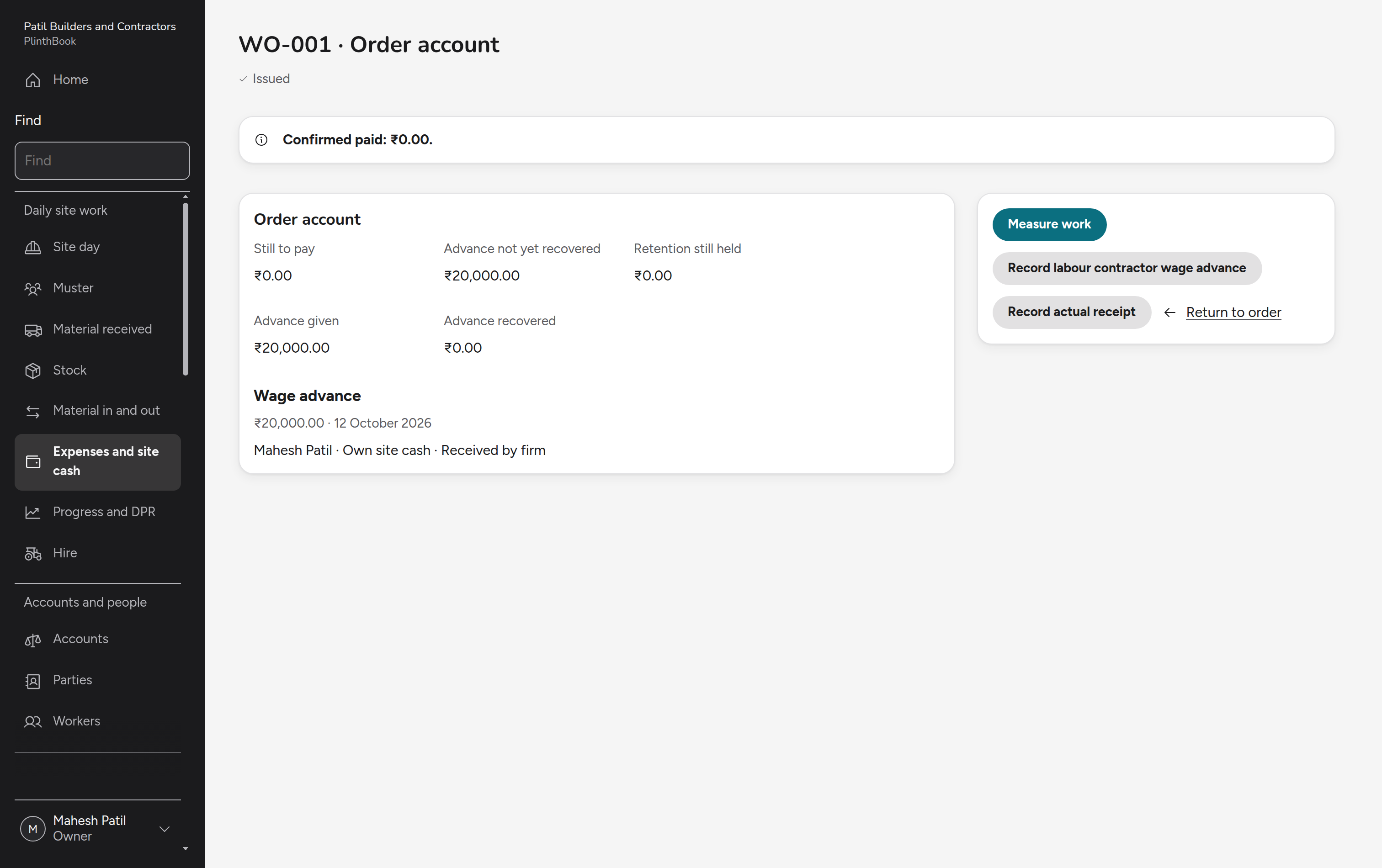
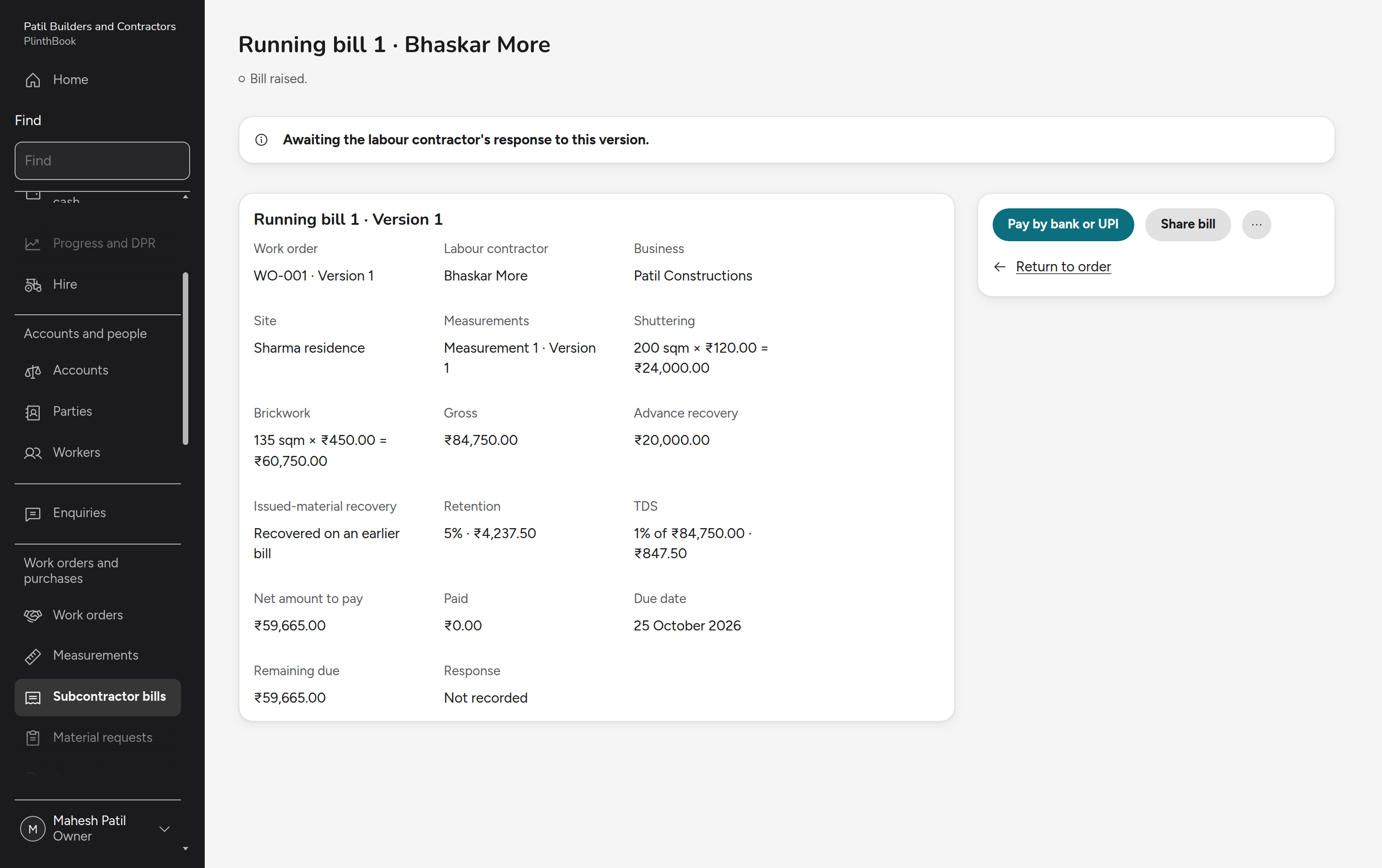
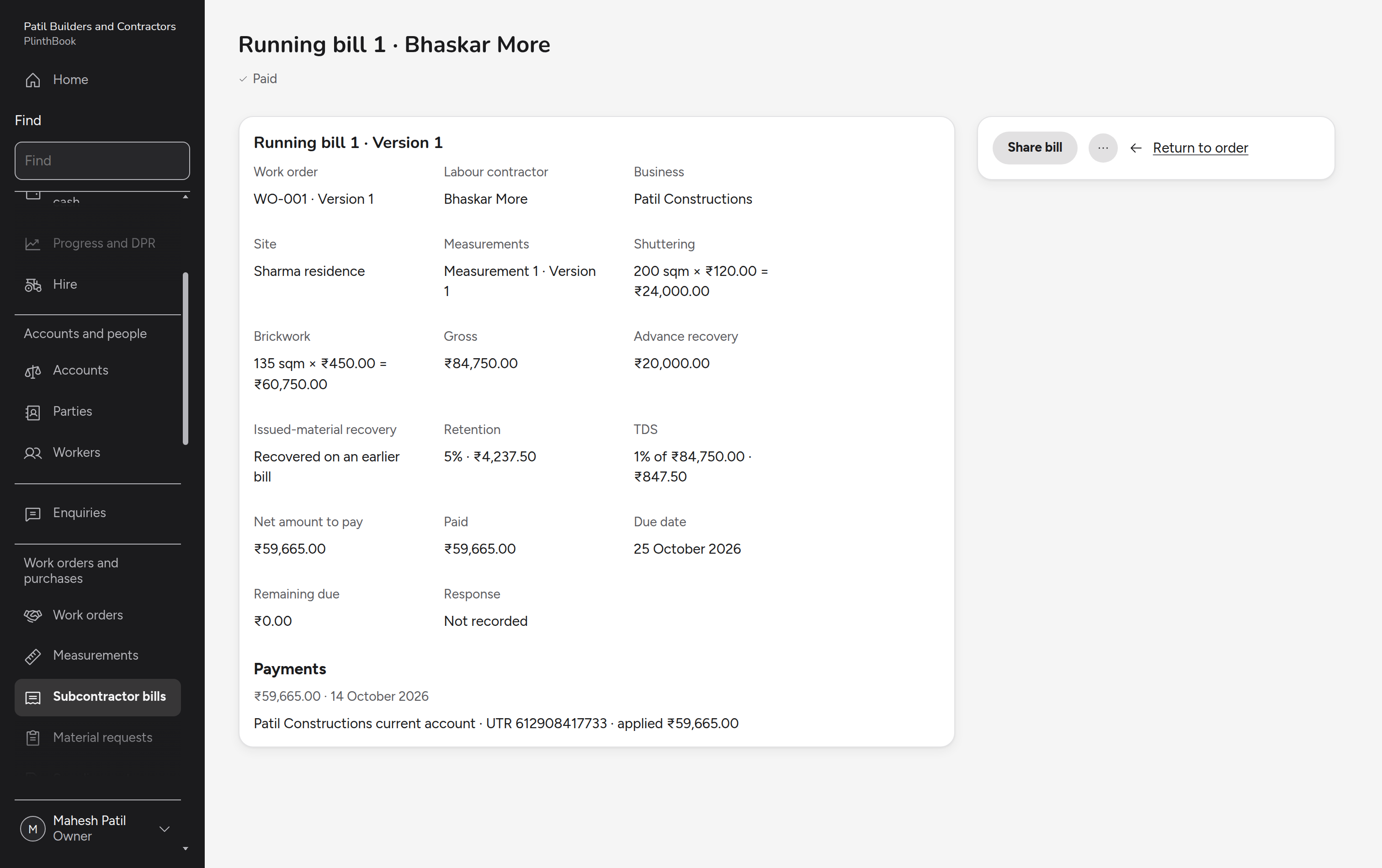
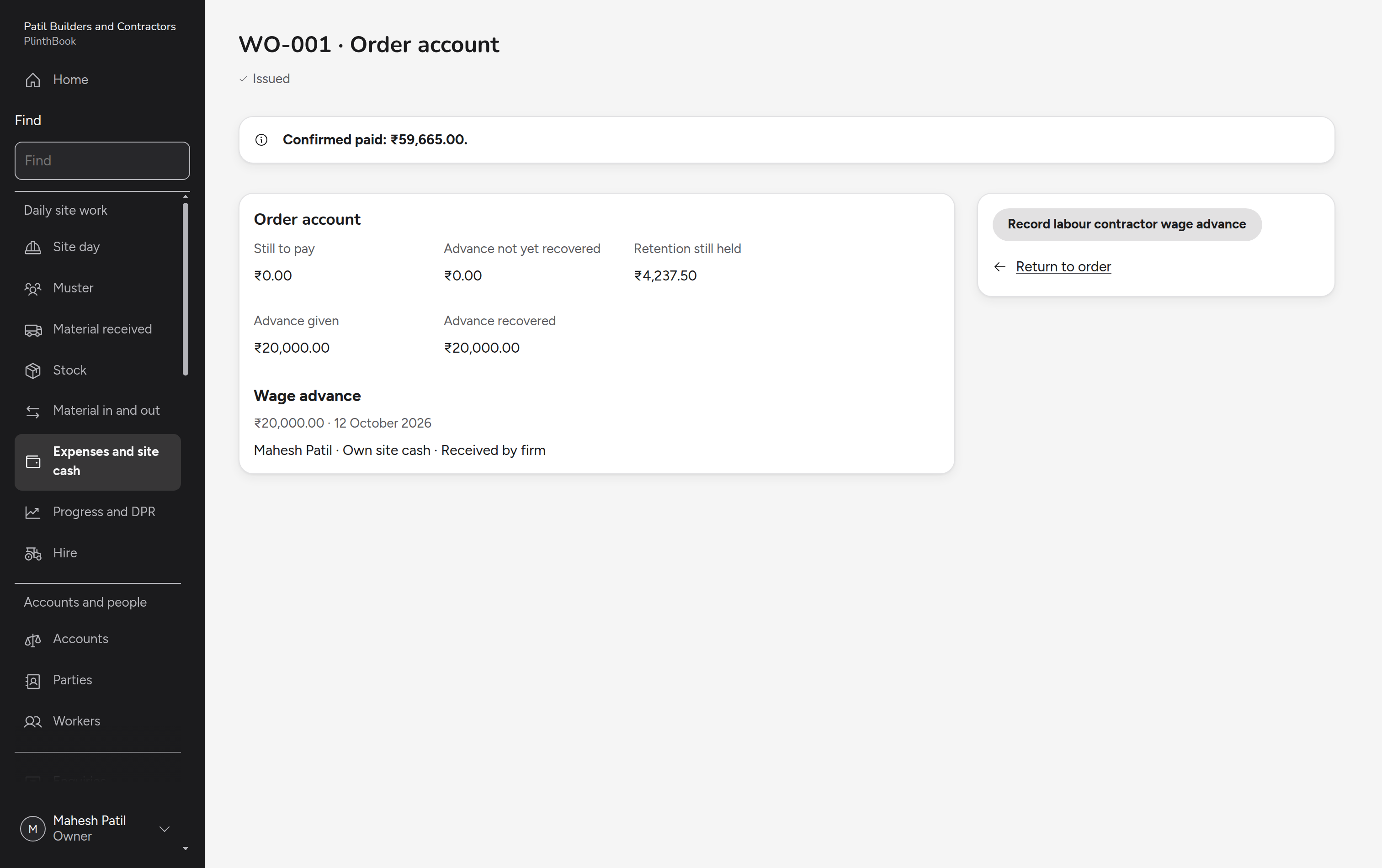
The owner agrees a work order with a labour contractor and pays him an advance. The engineer measures the work, and the owner raises a running bill that recovers the advance and pays what is left.
Price and agree an extra
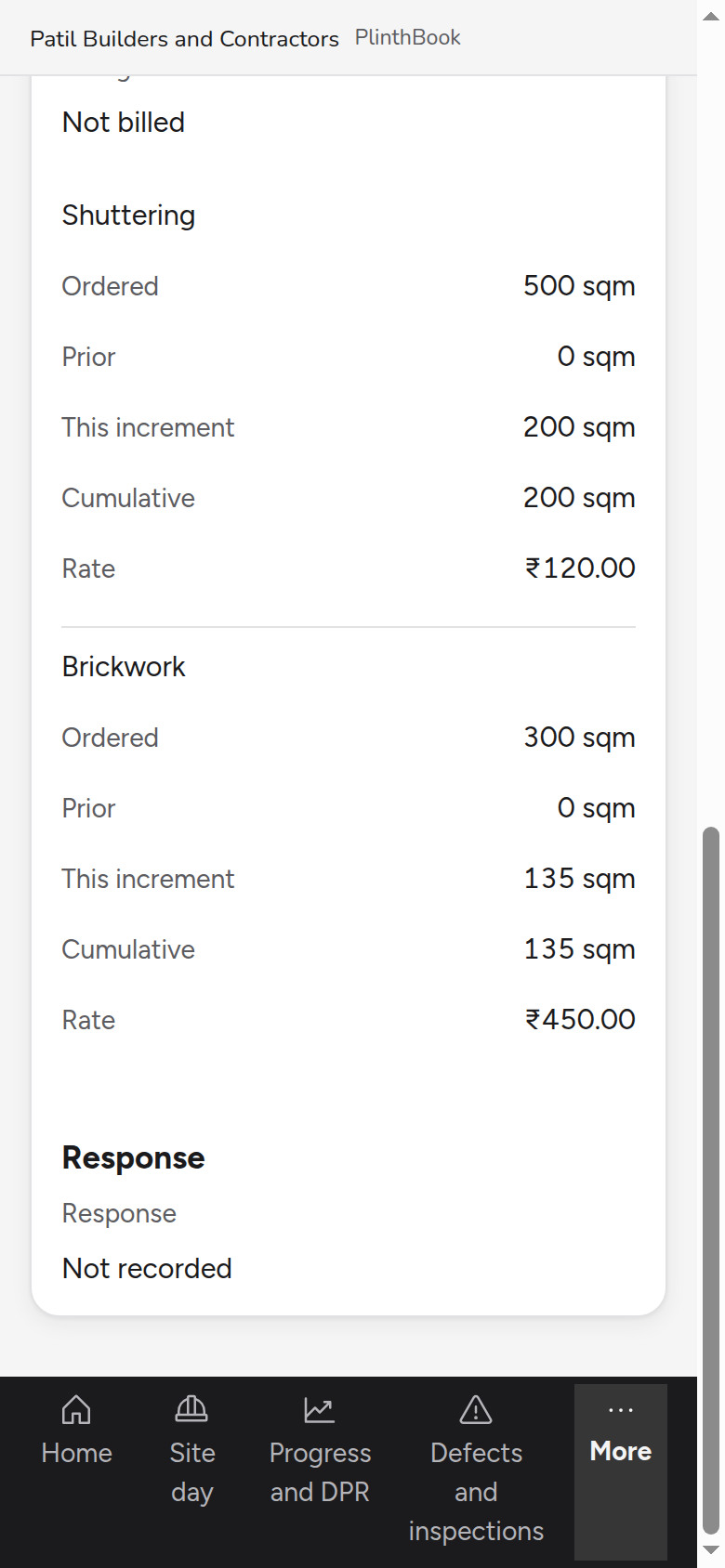
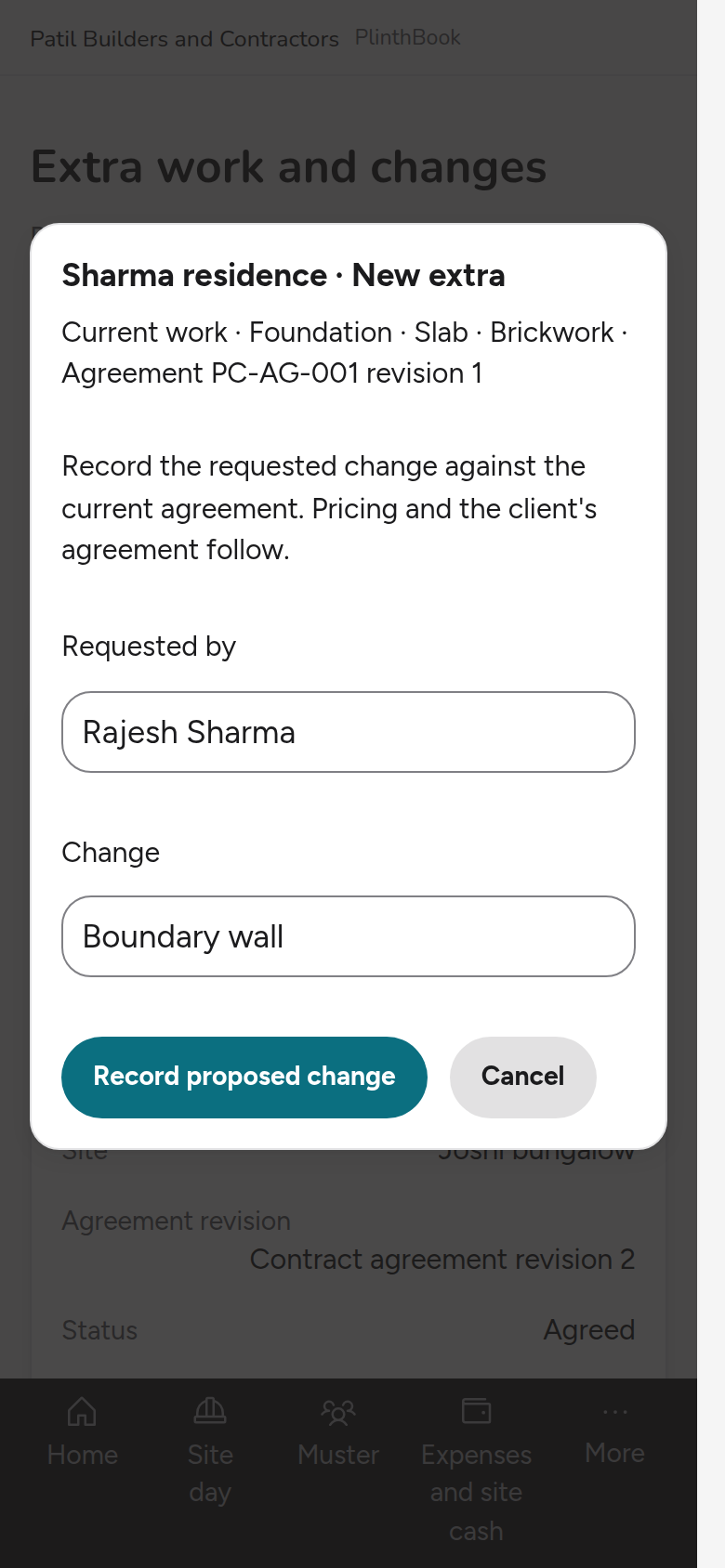
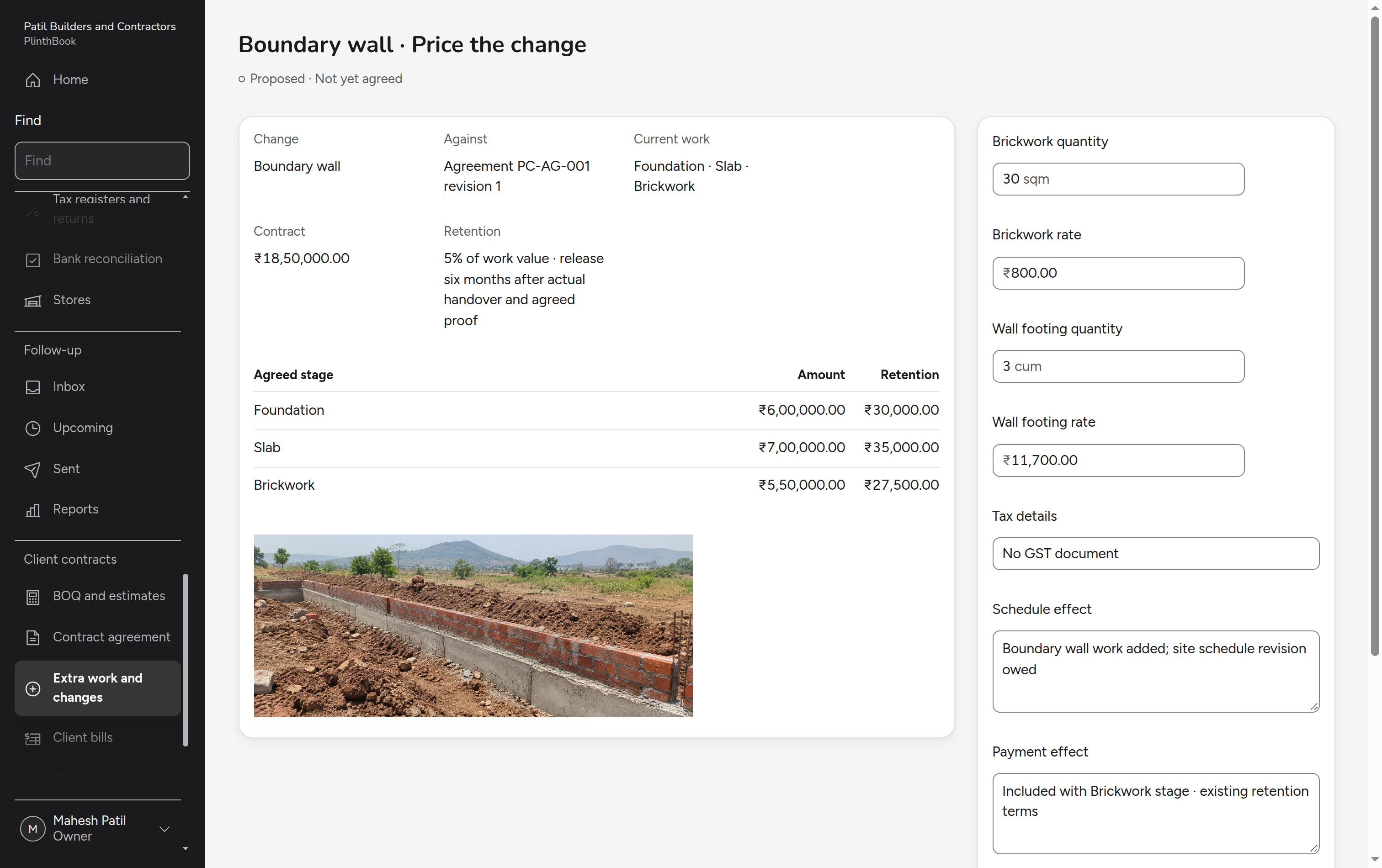
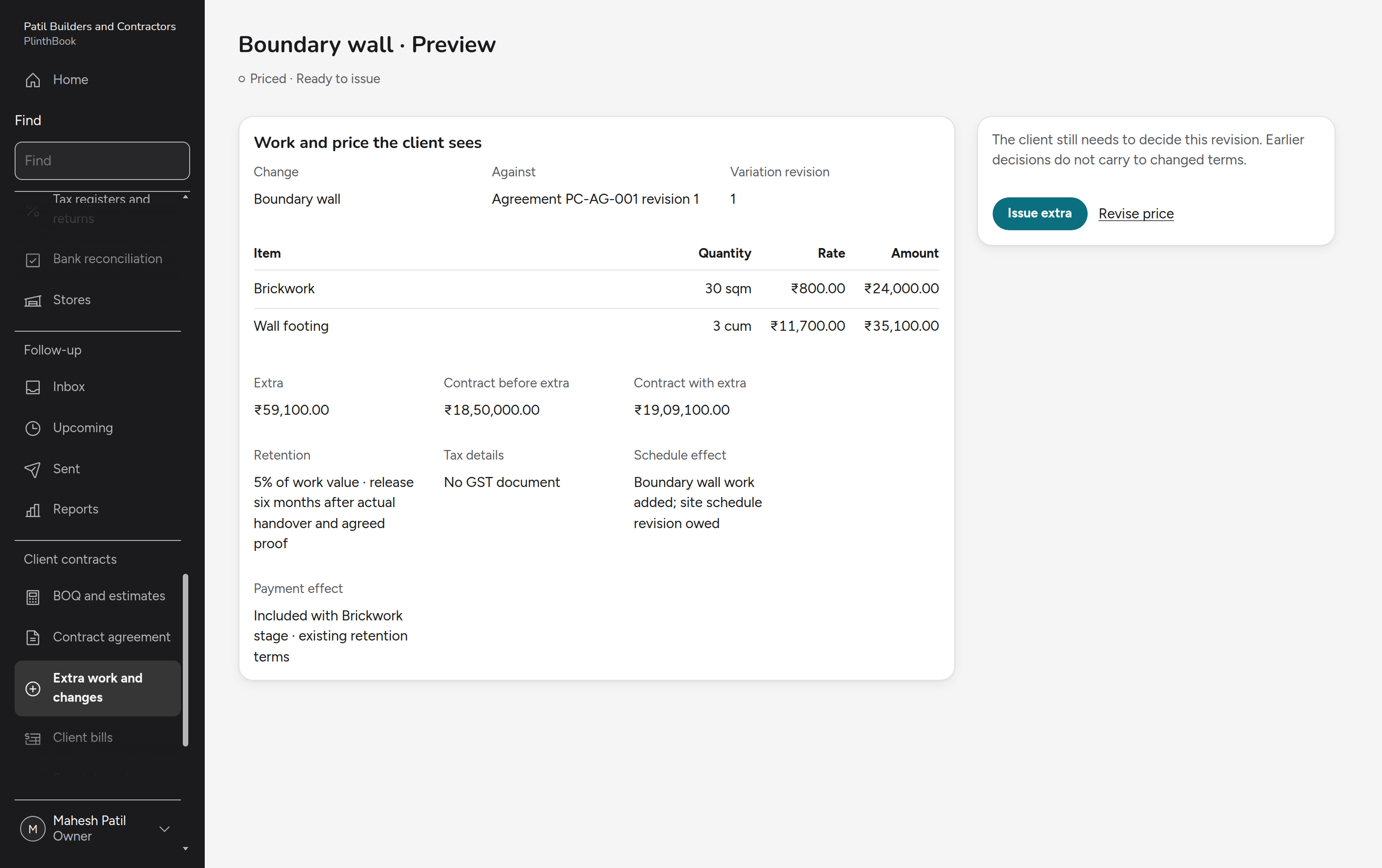
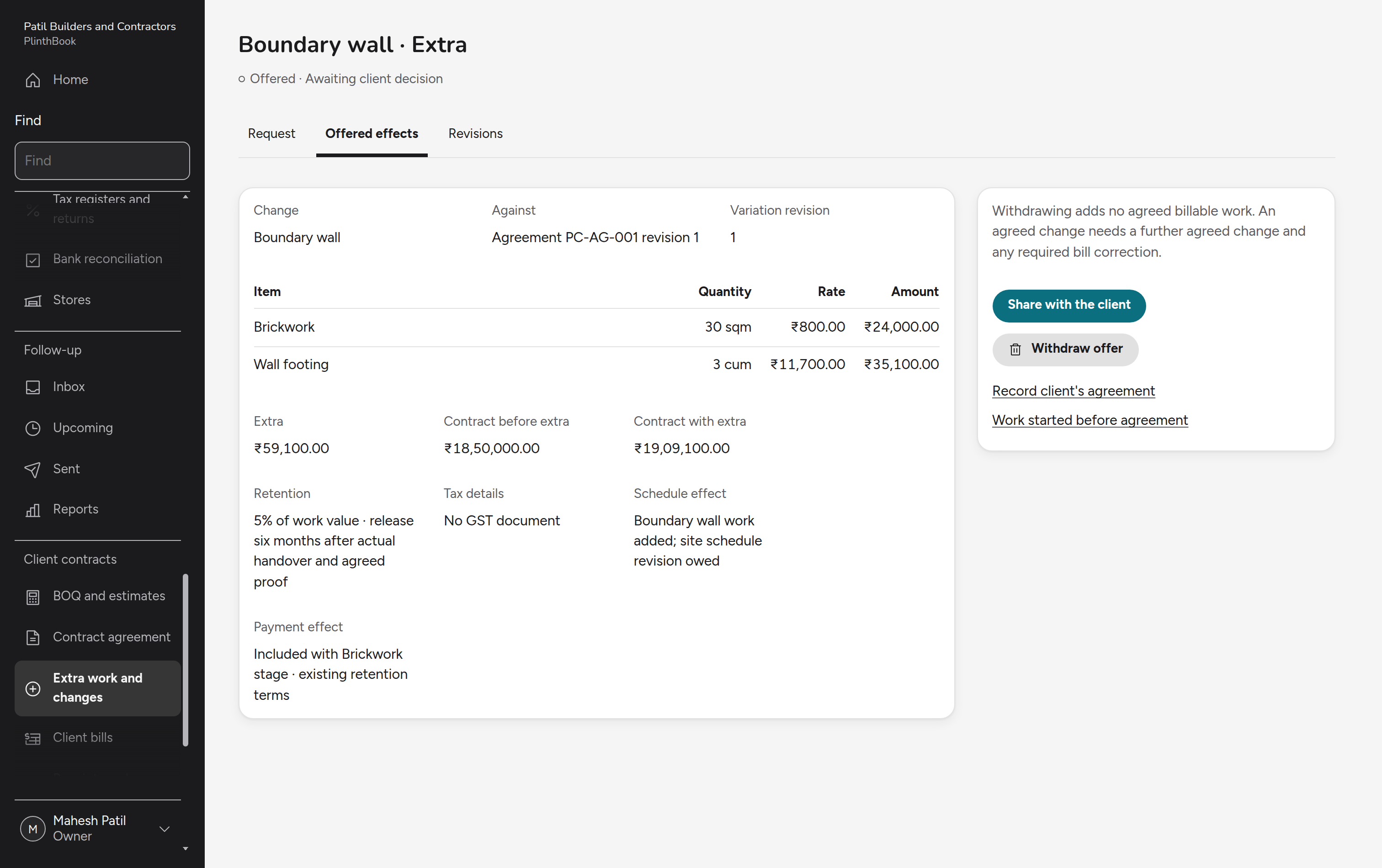
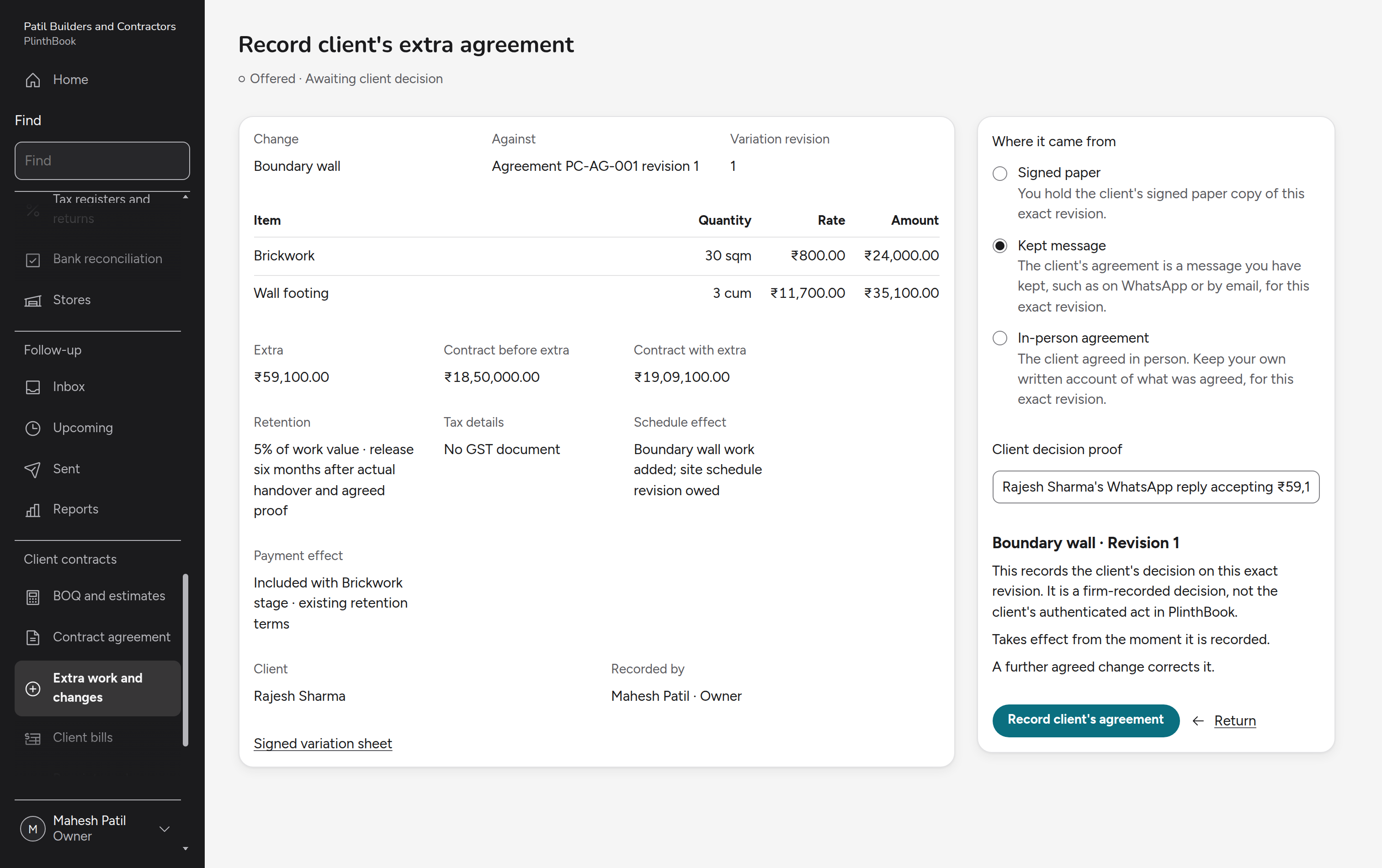
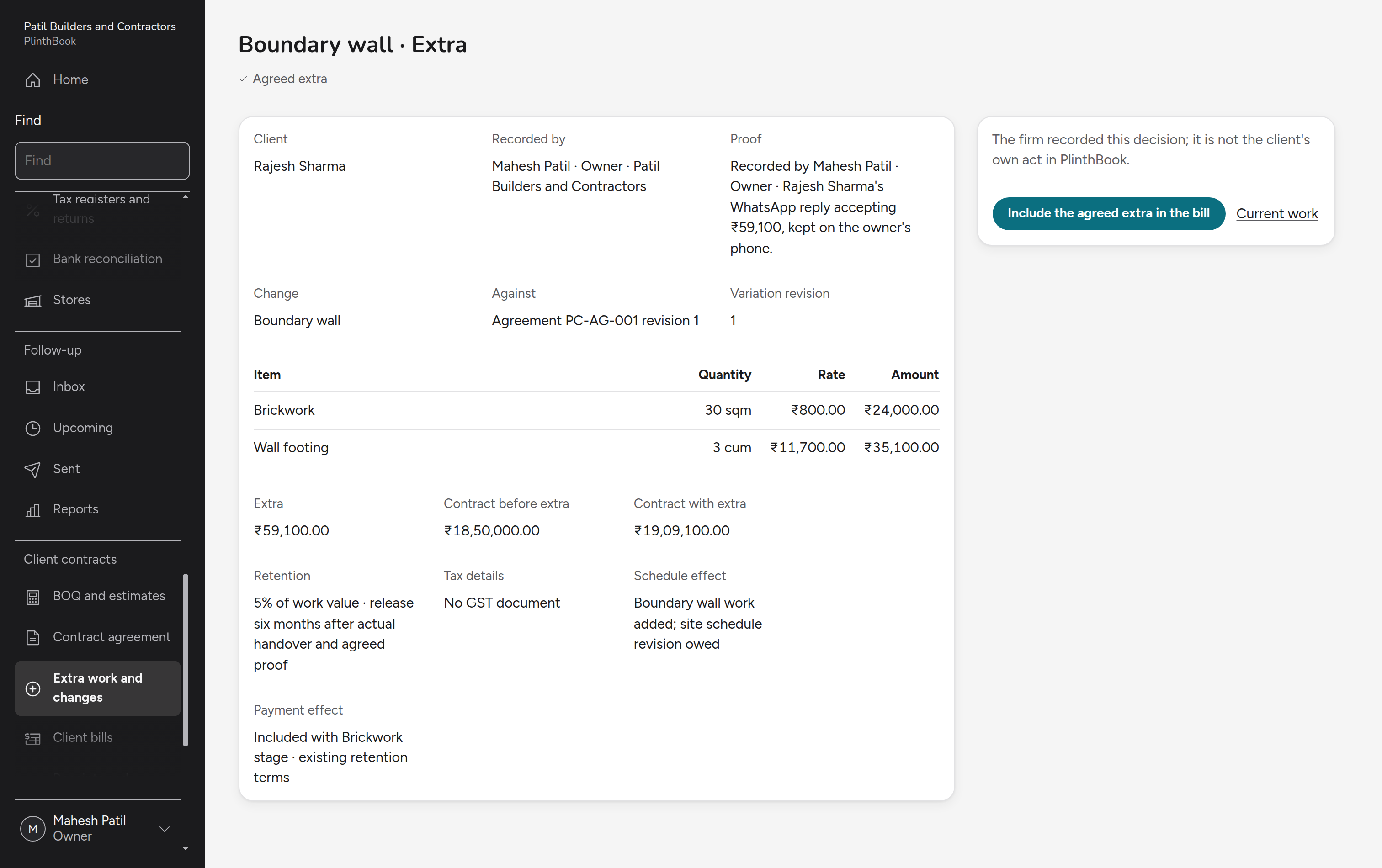
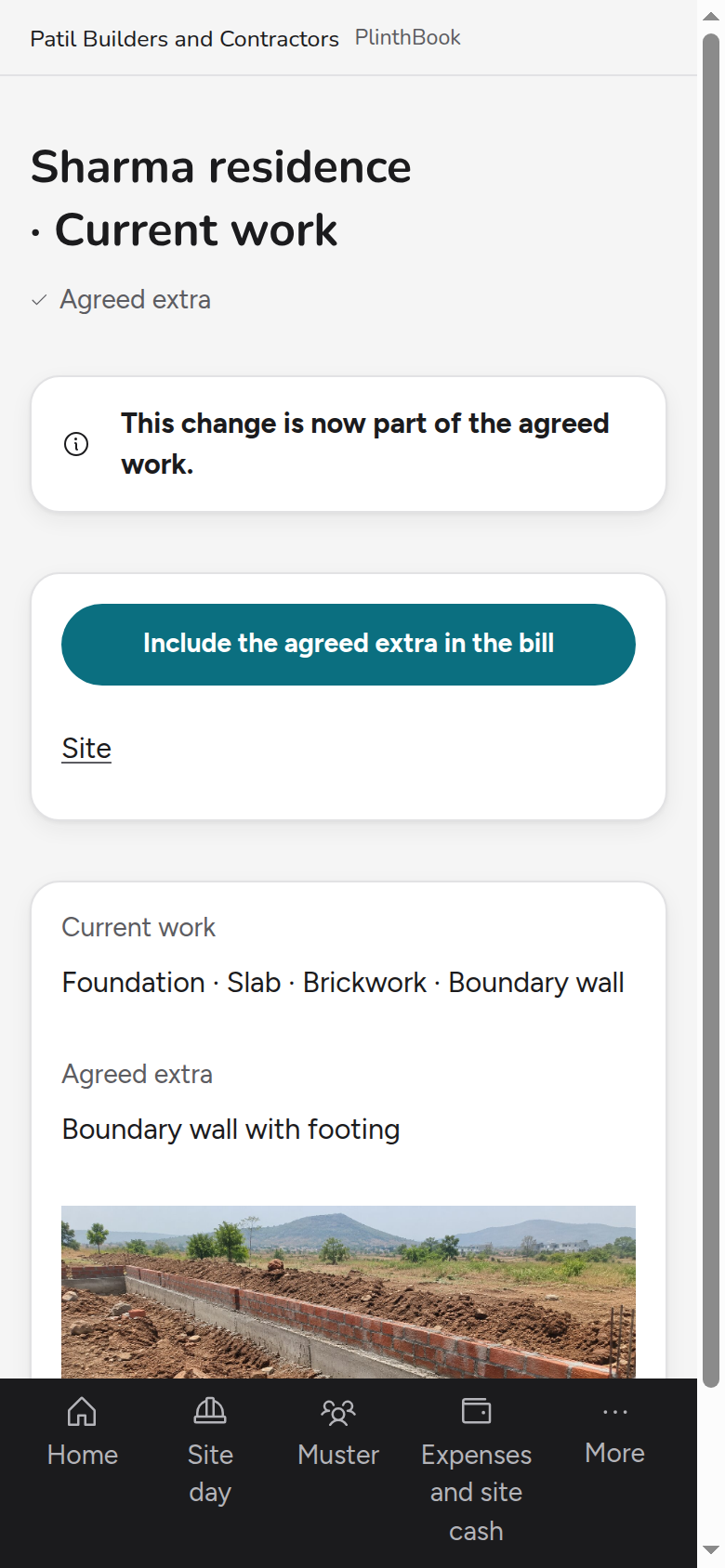
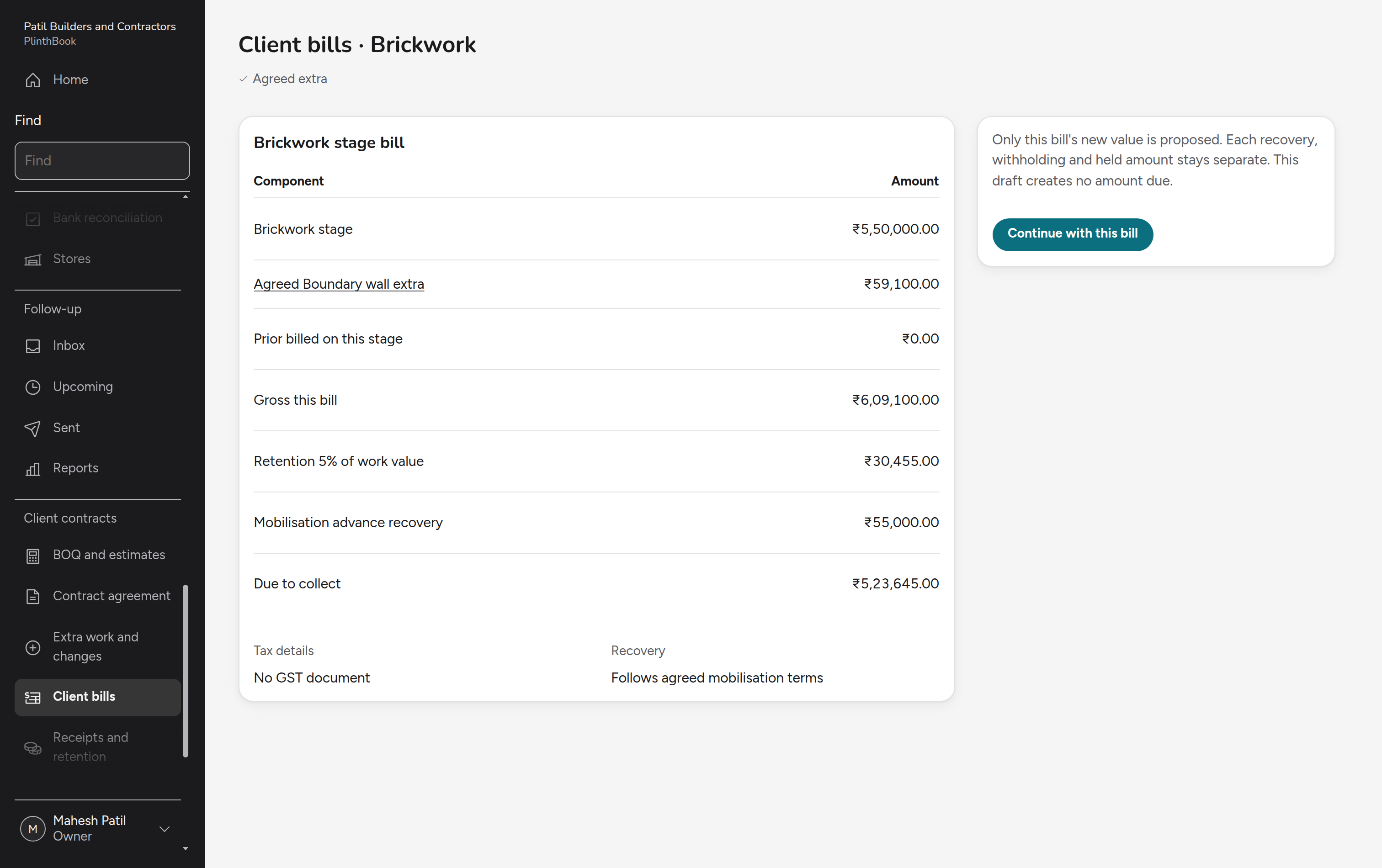
A client asks for work outside the contract. Site staff record it, the owner prices it and offers it to the client, the client's agreement is recorded, and only then is the extra billed.
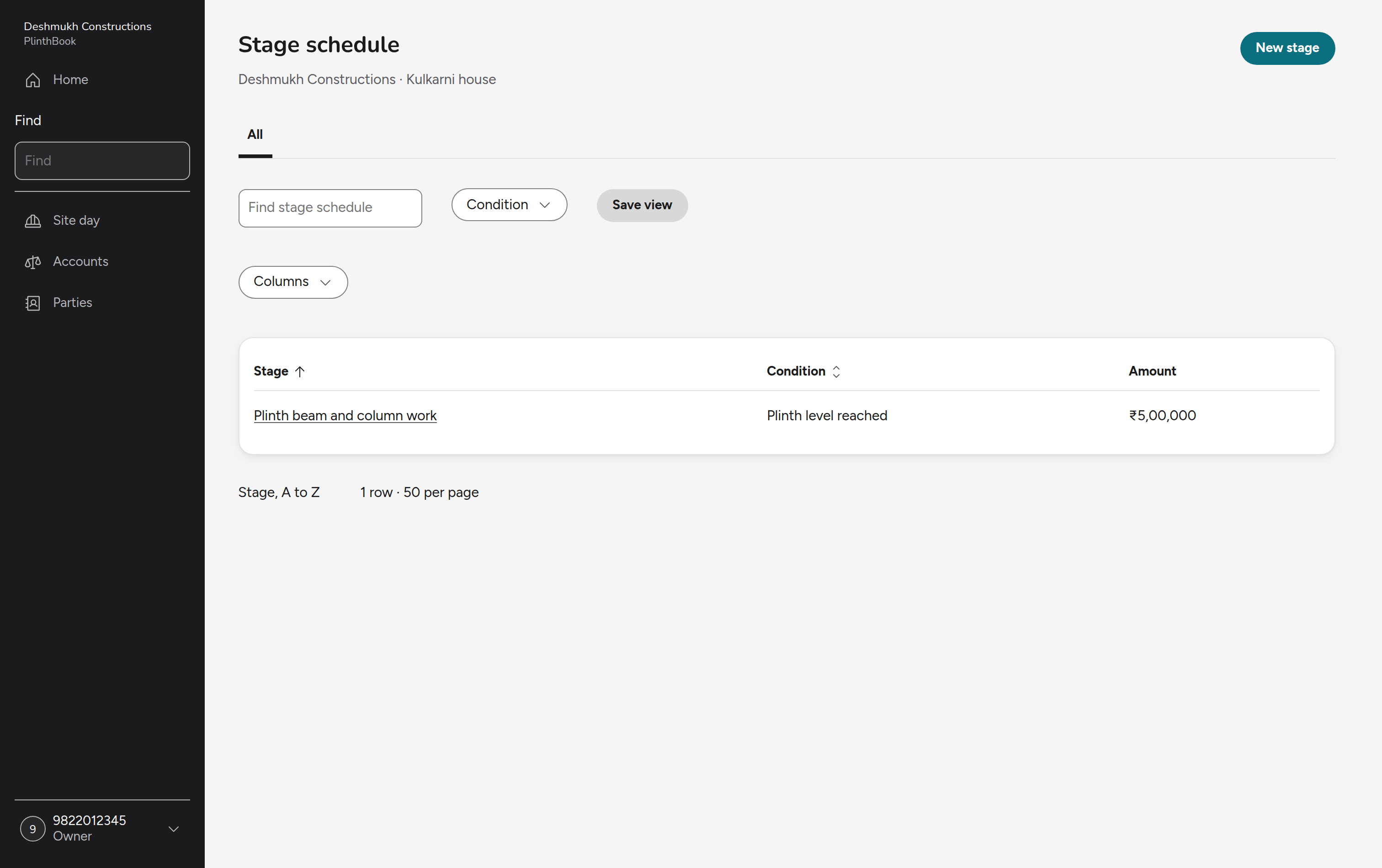
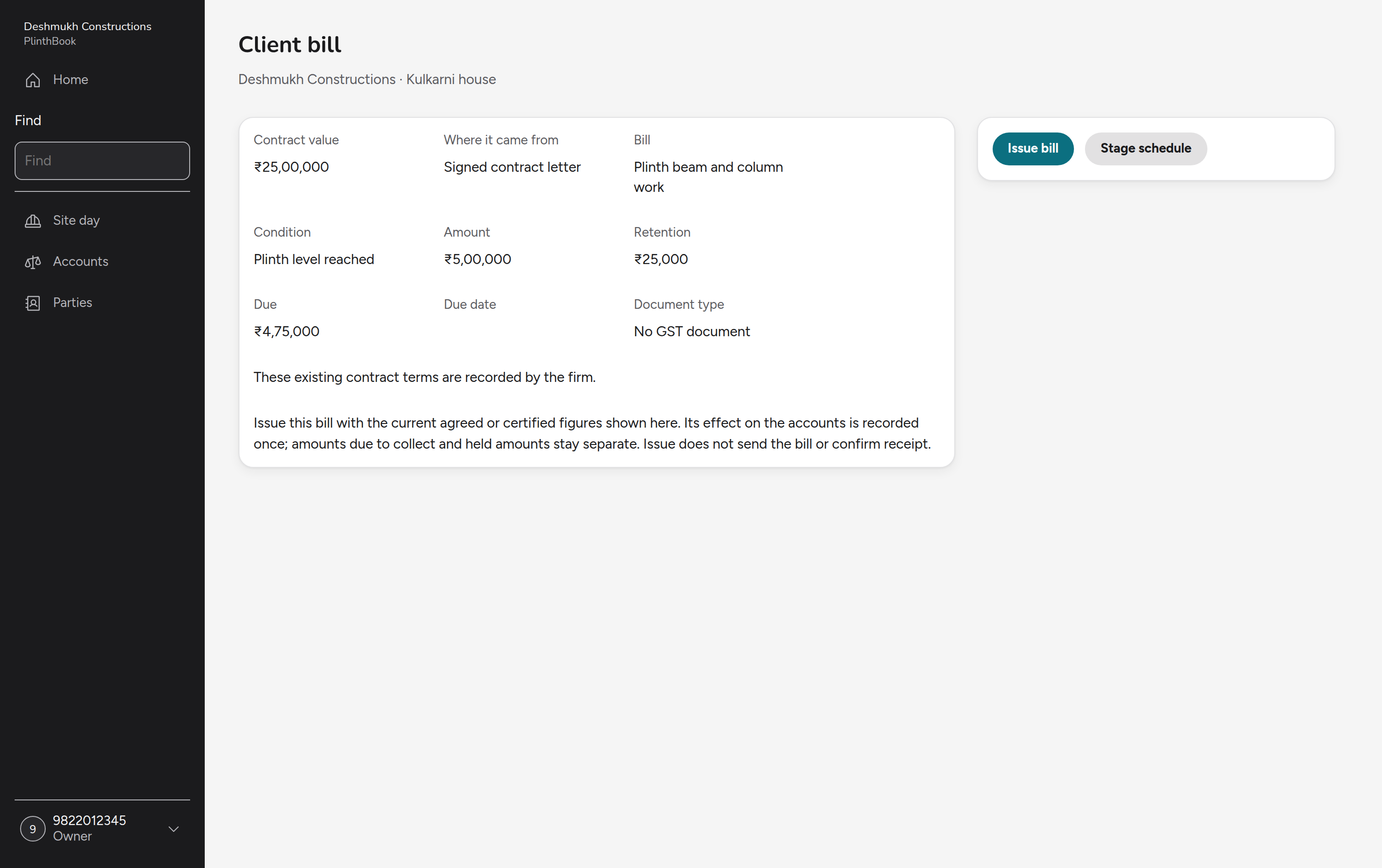
Bill and collect a stage
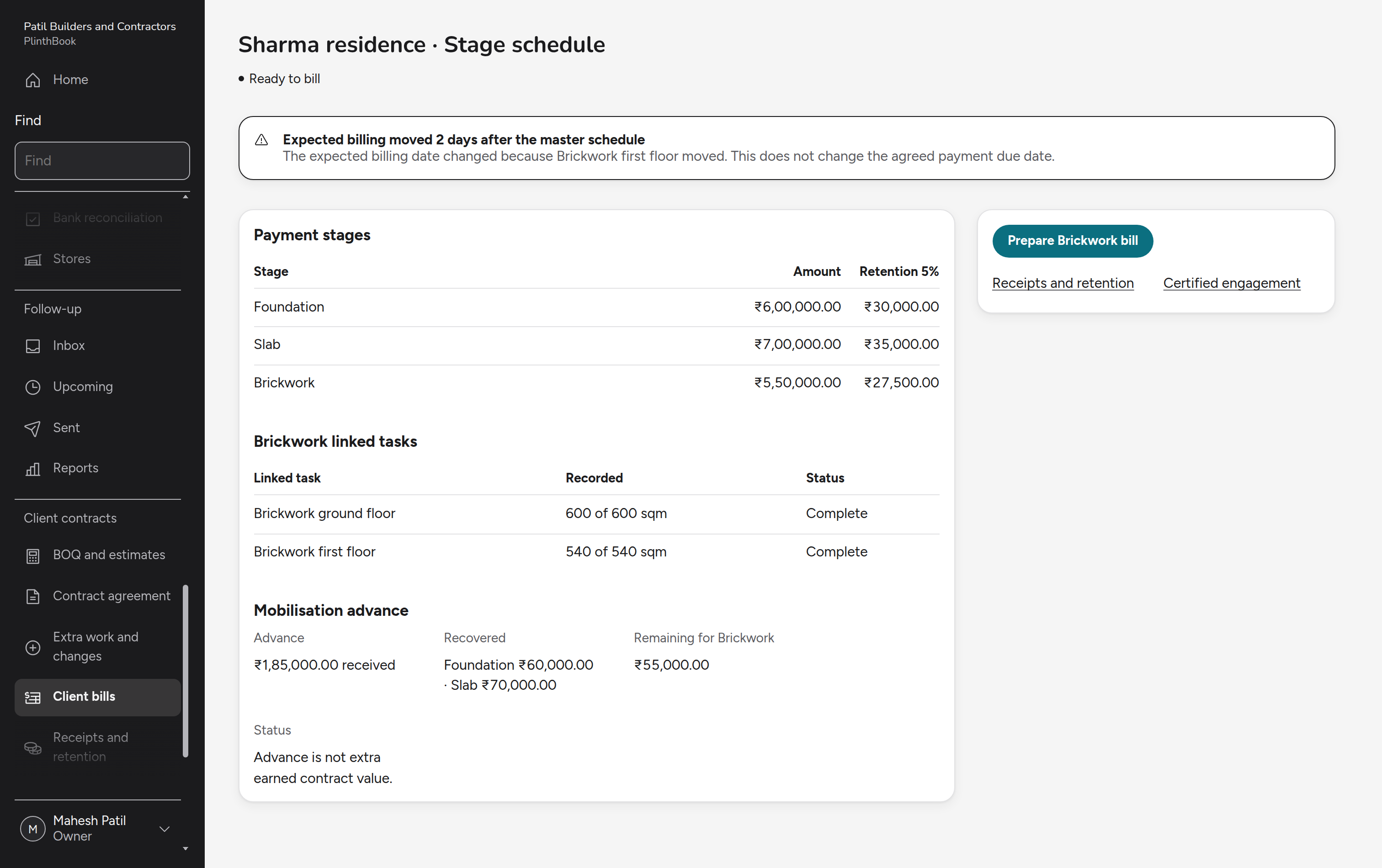
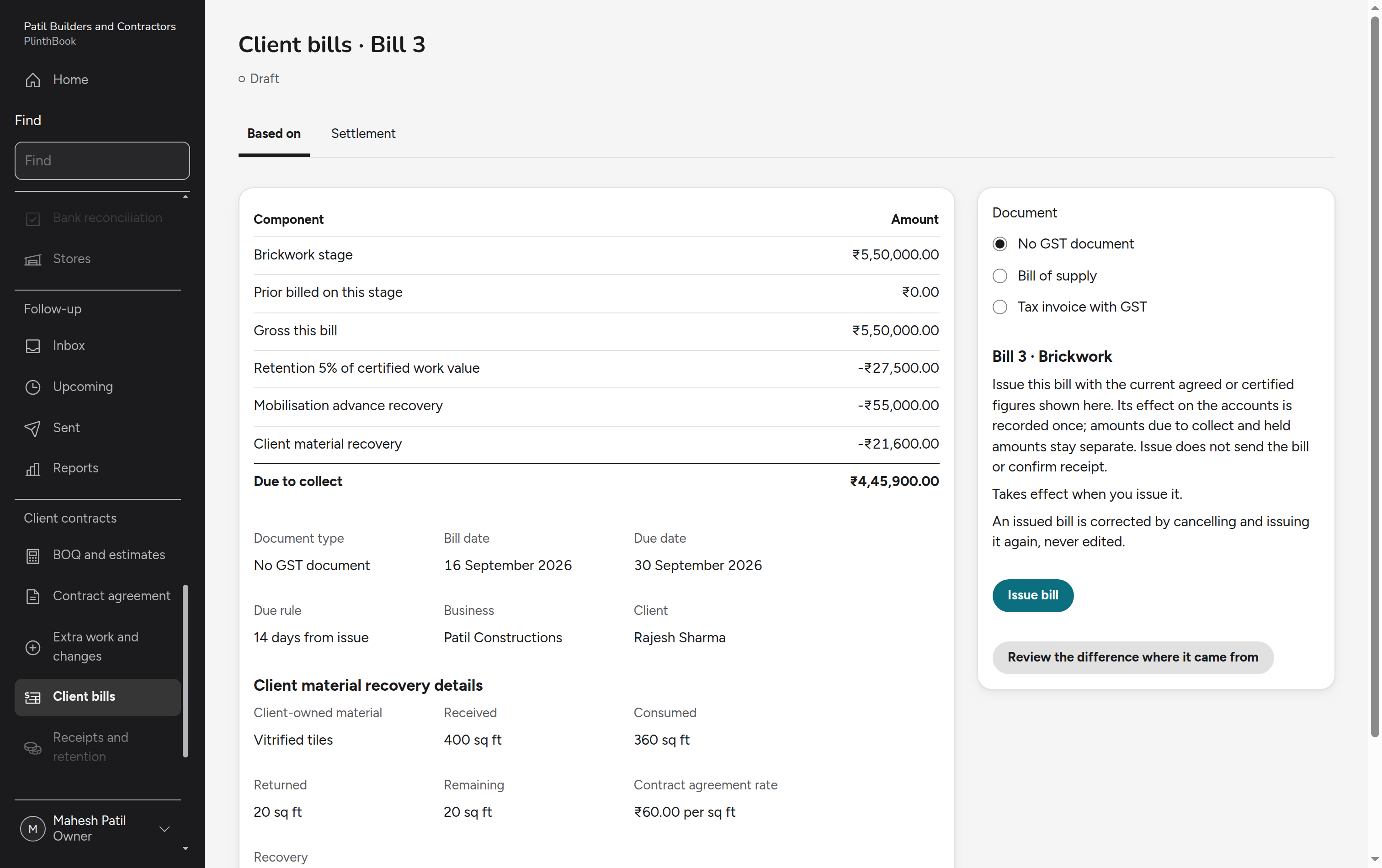
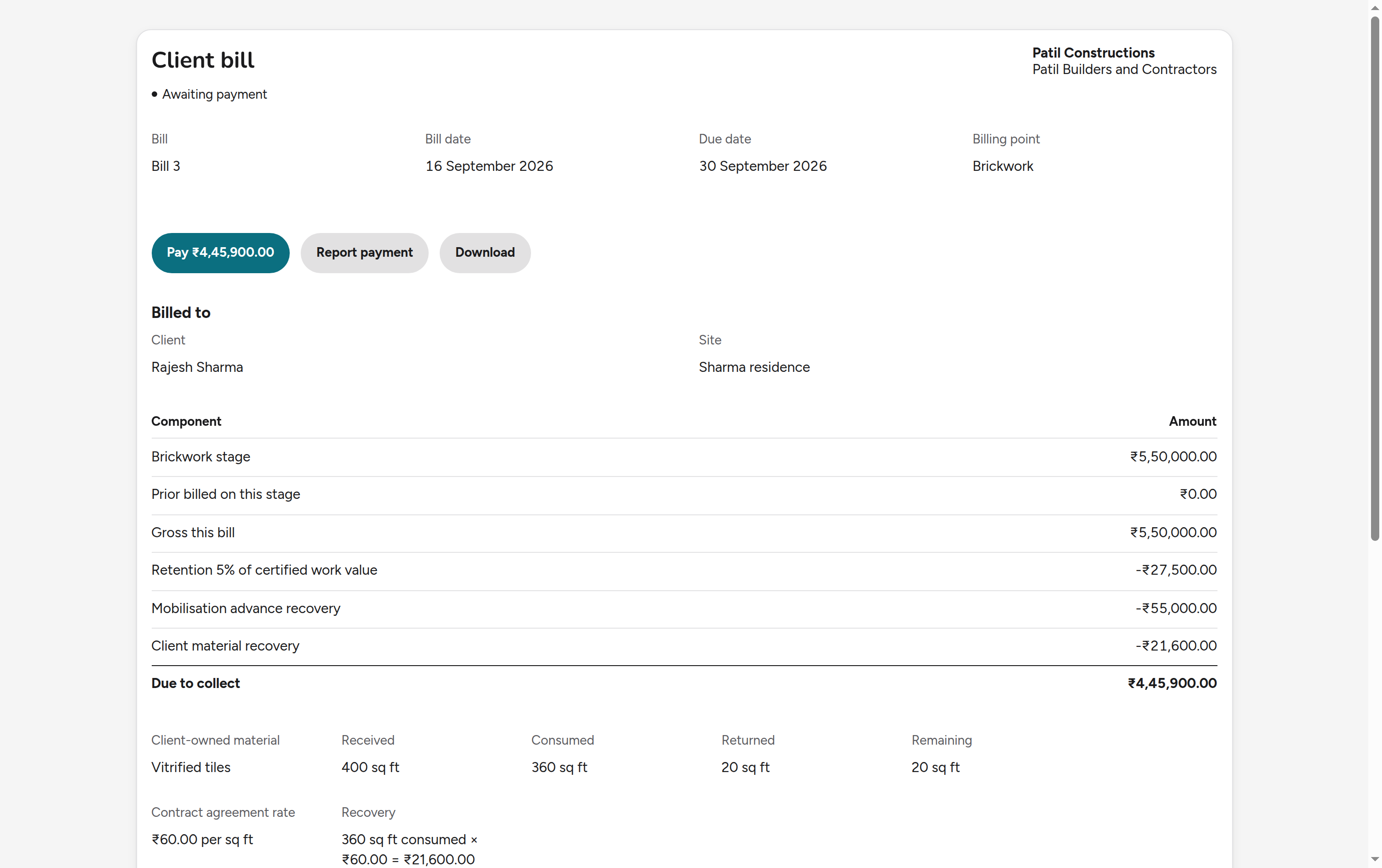
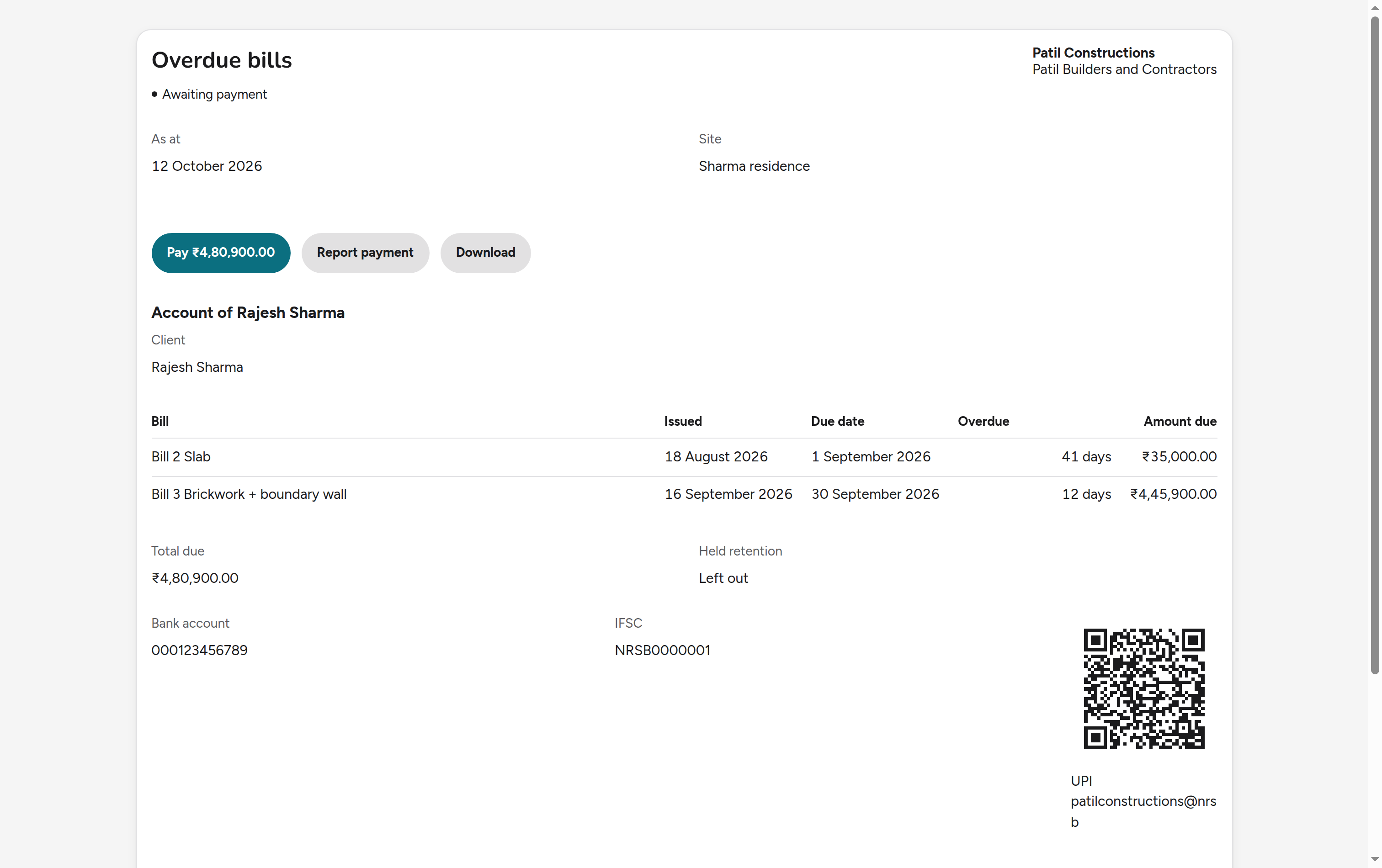
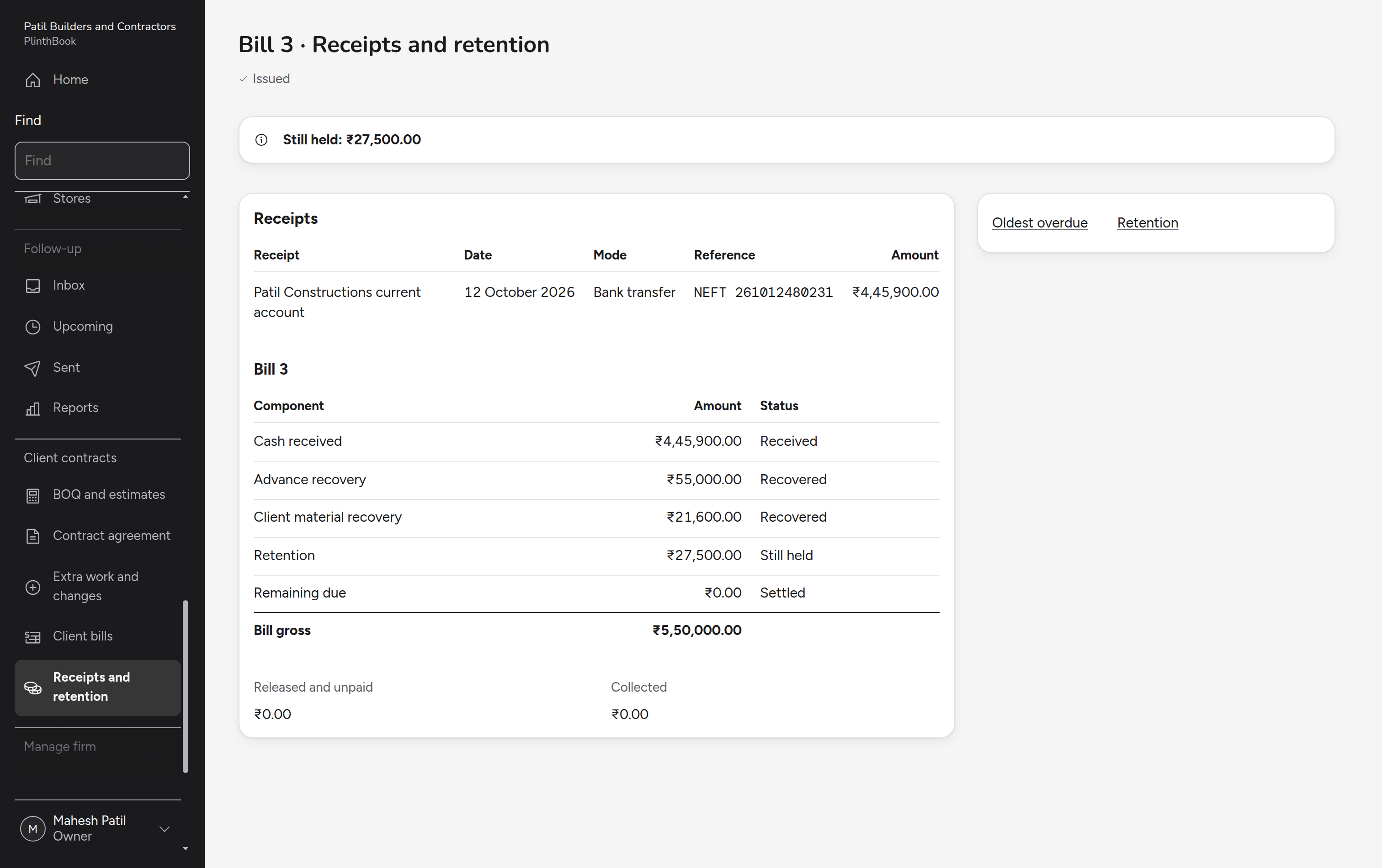
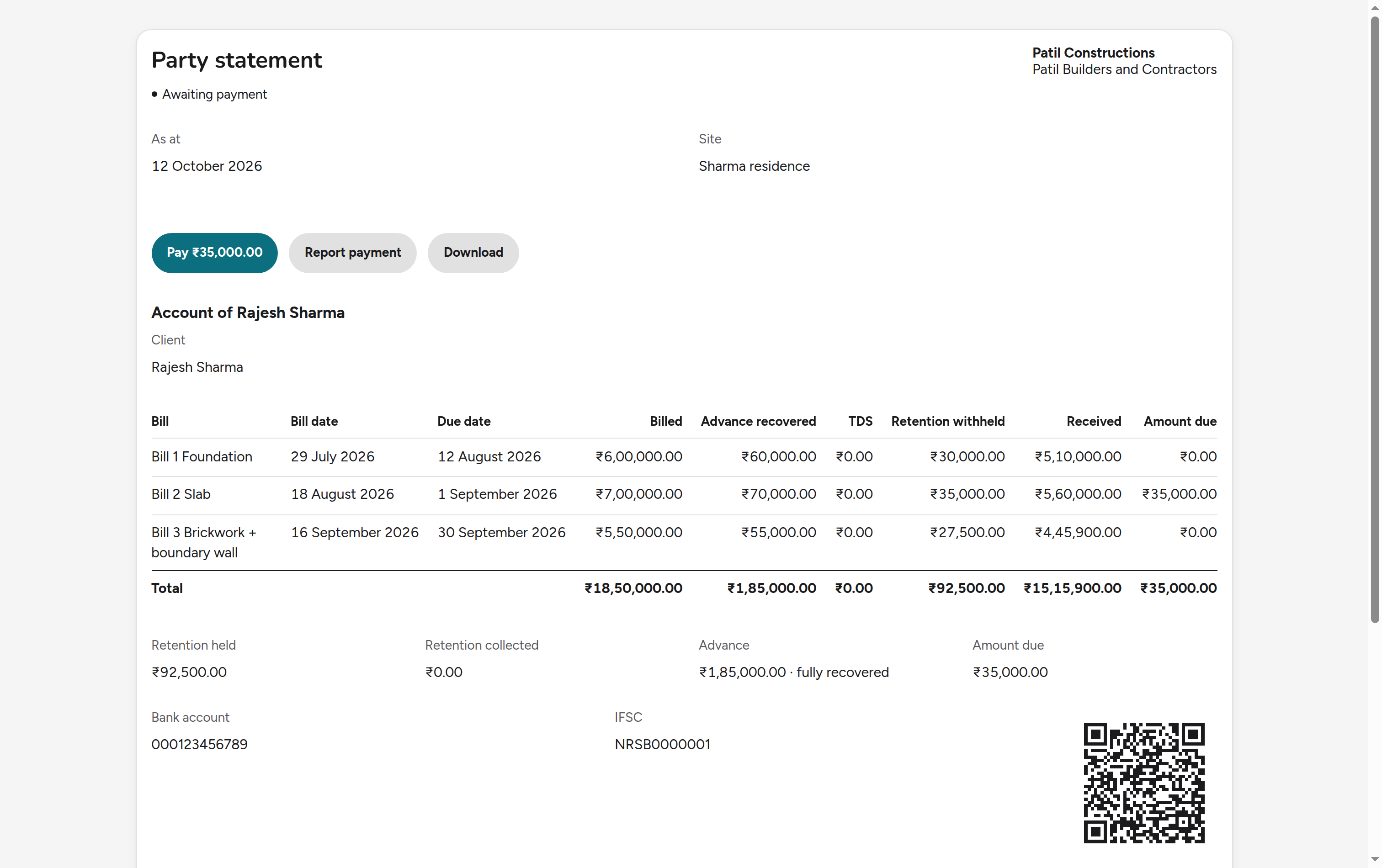
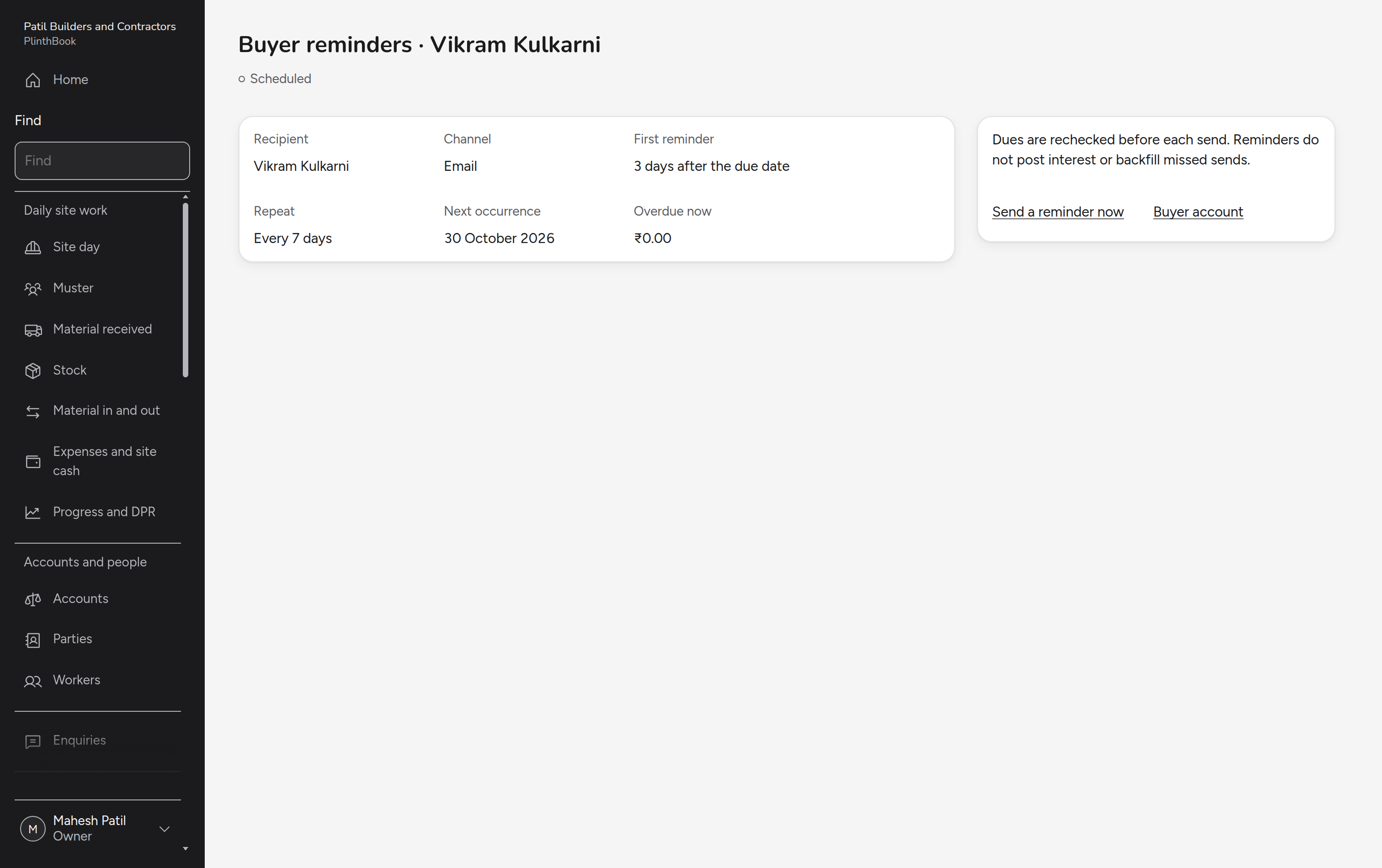
When a stage is complete, the owner bills it, the client opens the bill, and a reminder follows once it is overdue. The owner records the receipt, and the client sees the statement with retention still held.
Act on the current drawing
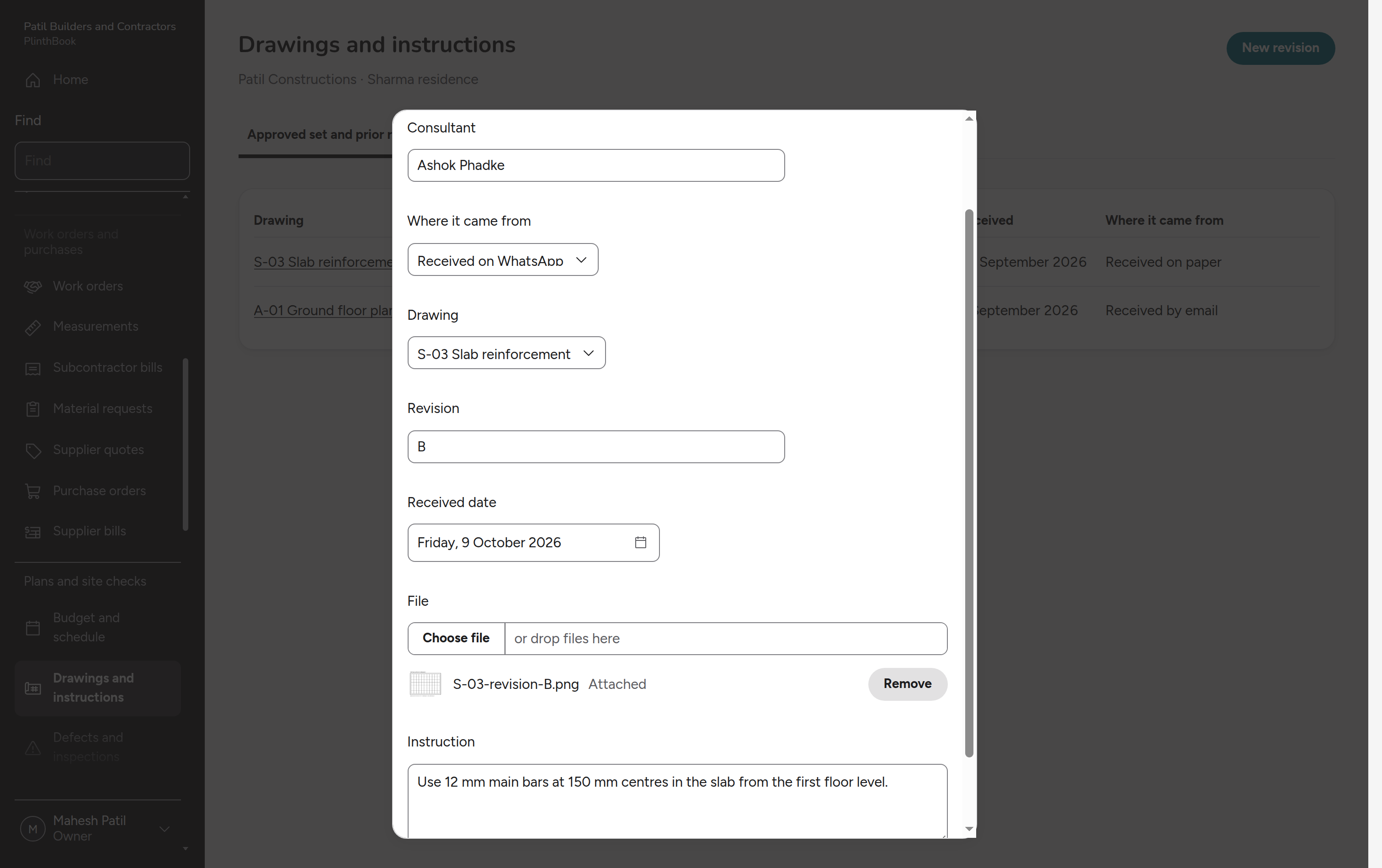
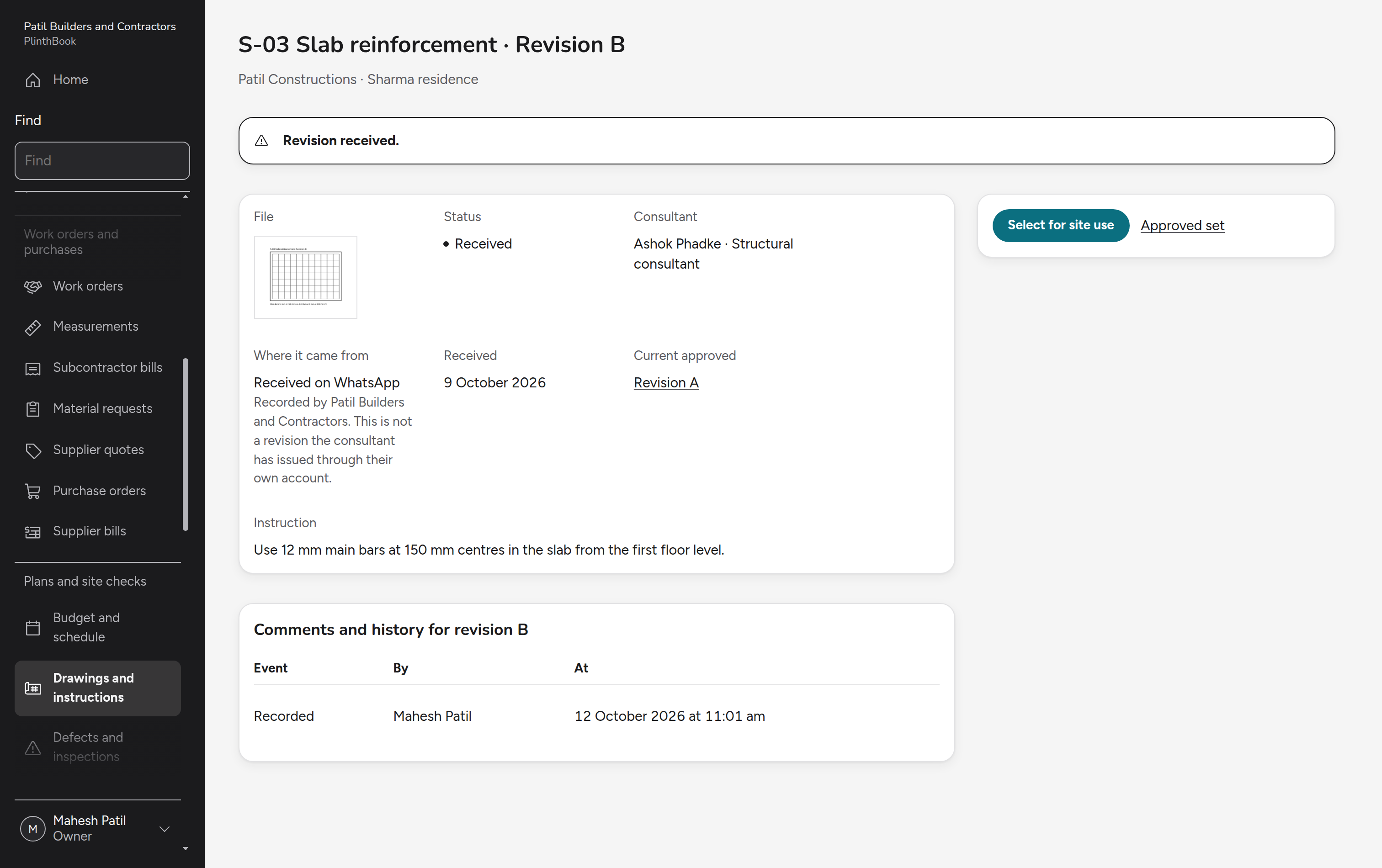
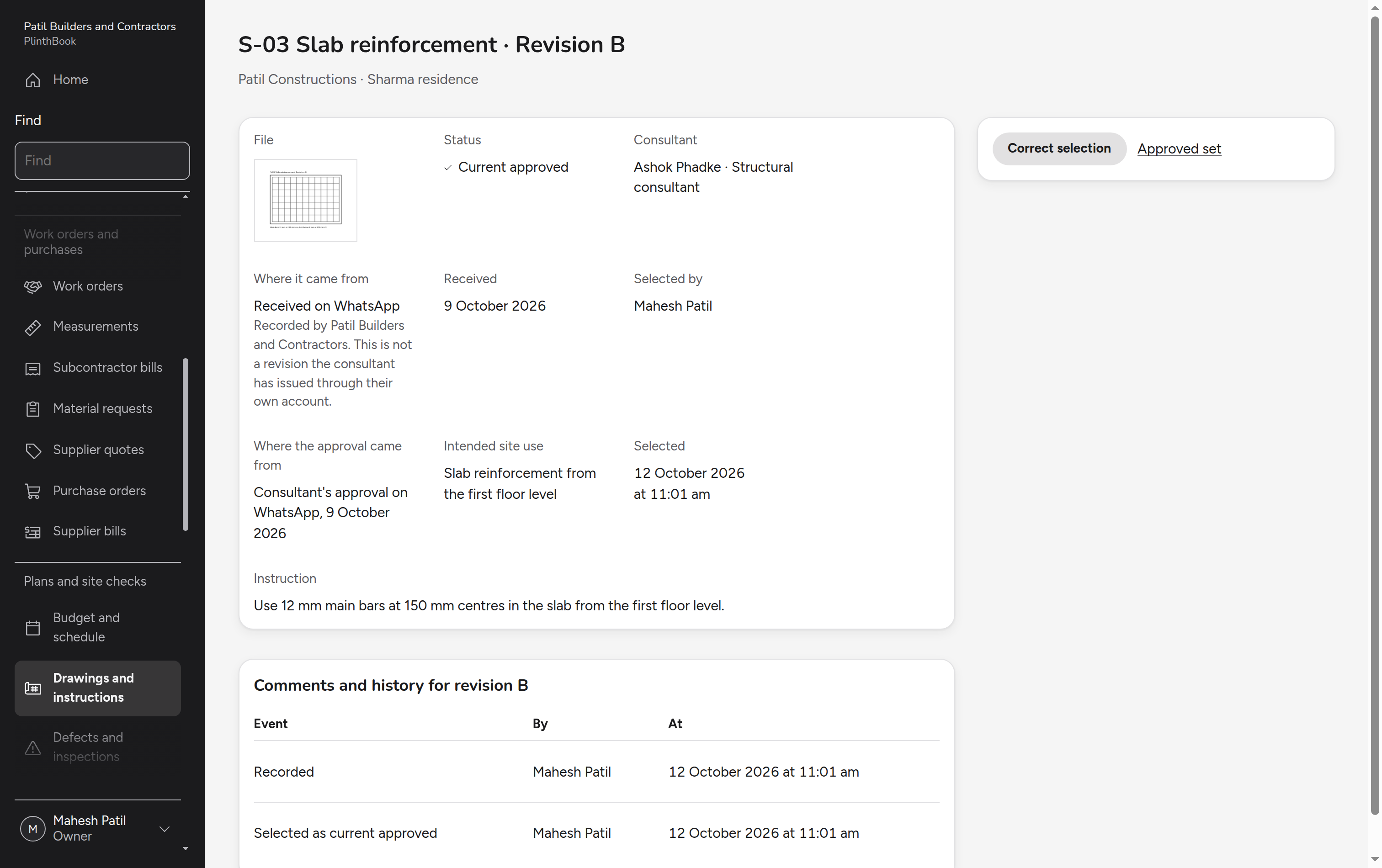
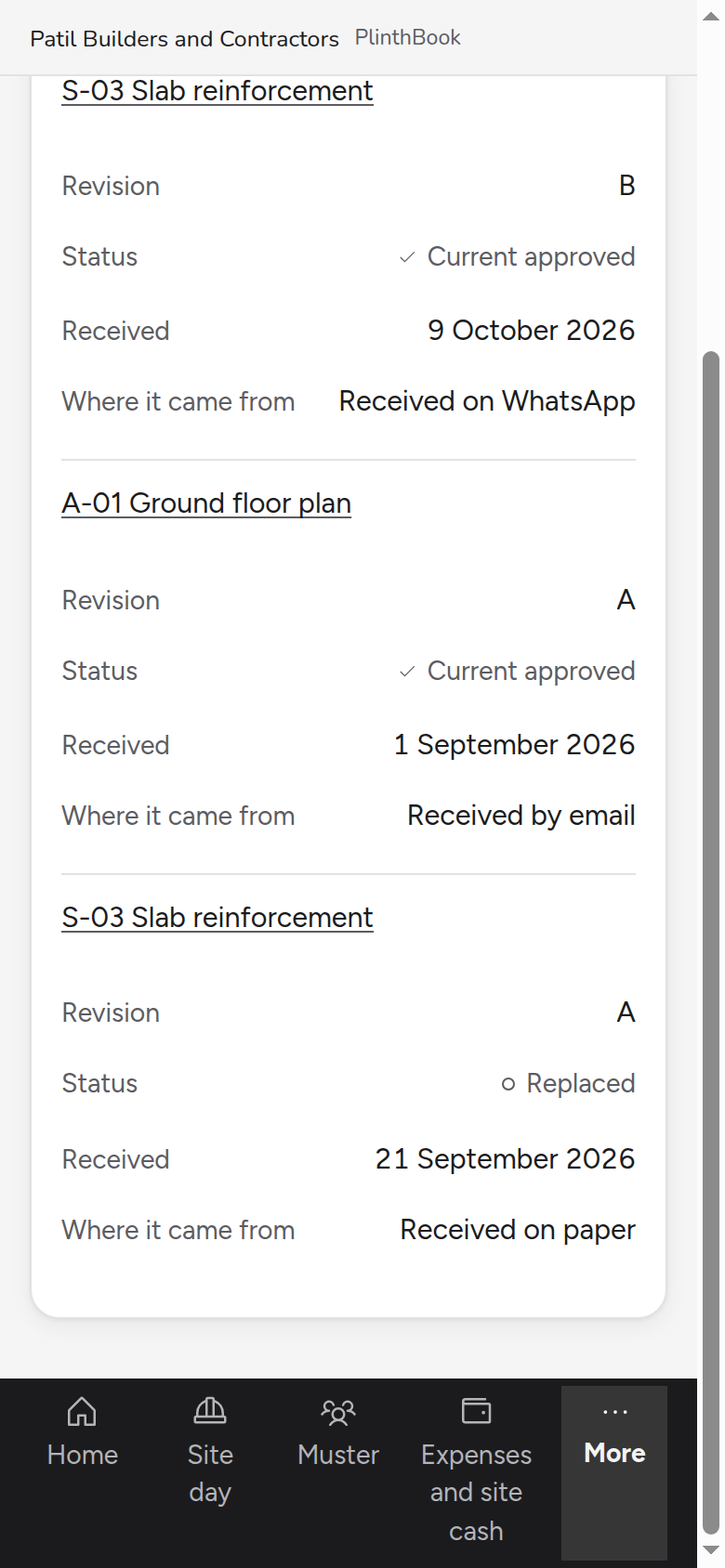
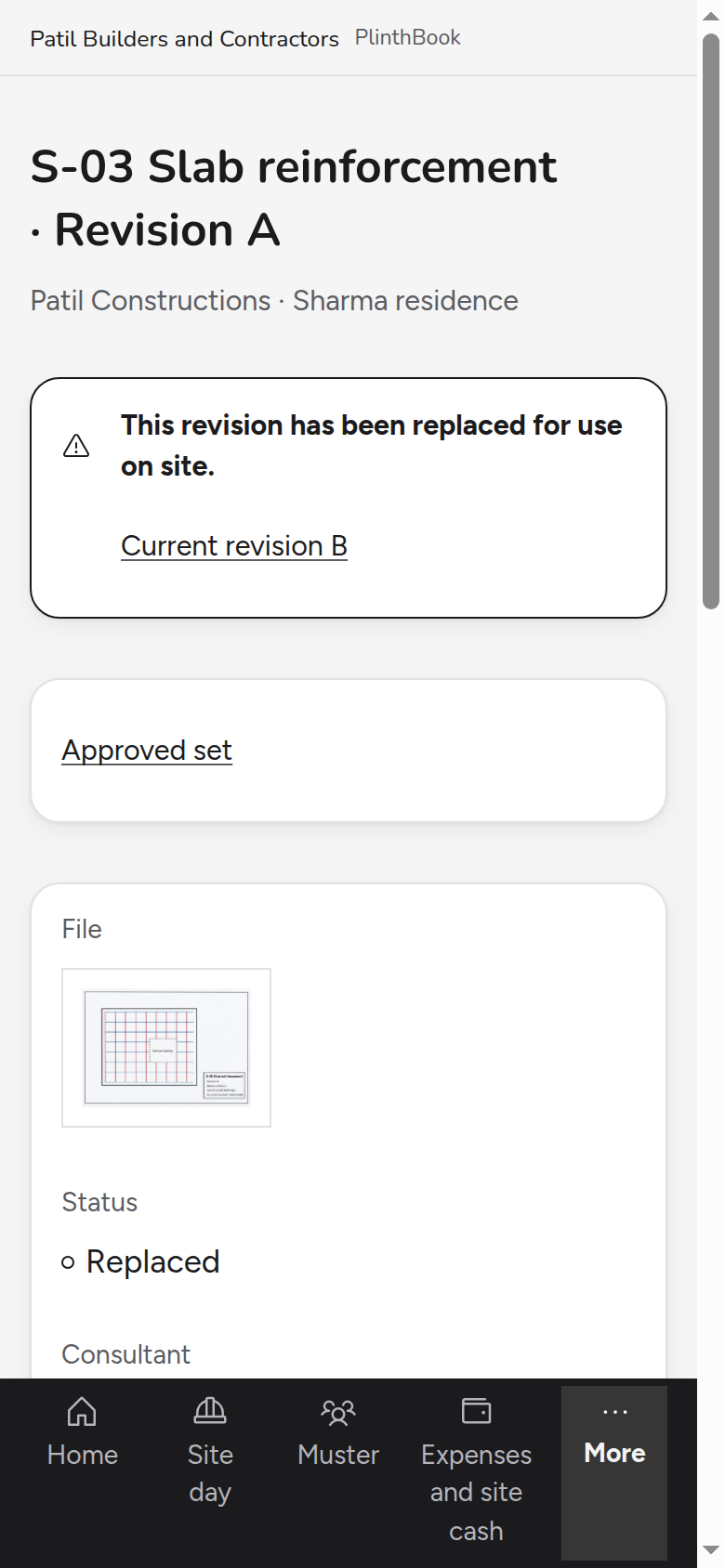
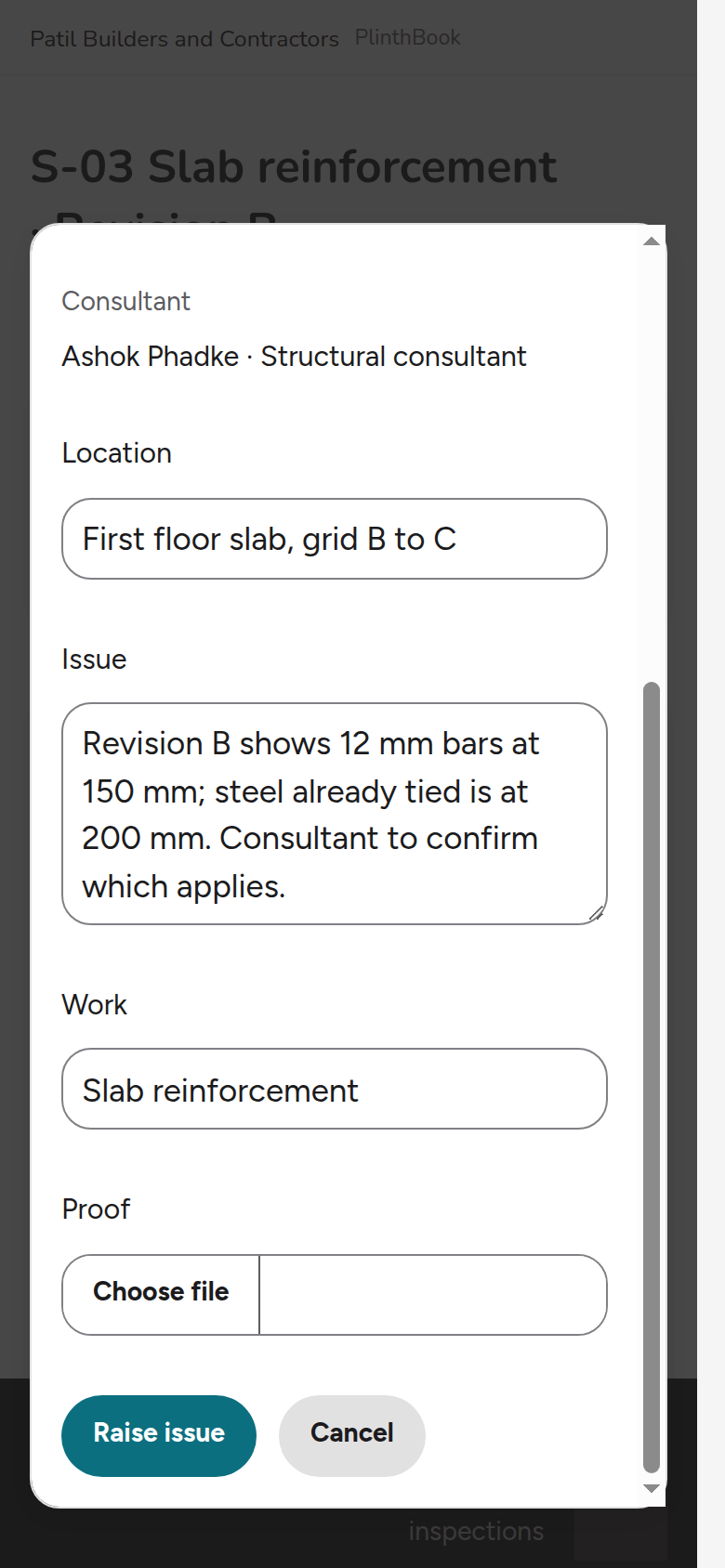
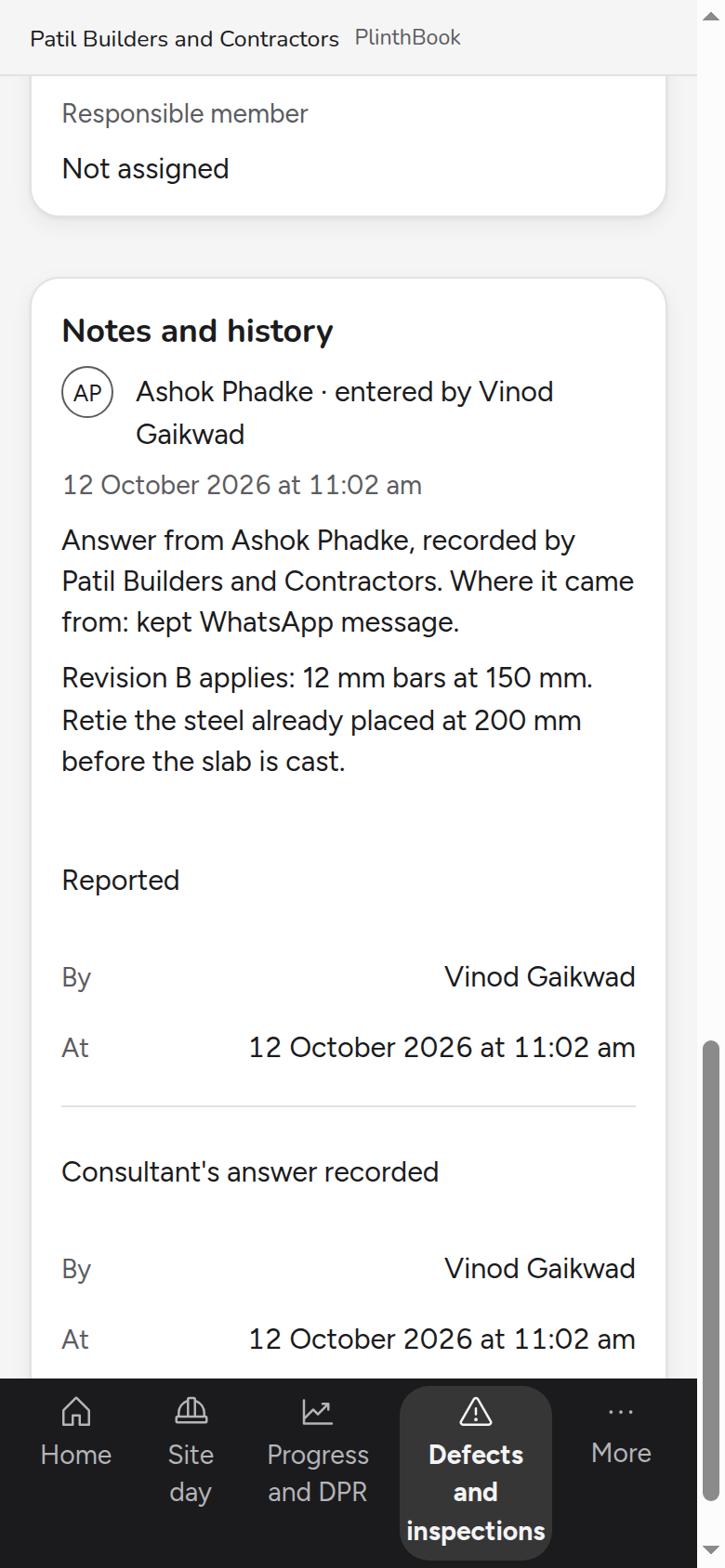
The structural consultant sends a revised slab drawing and an instruction on WhatsApp. The owner records both, makes the revision current, the supervisor sees it on the phone beside the replaced one, and the consultant's answer to a site query is recorded.
From the bank statement to the CA
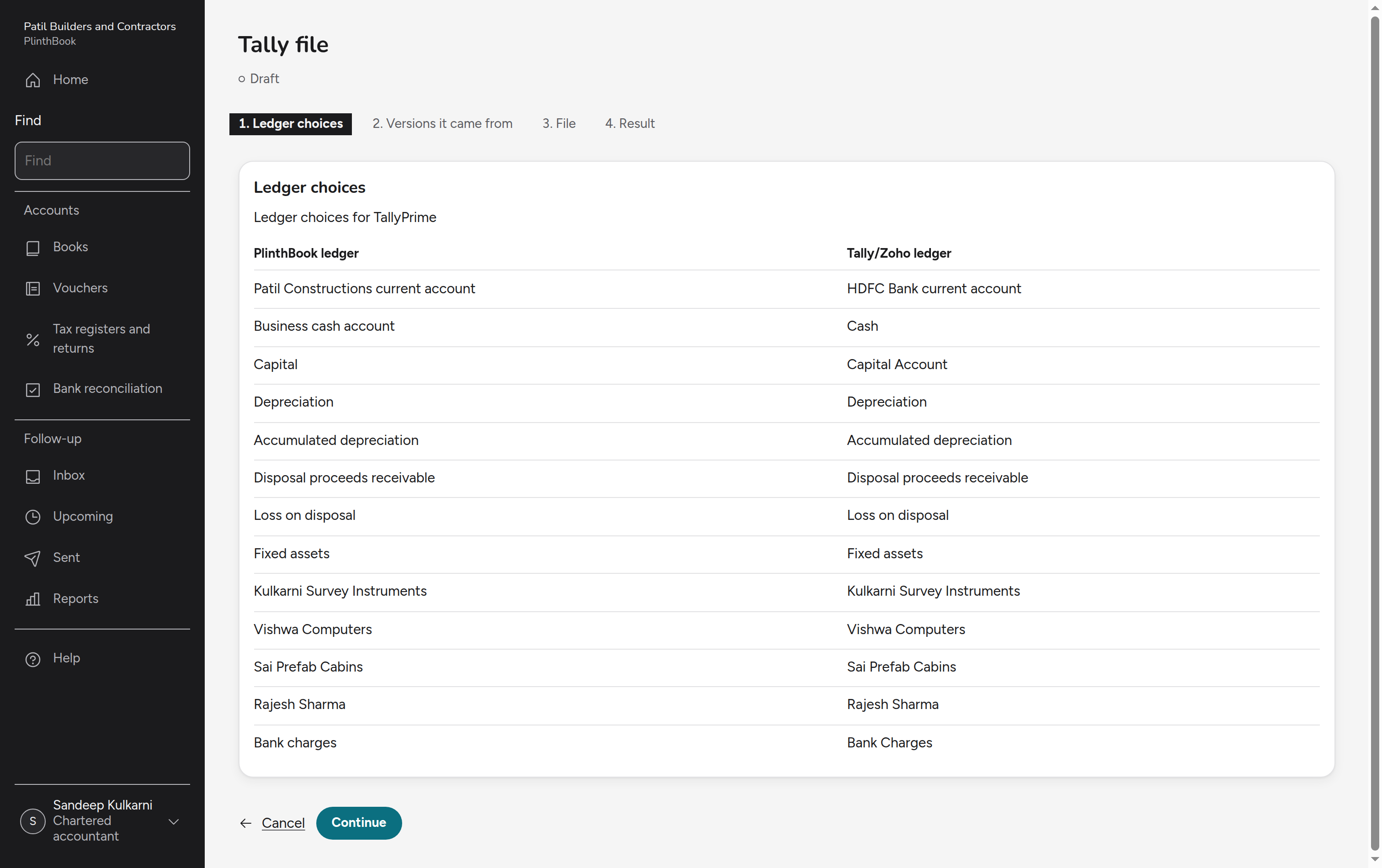
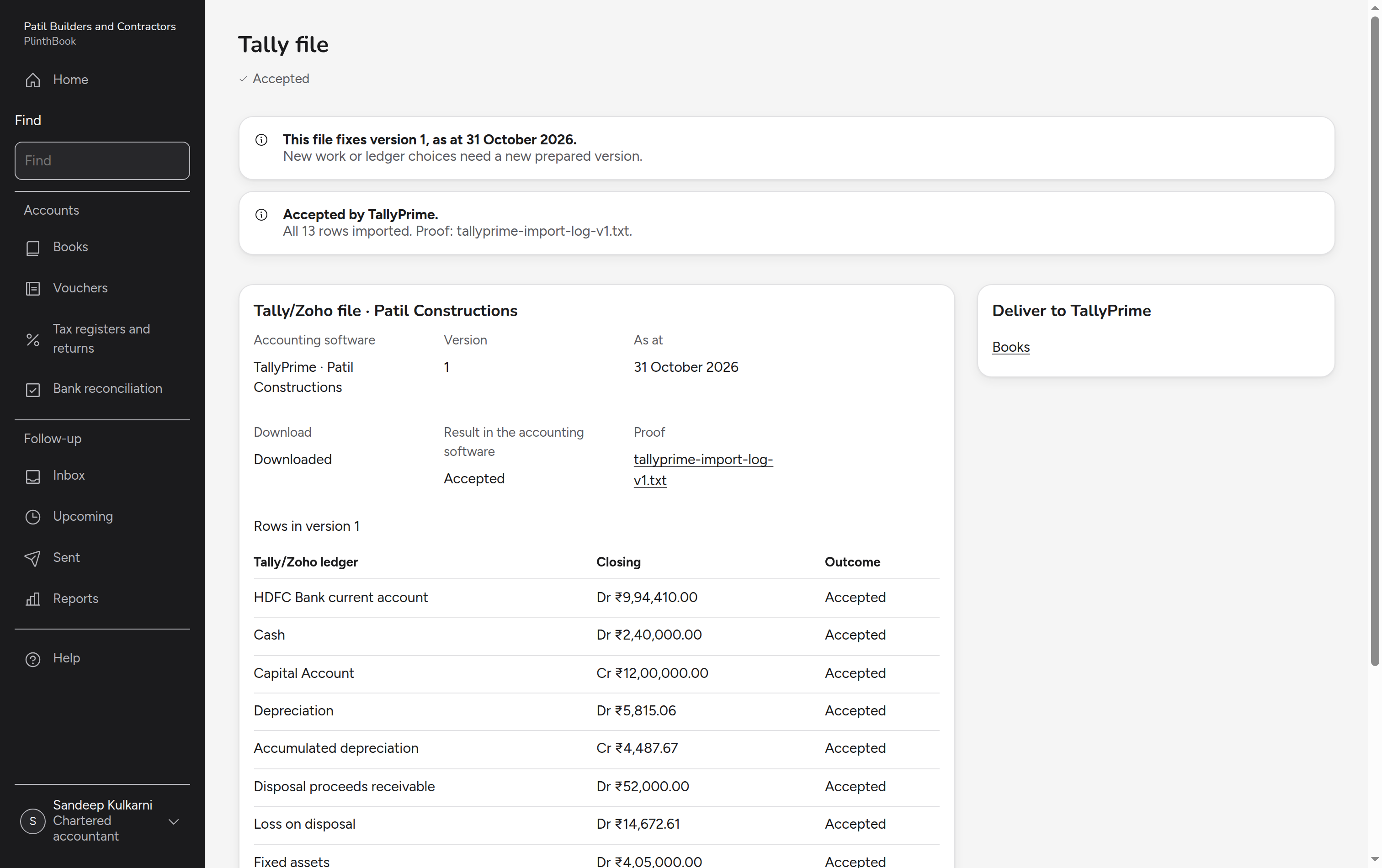
Accounts staff bring in the bank statement and match it to what is recorded. The CA then checks the books and the vouchers go to Tally.
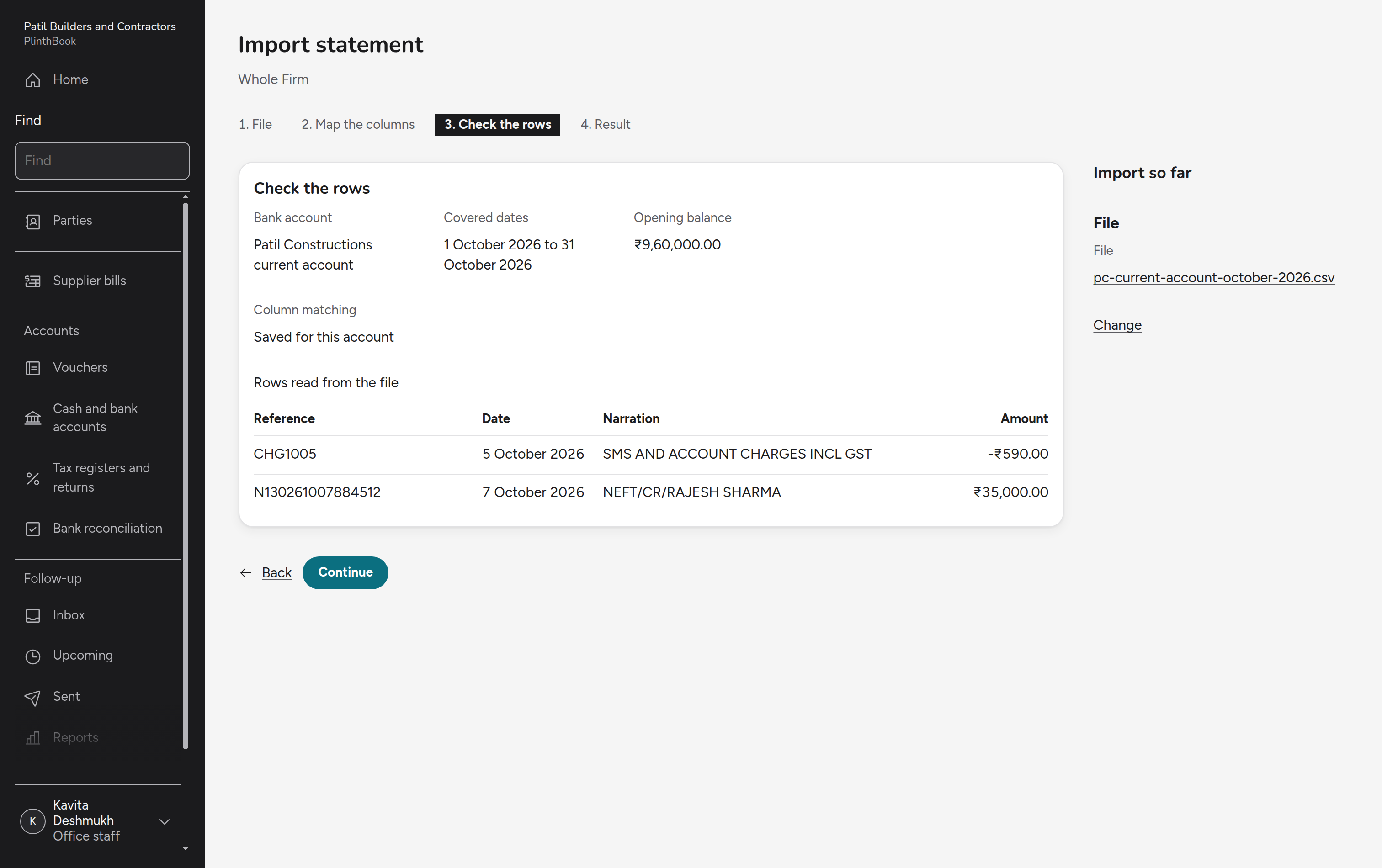
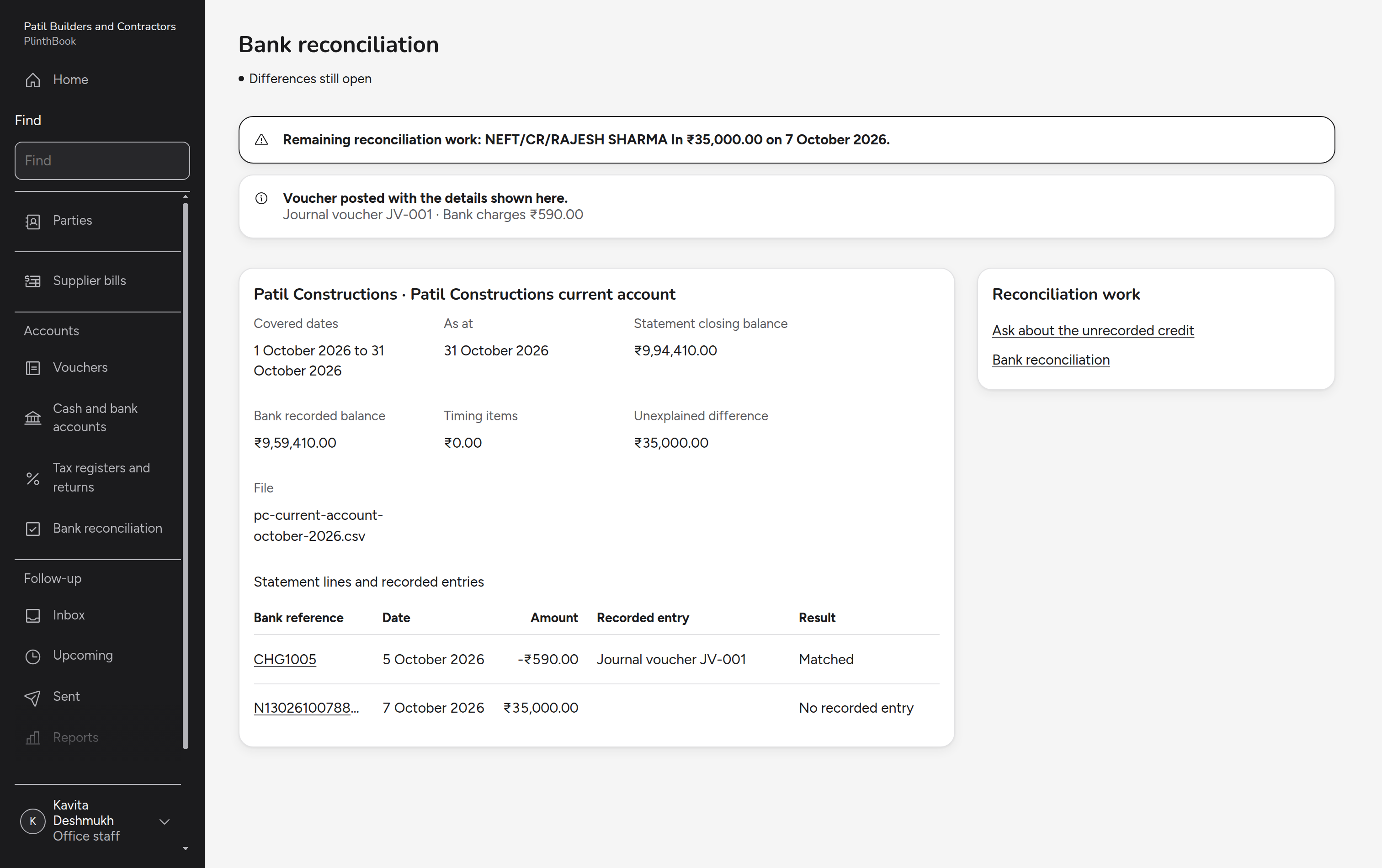
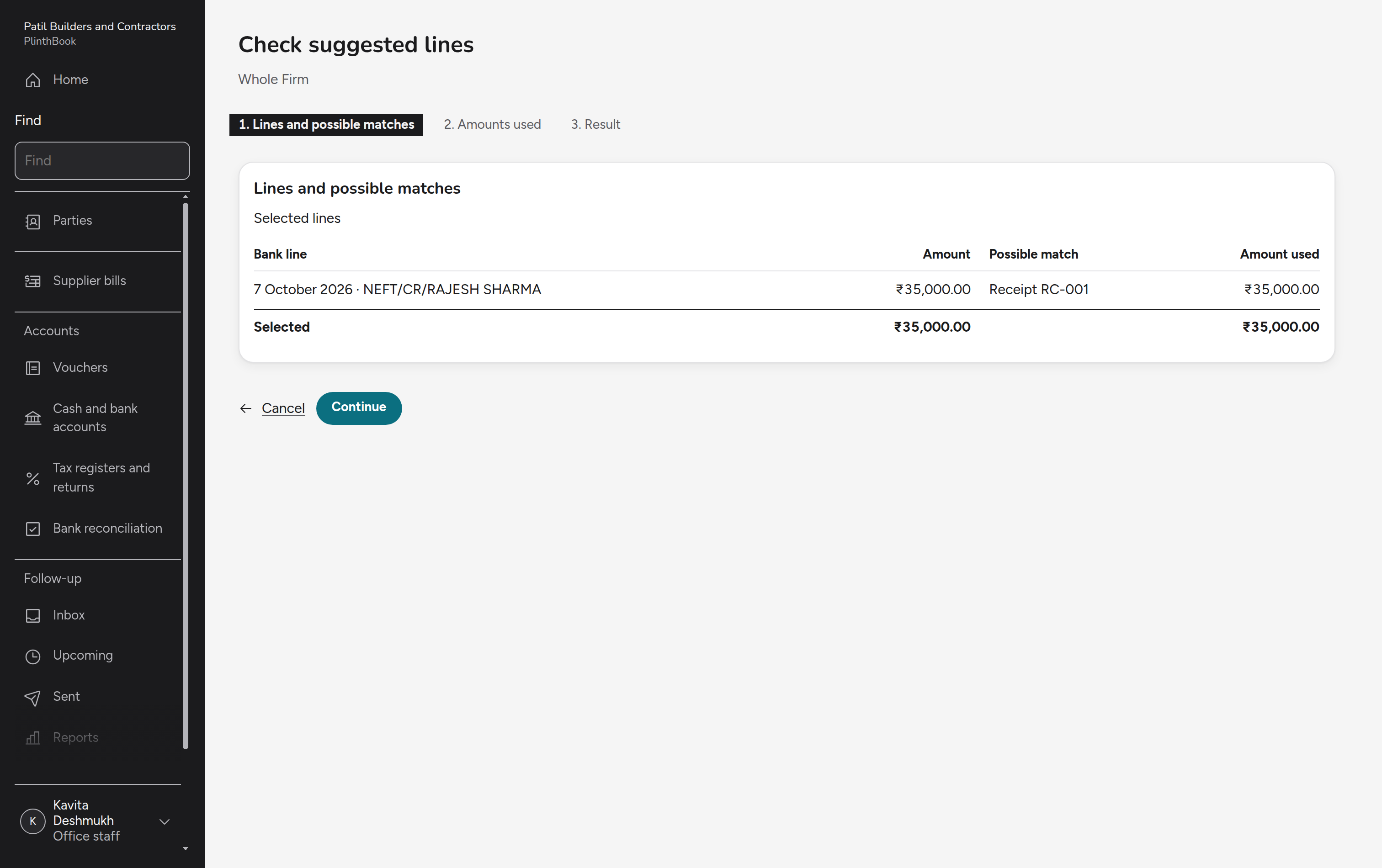
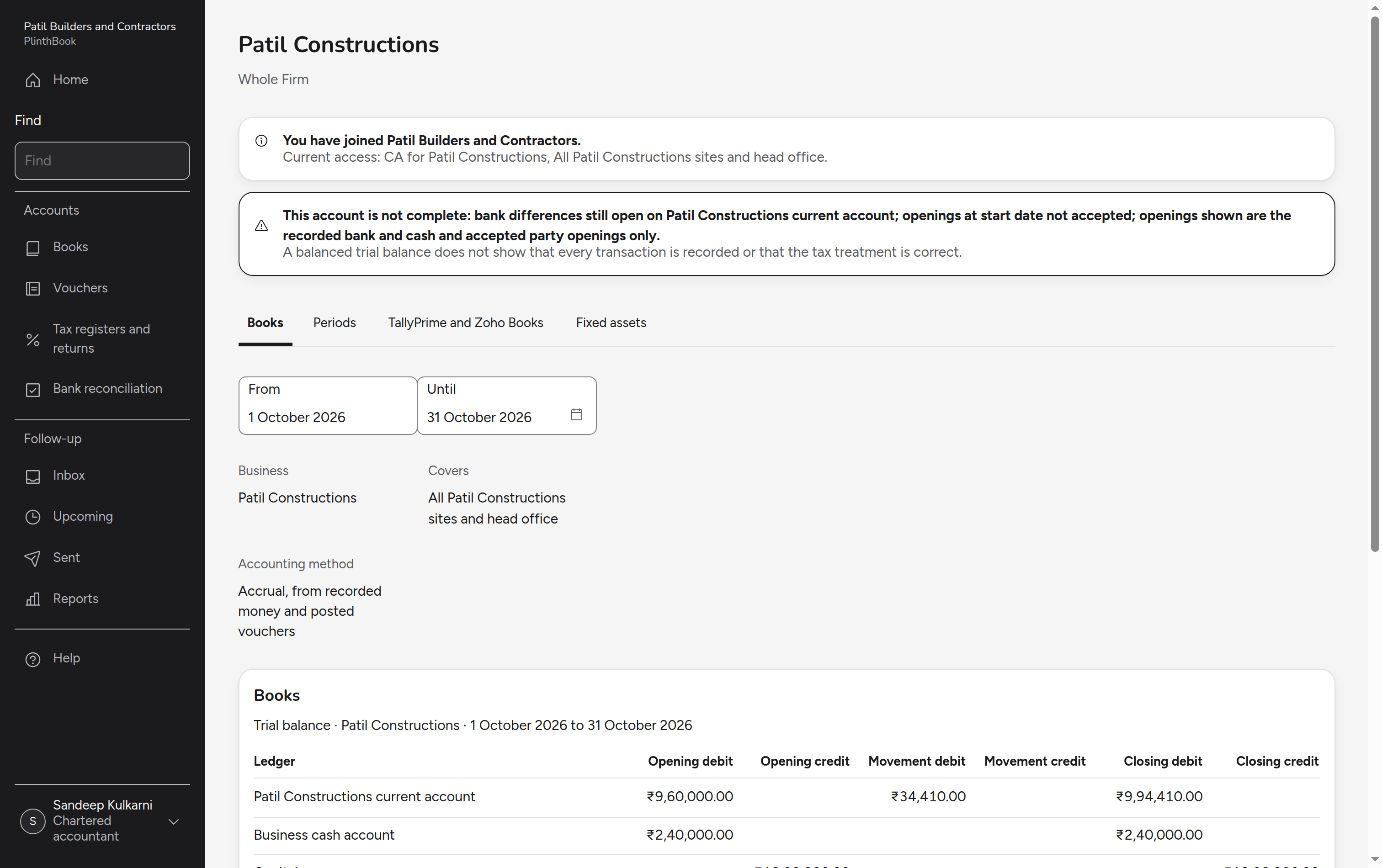
Demand and reconcile the buyer's money
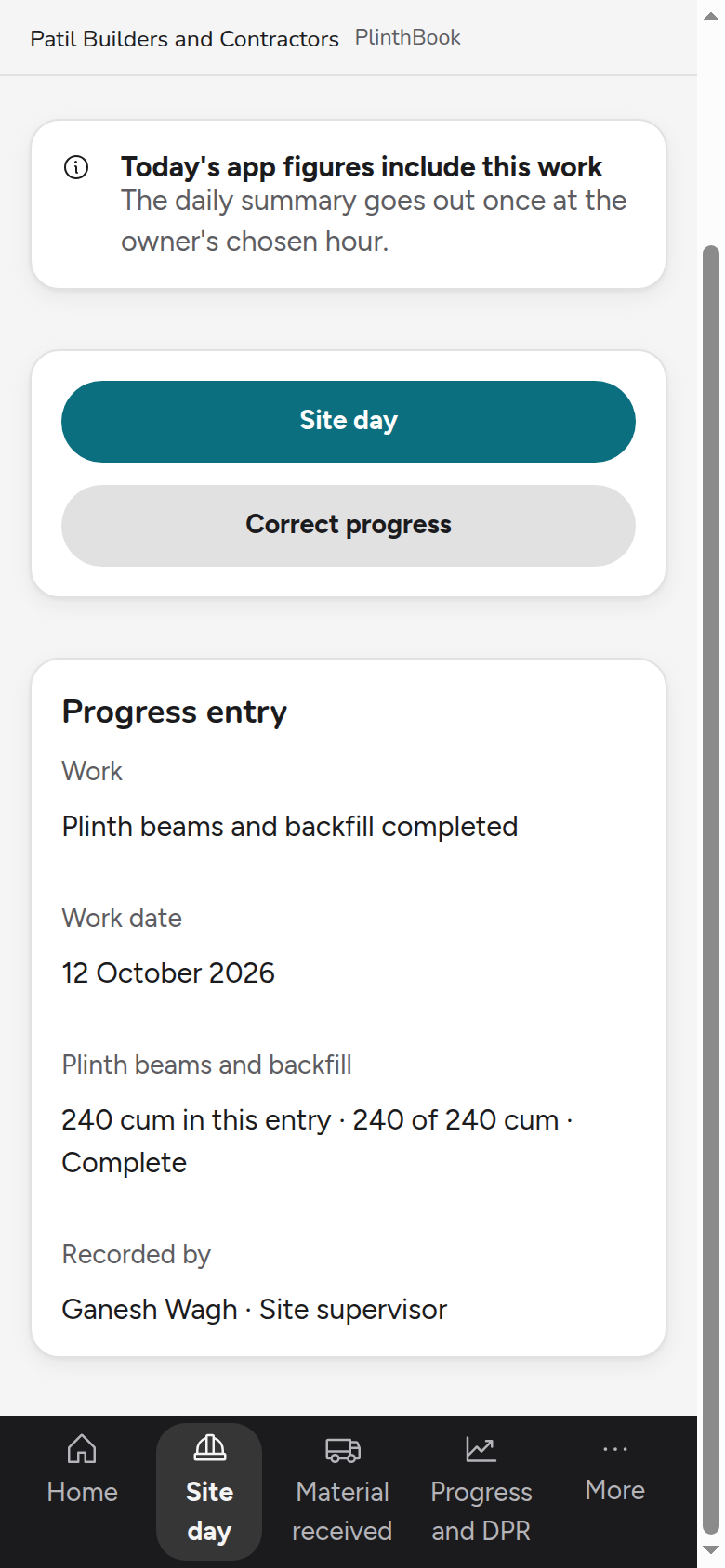
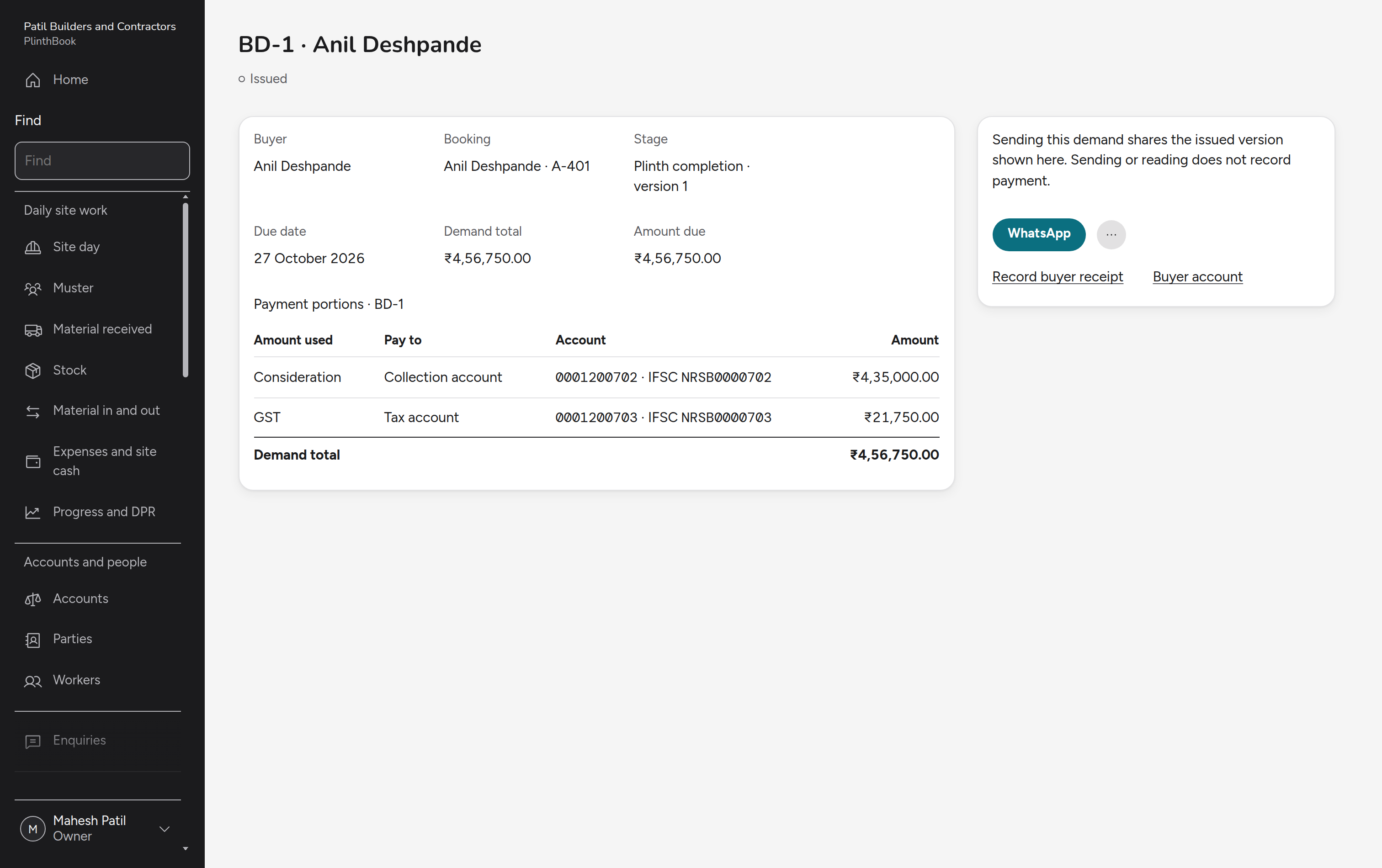
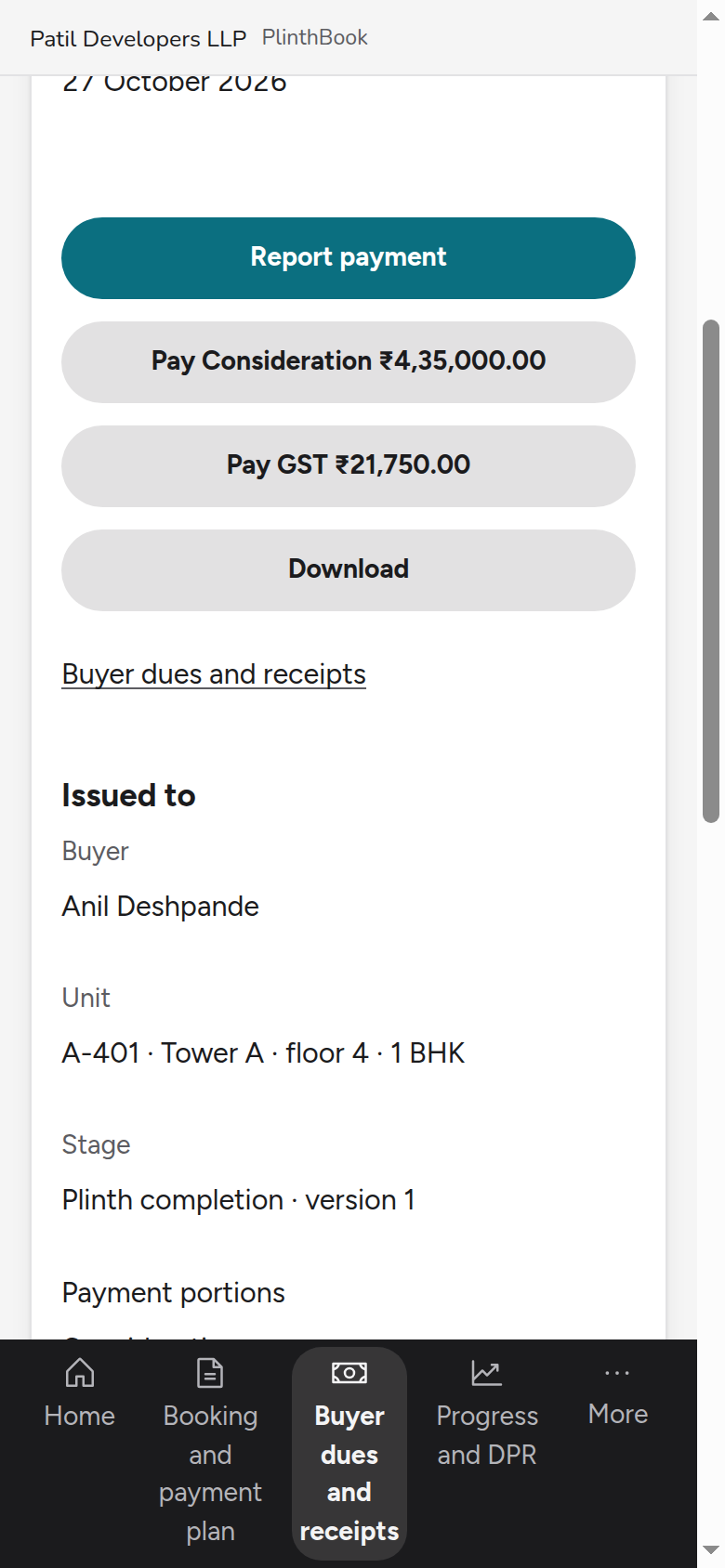
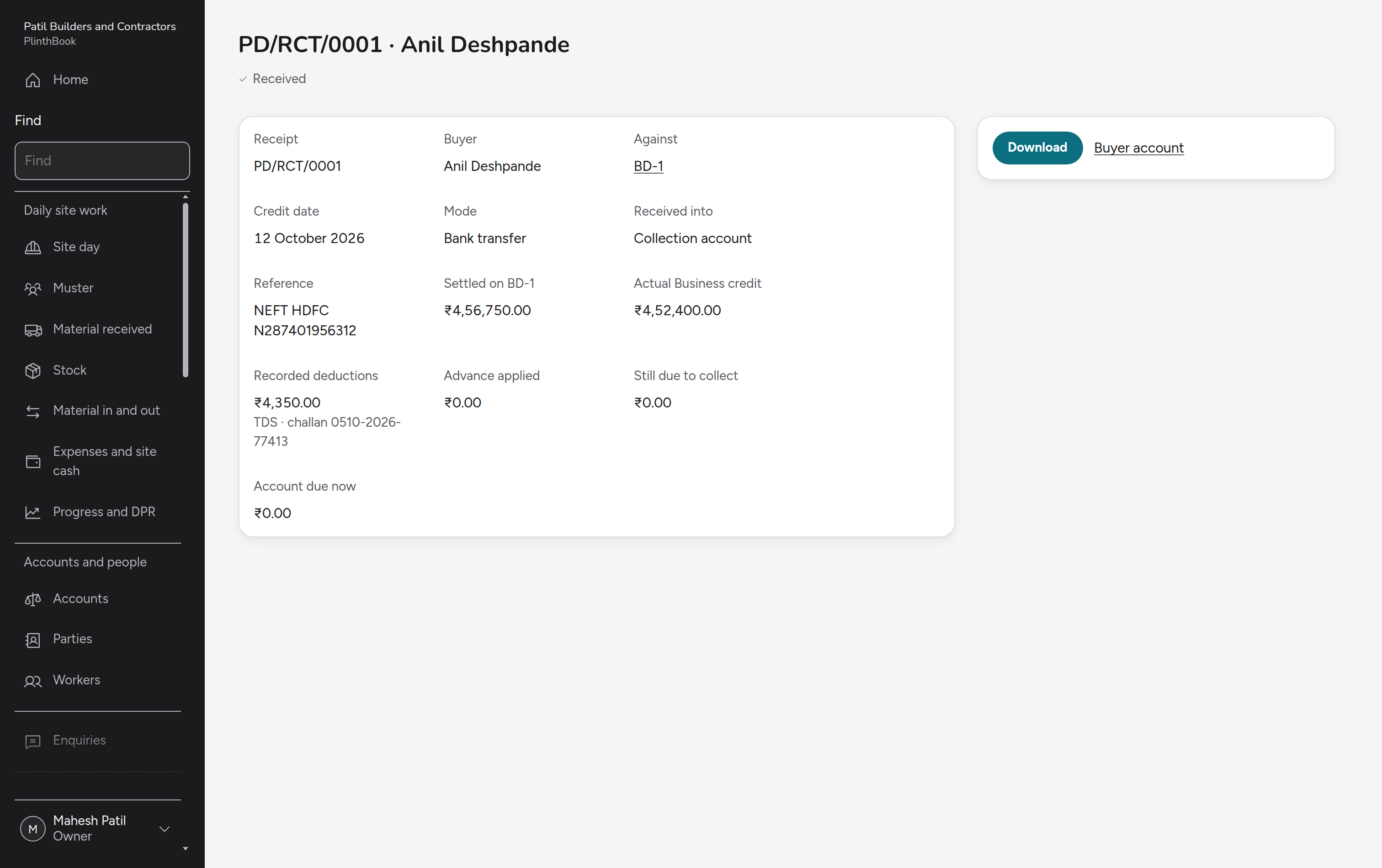
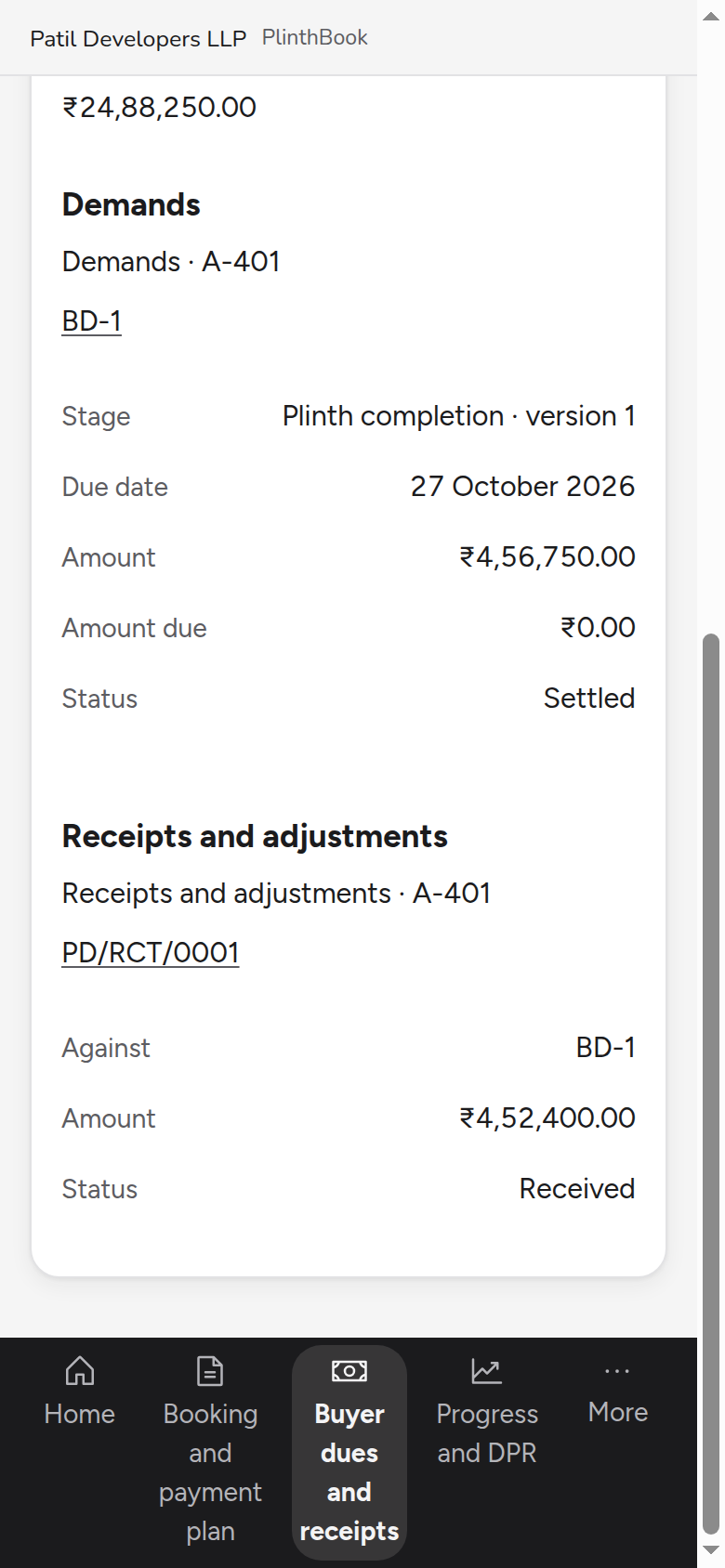
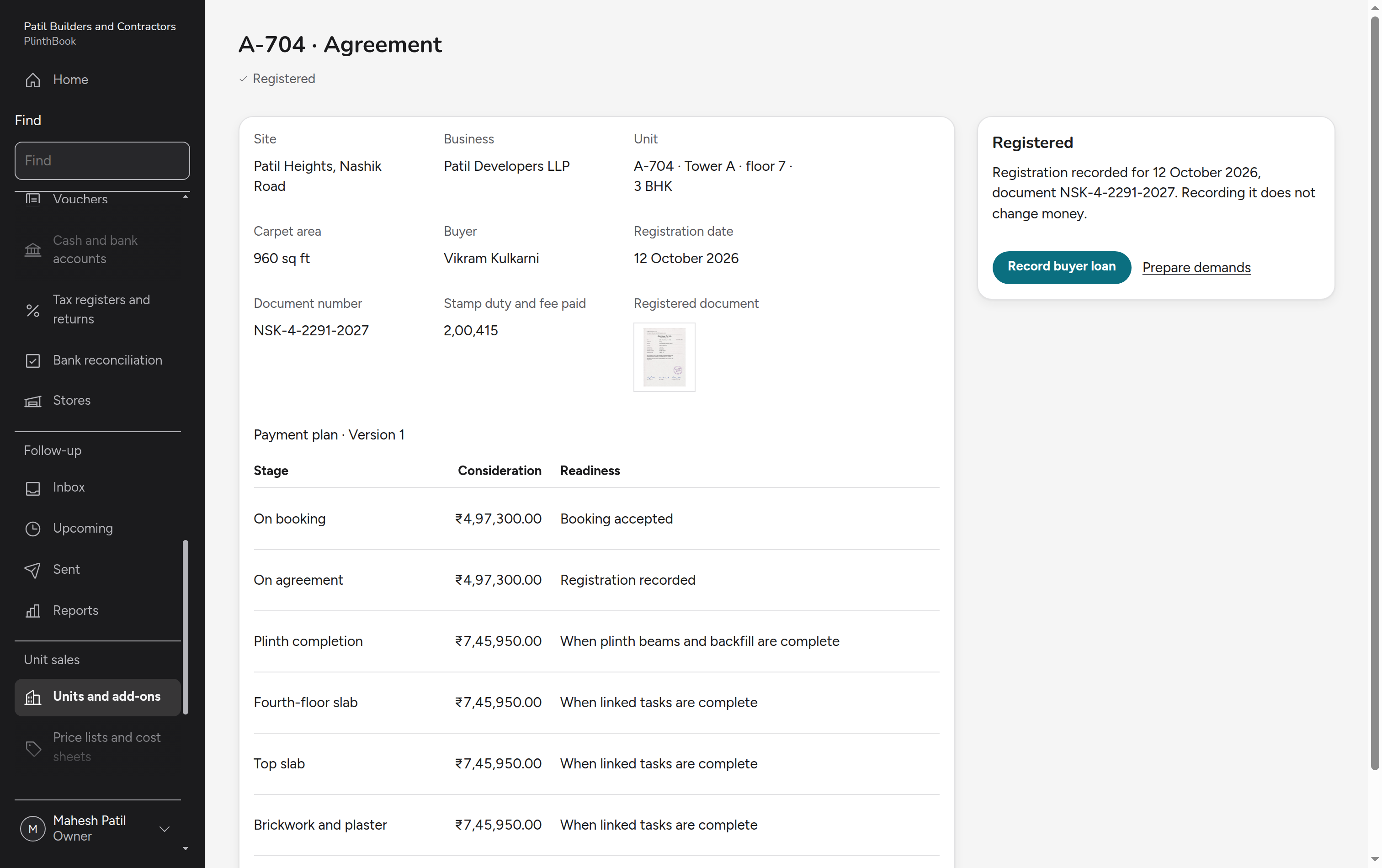
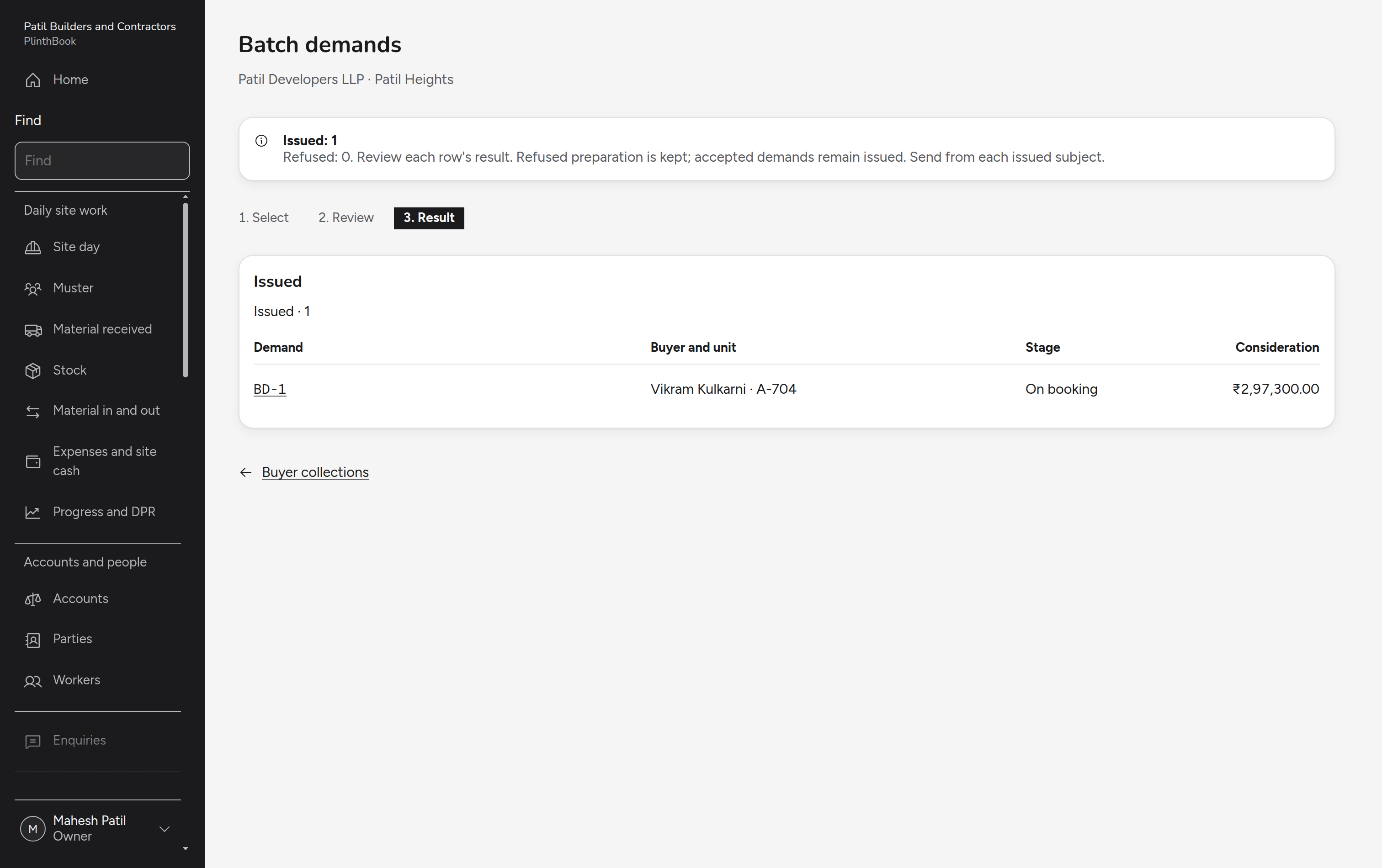
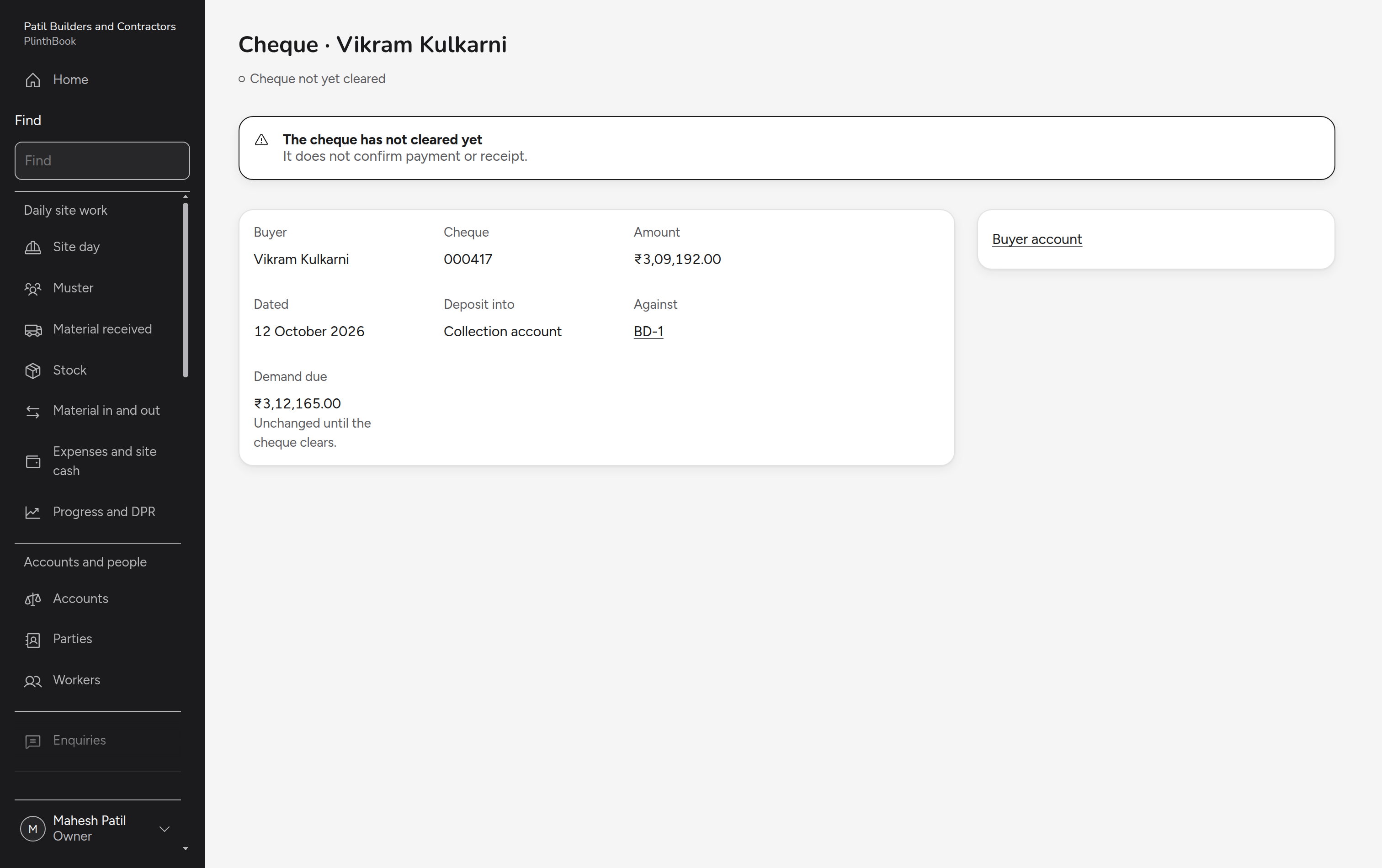
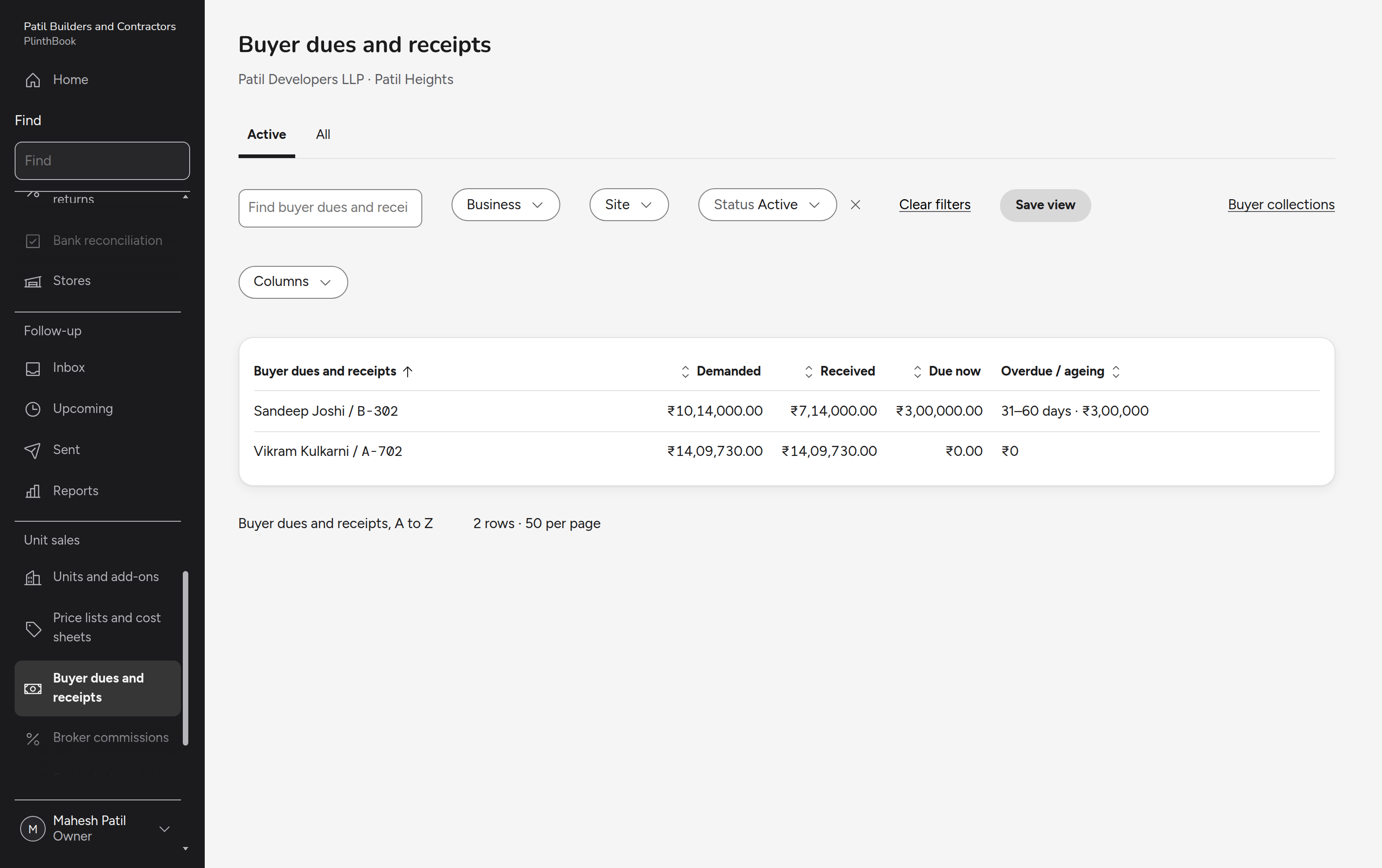
The supervisor records the plinth work as complete, which makes that stage of the buyer's payment plan ready. The owner issues the demand, the buyer pays the builder directly, and the owner confirms the money received. The buyer's account then shows what was paid and what is still to come.
Price
The proposed price:
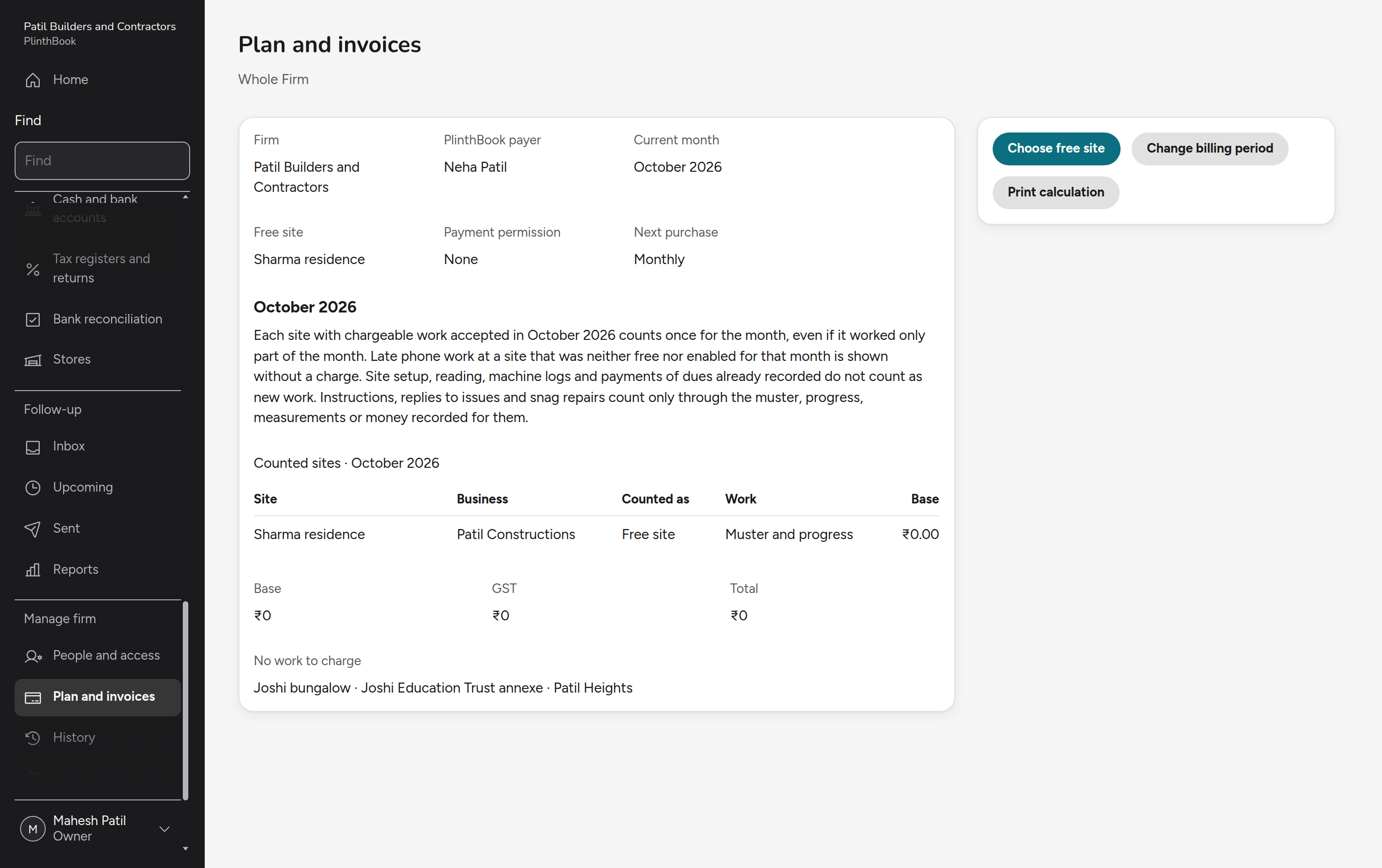
First live site free for goodFurther live sites: Rs 1,000/month or Rs 10,000/year + 18% GSTStart with one live site and the records you have now
The rest of the product
Firm
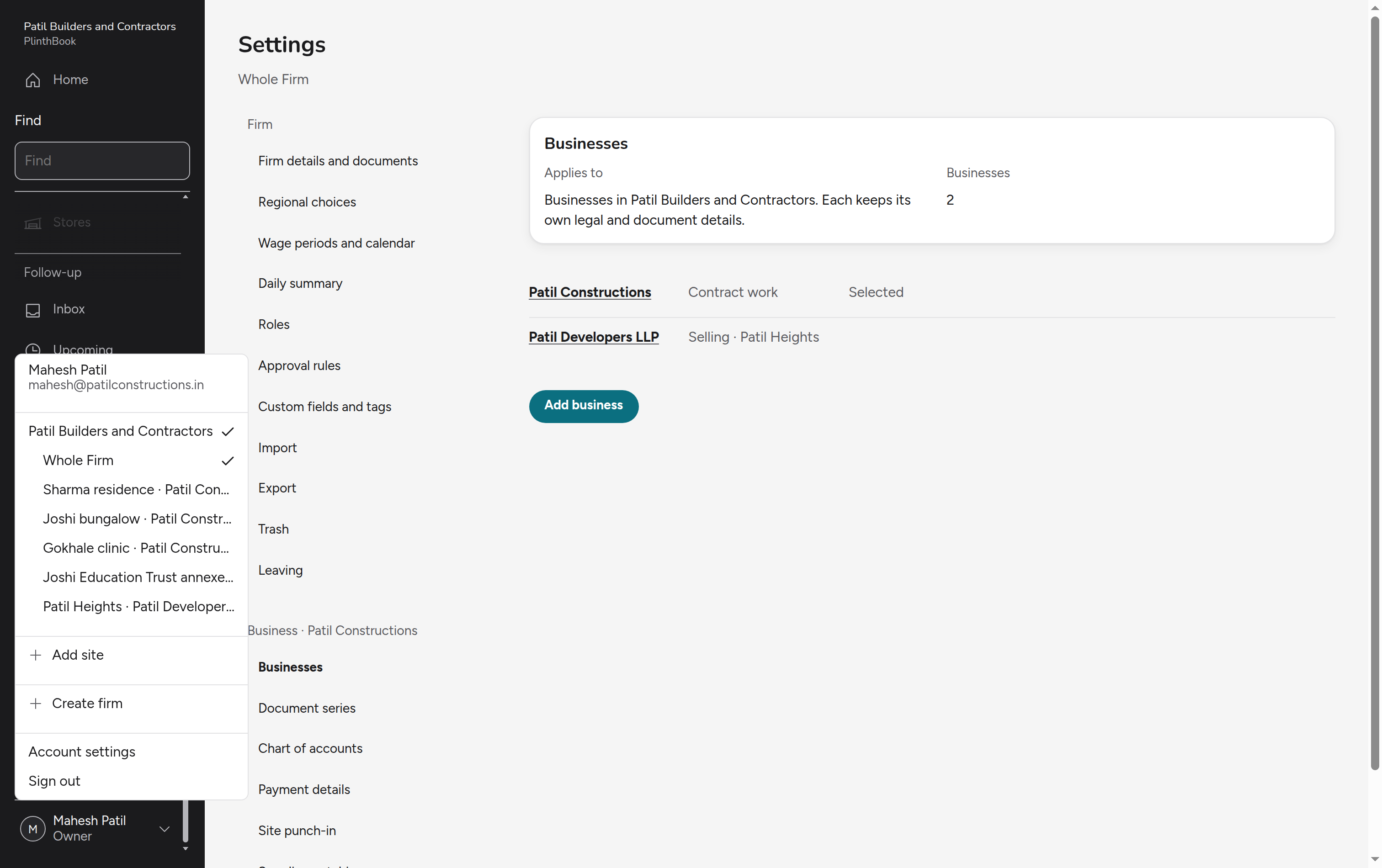
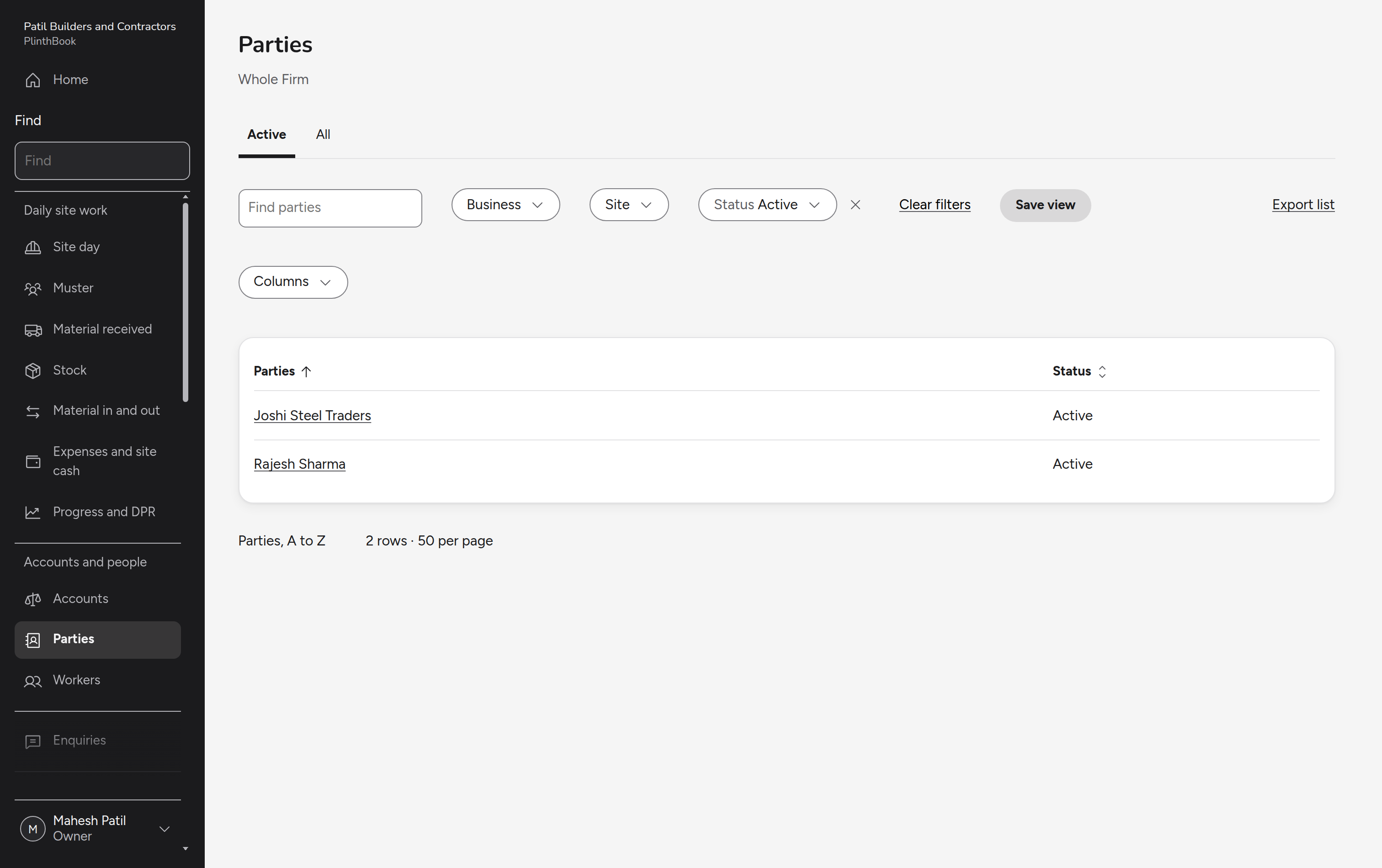
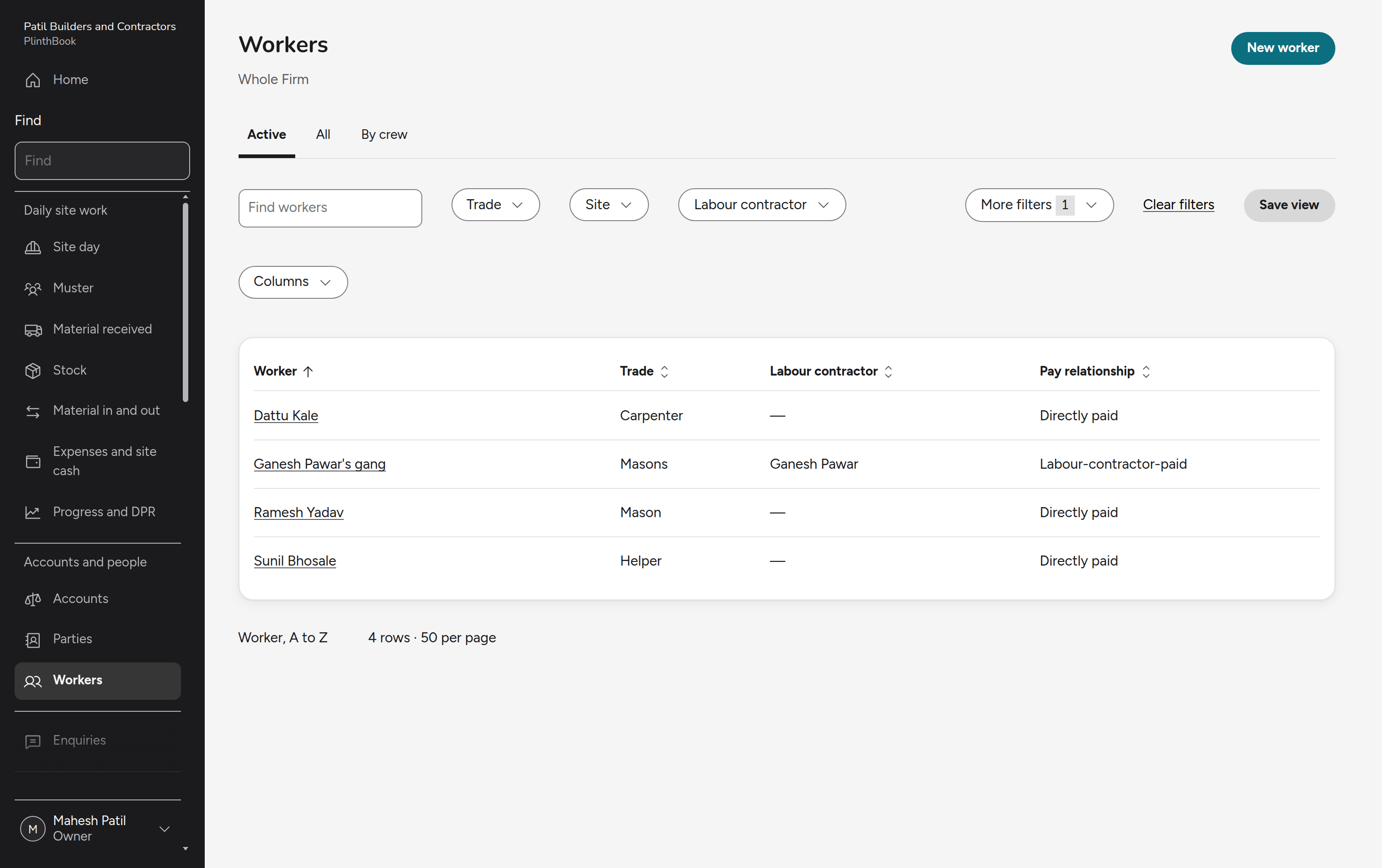
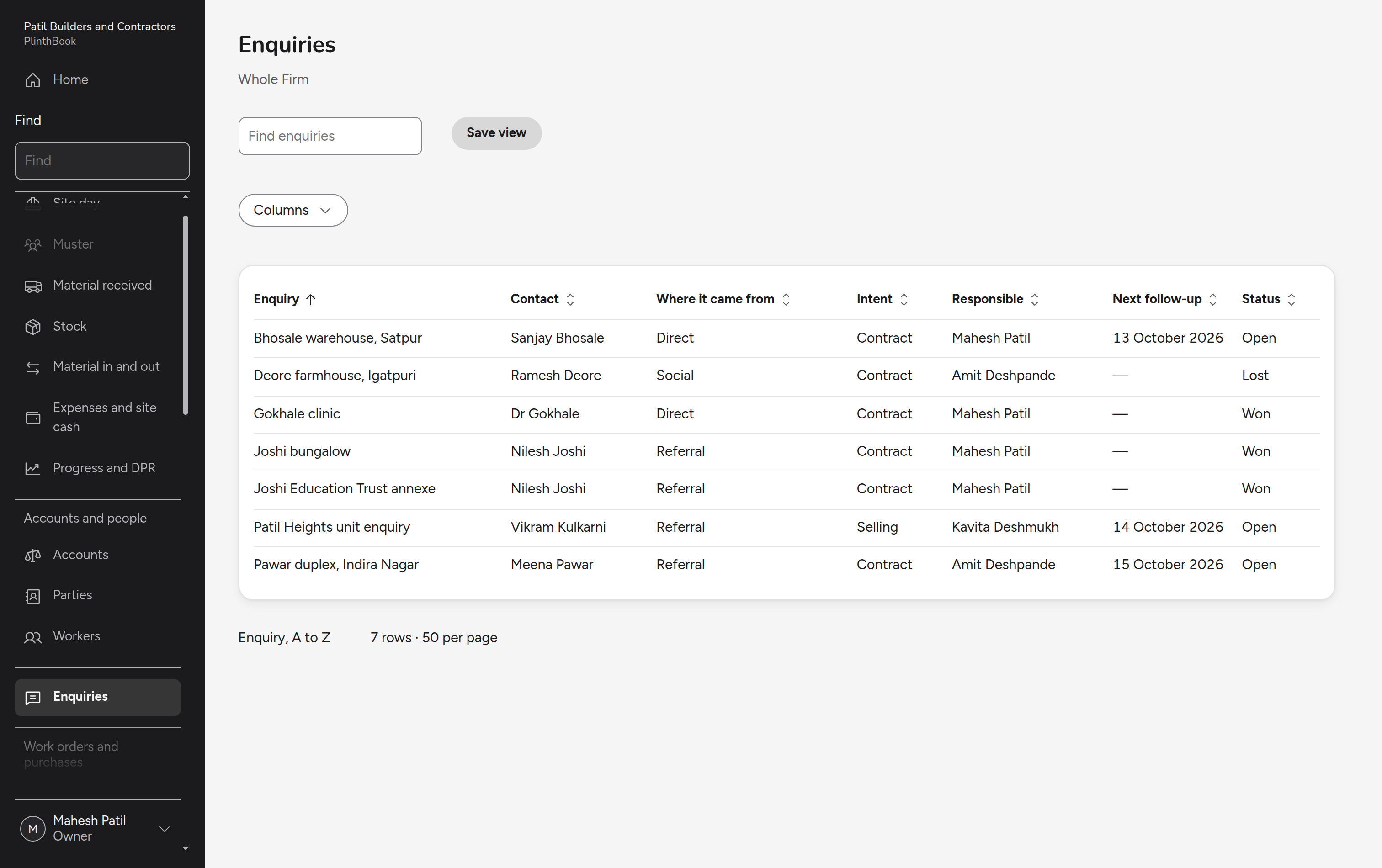
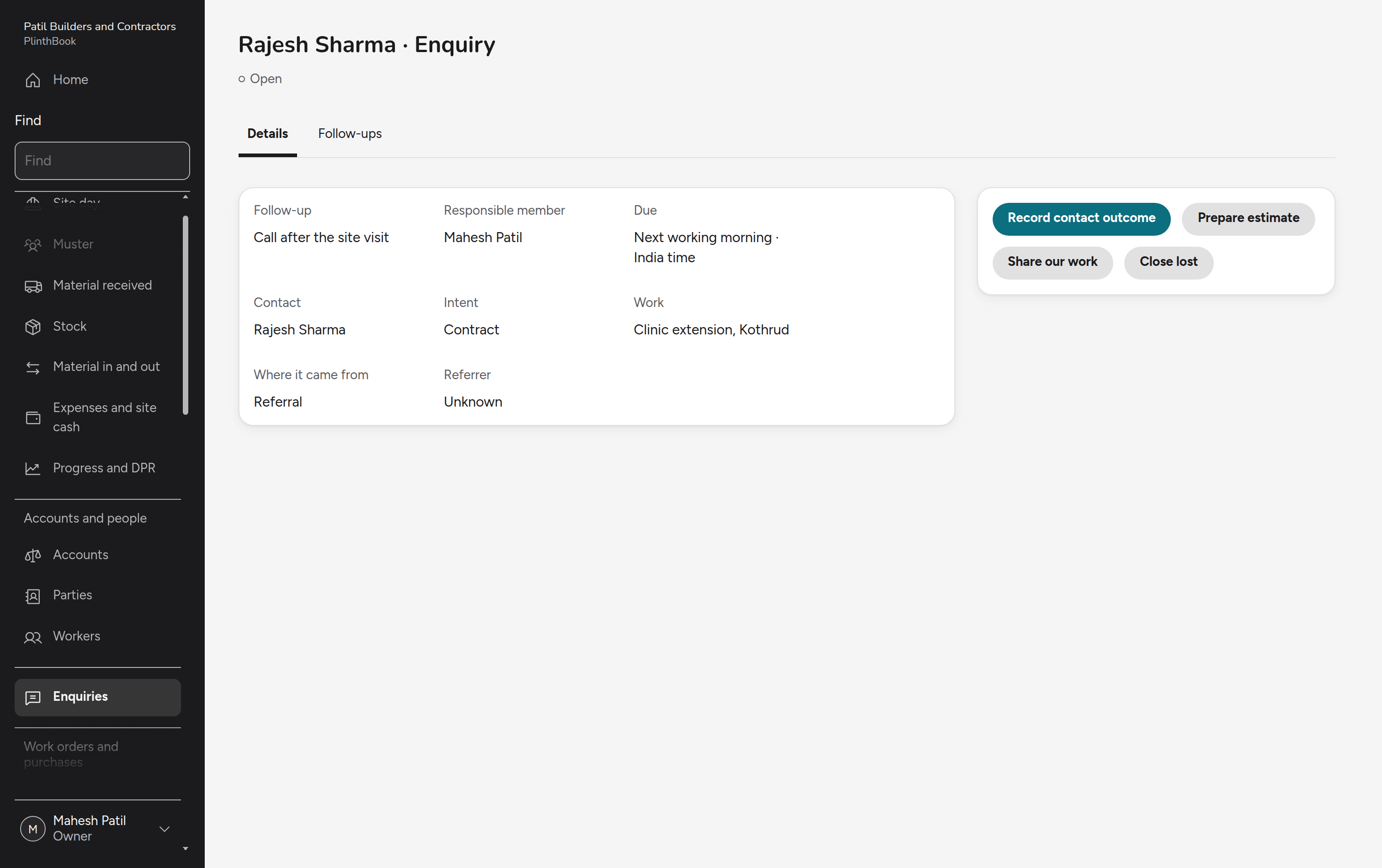
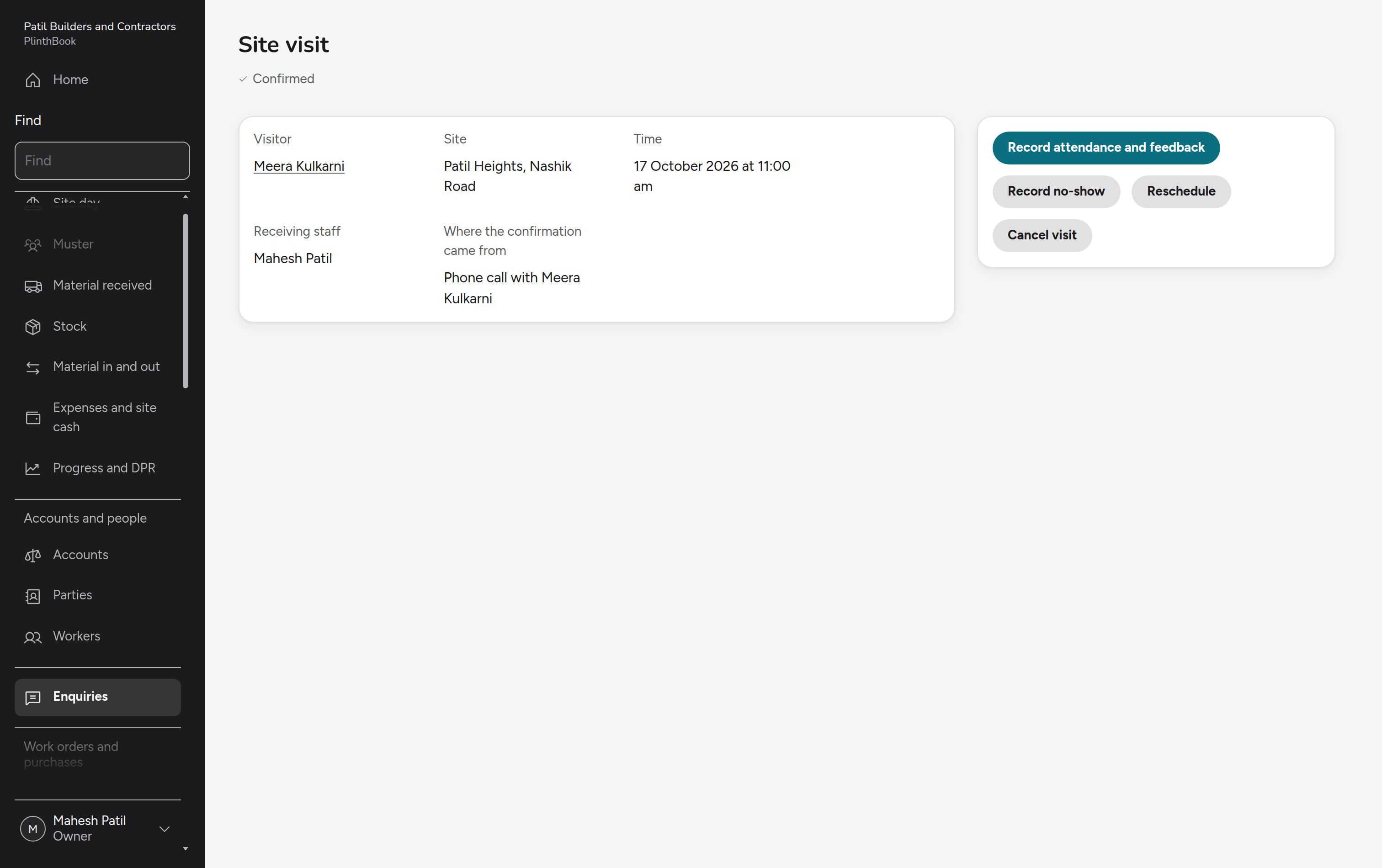
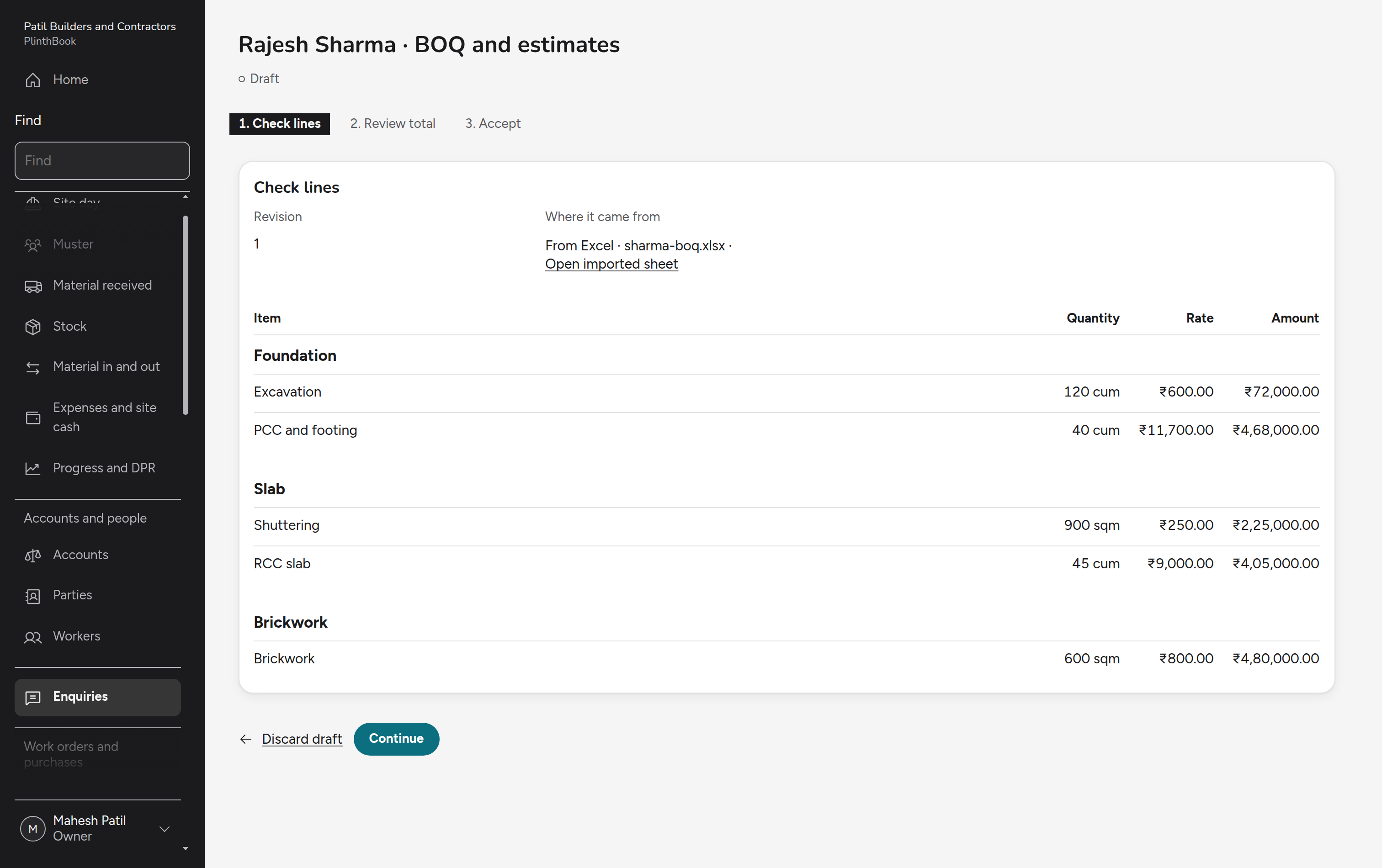
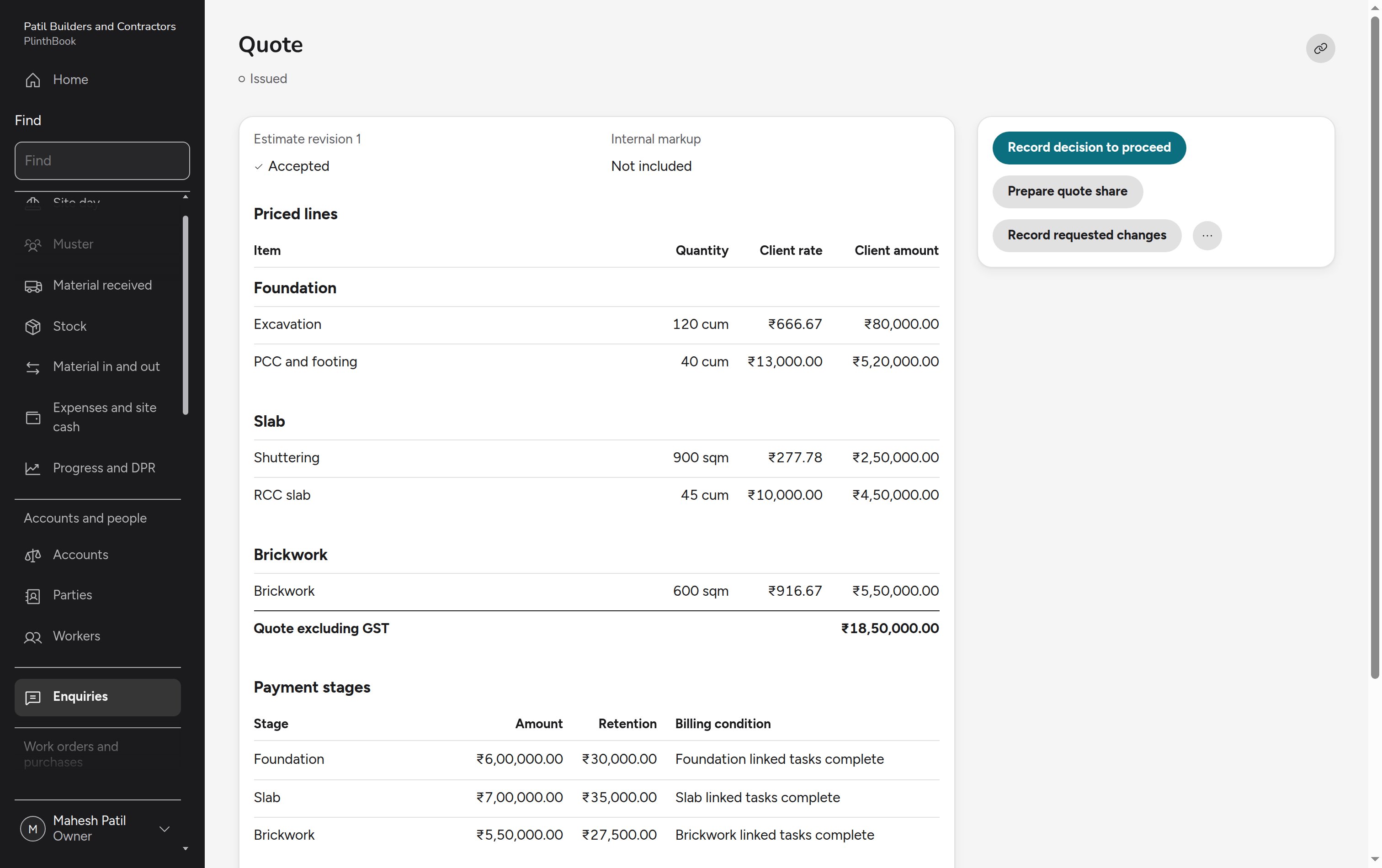
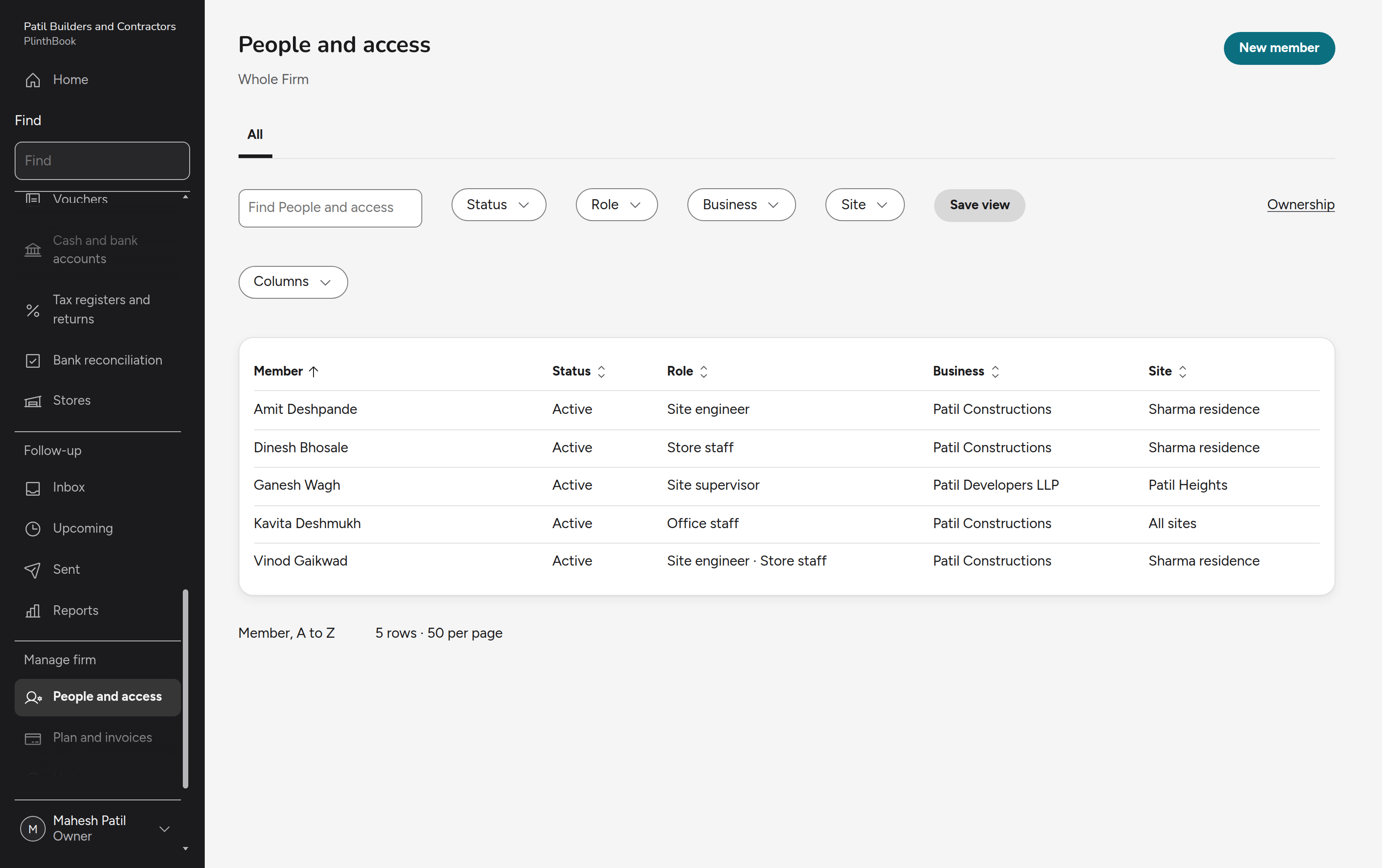
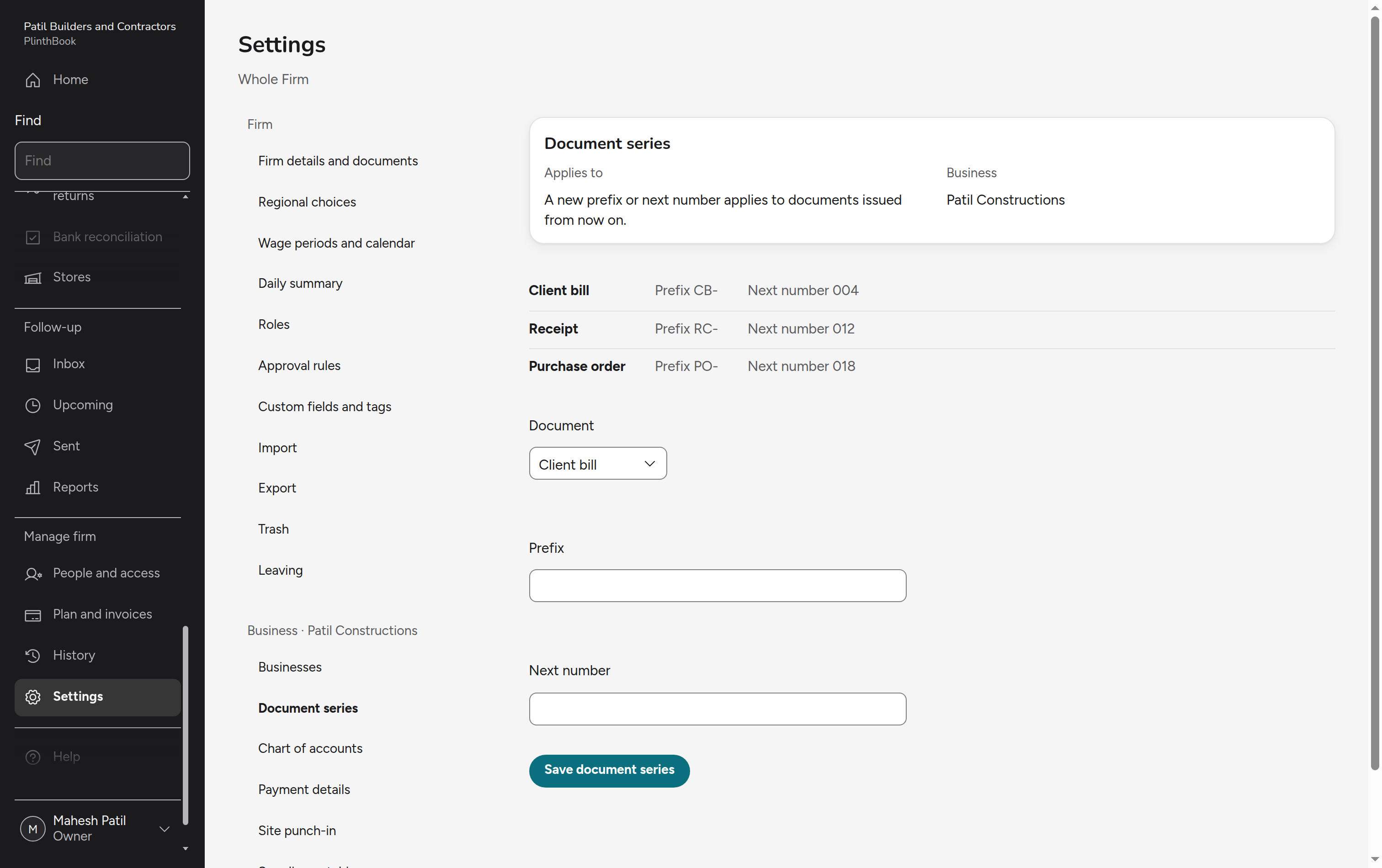
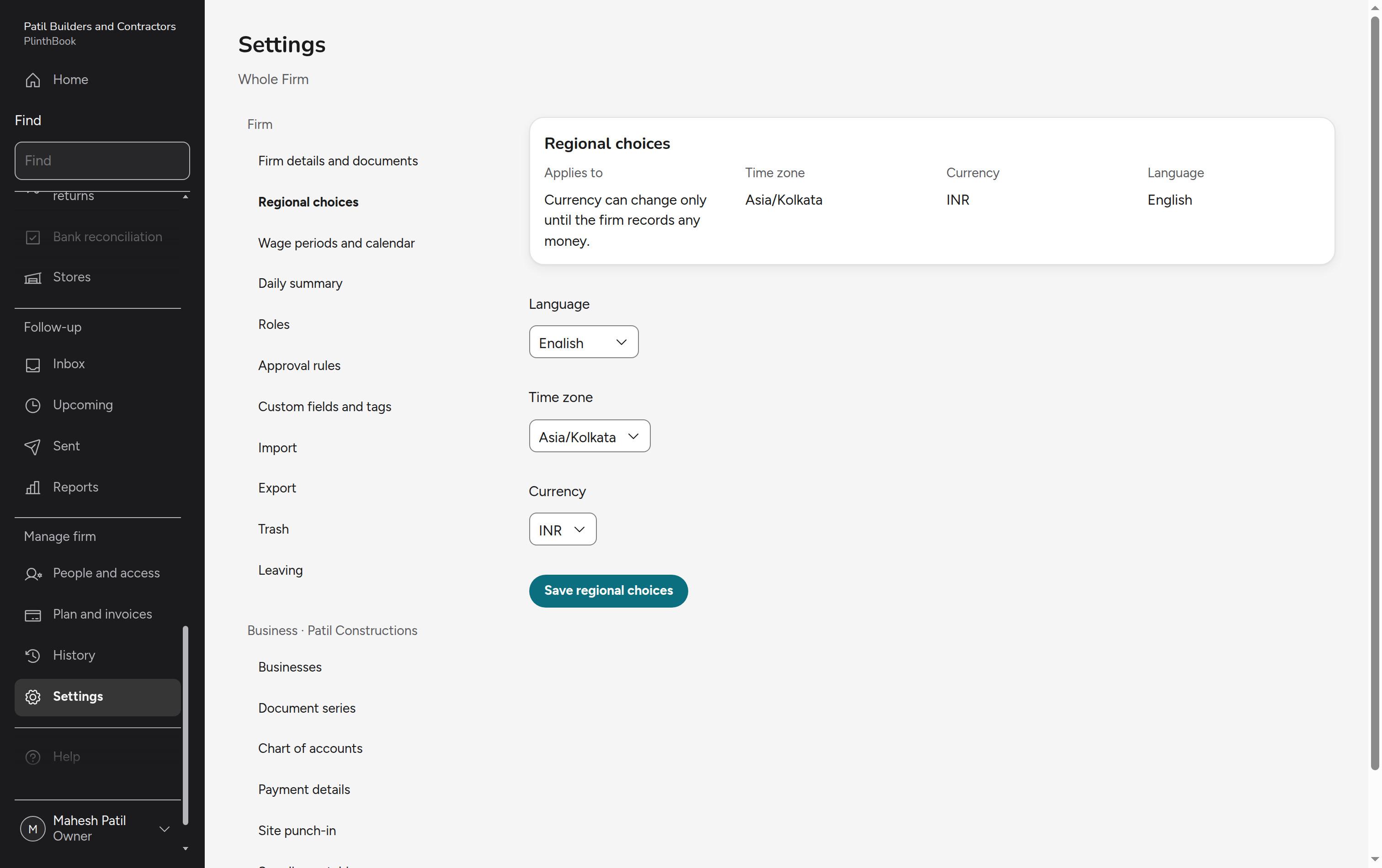
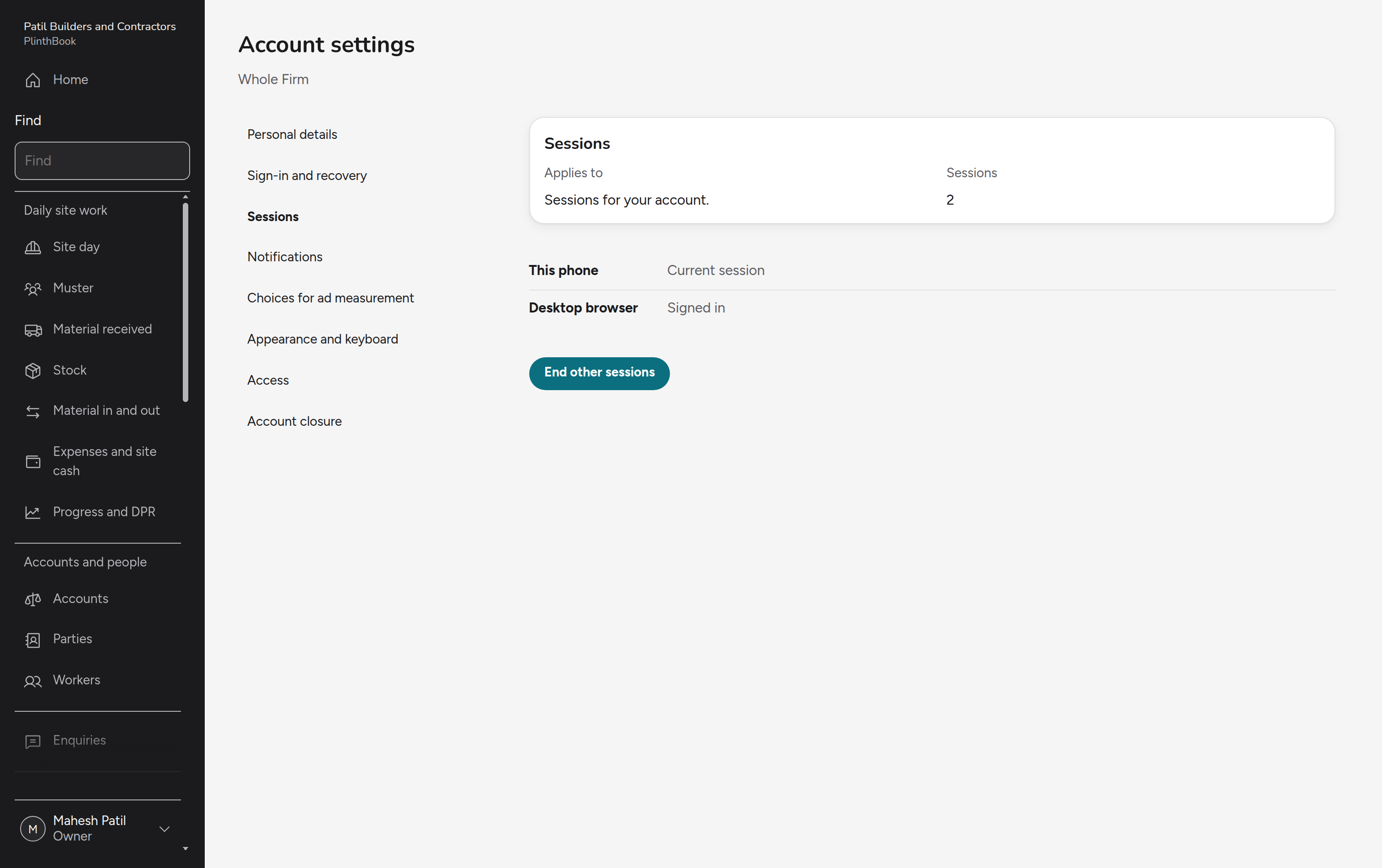
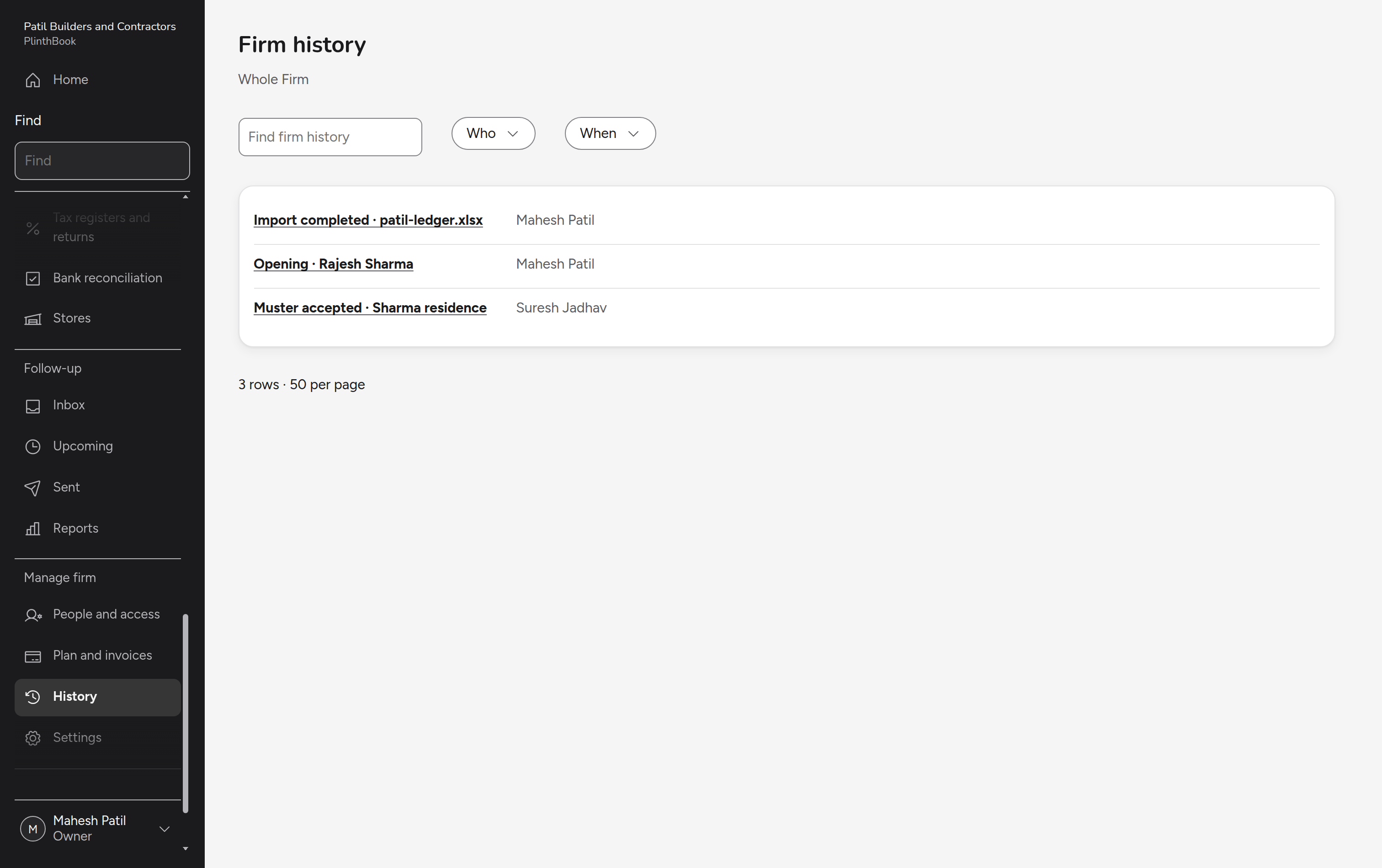
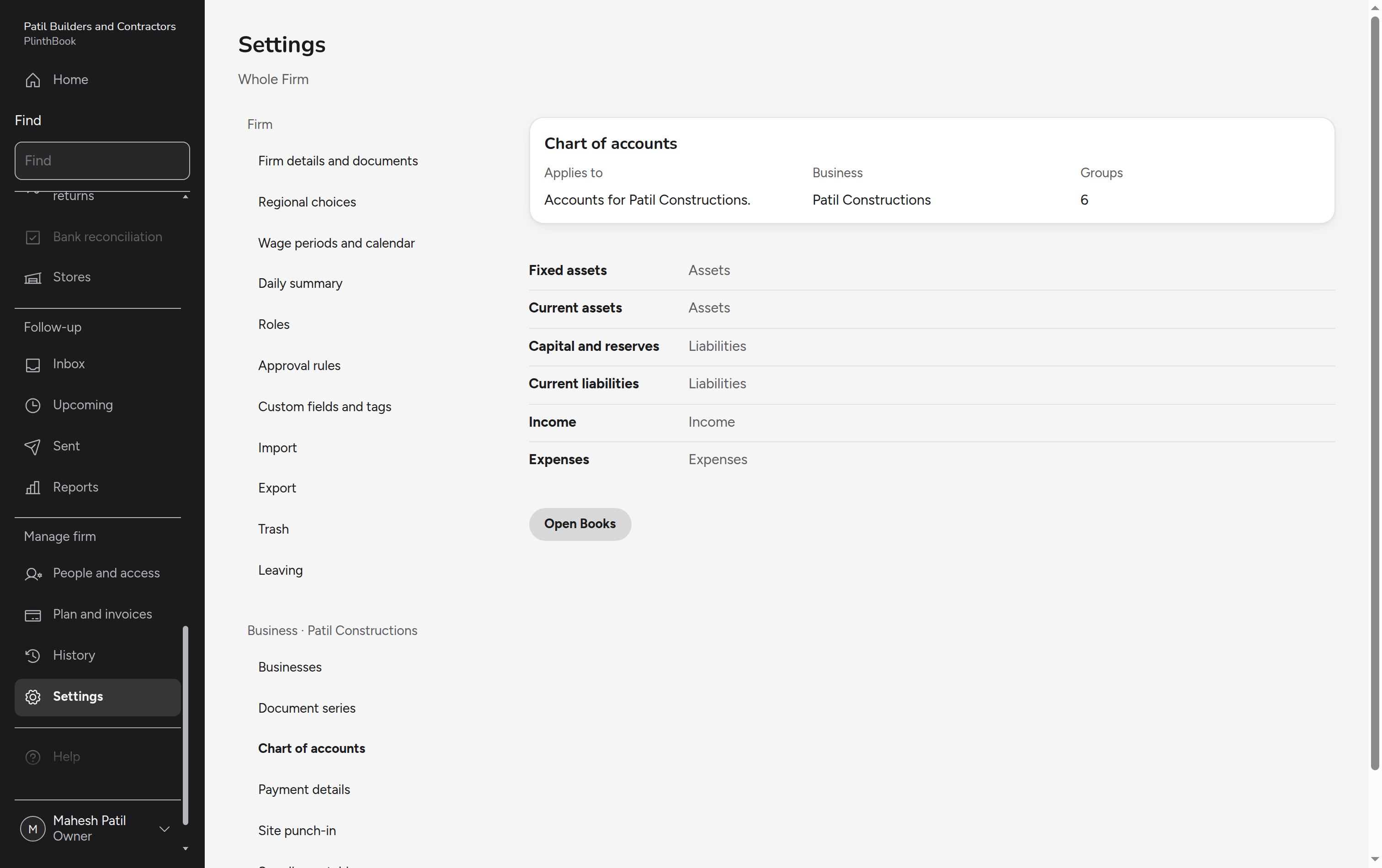
Screens for the whole firm: home, businesses and sites, parties, workers, enquiries and visits, quotes, access, plan, document numbers, regional choices, sessions and history.
Business
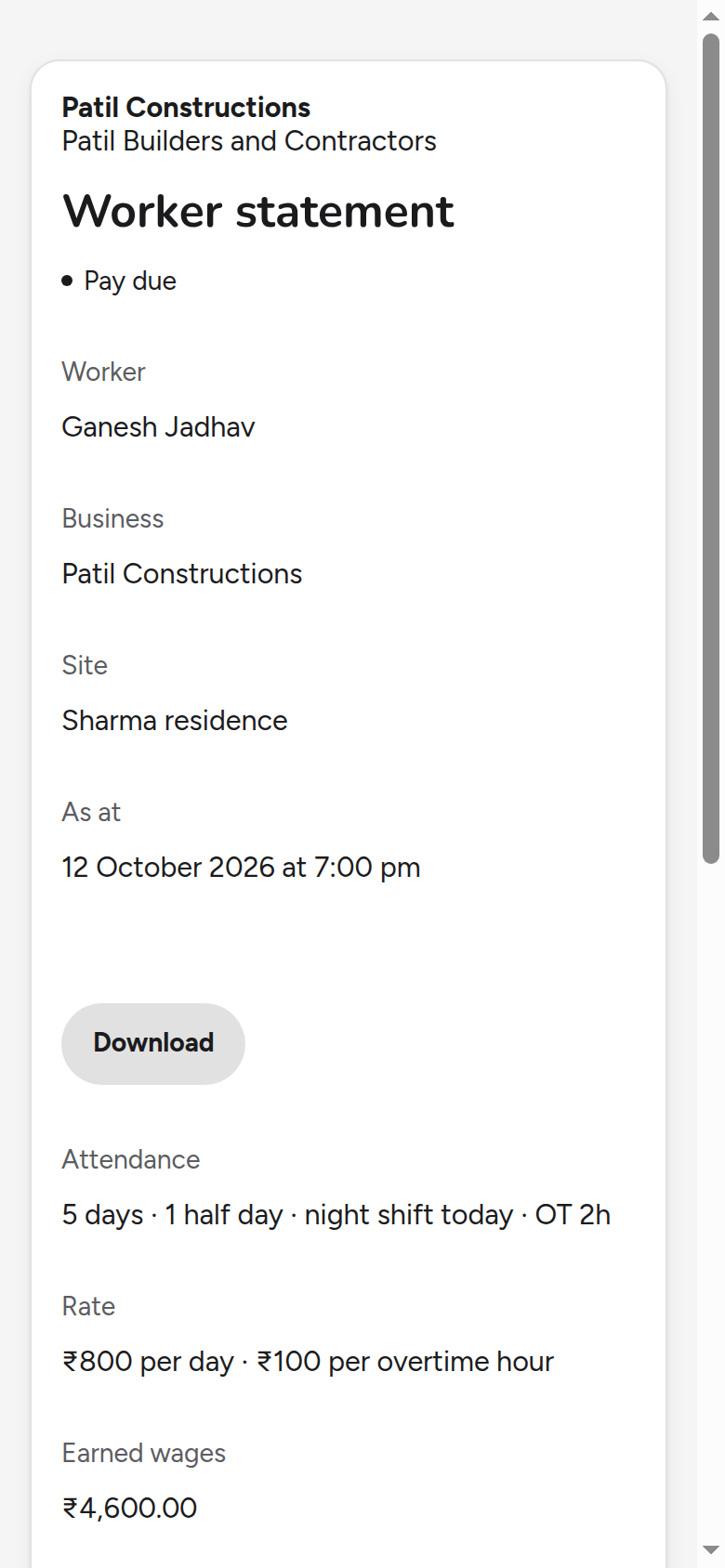
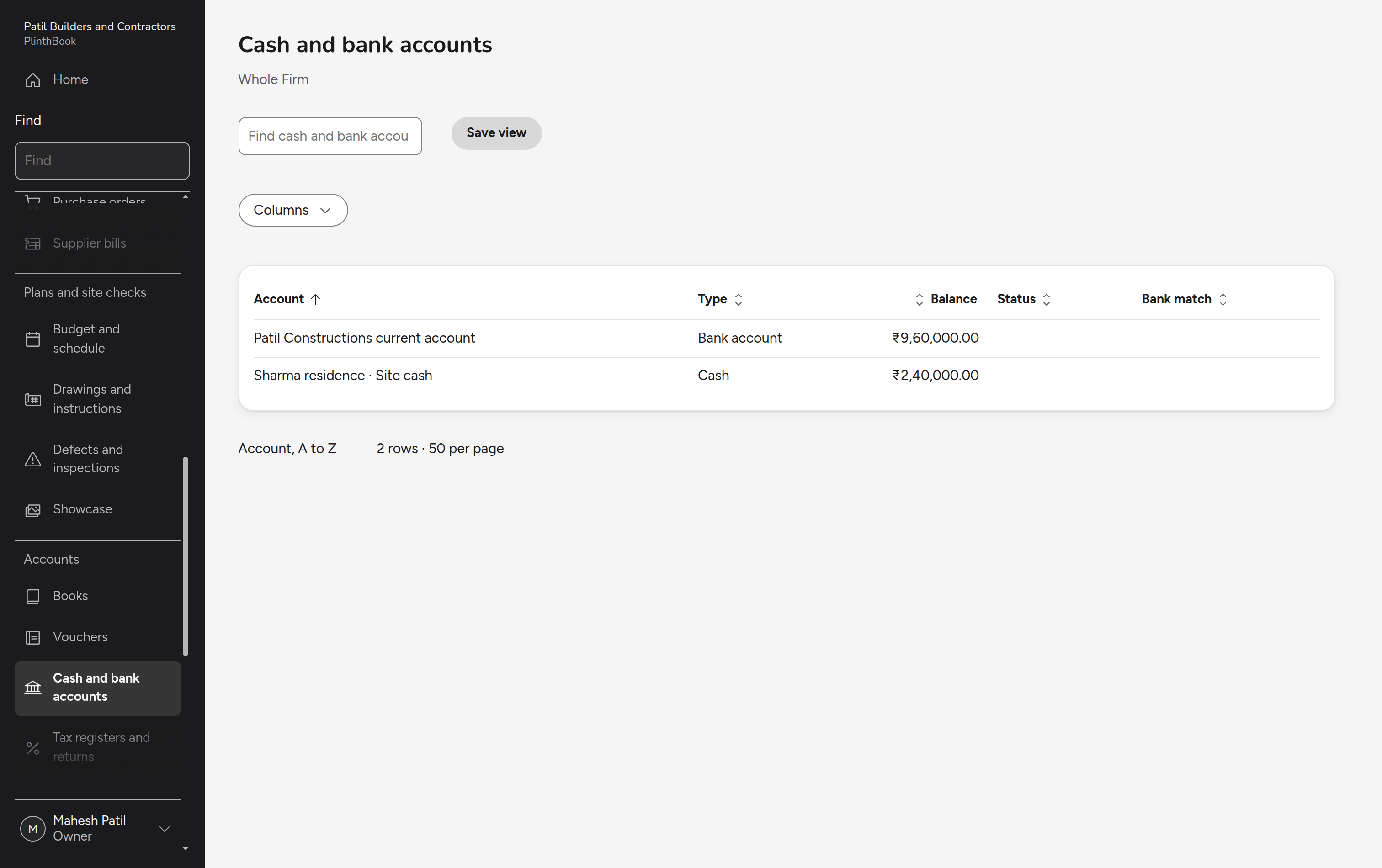
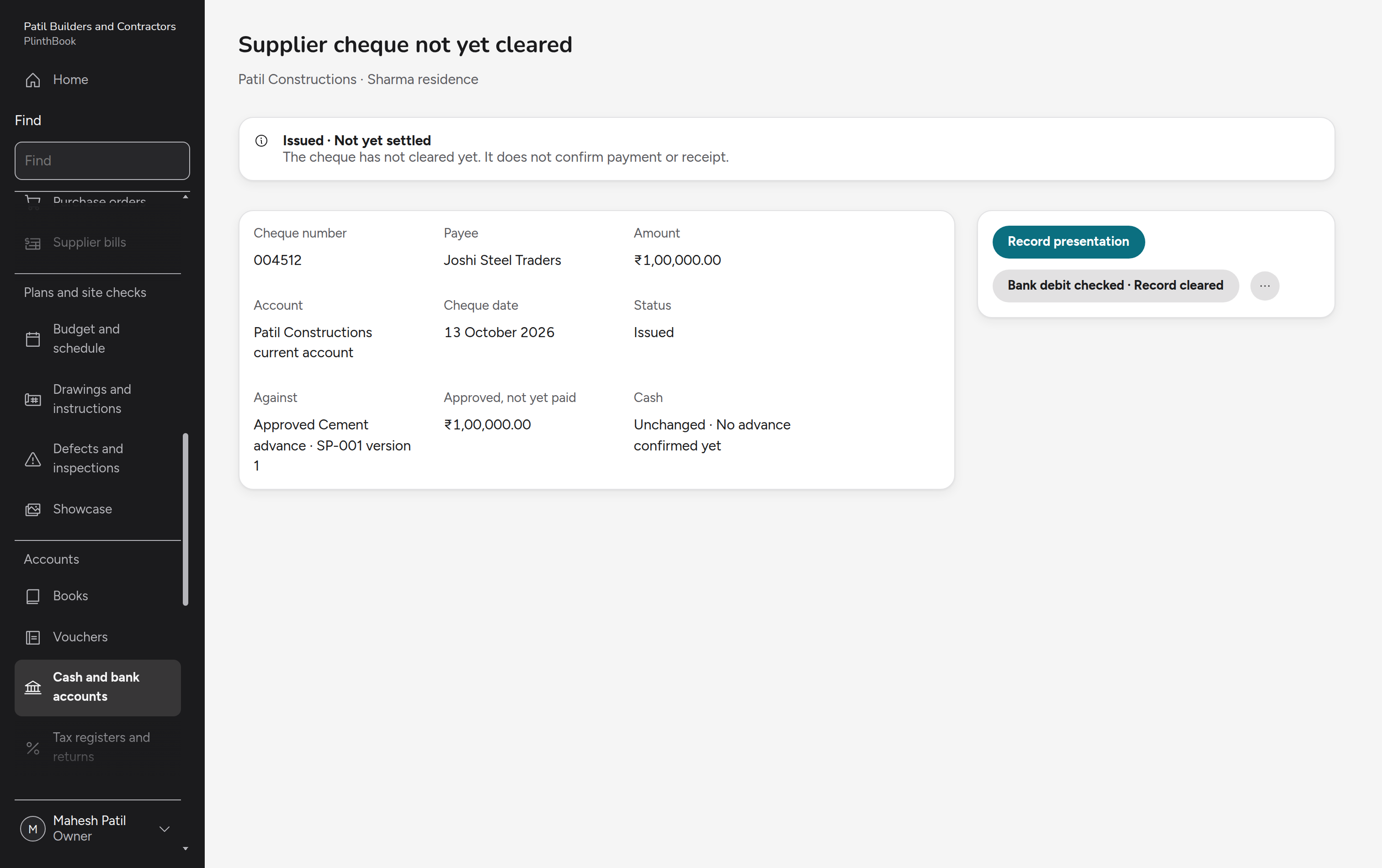
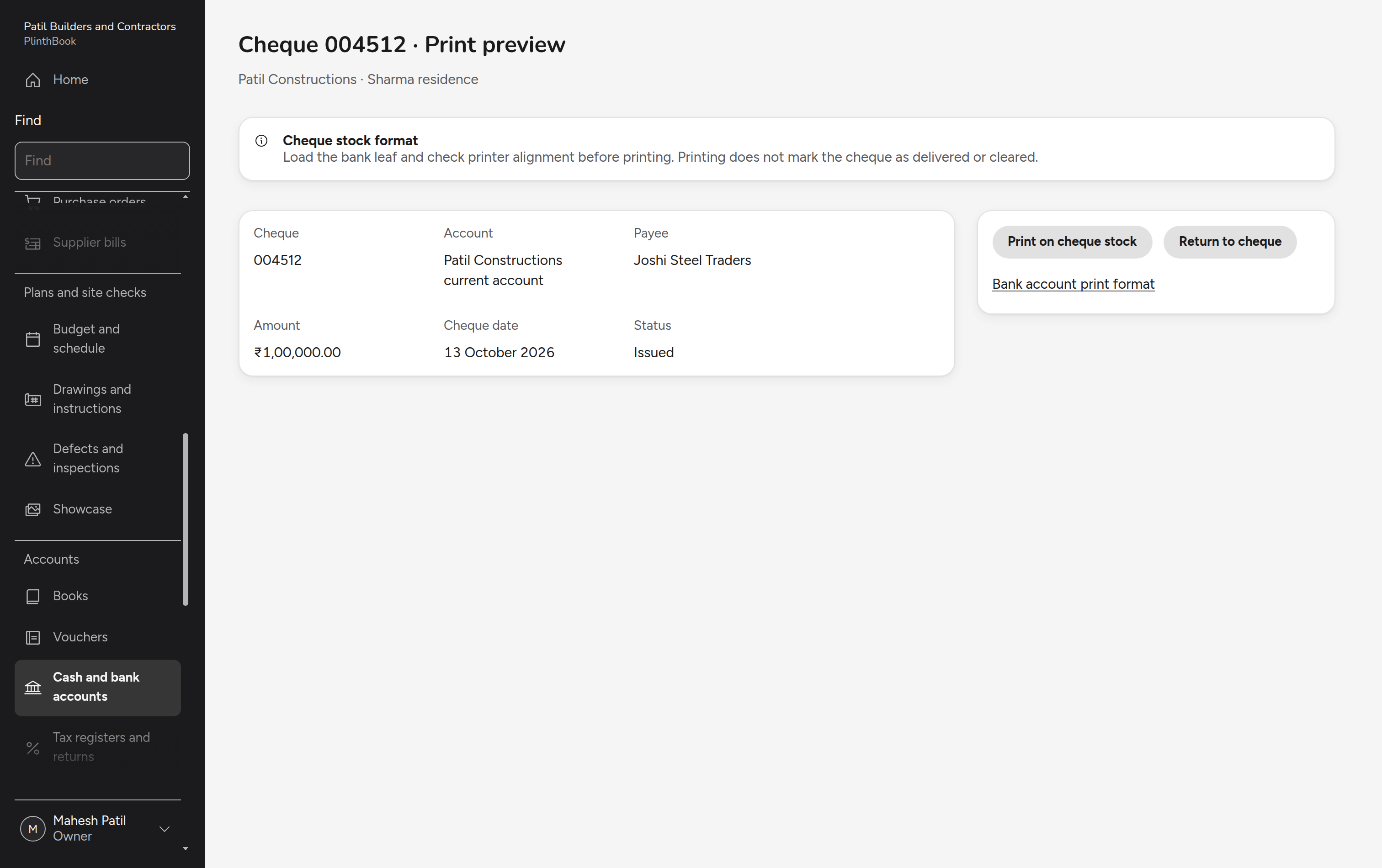
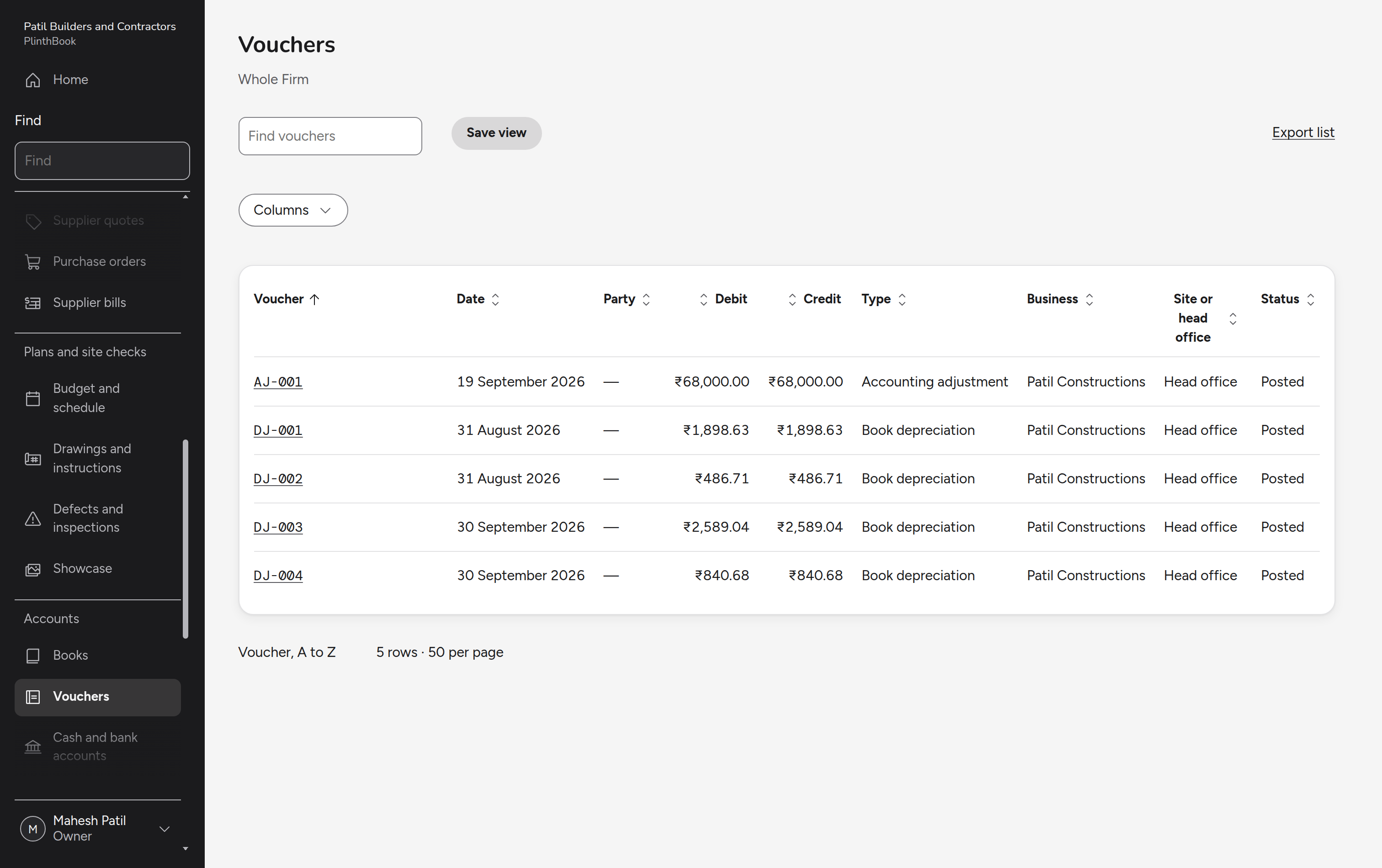
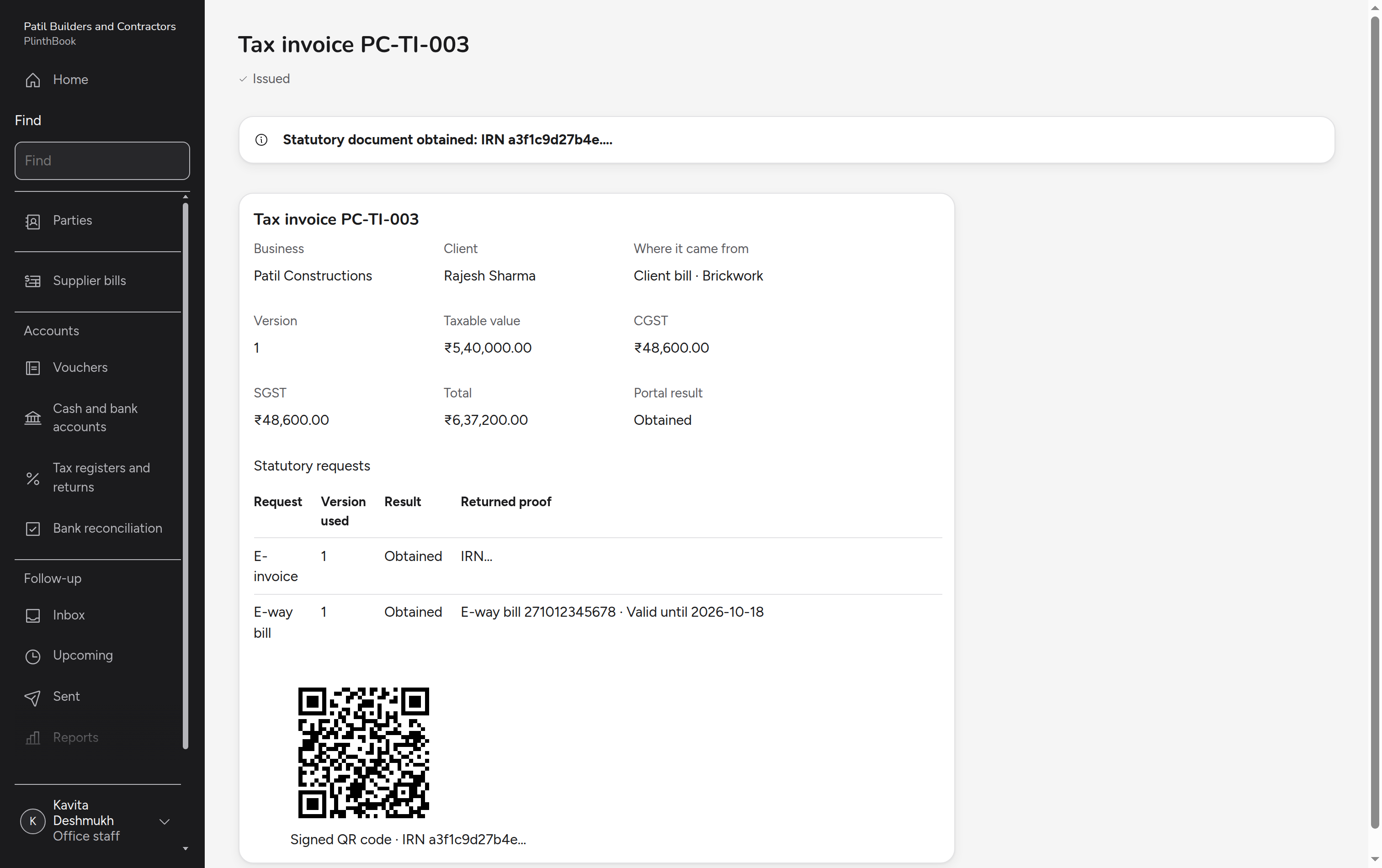
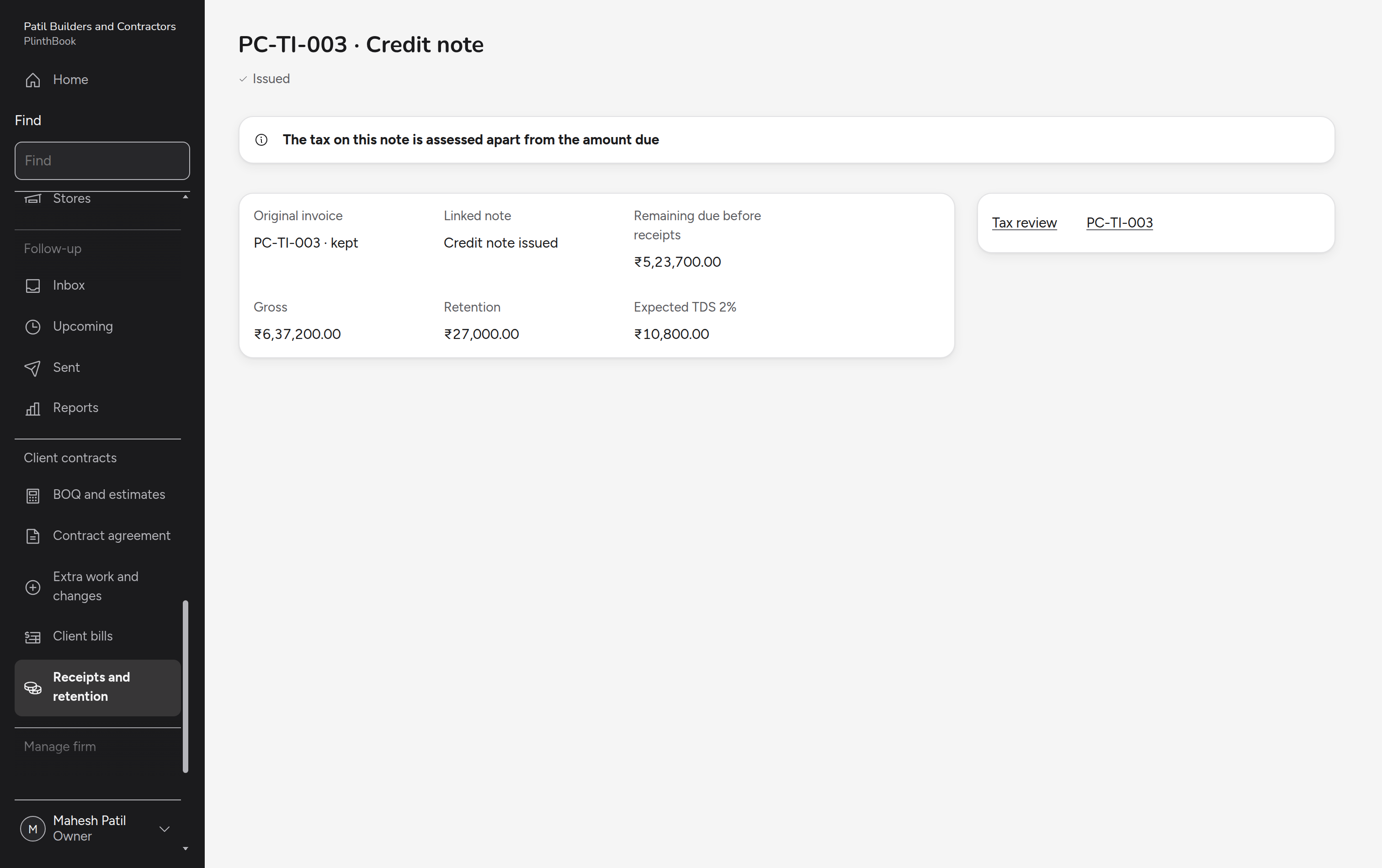
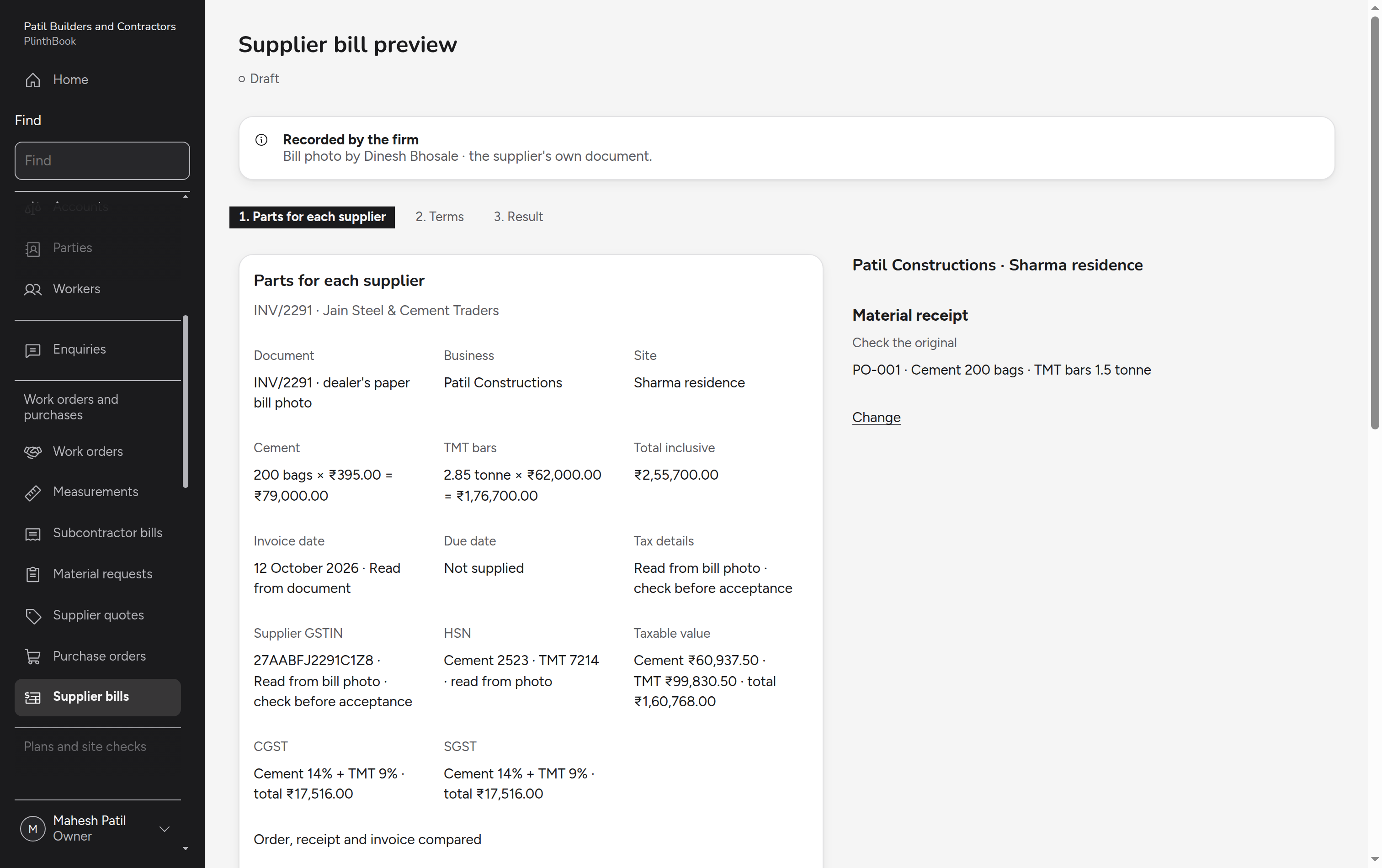
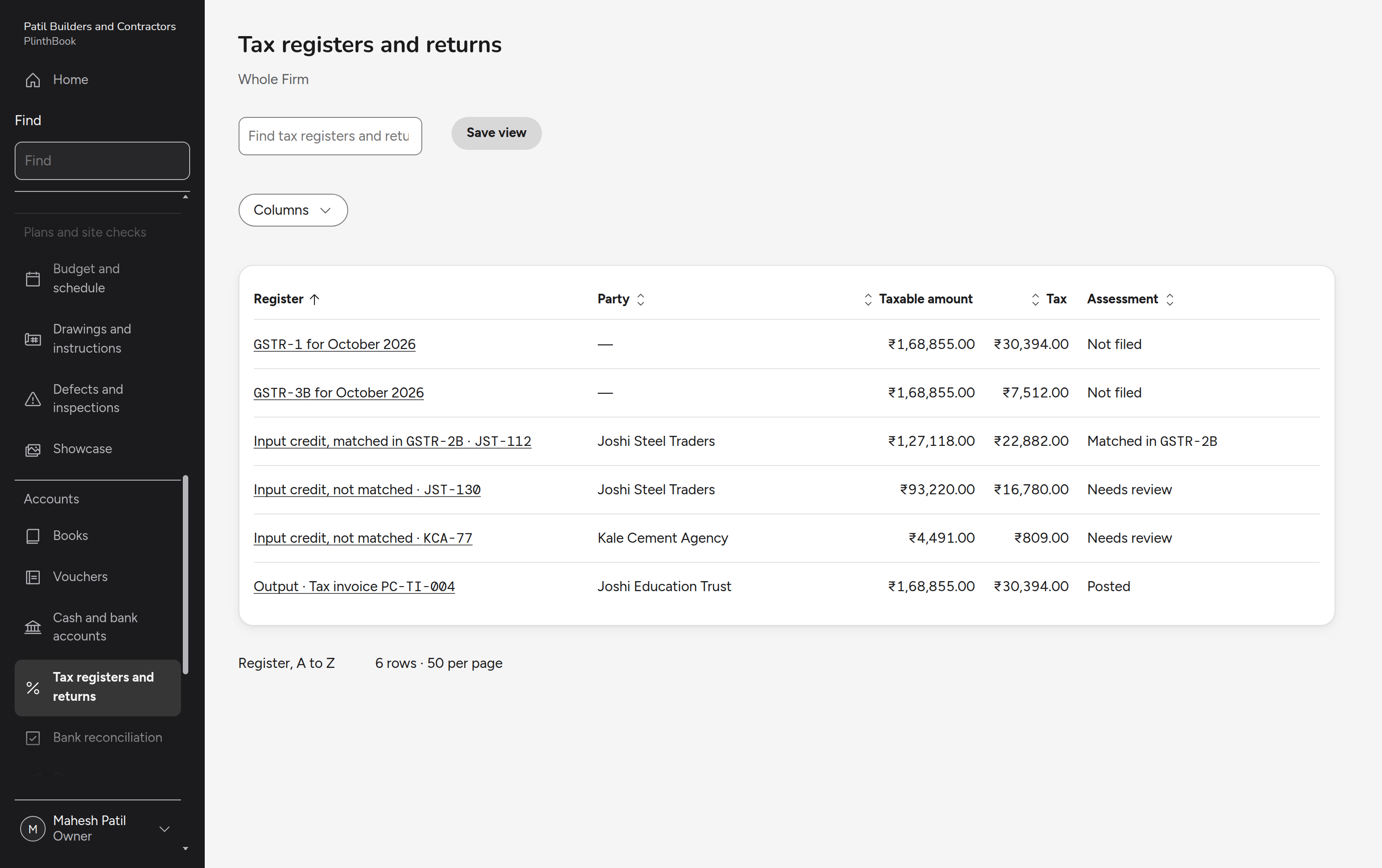
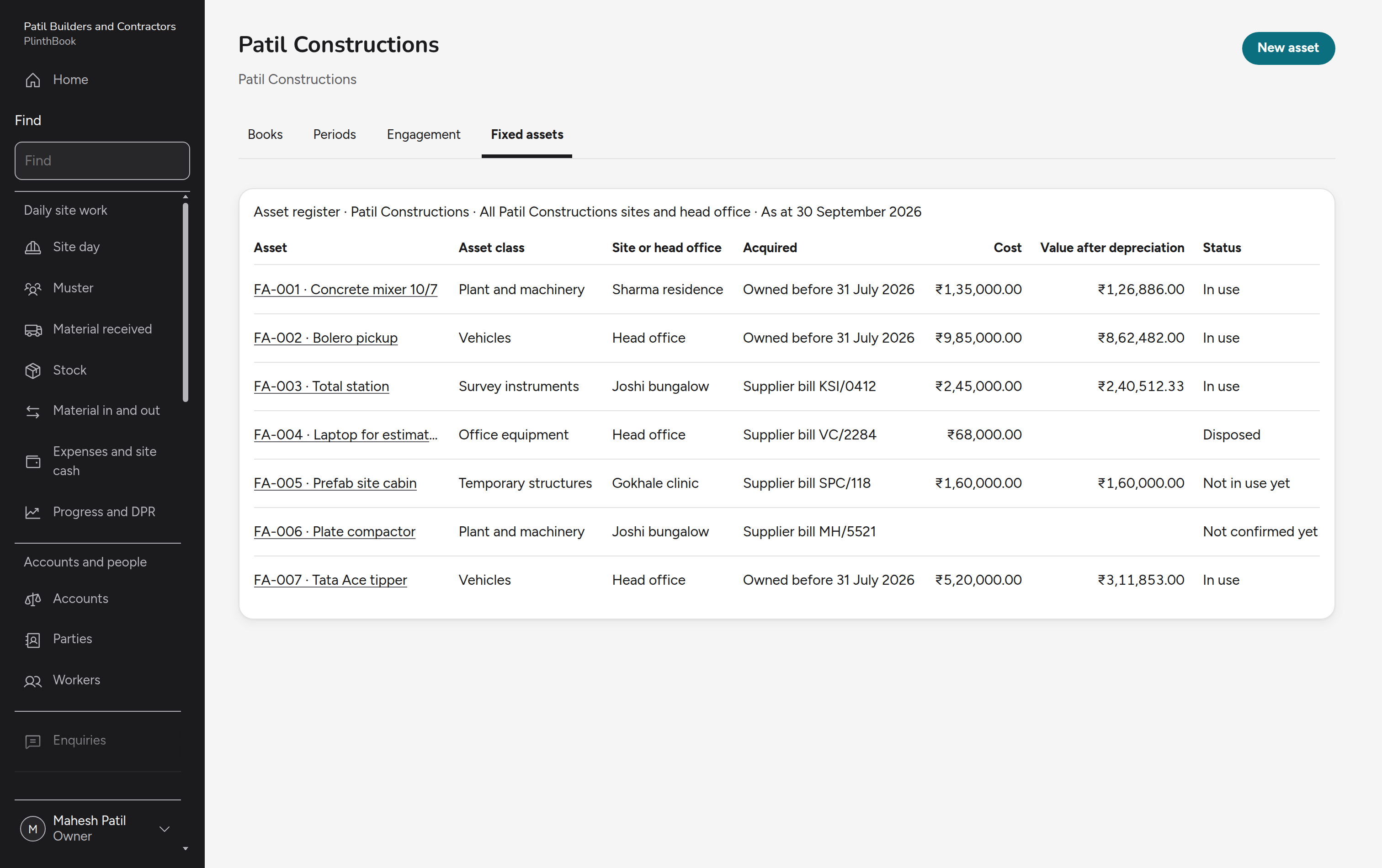
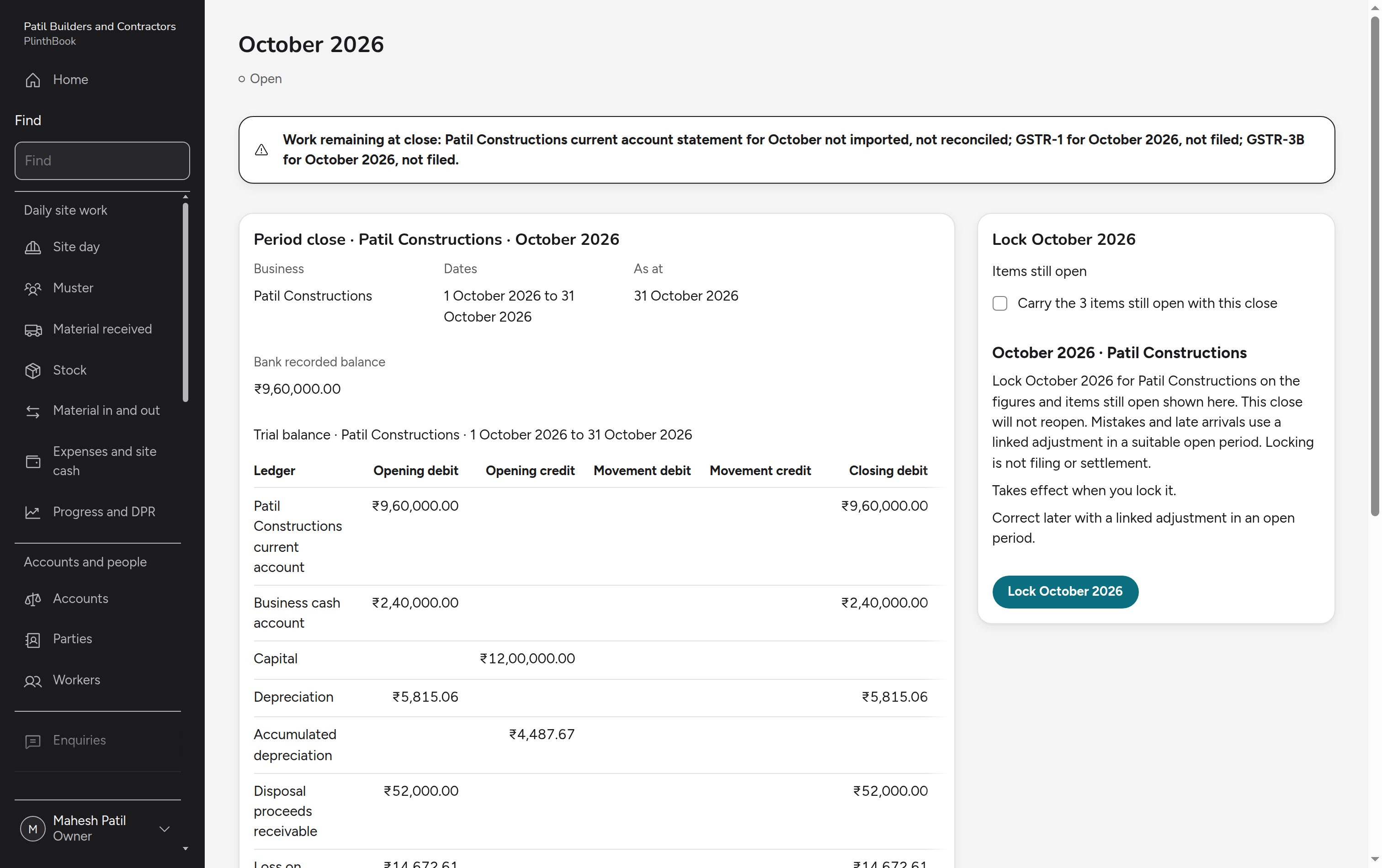
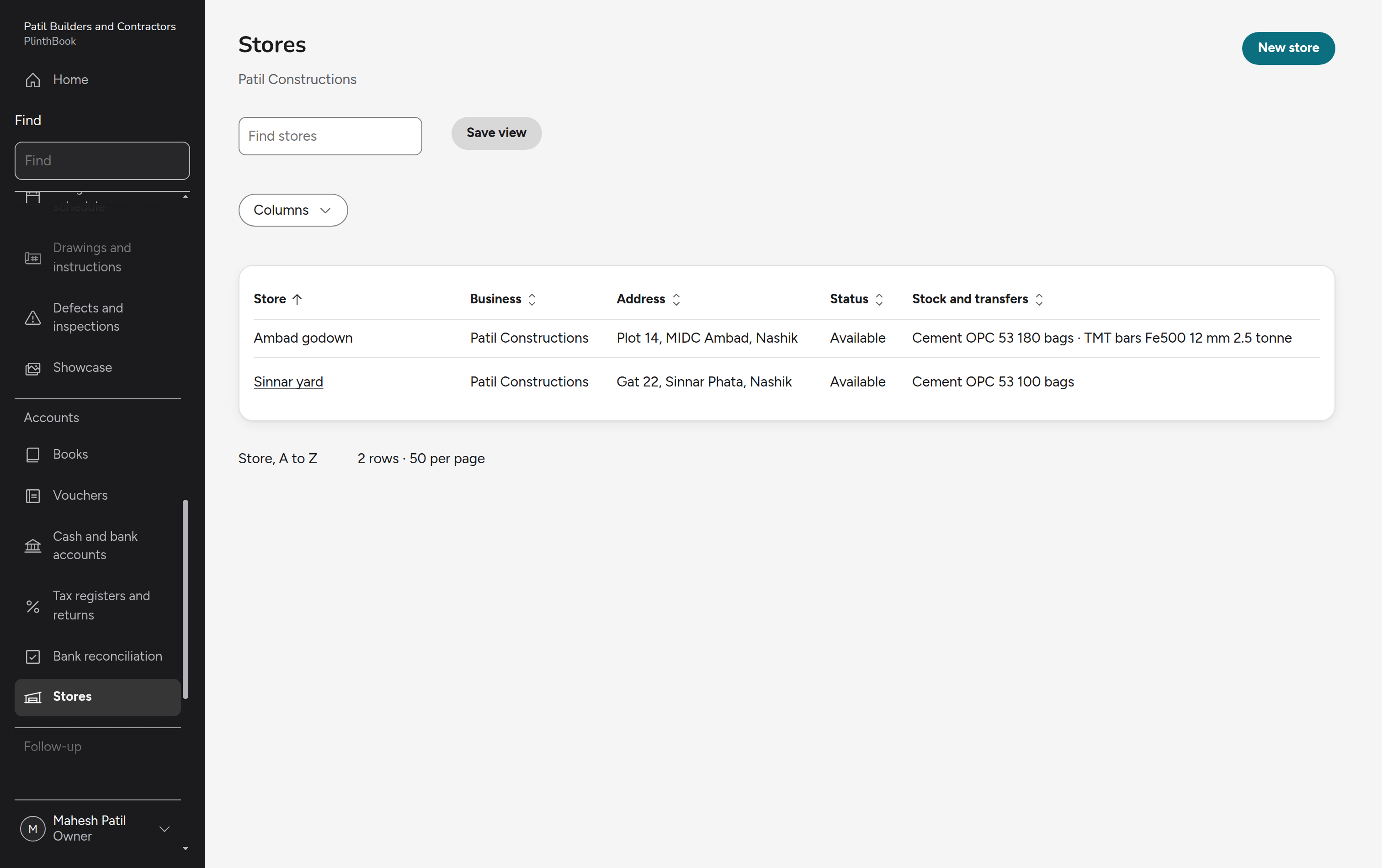
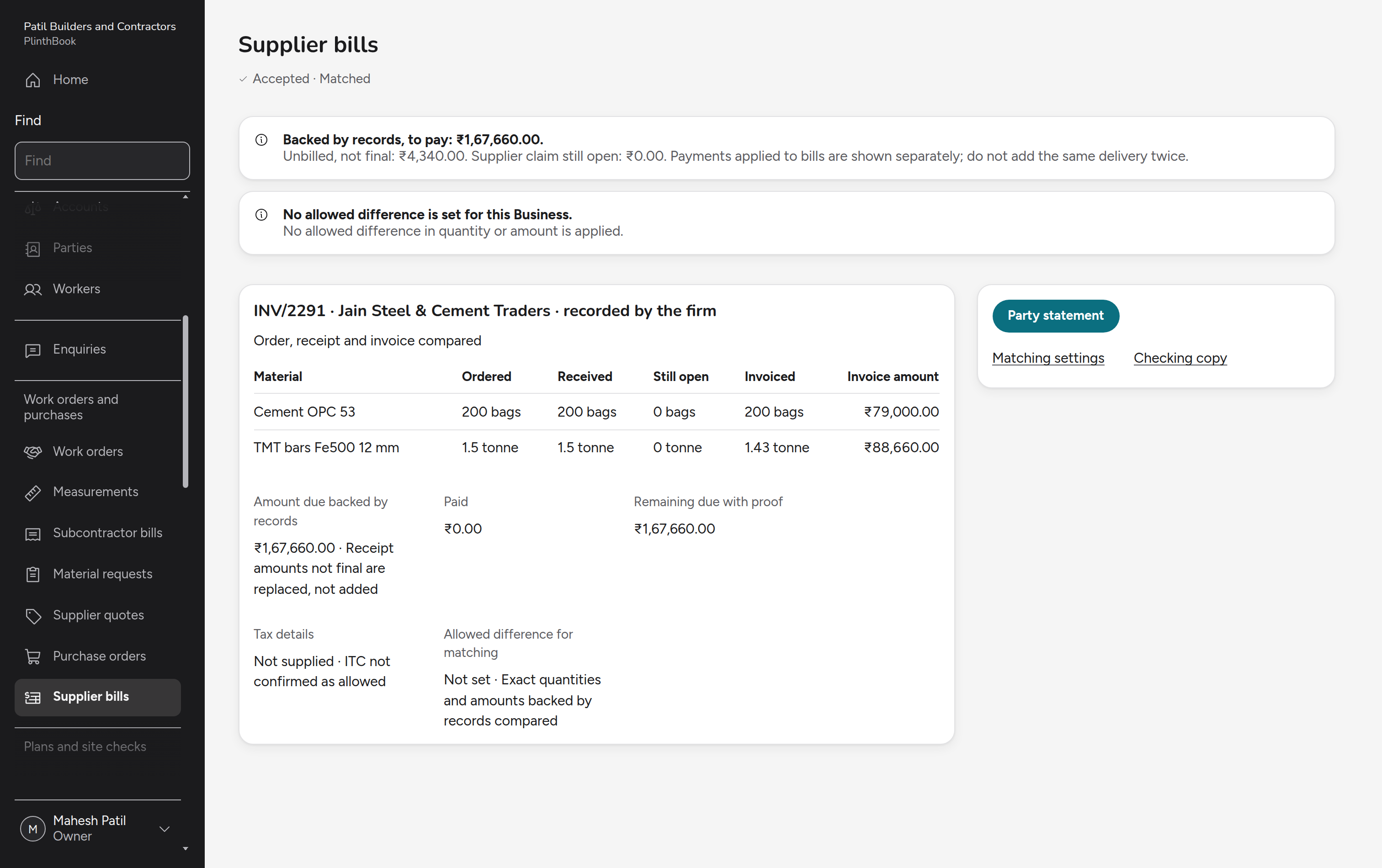
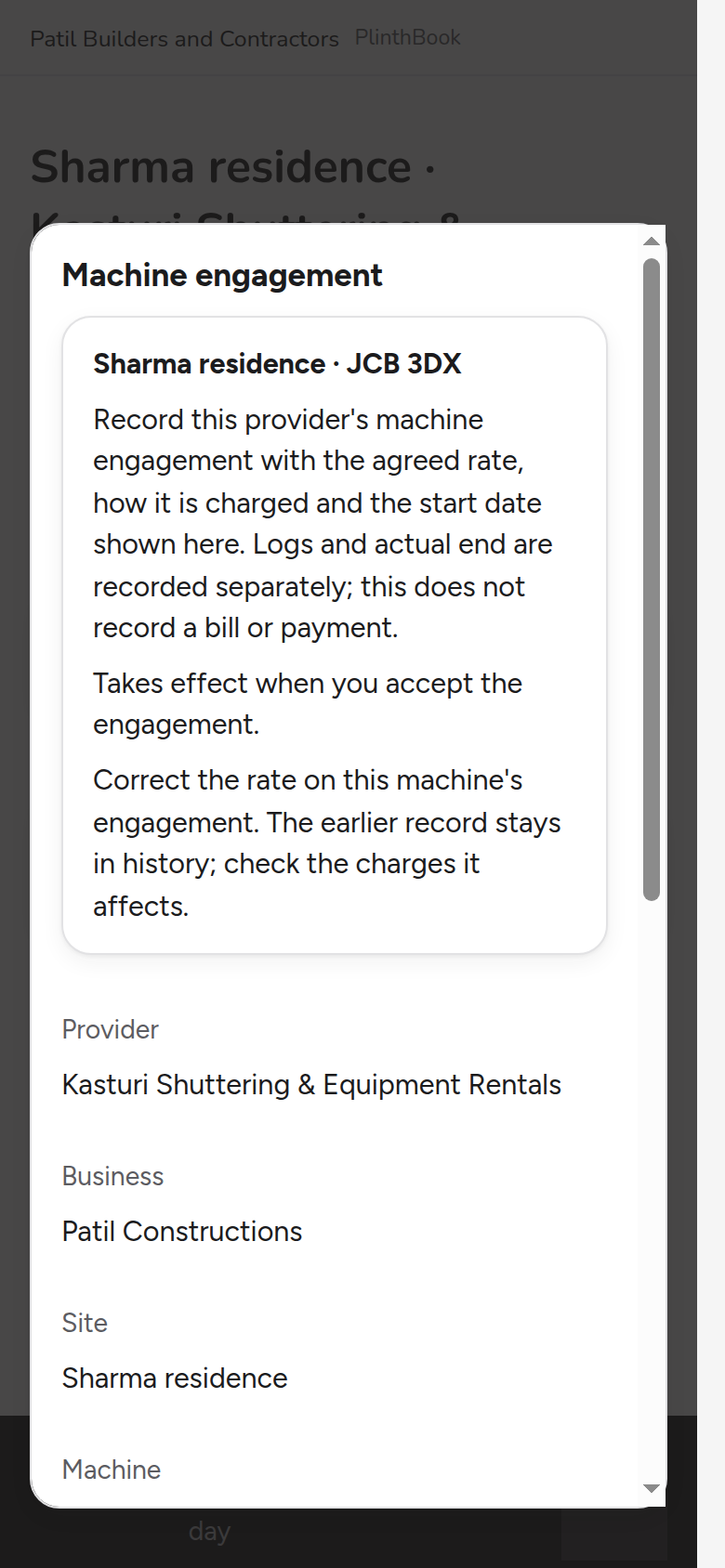
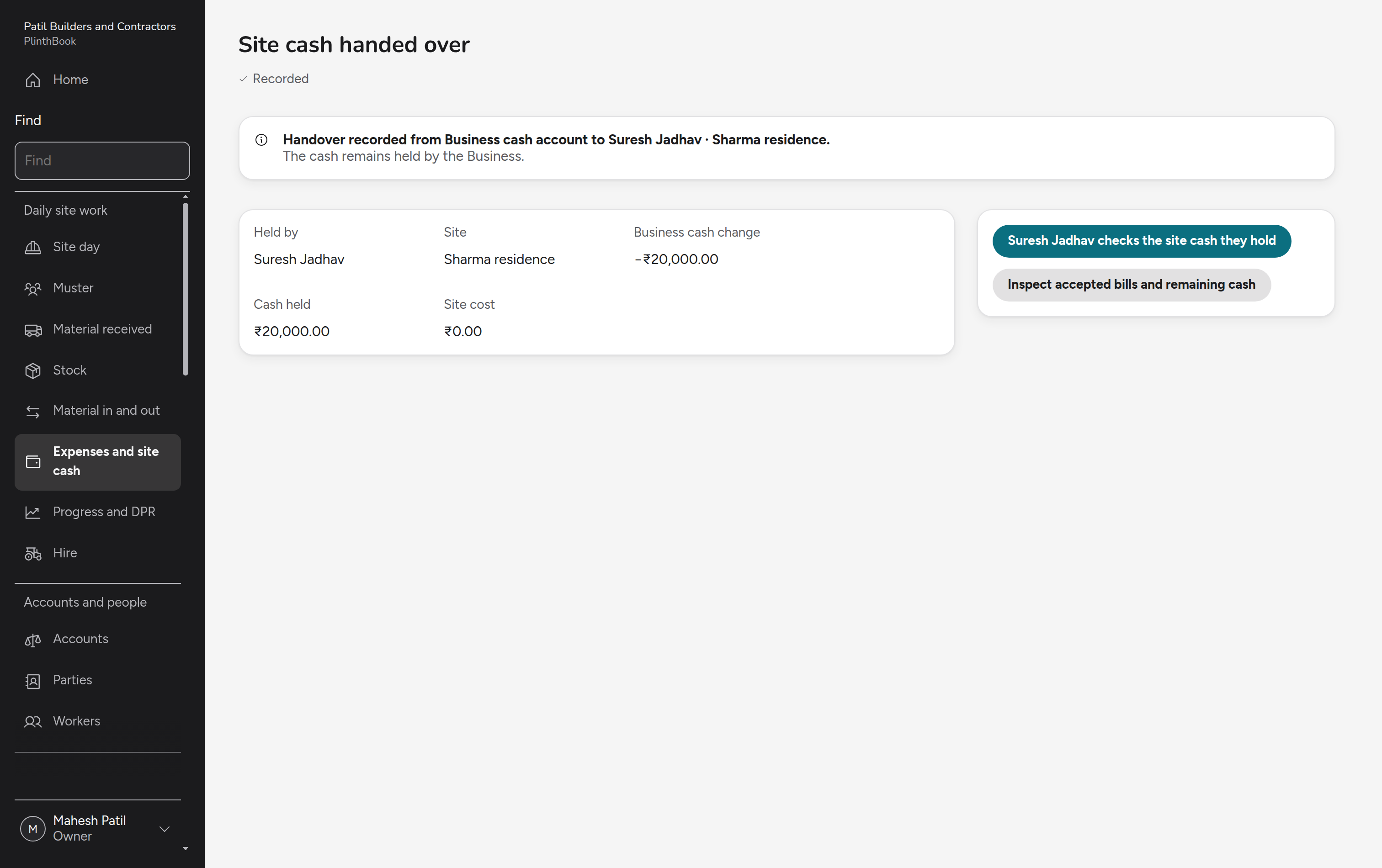
Money and books for one business: cash and bank, cheques, vouchers, tax invoices and notes, supplier bills, tax, fixed assets, closing a month, stores, stock and pay.
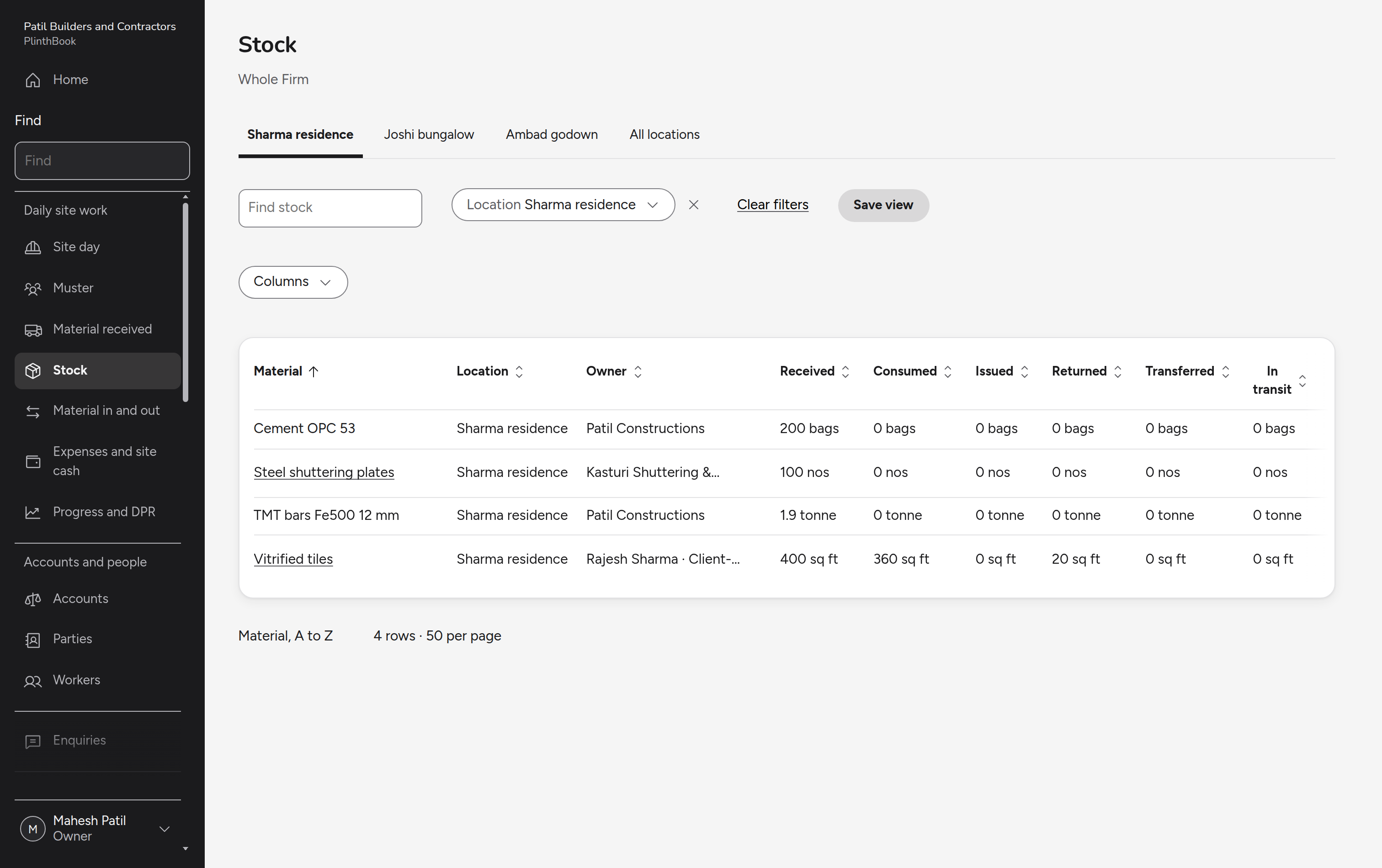
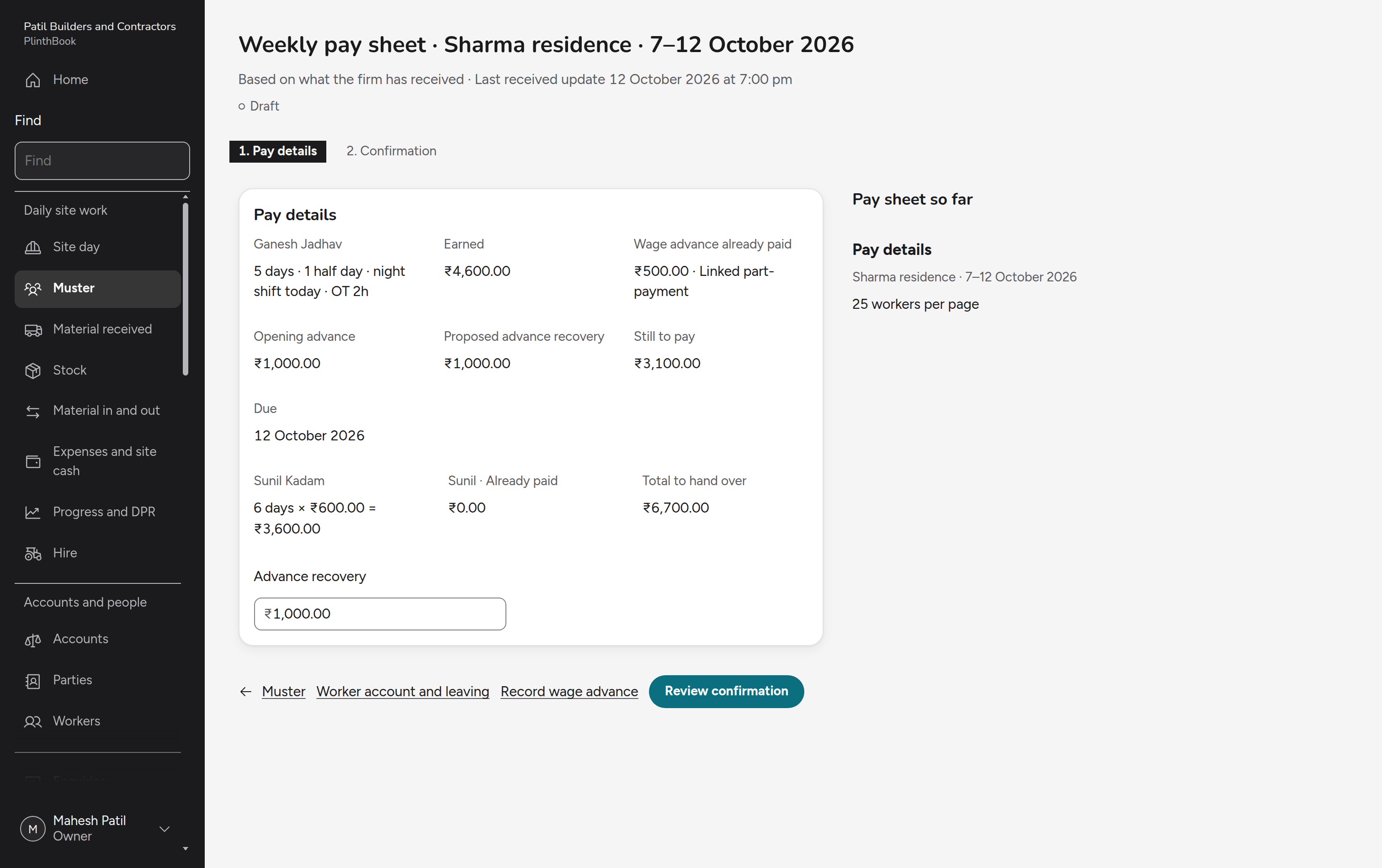
Site
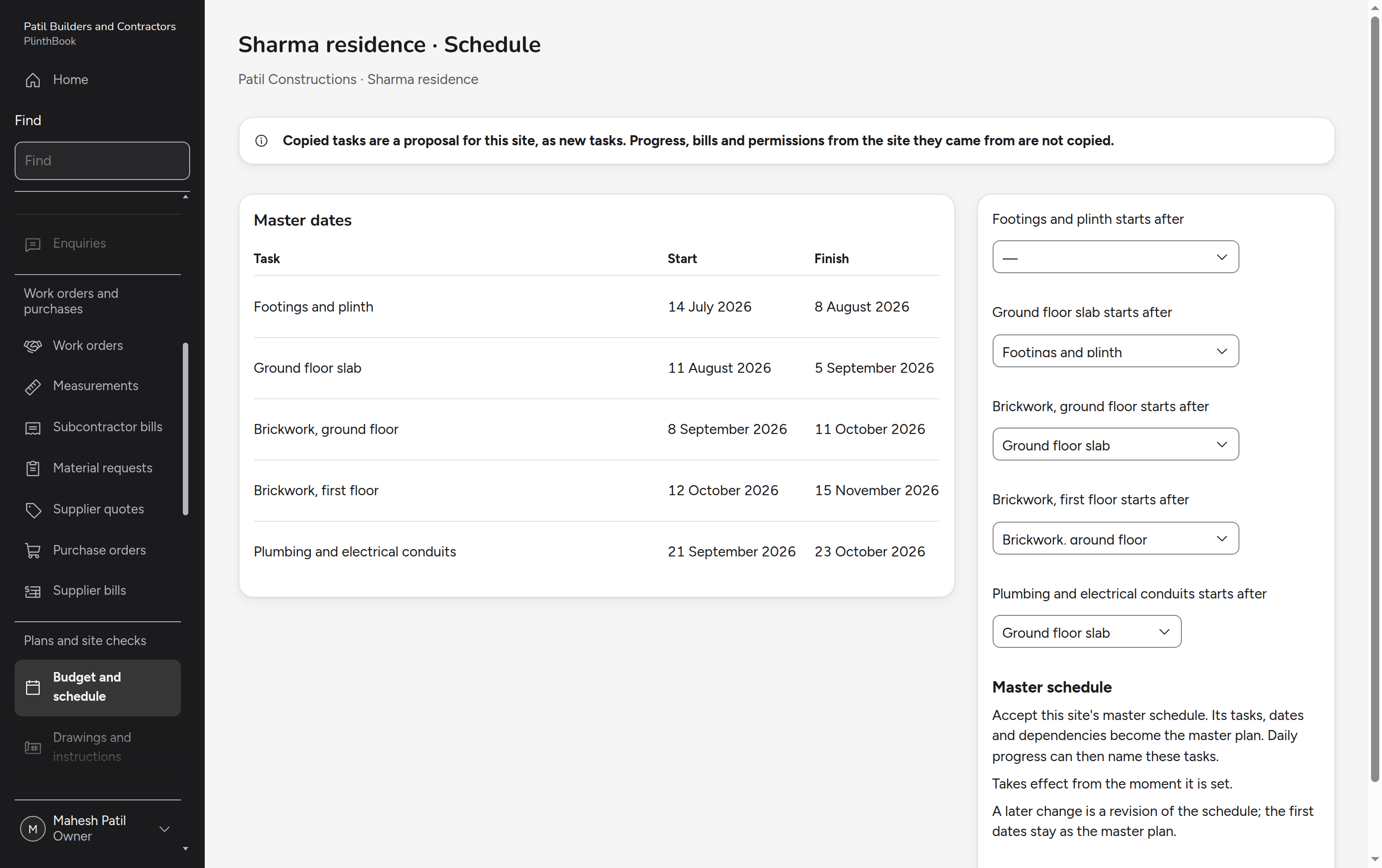
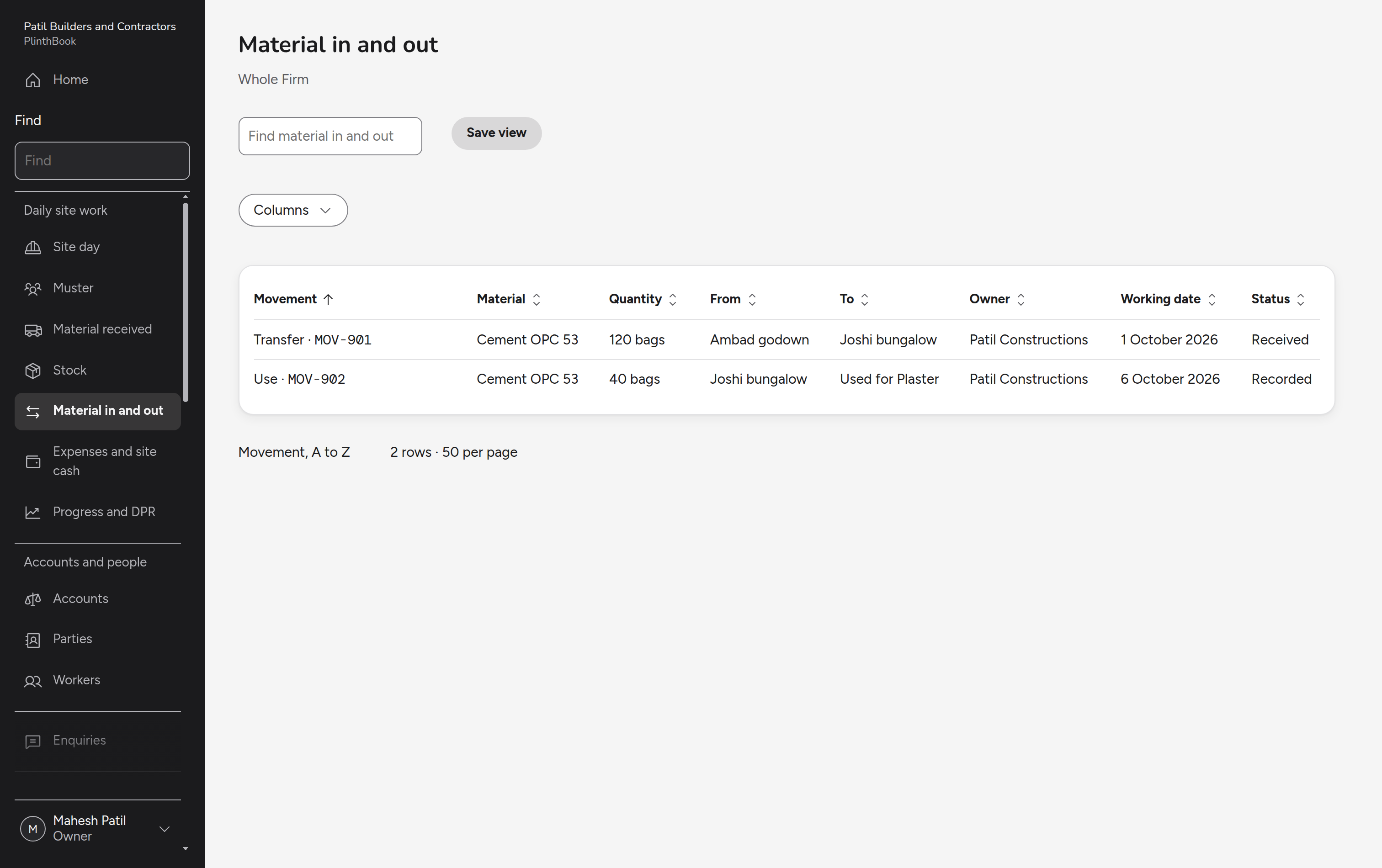
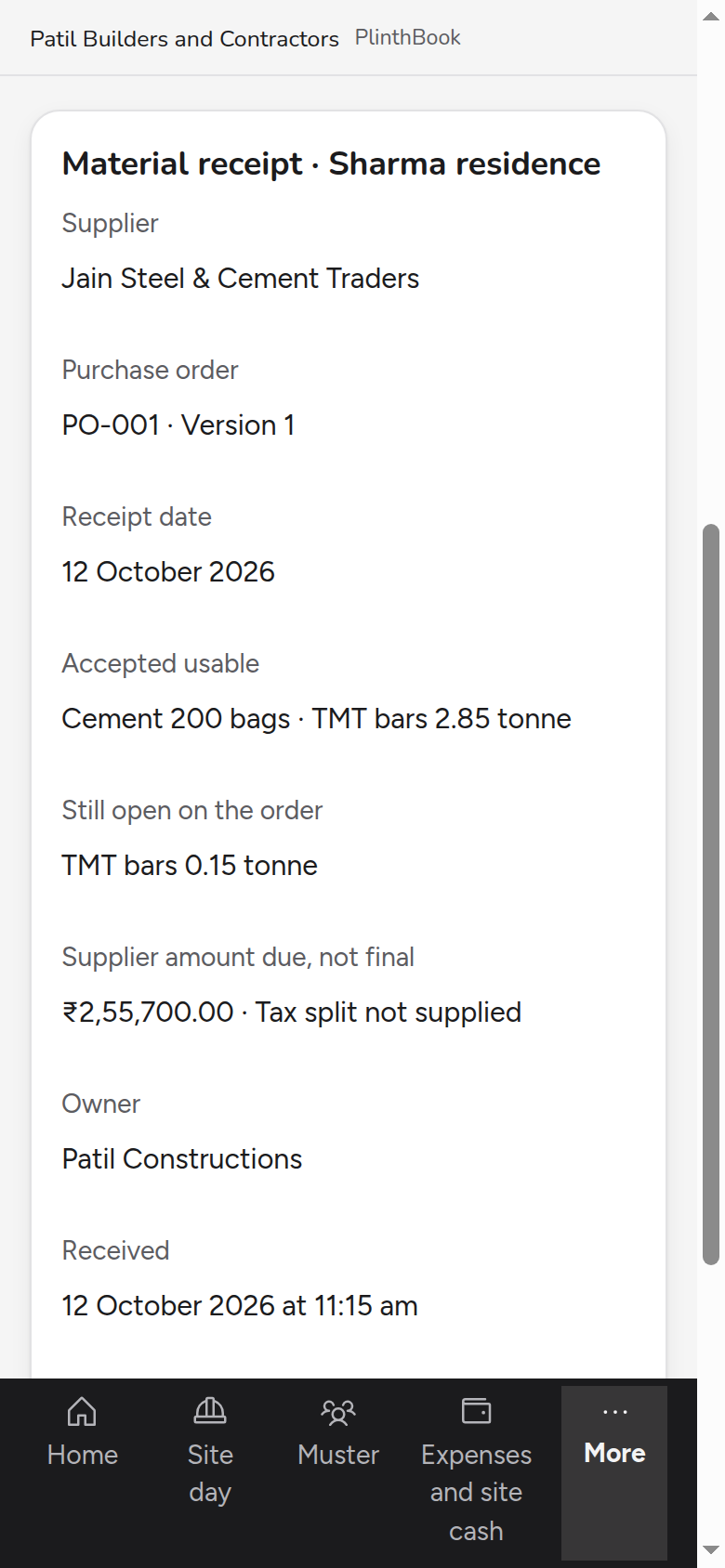
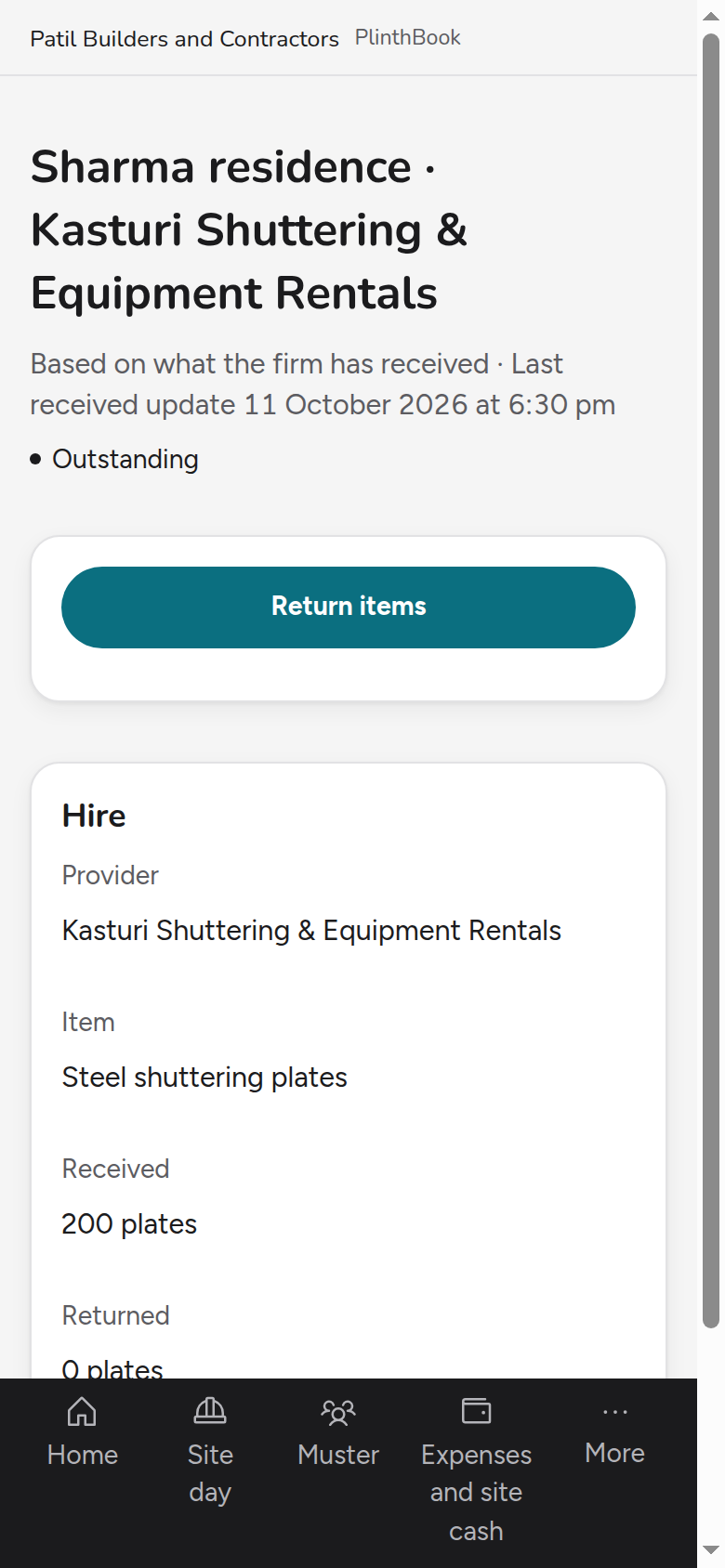
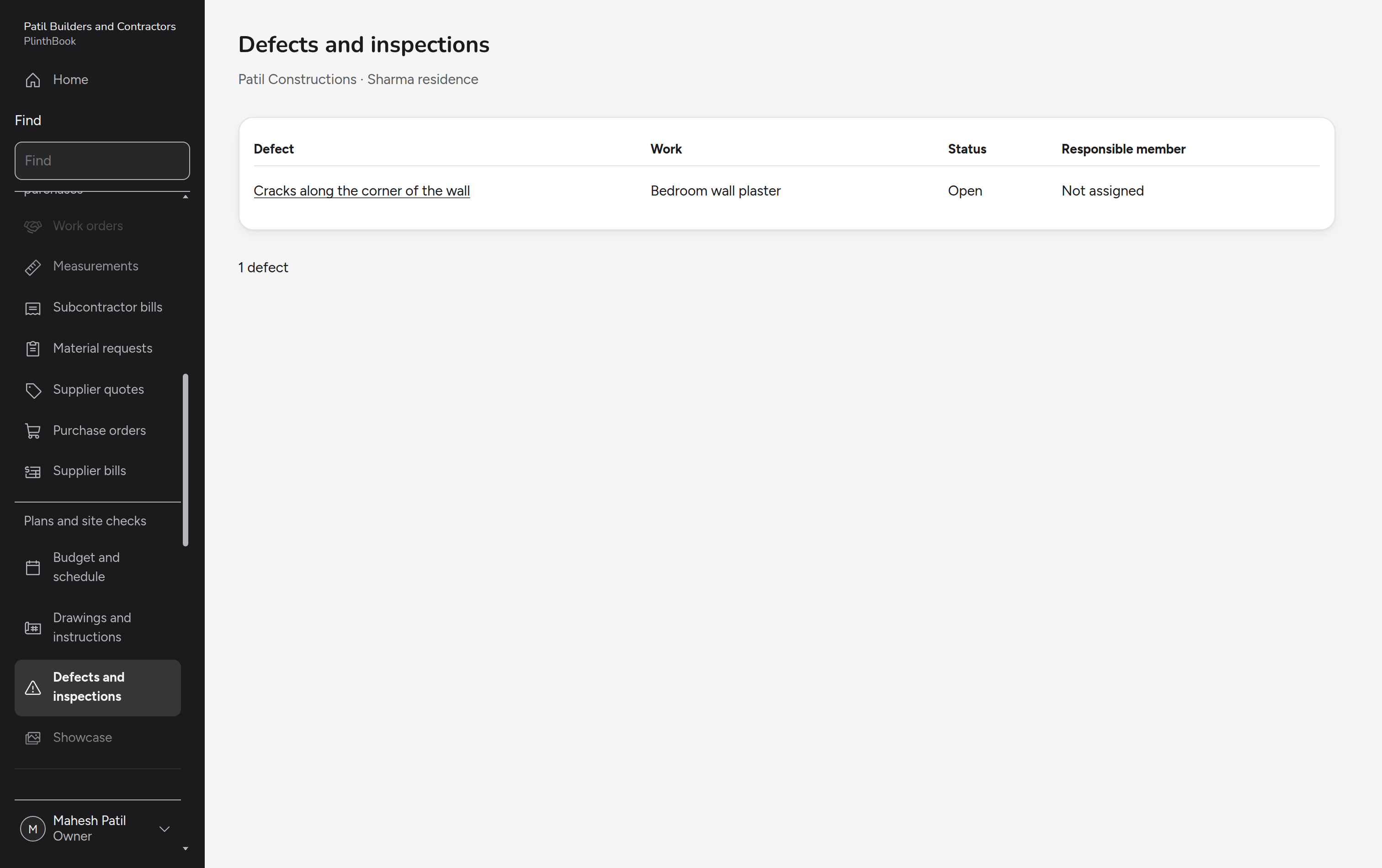
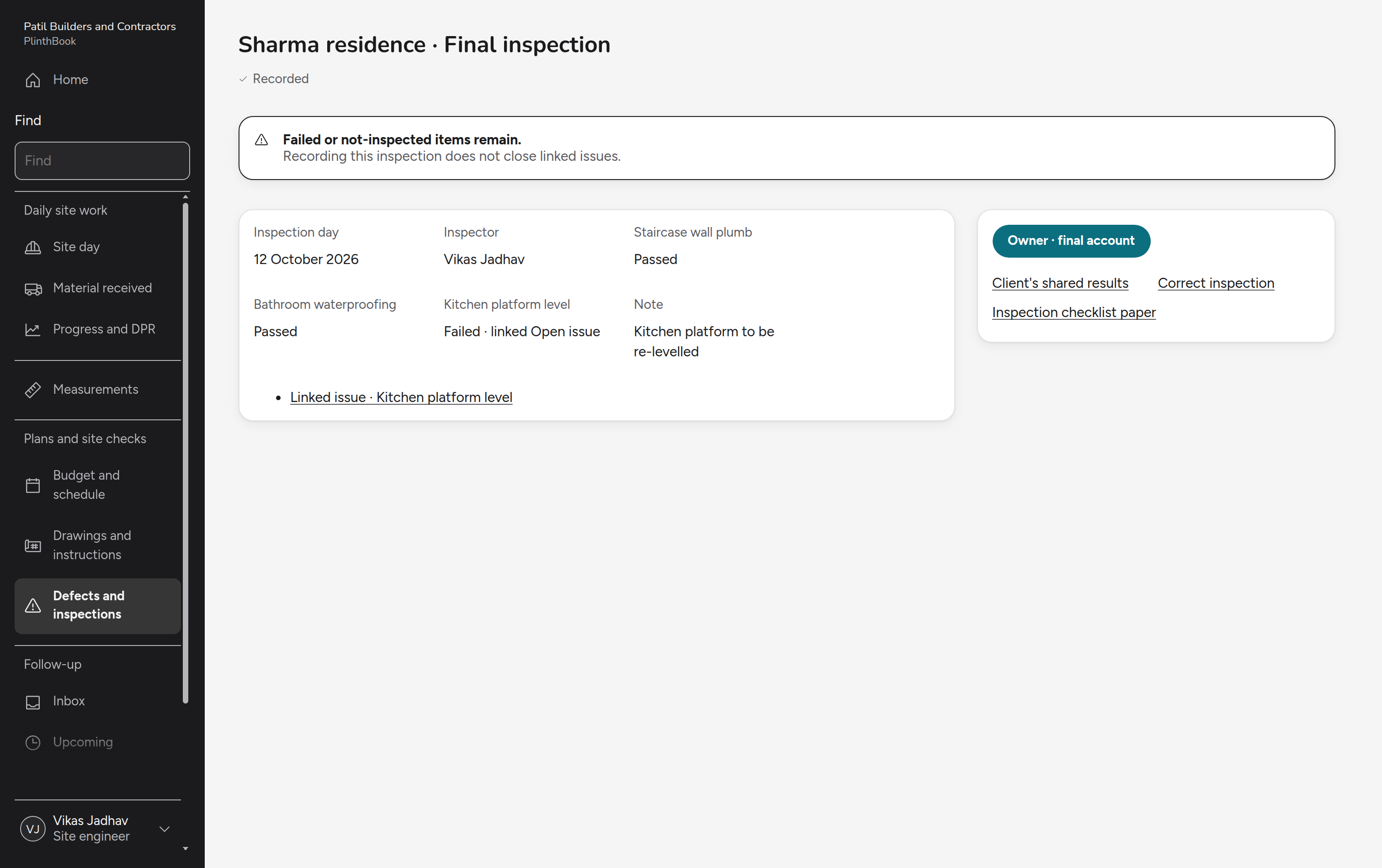
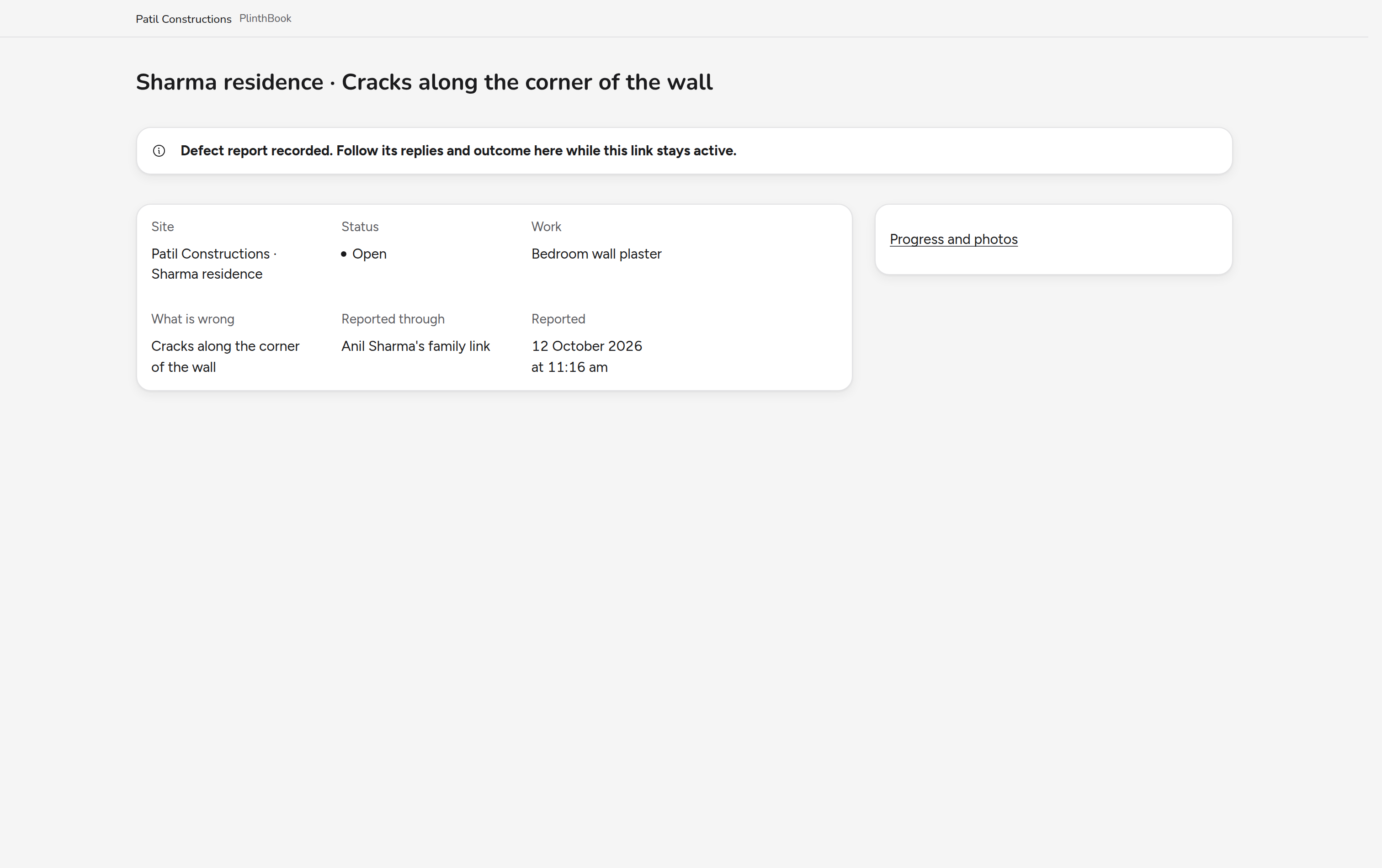
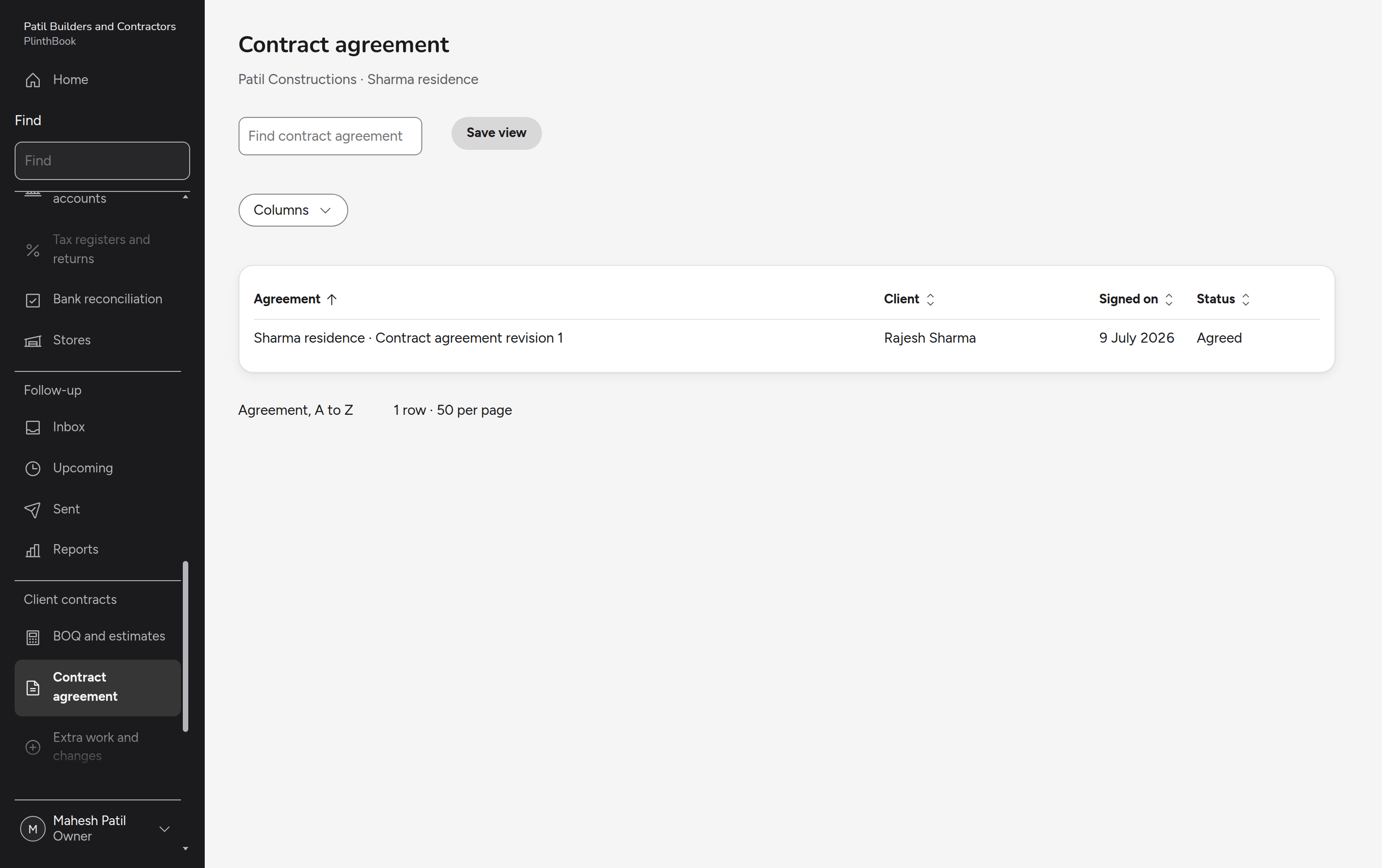
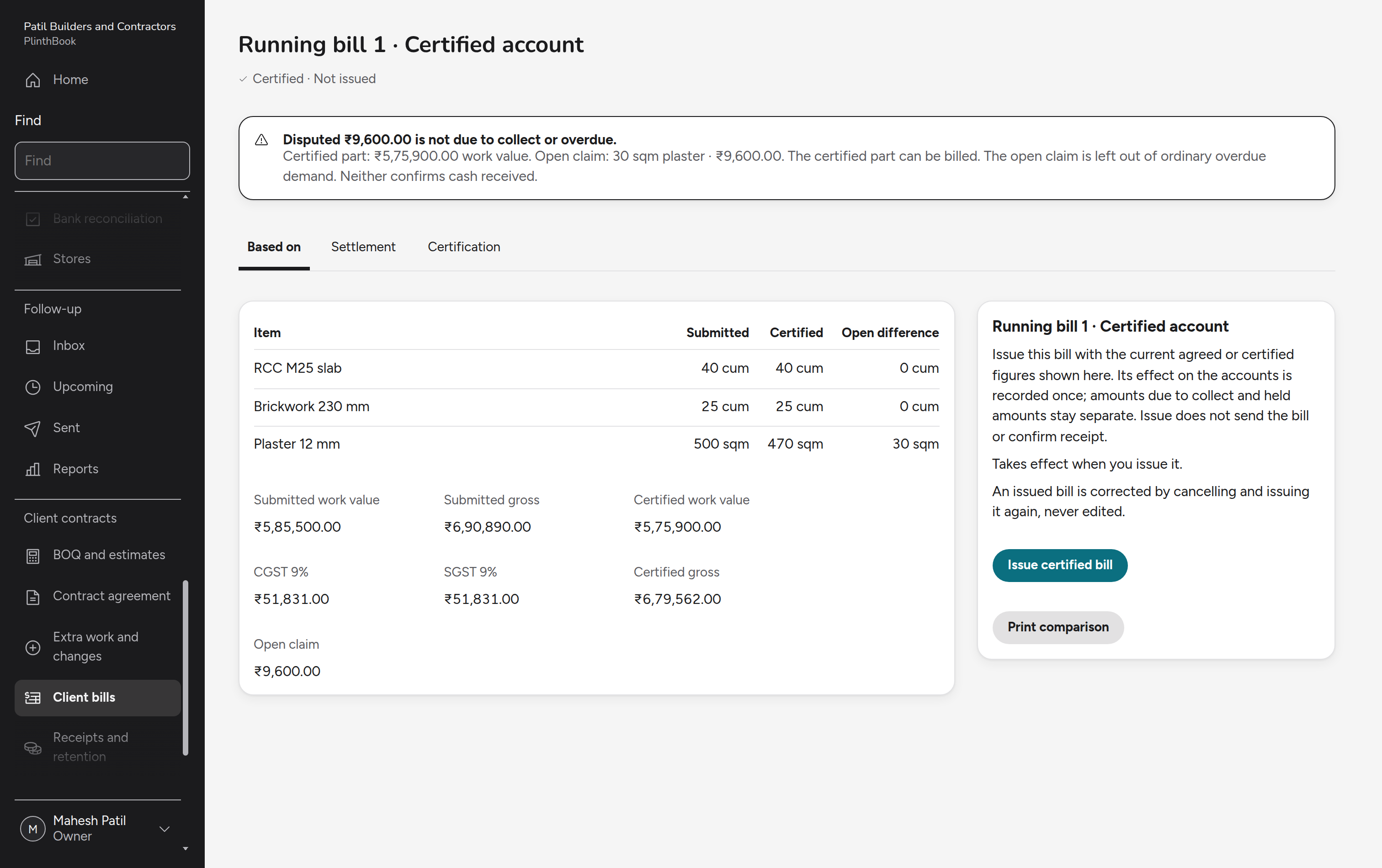
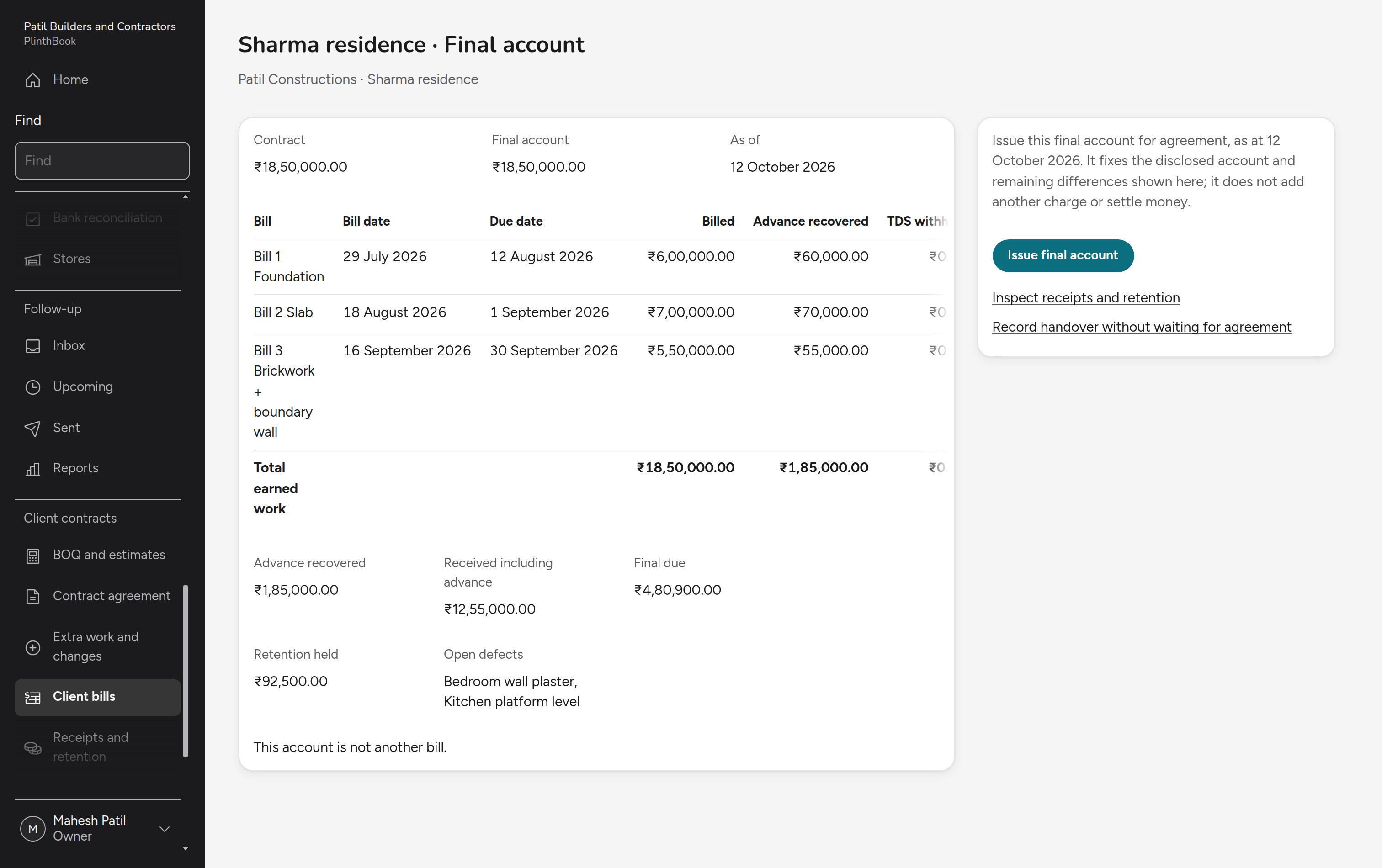
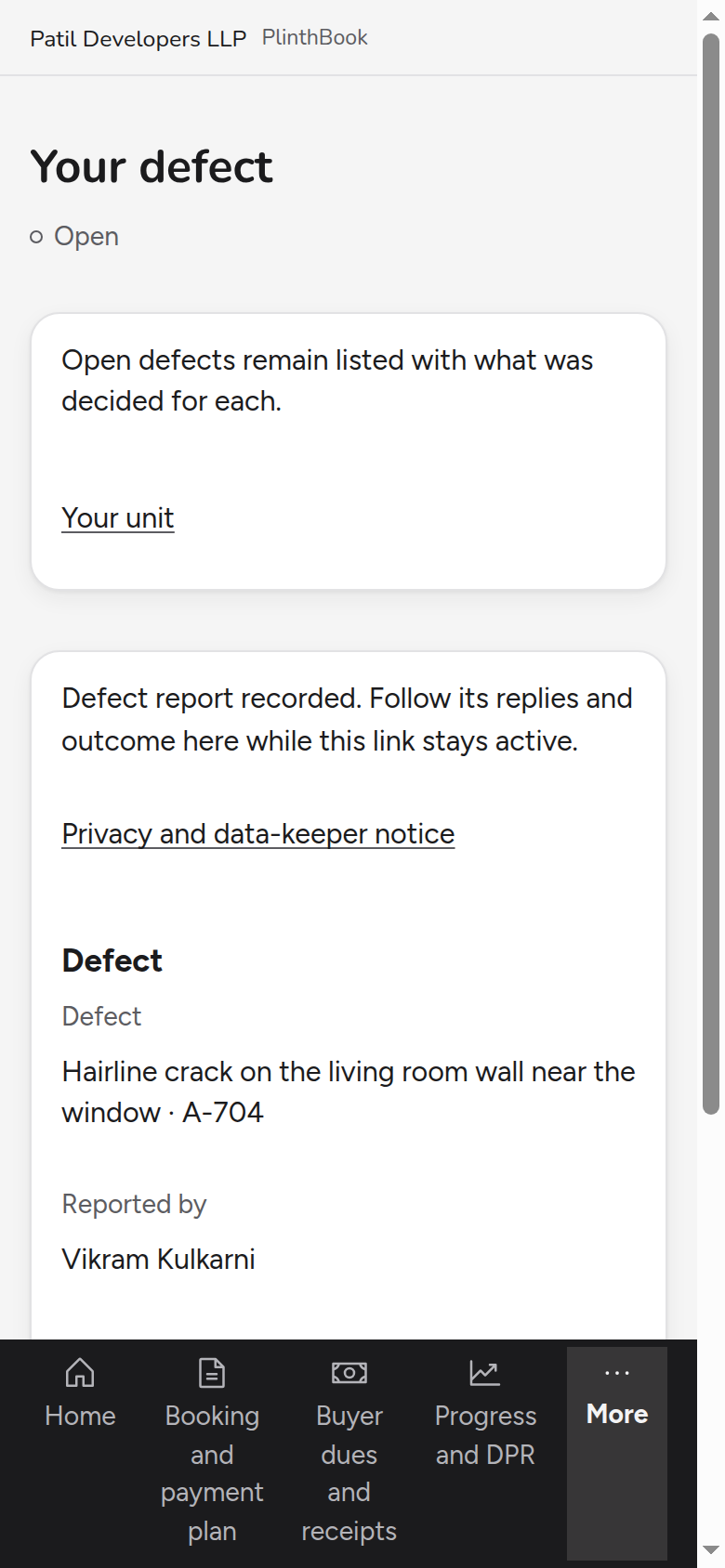
One site from day to day: schedule, material, hire, cash, daily report, defects, contract and the final account, with the supervisor's and site engineer's phone screens.
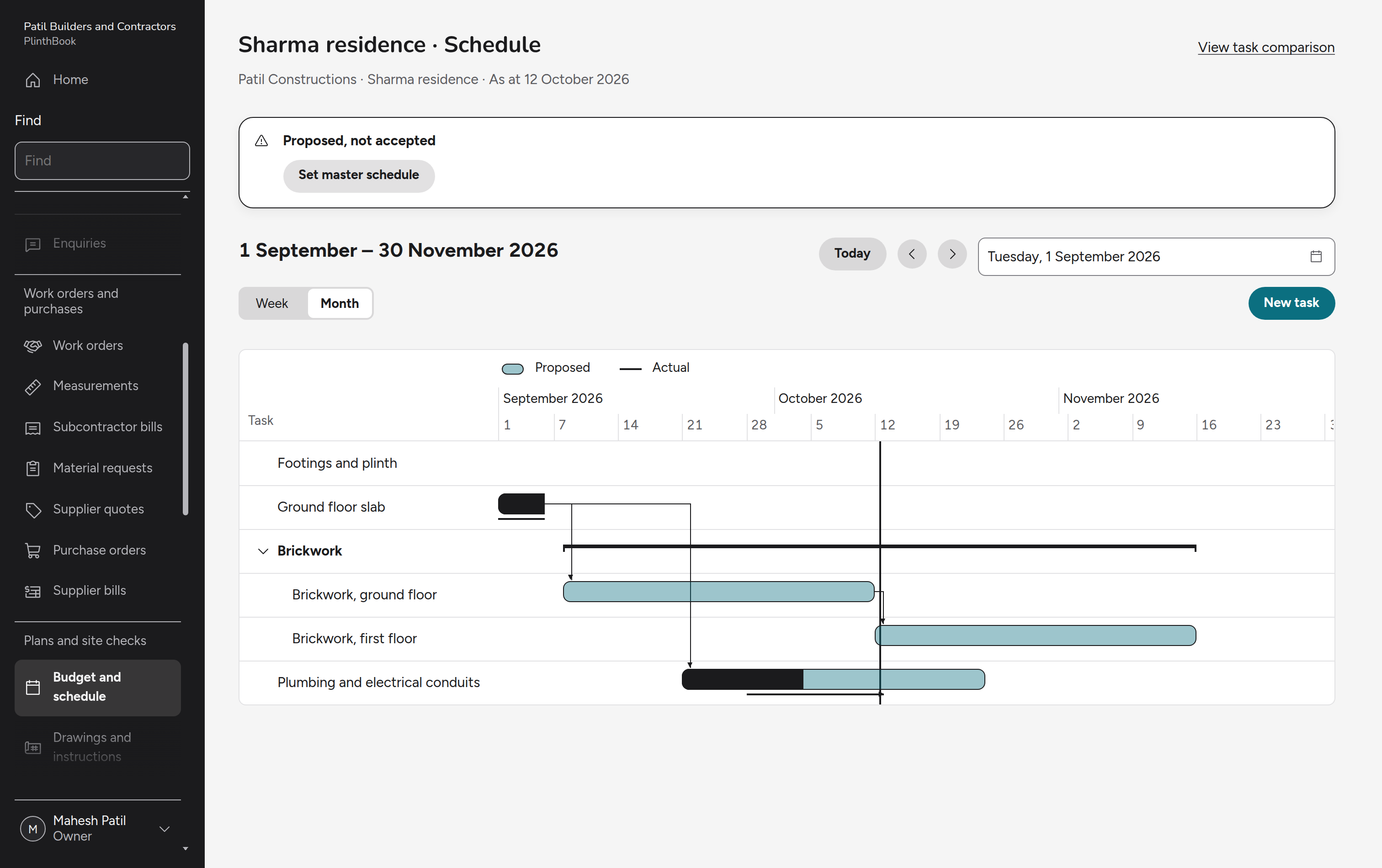
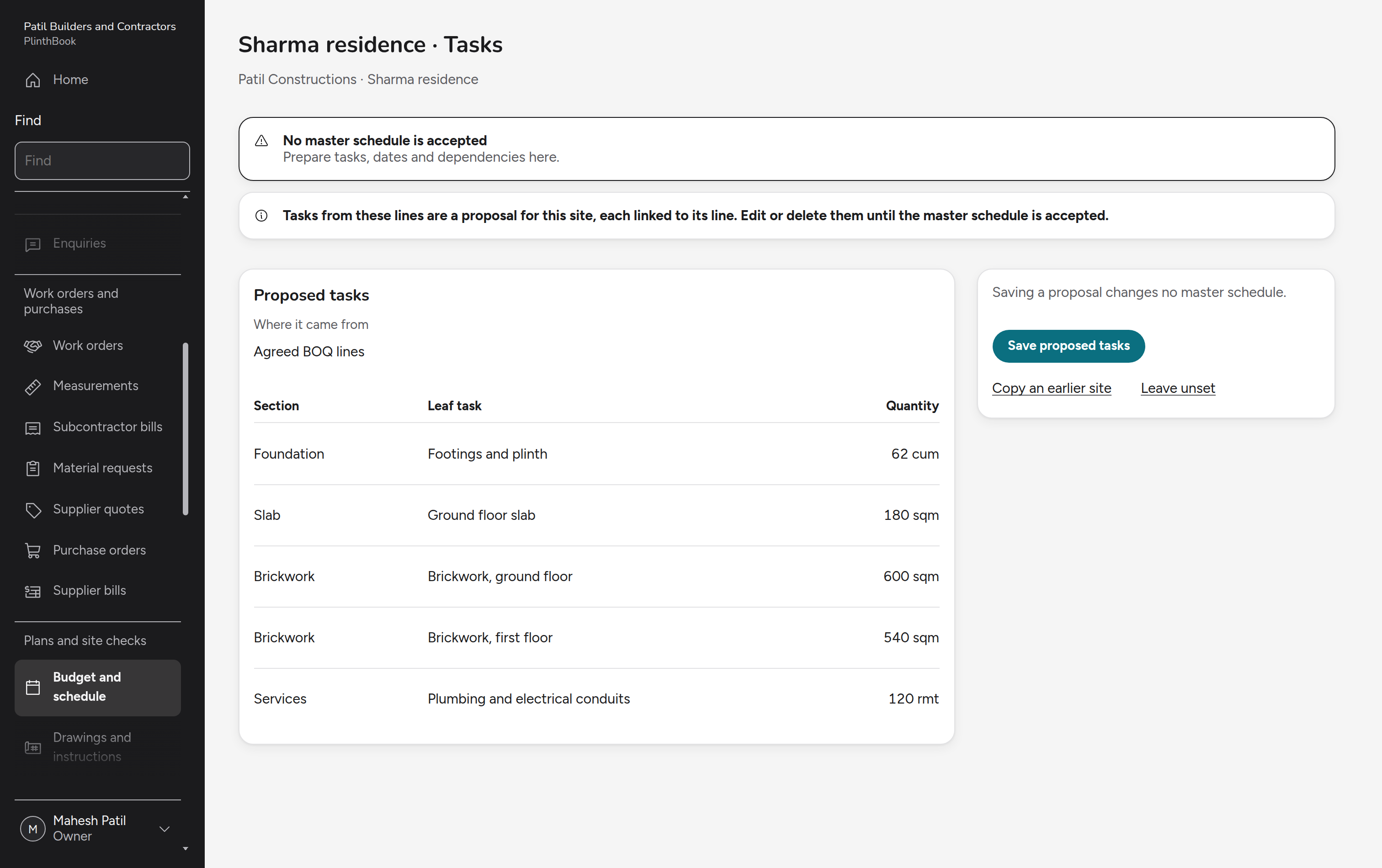
Selling
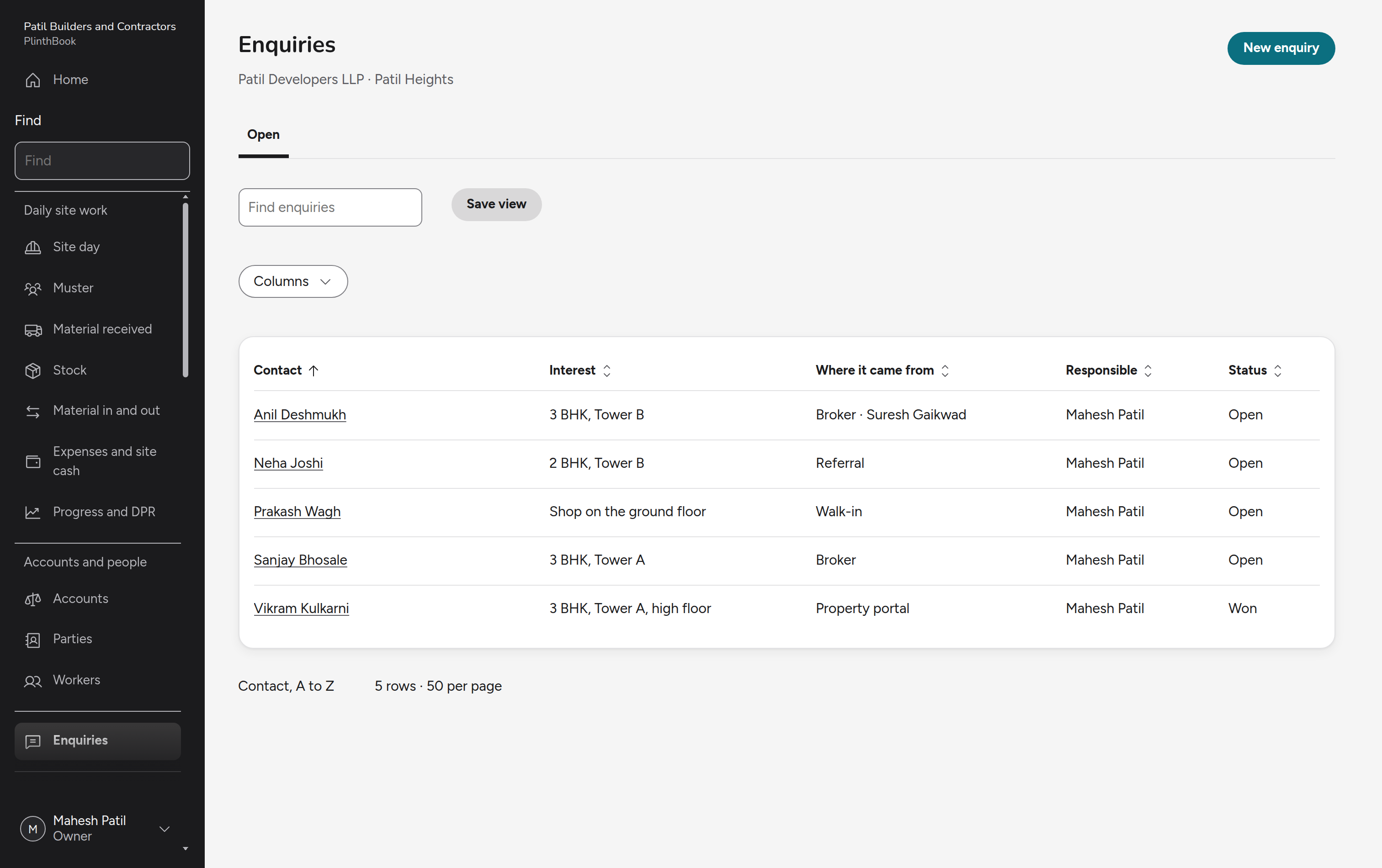
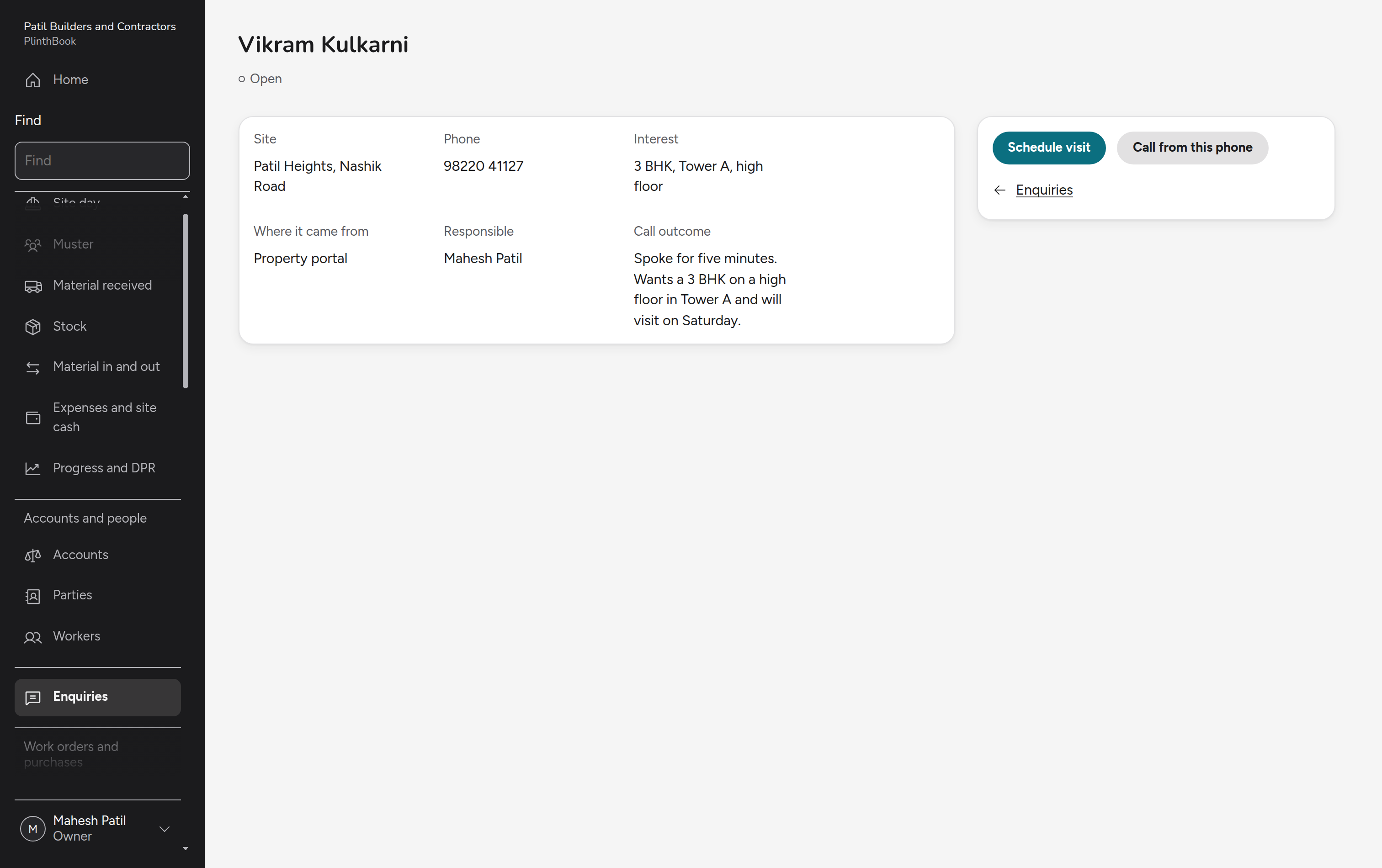
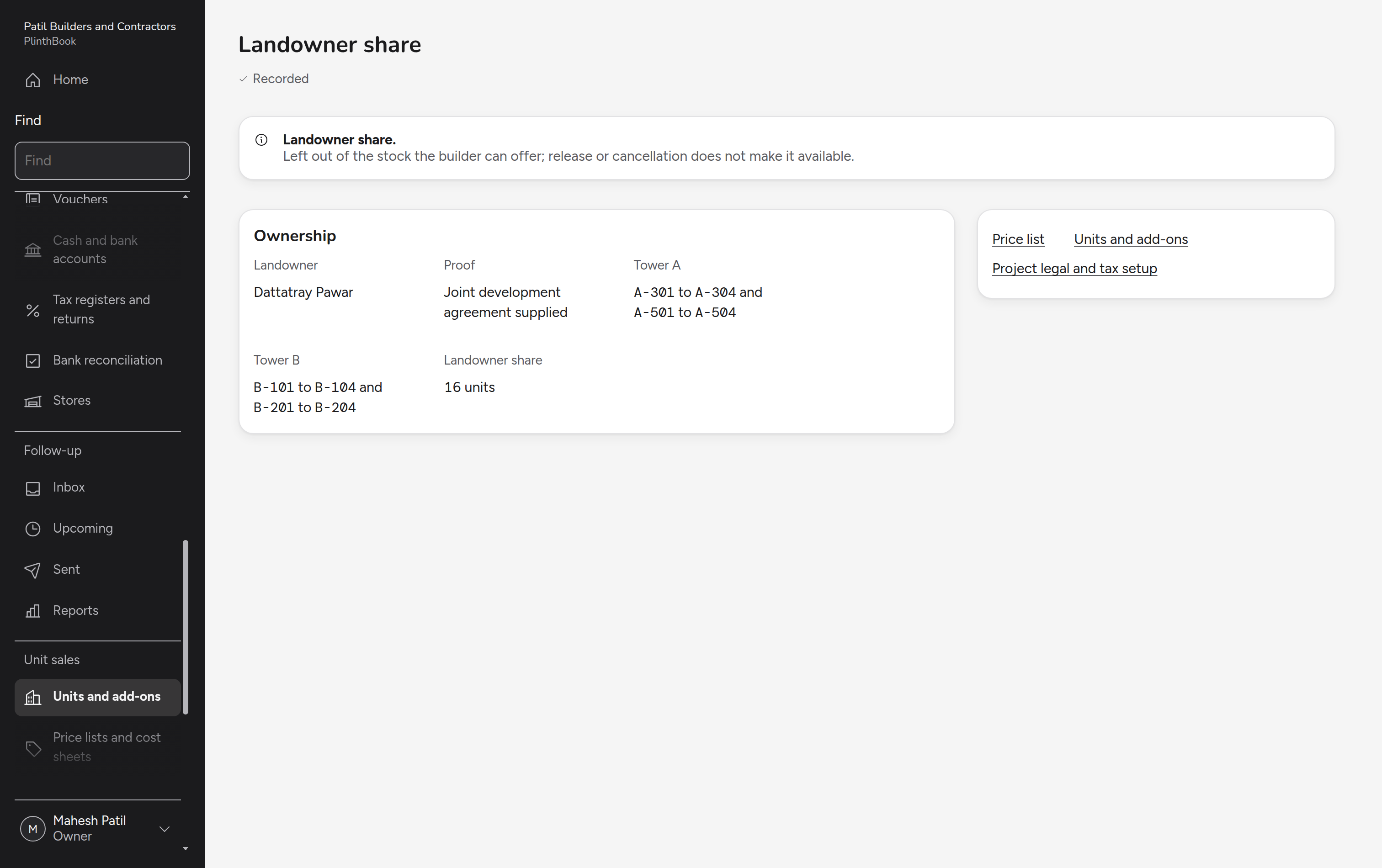
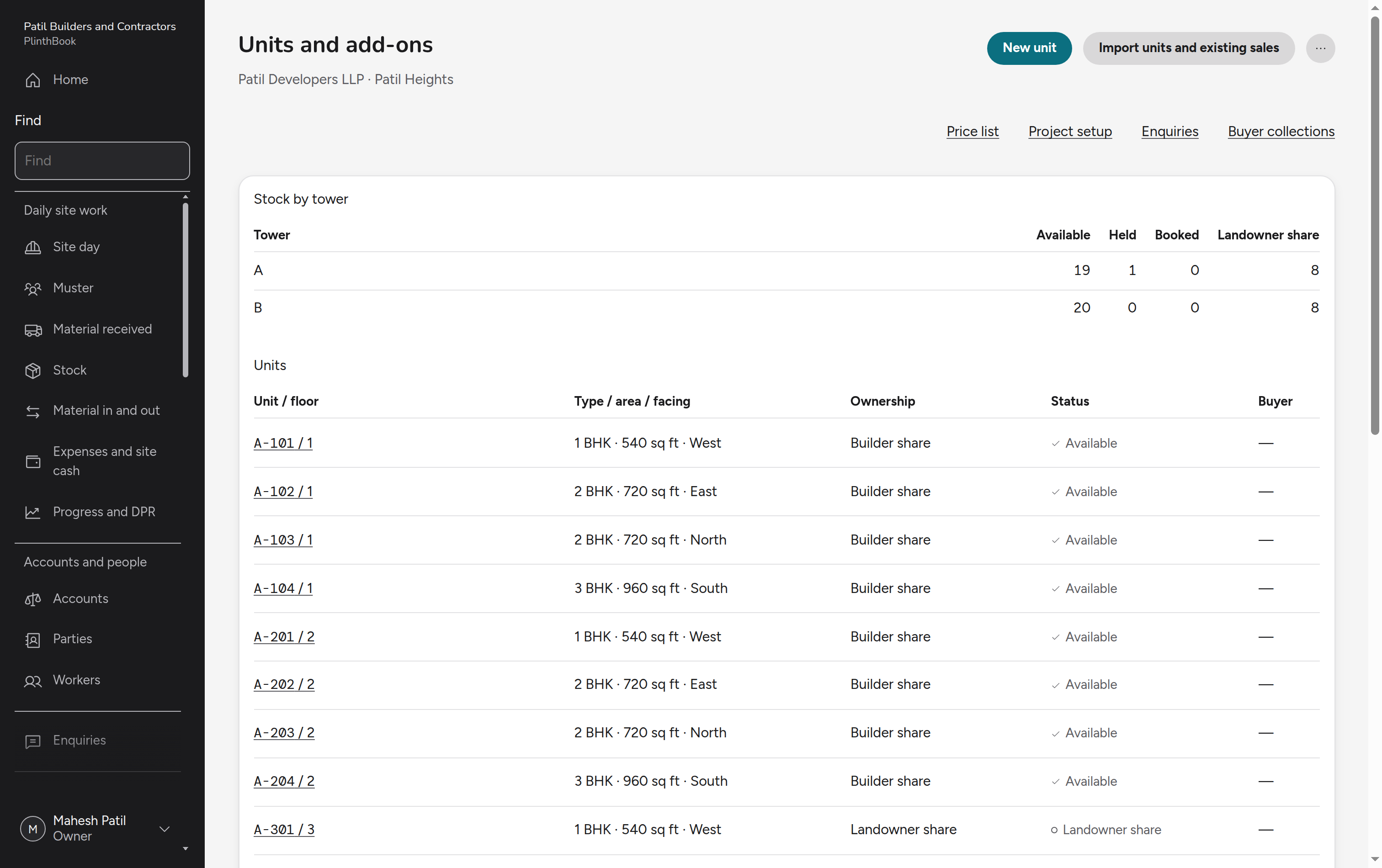
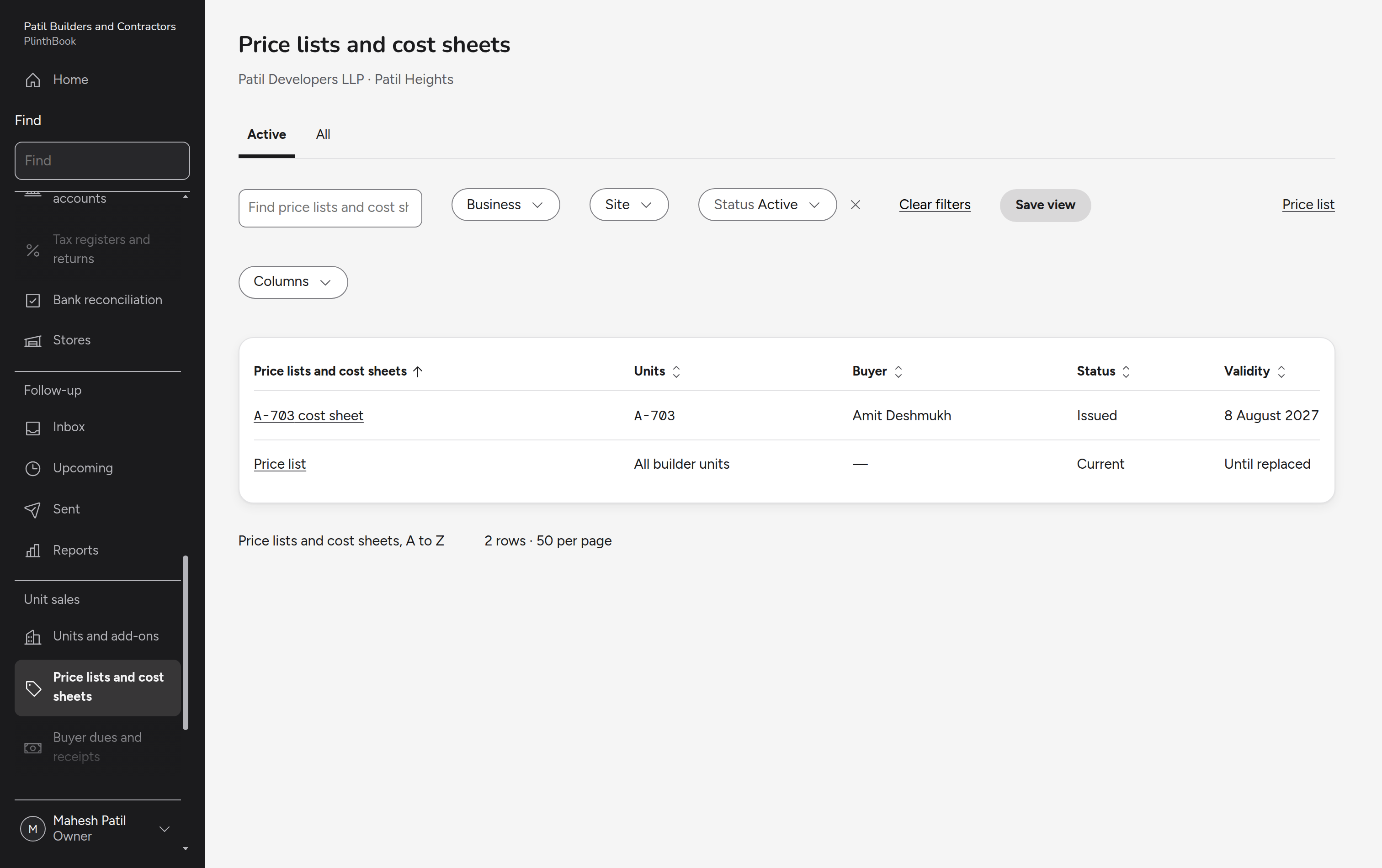
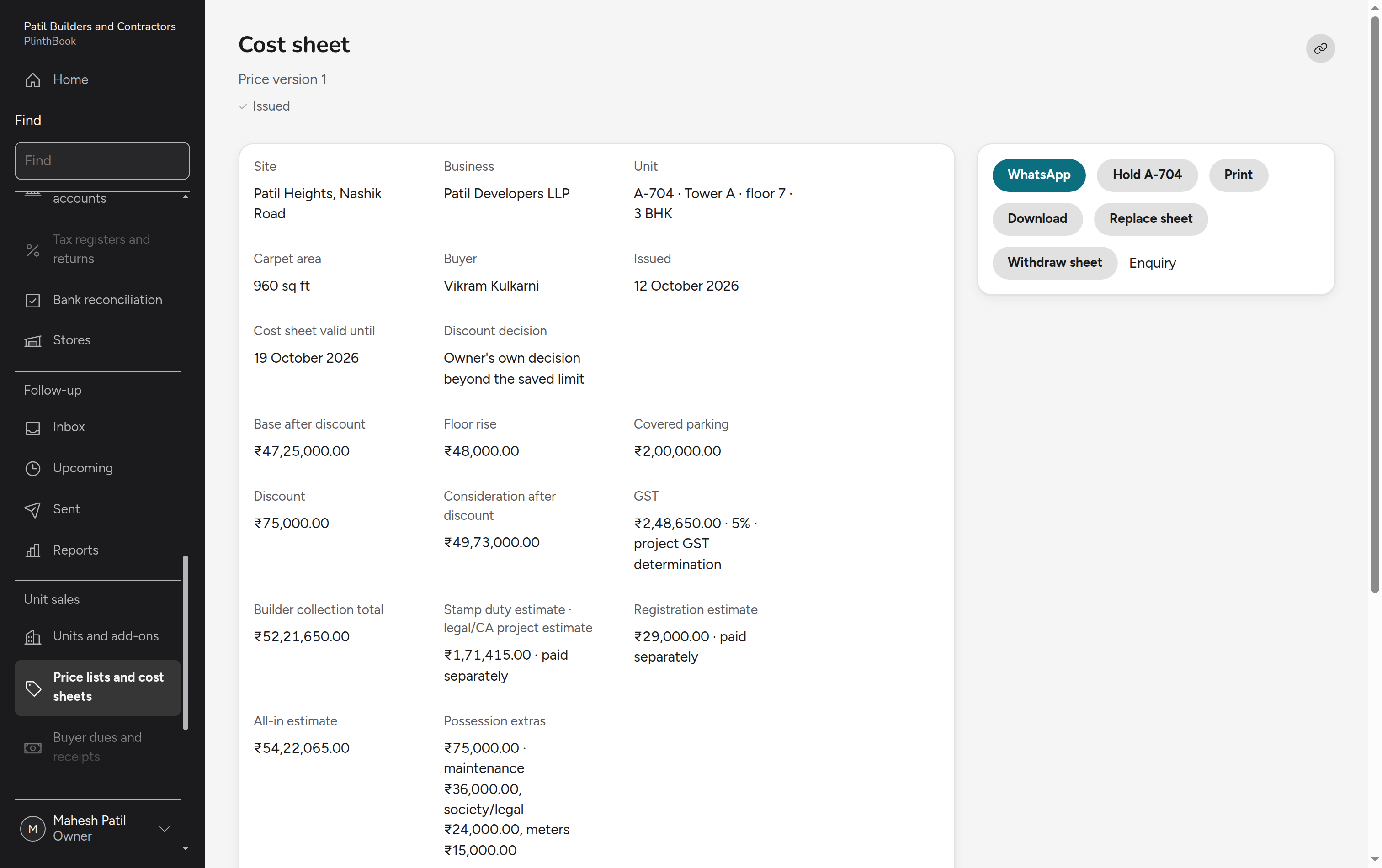
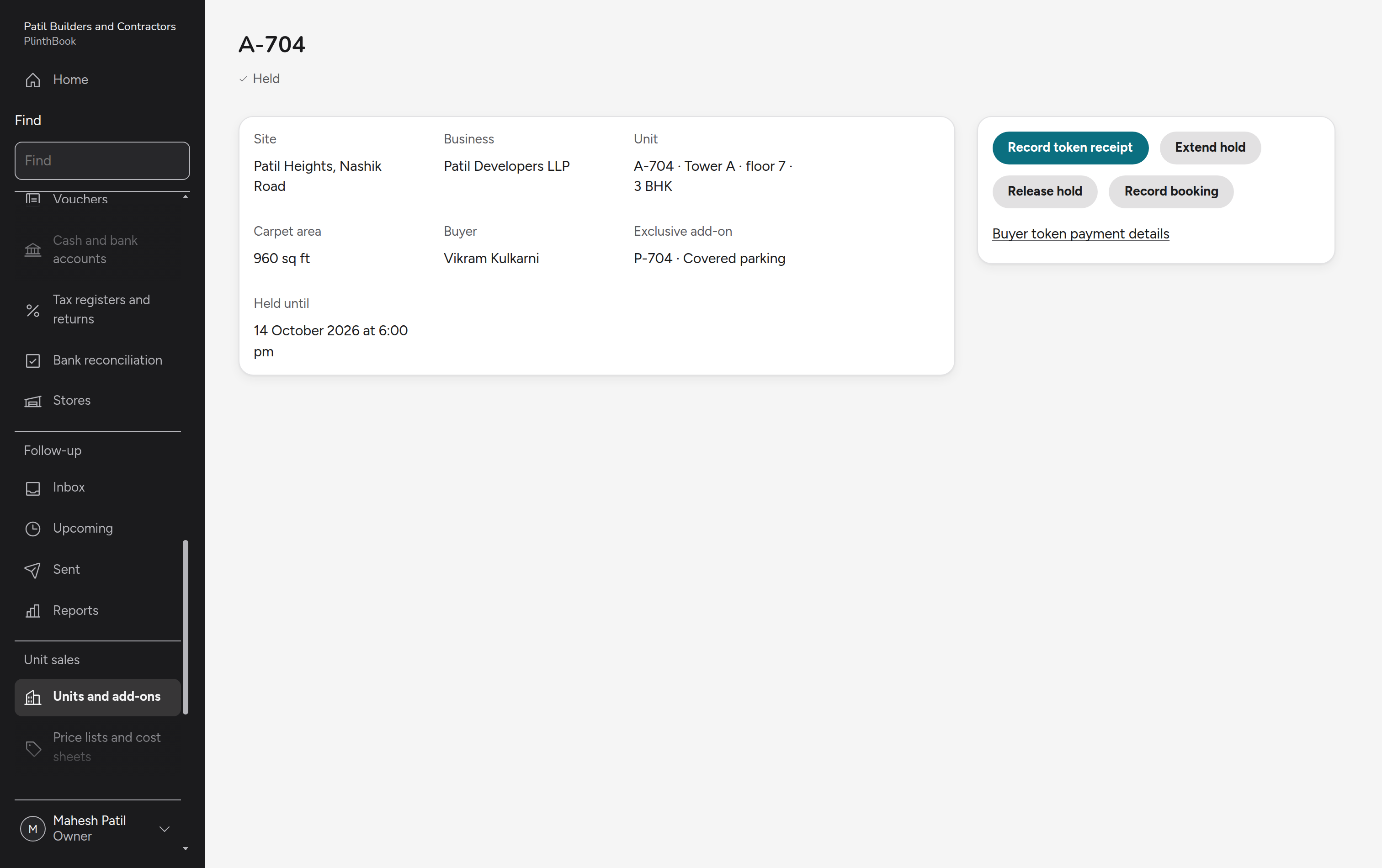
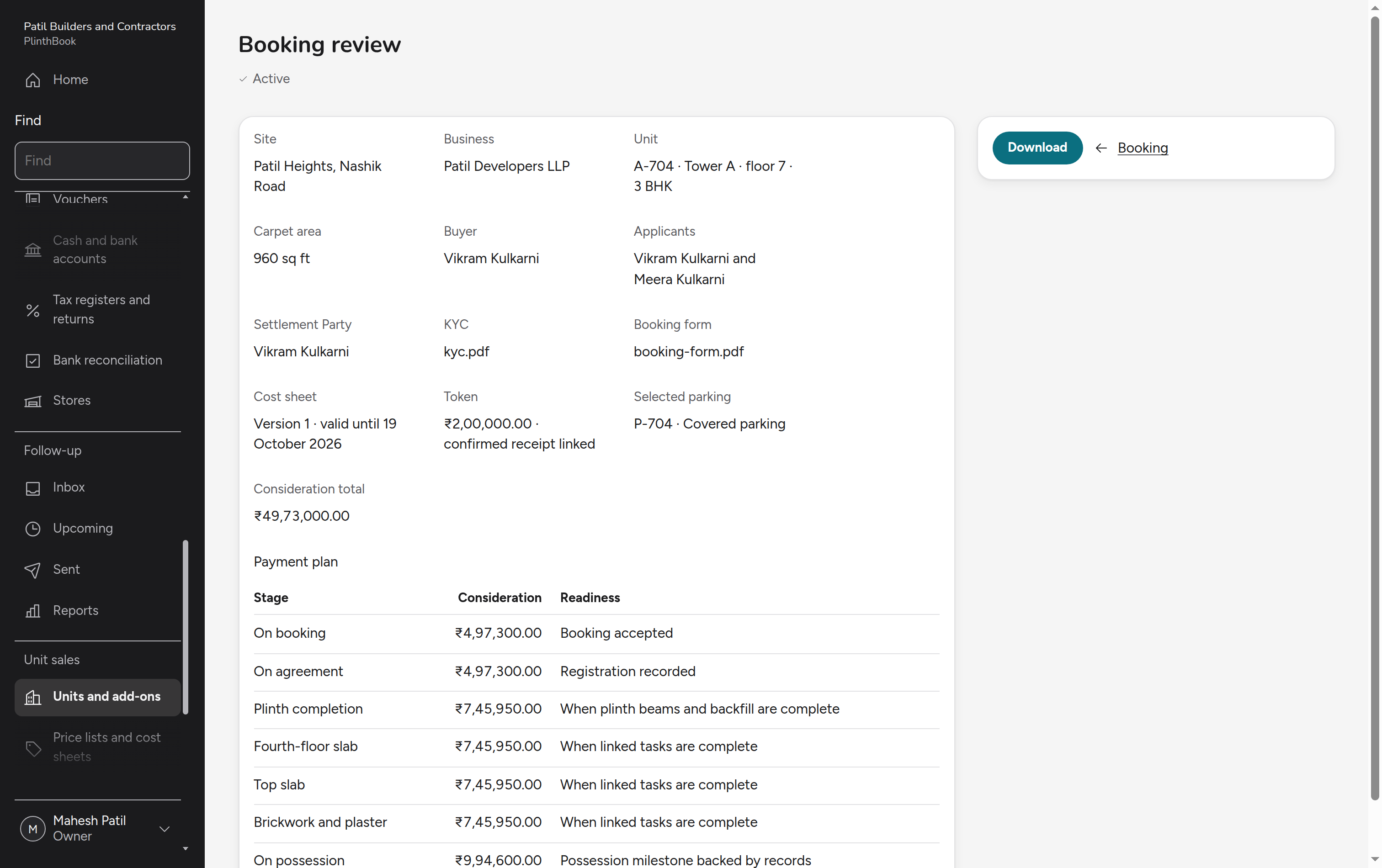
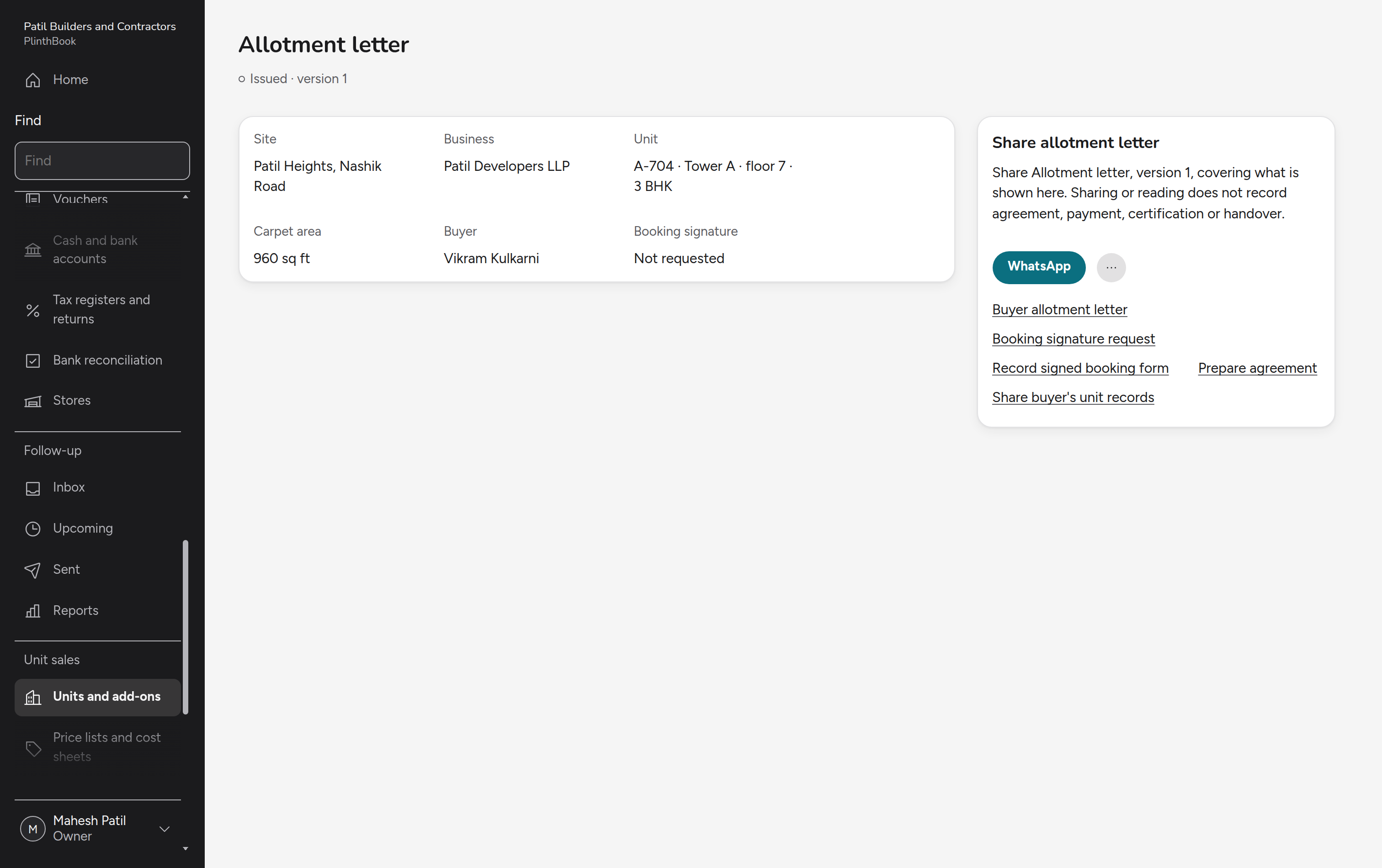
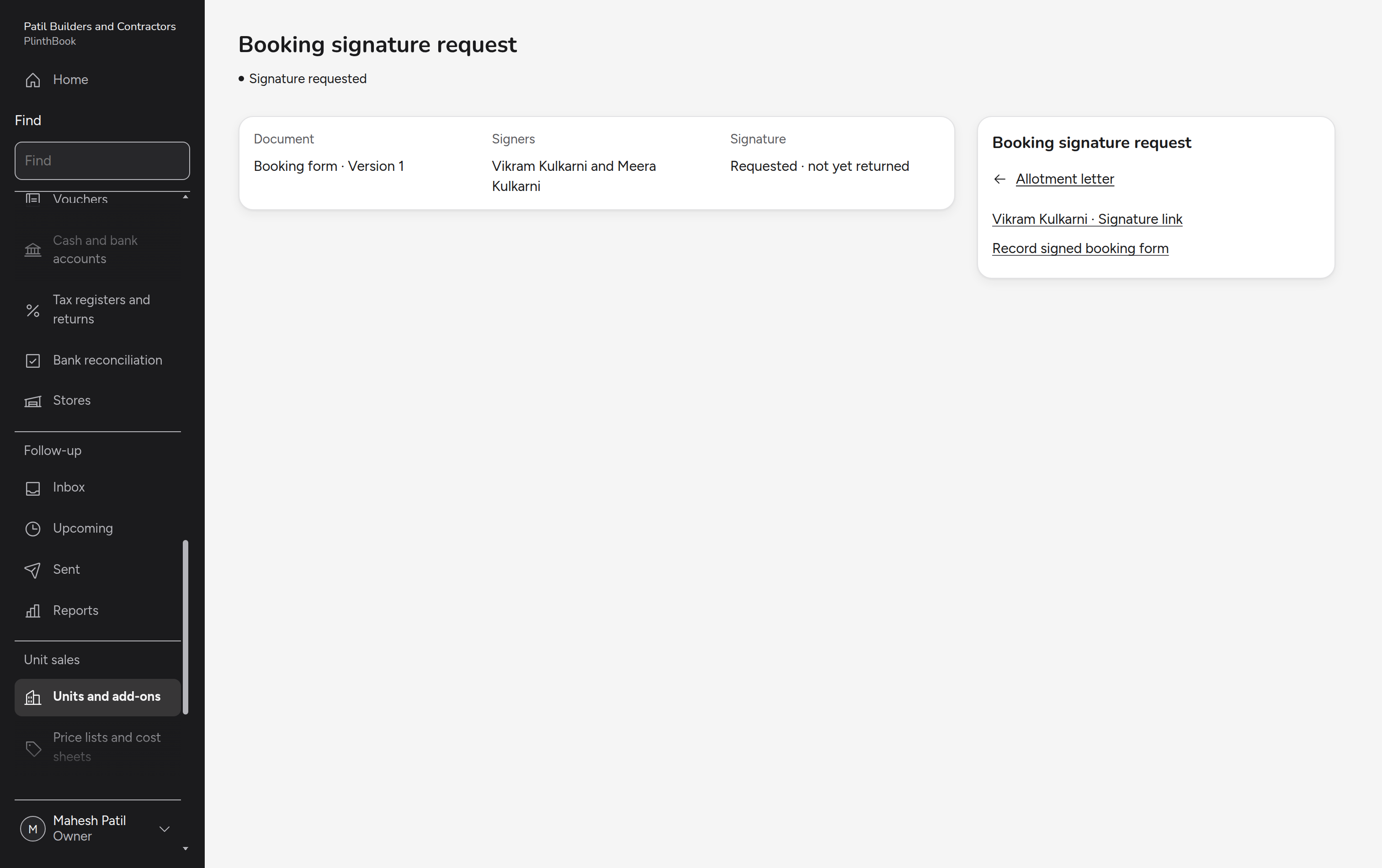
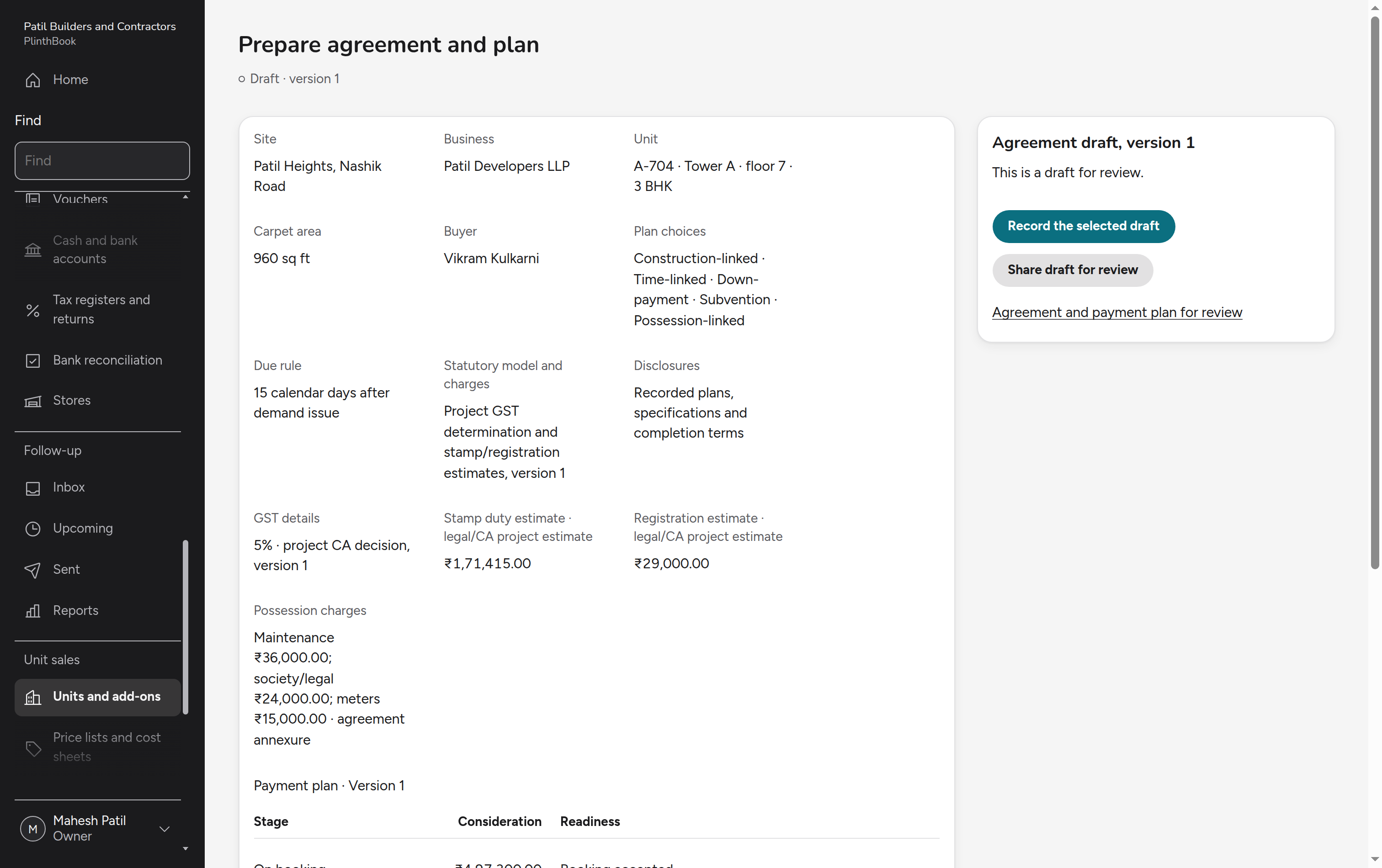
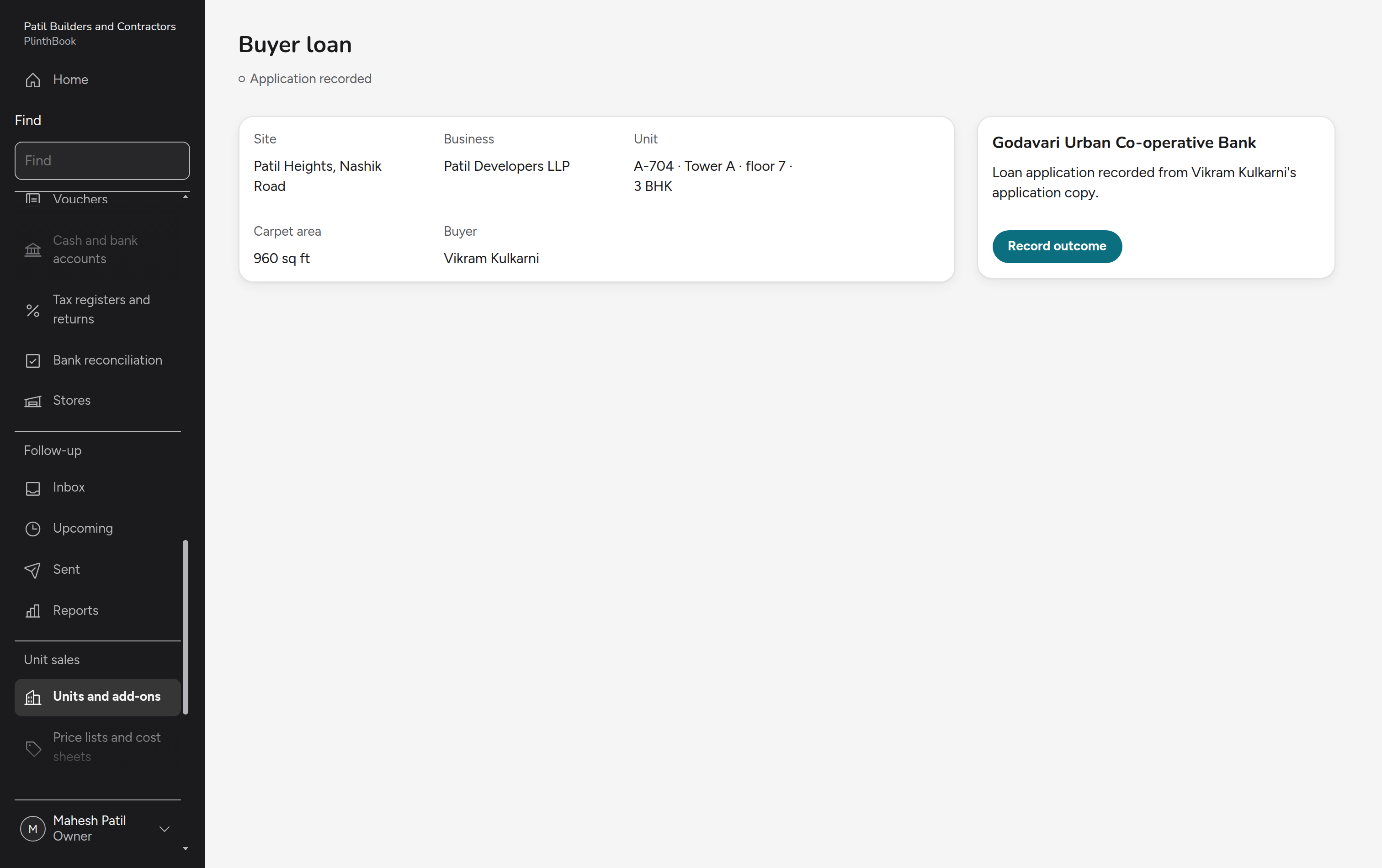
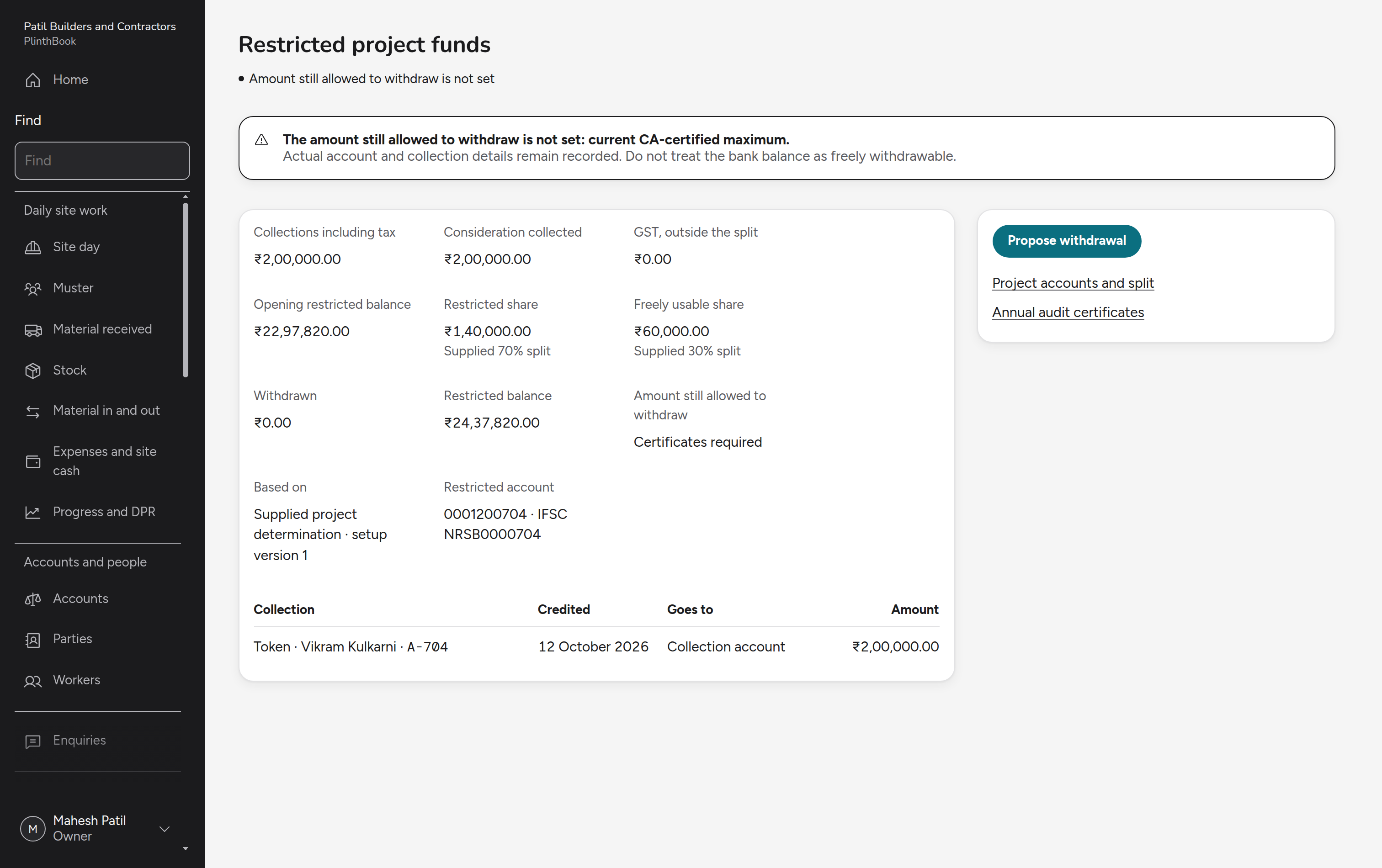
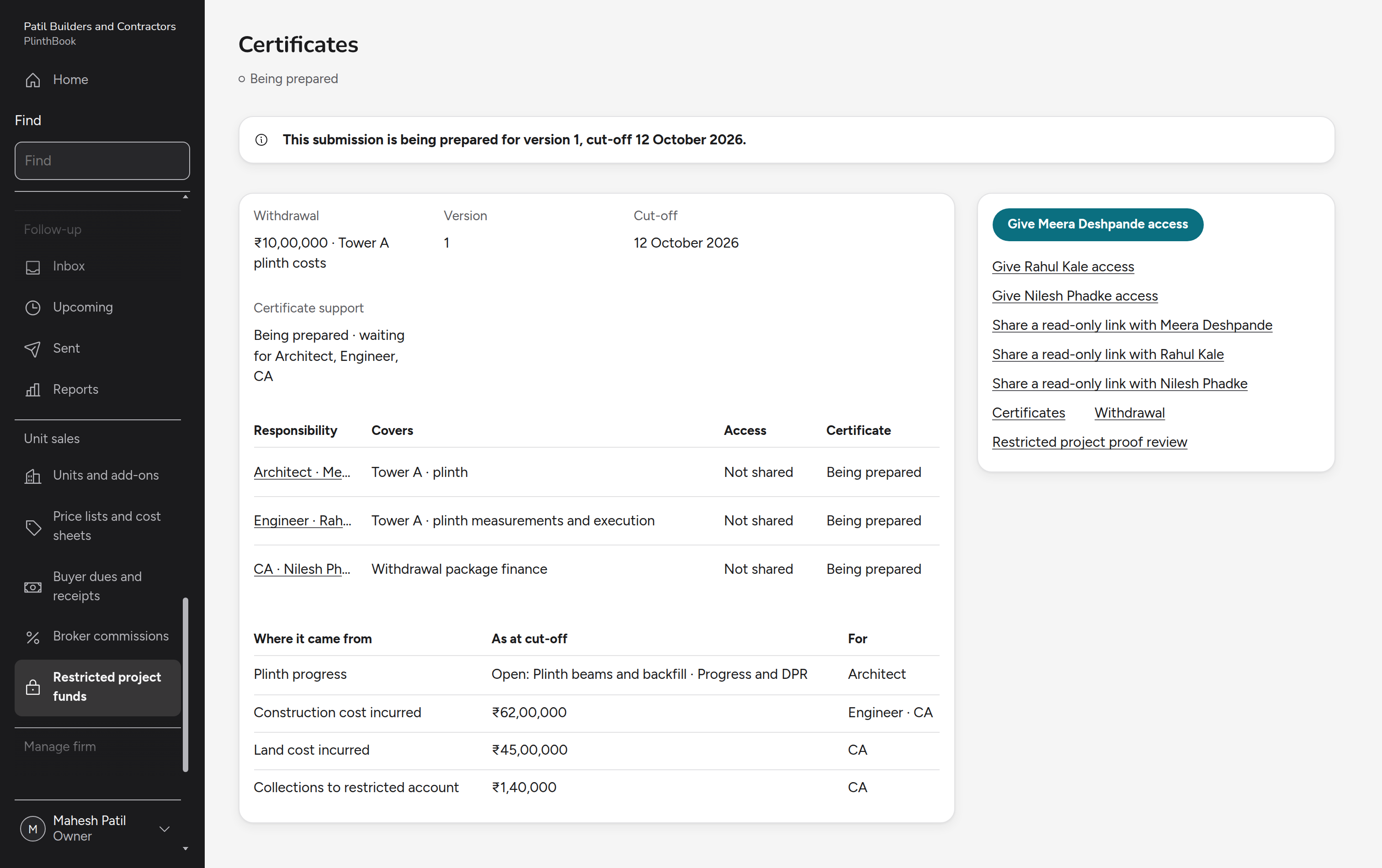
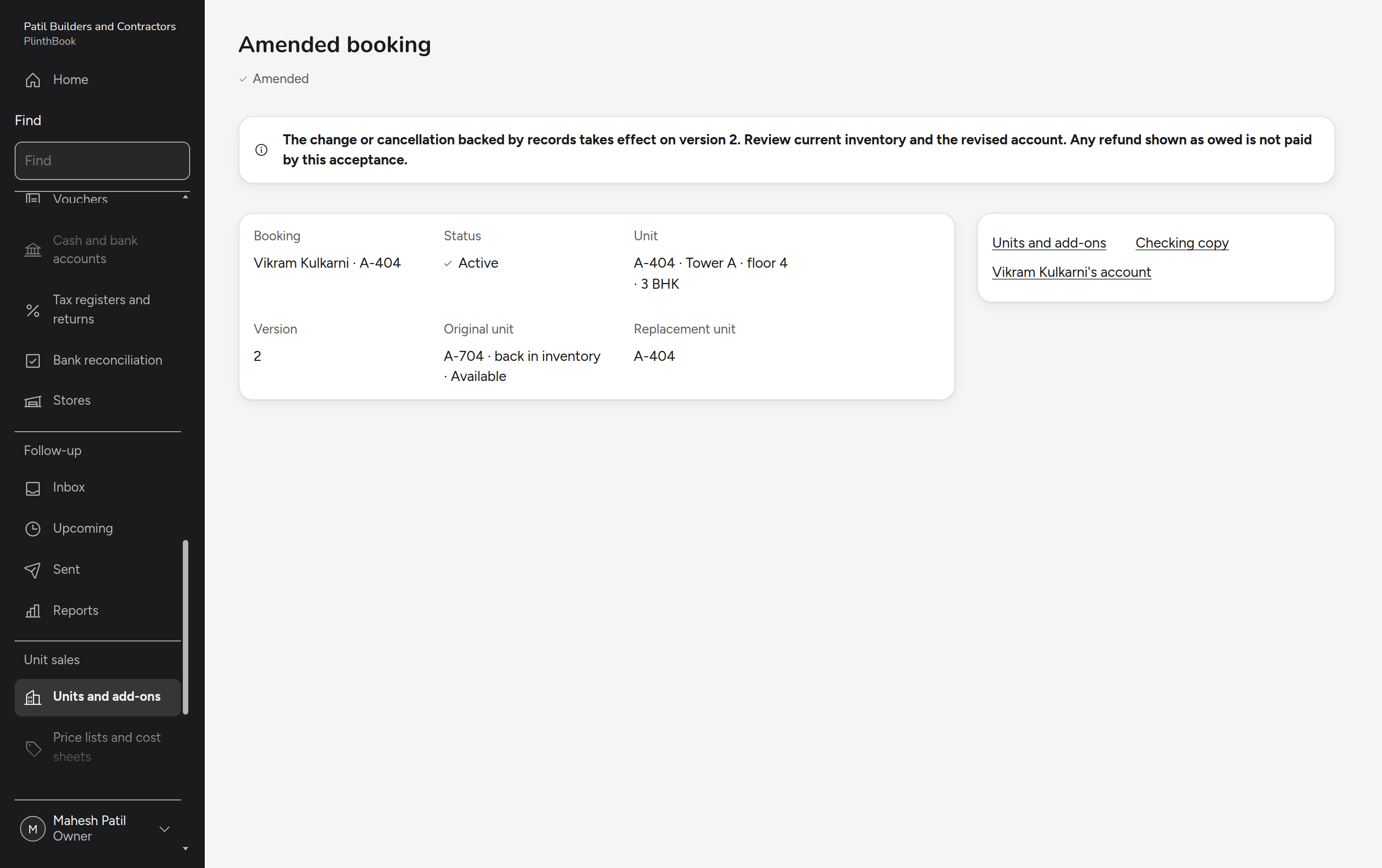
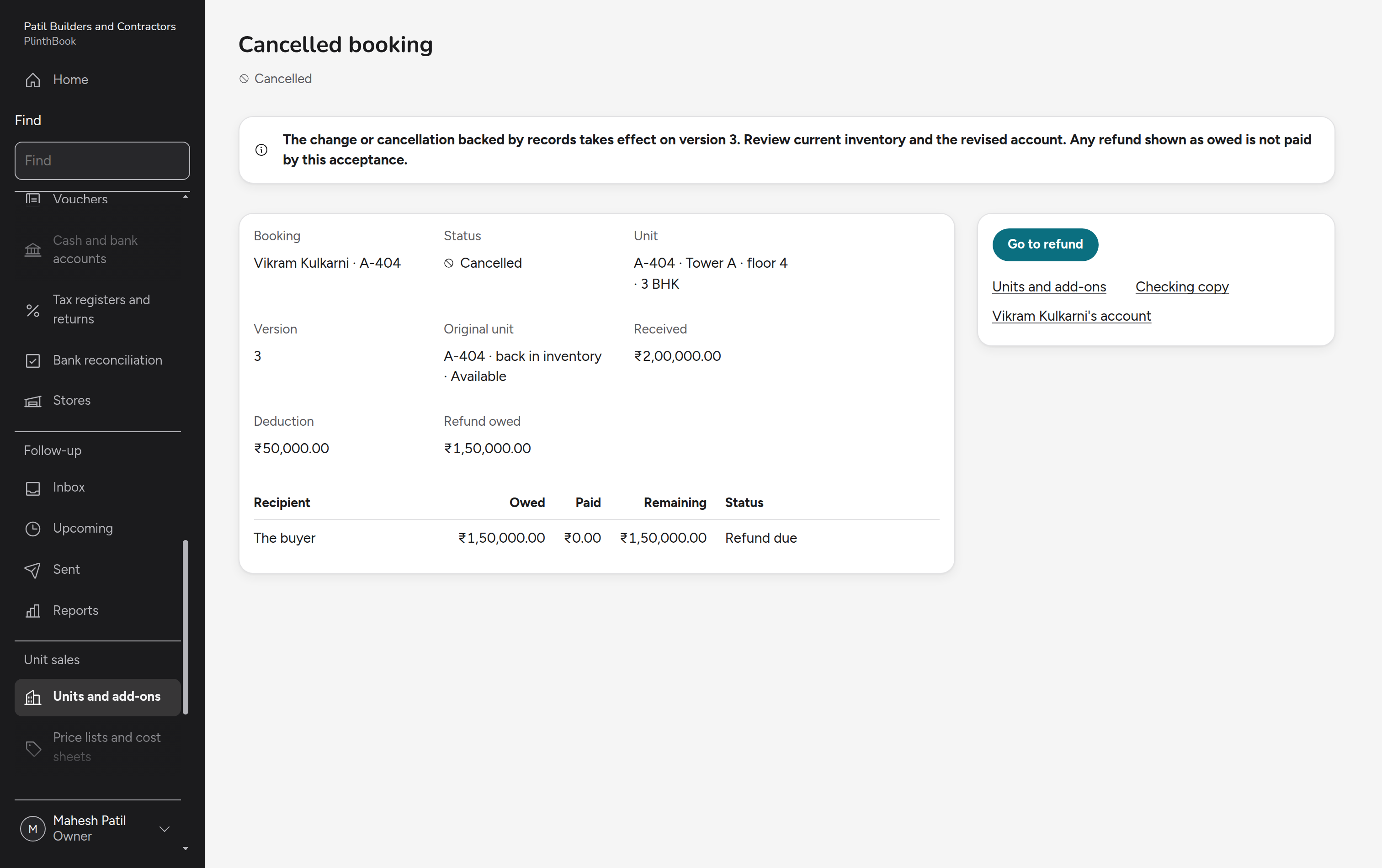
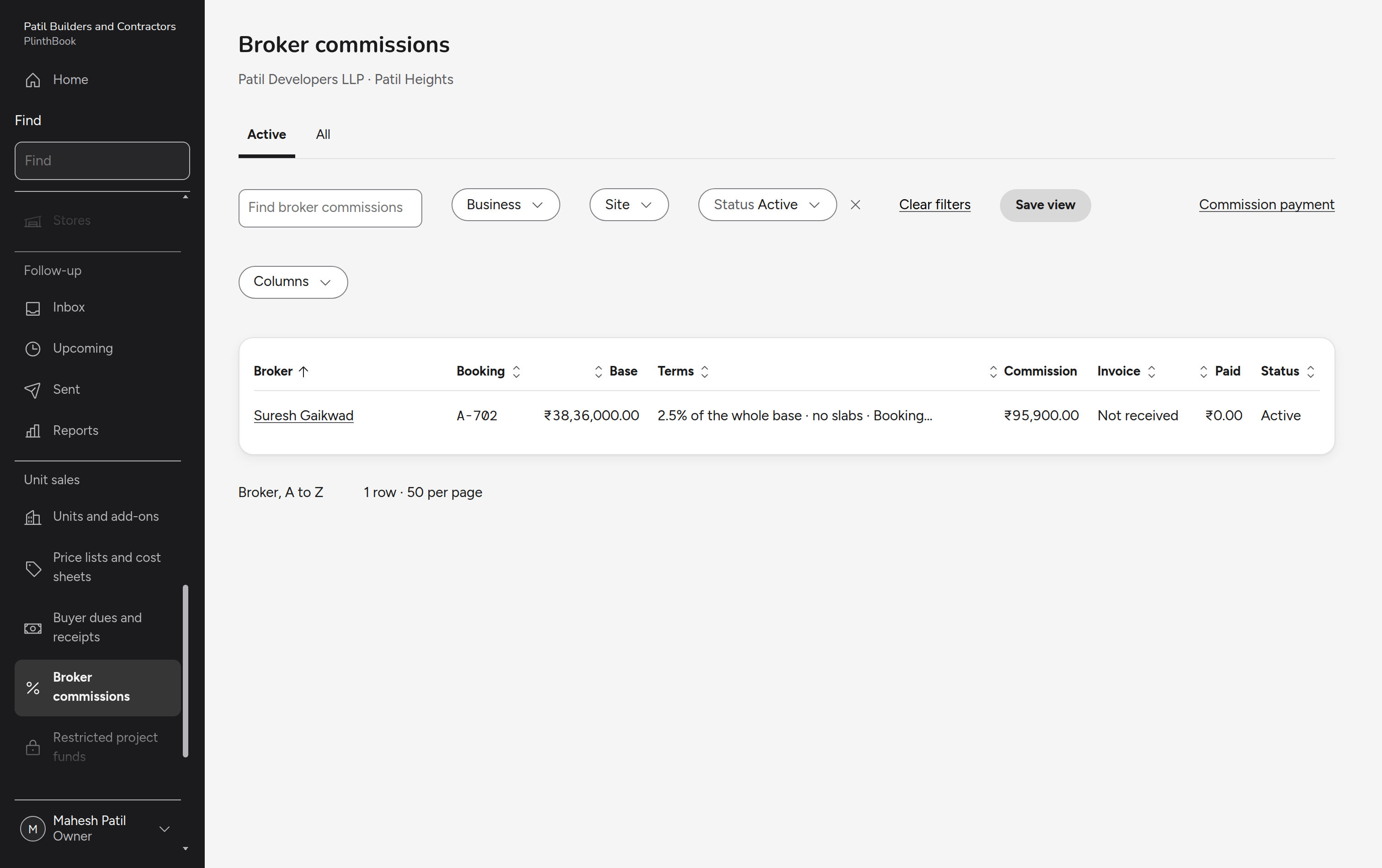
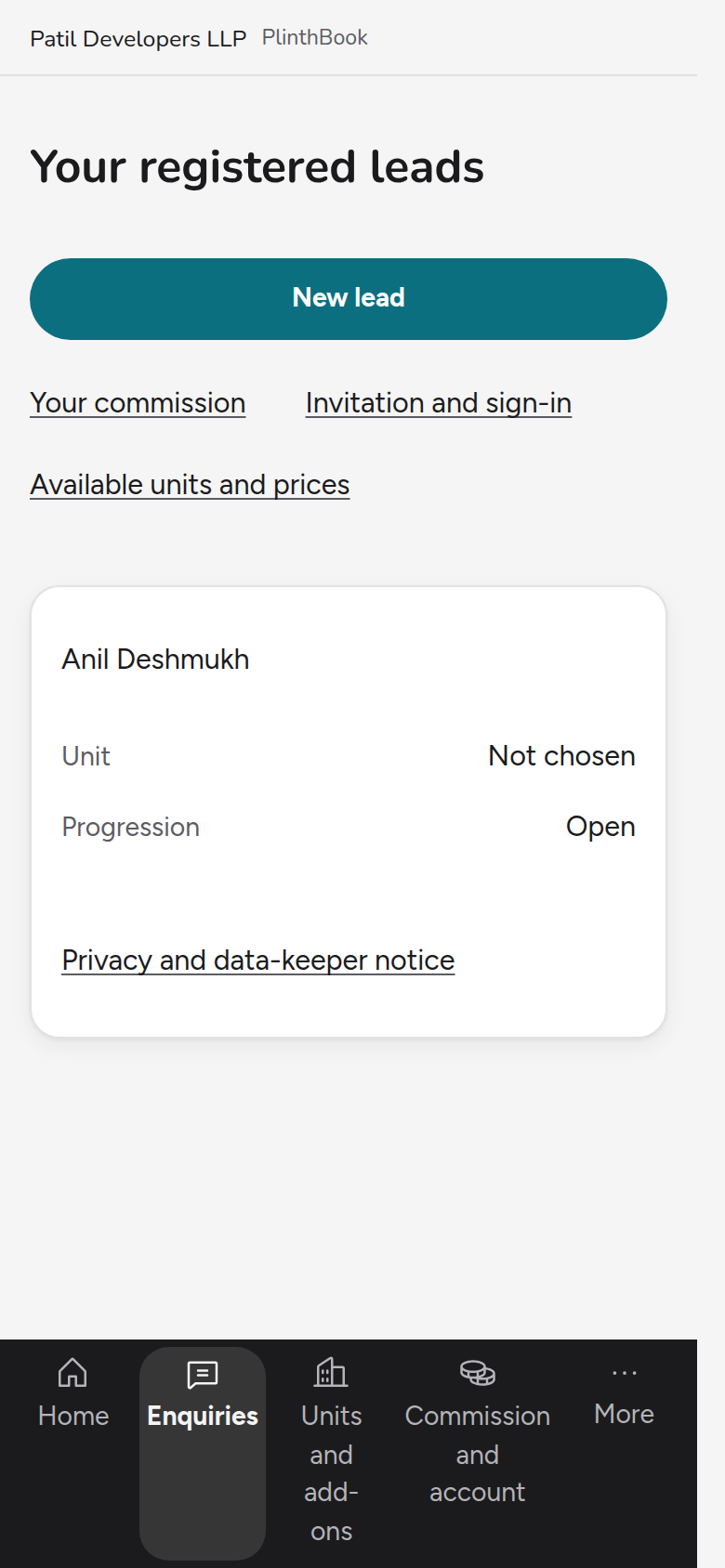
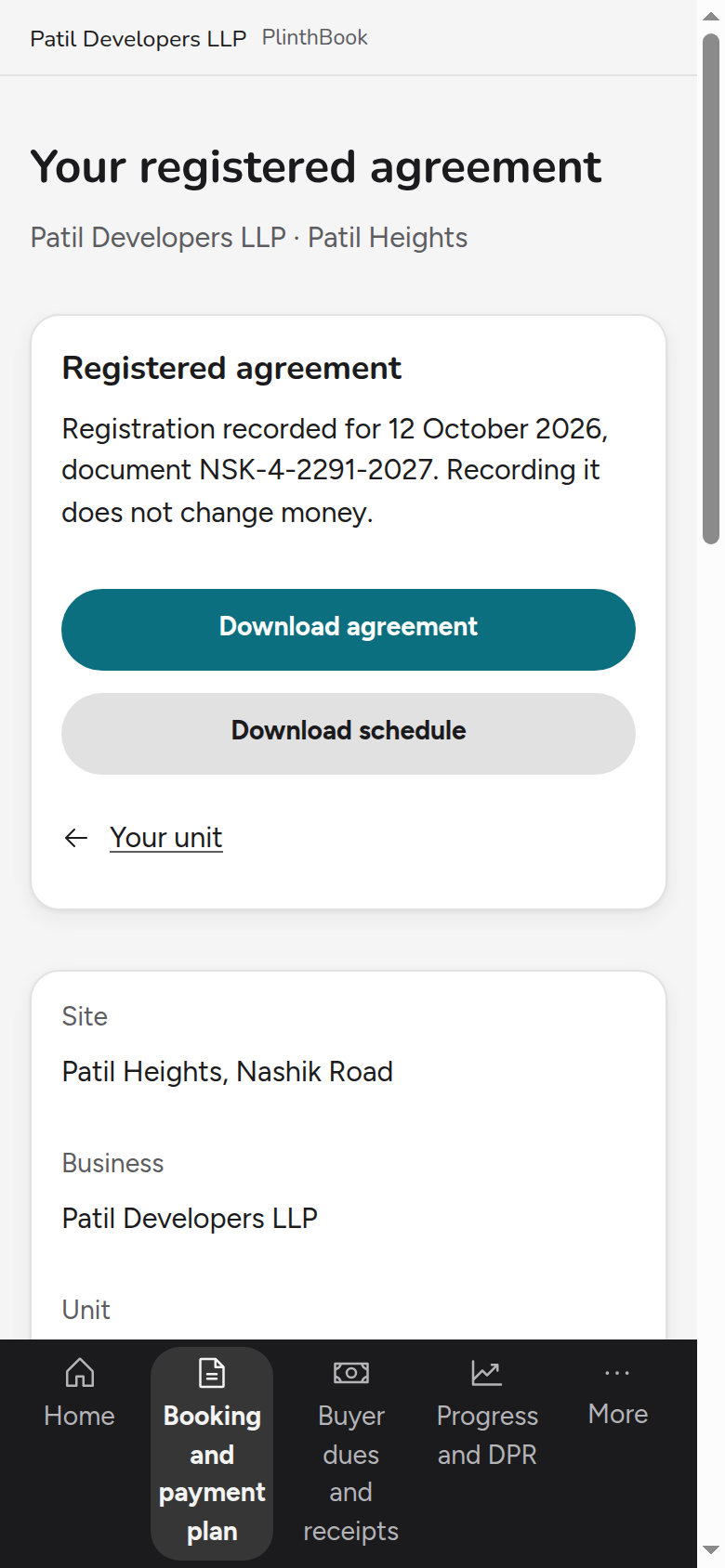
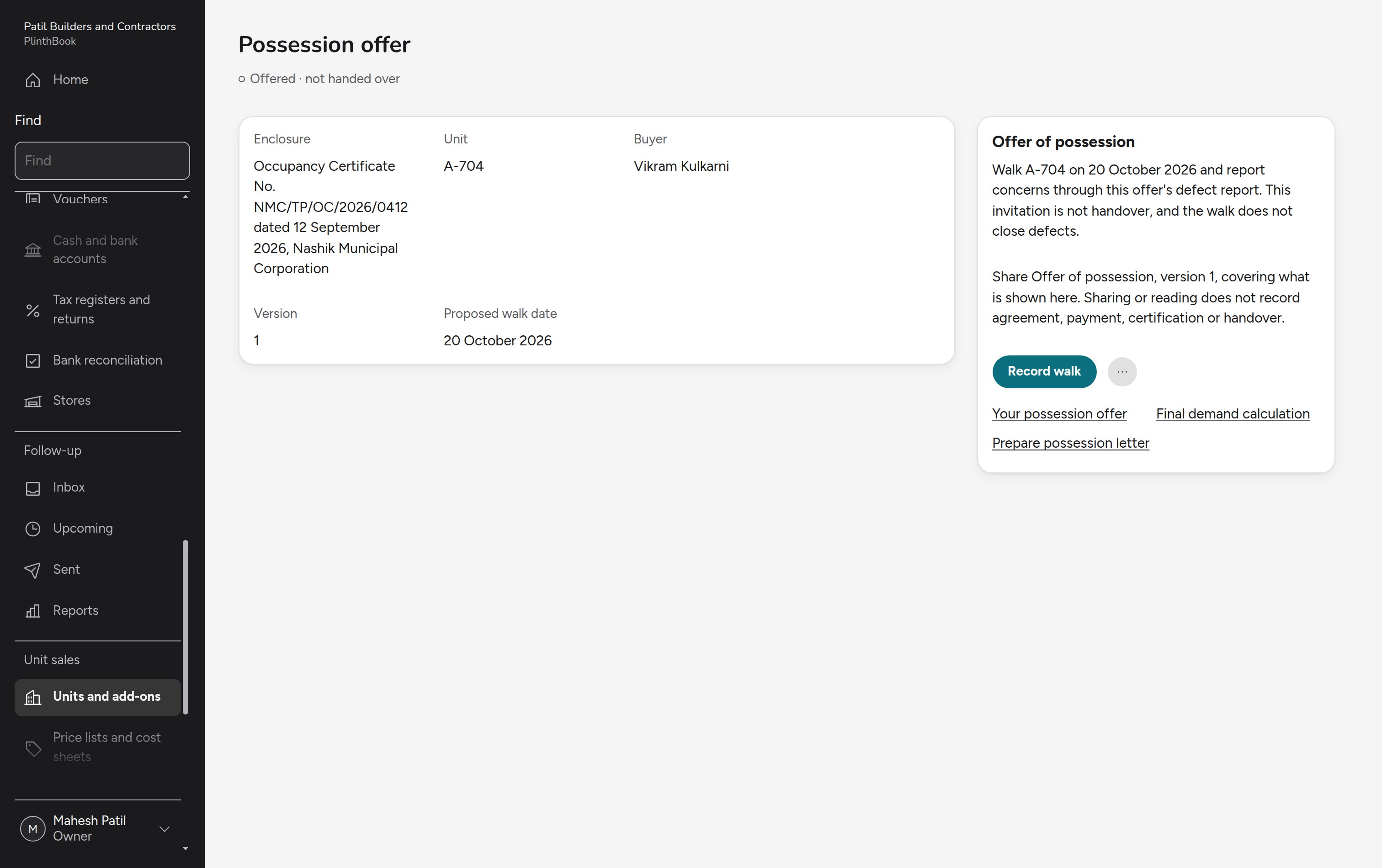
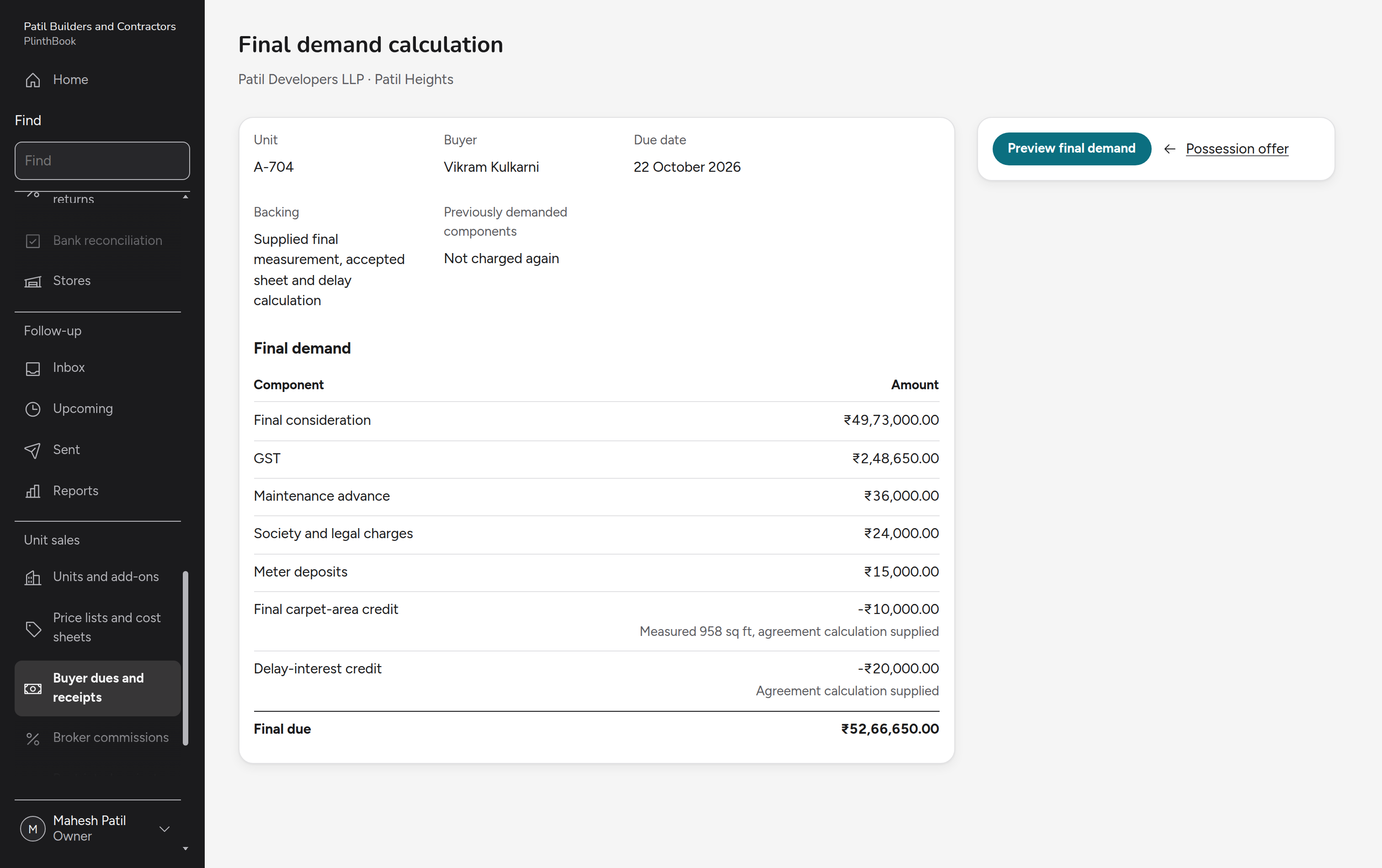
Selling units from enquiry to possession: enquiries and visits, stock and price lists, booking and agreement, demands and receipts, restricted project funds, changes and cancellations, and the buyer's and channel partner's own phone screens.
Across the product
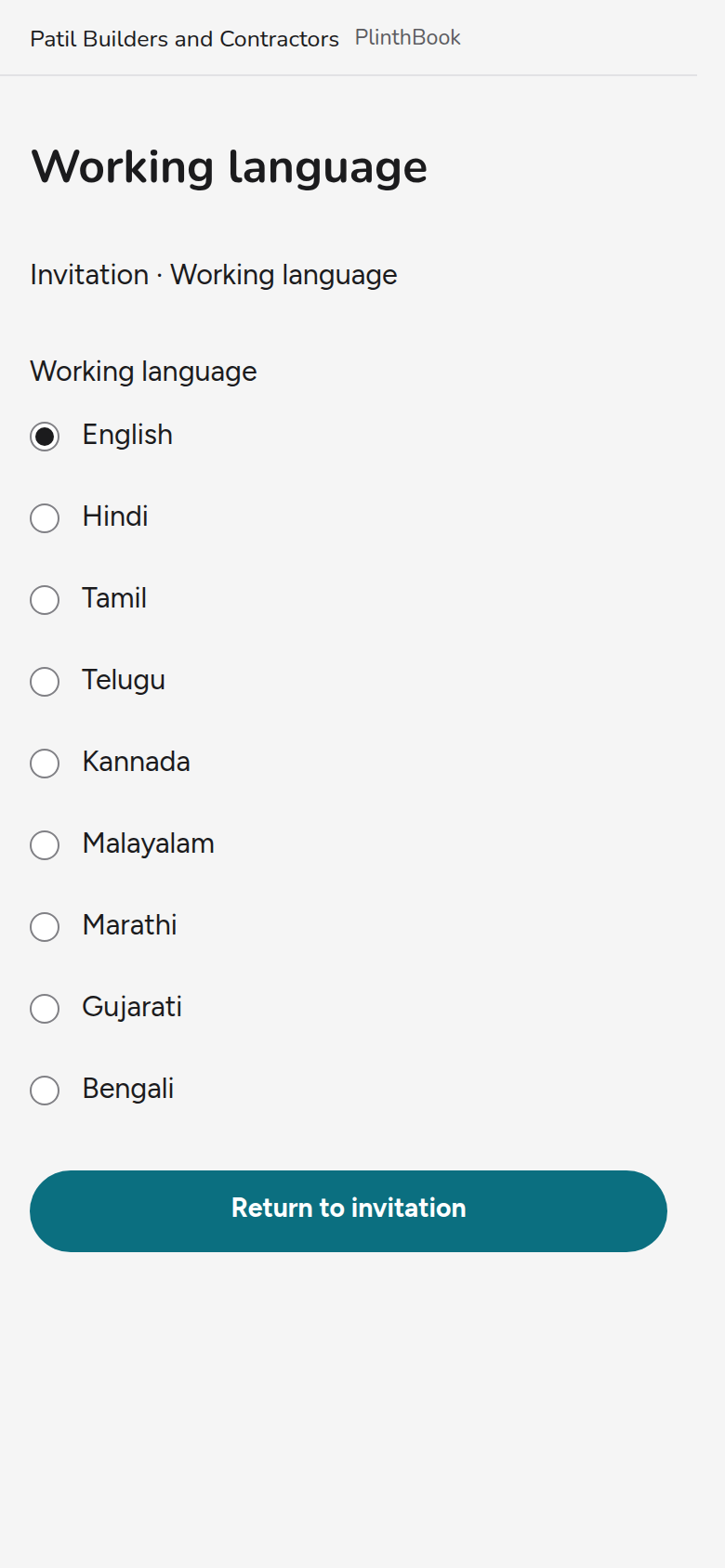
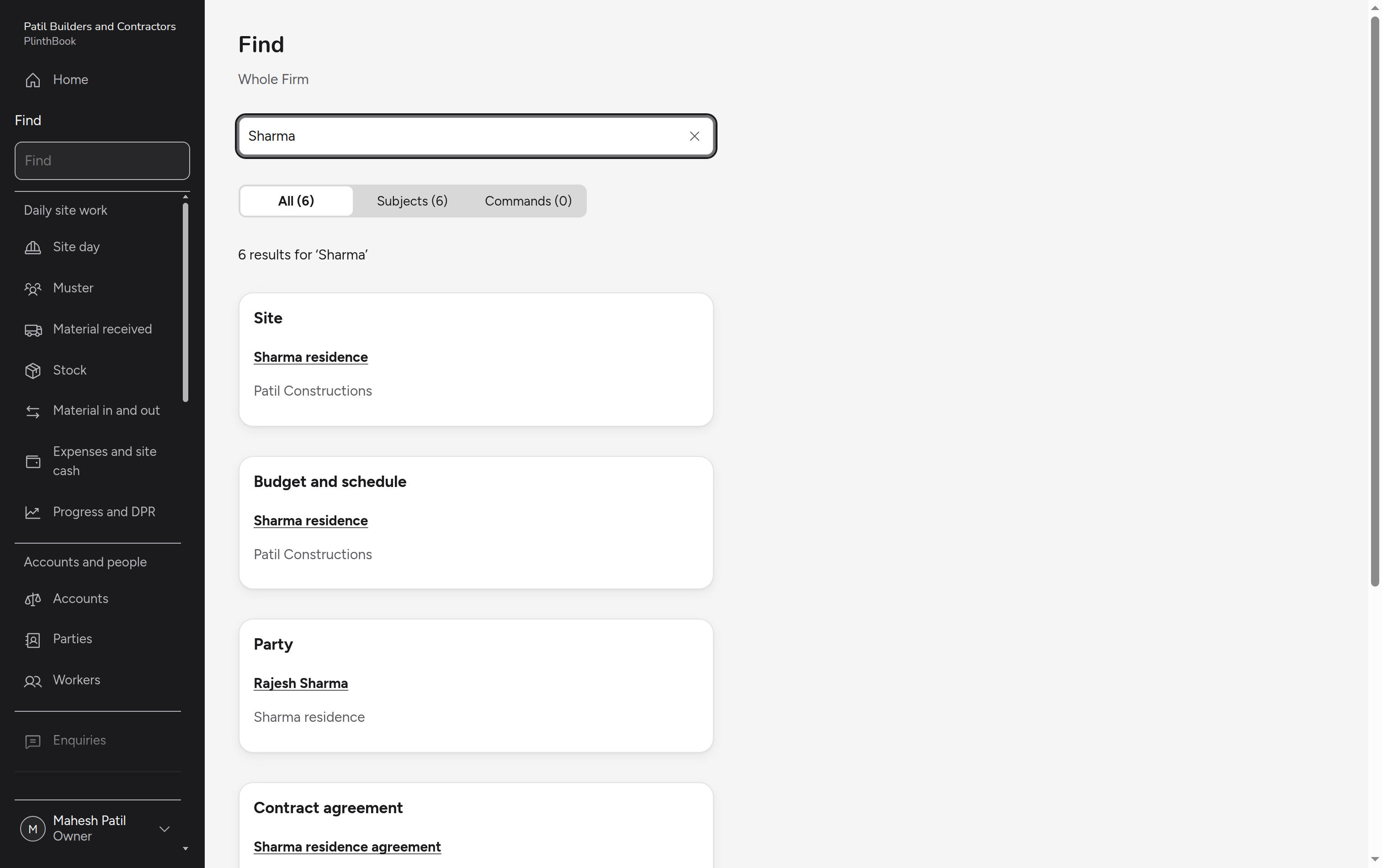
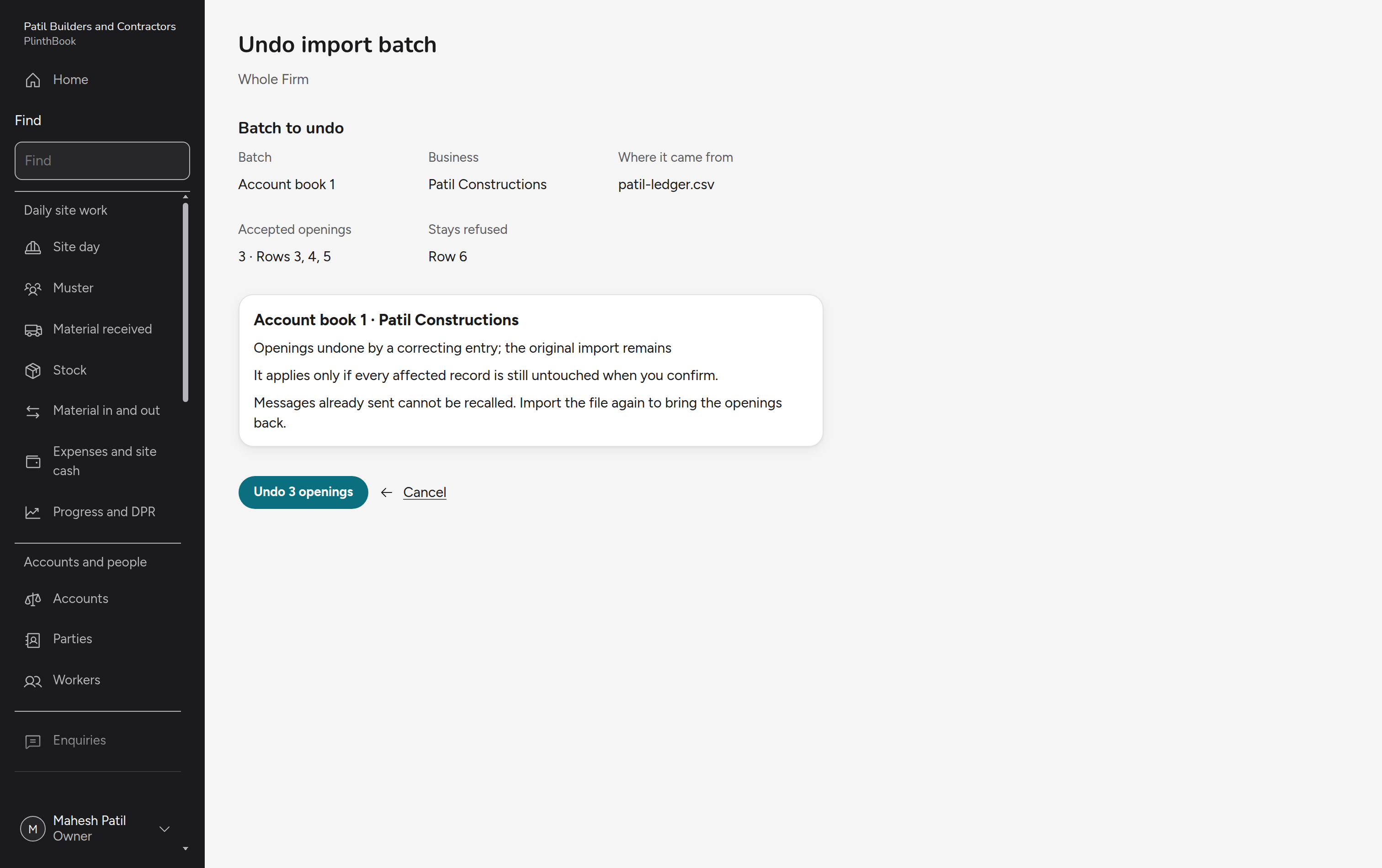
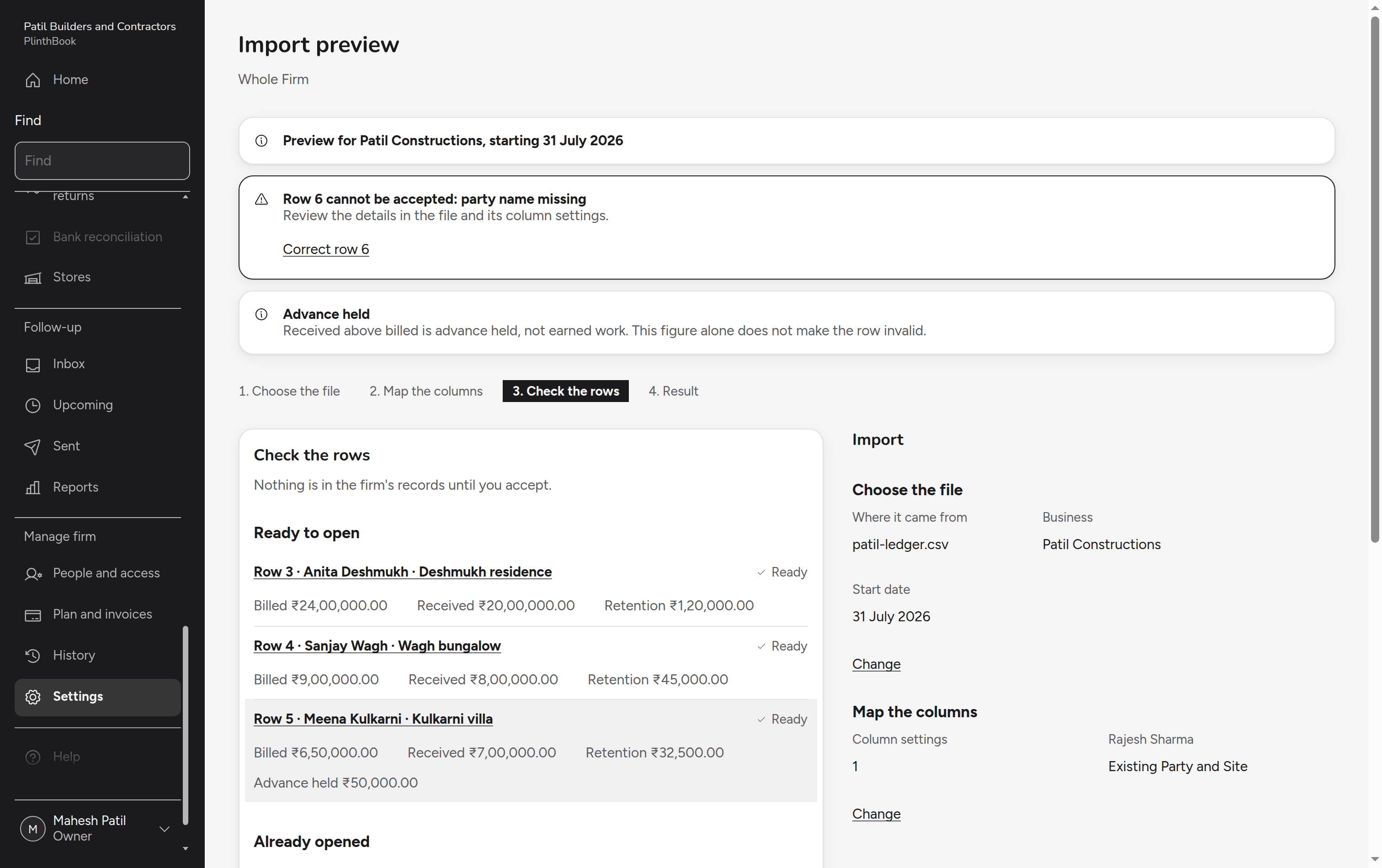
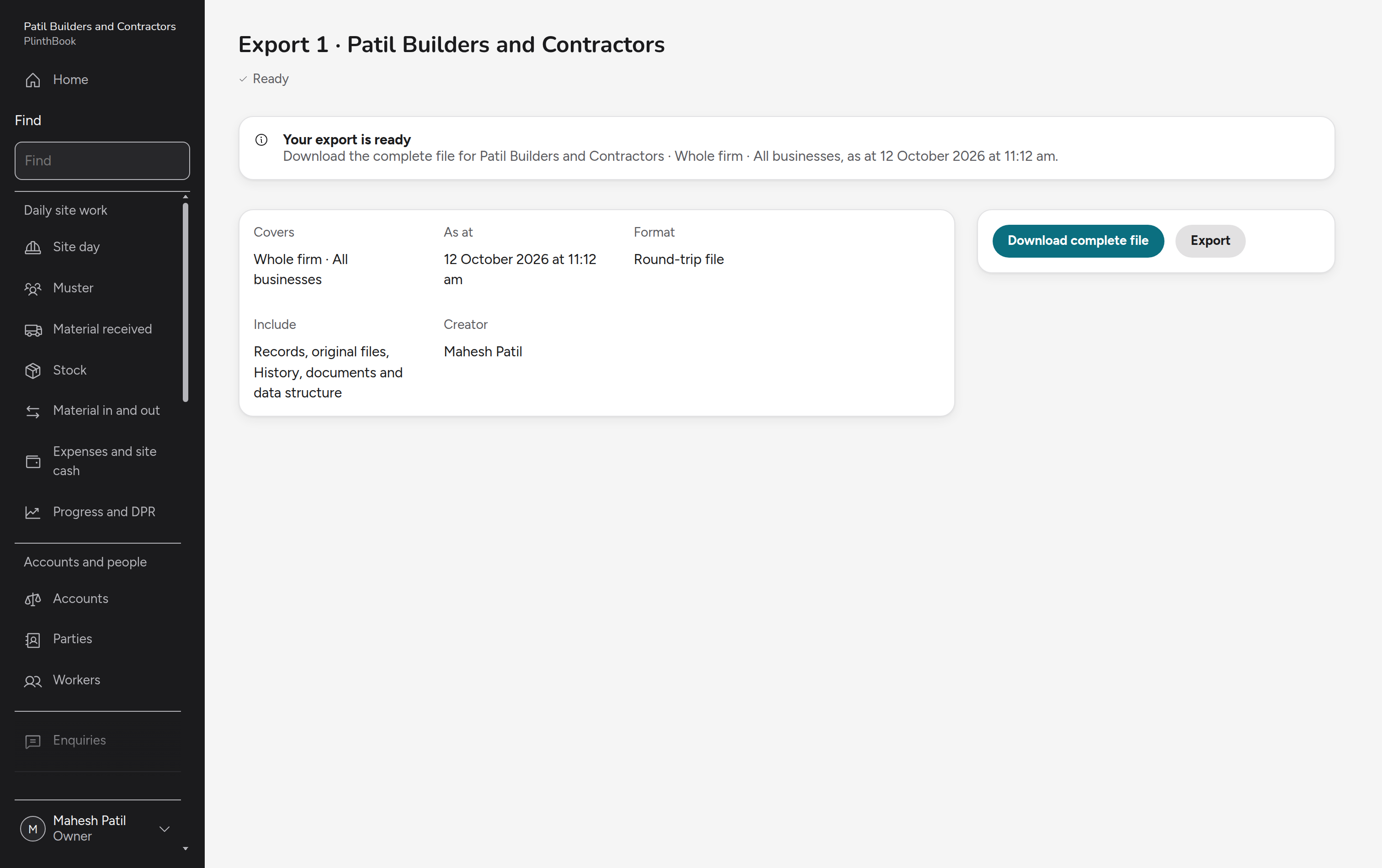
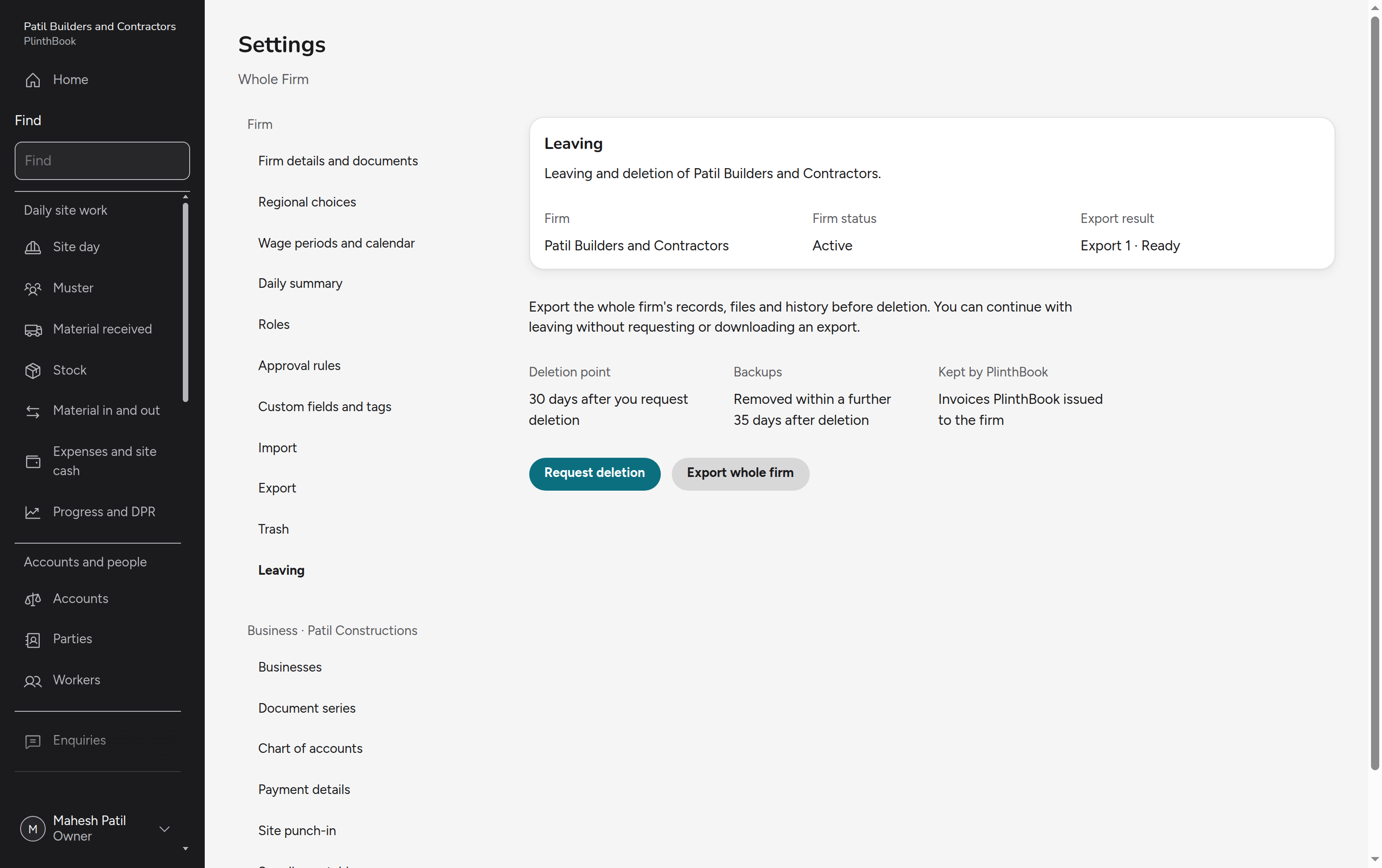
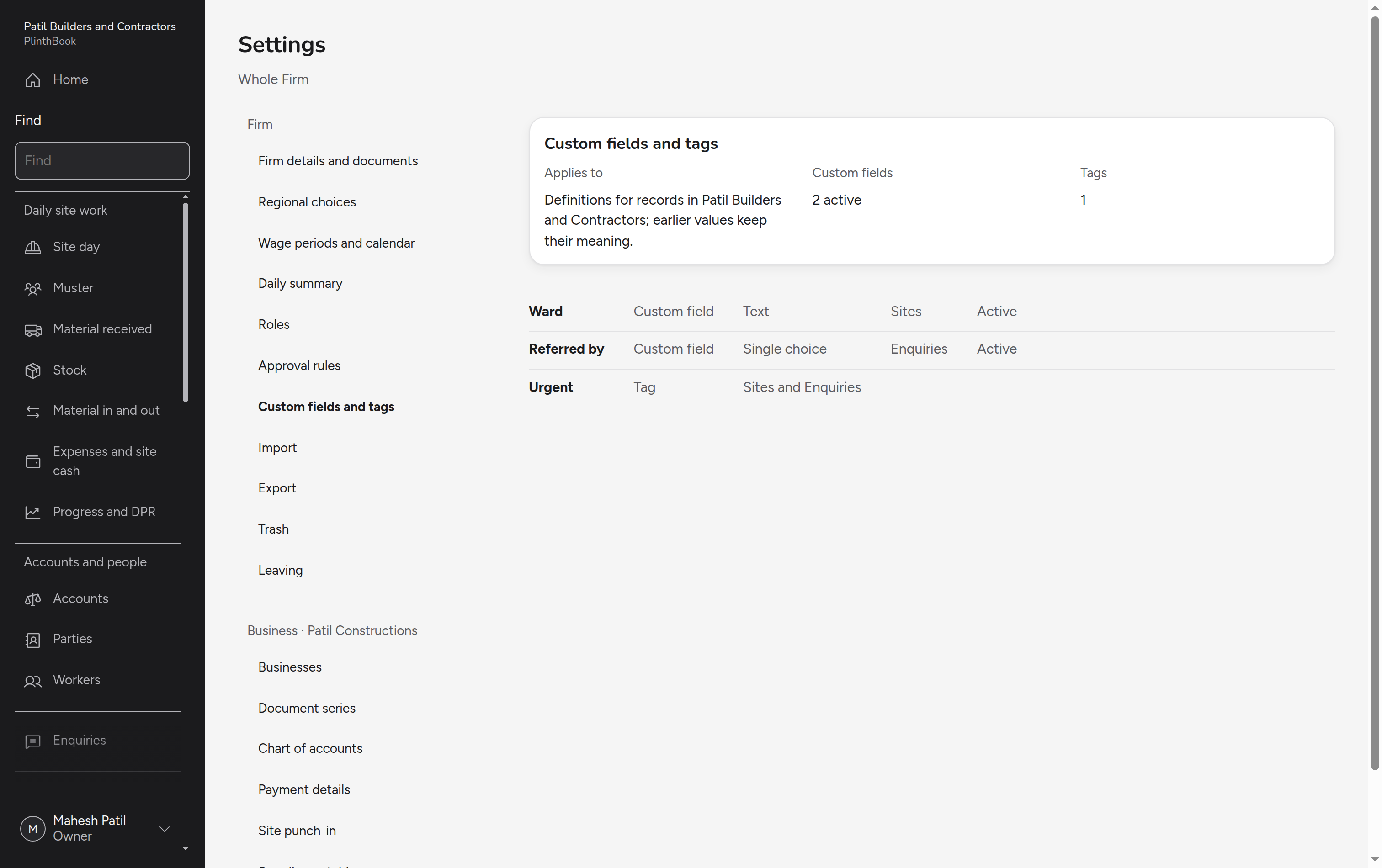
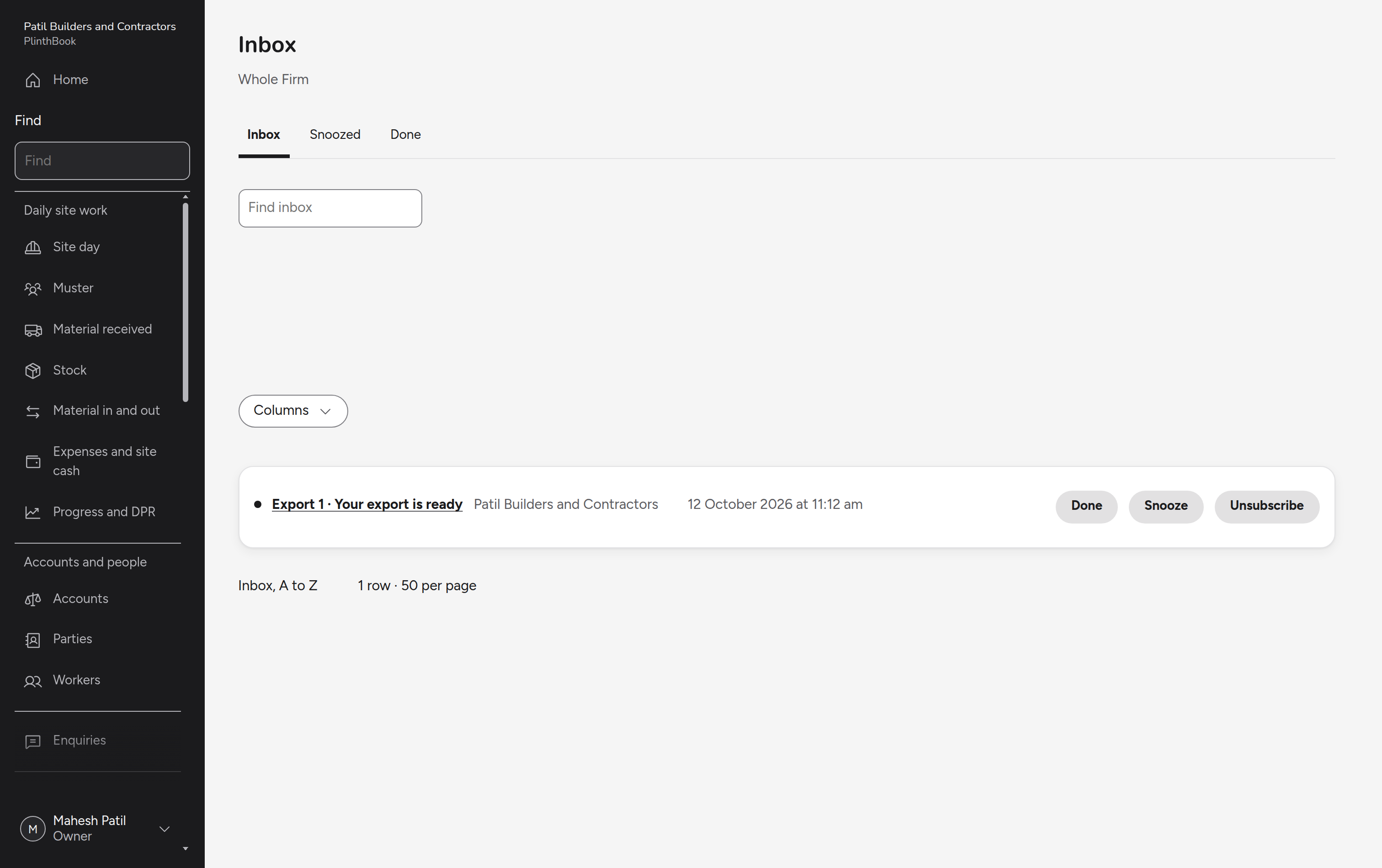
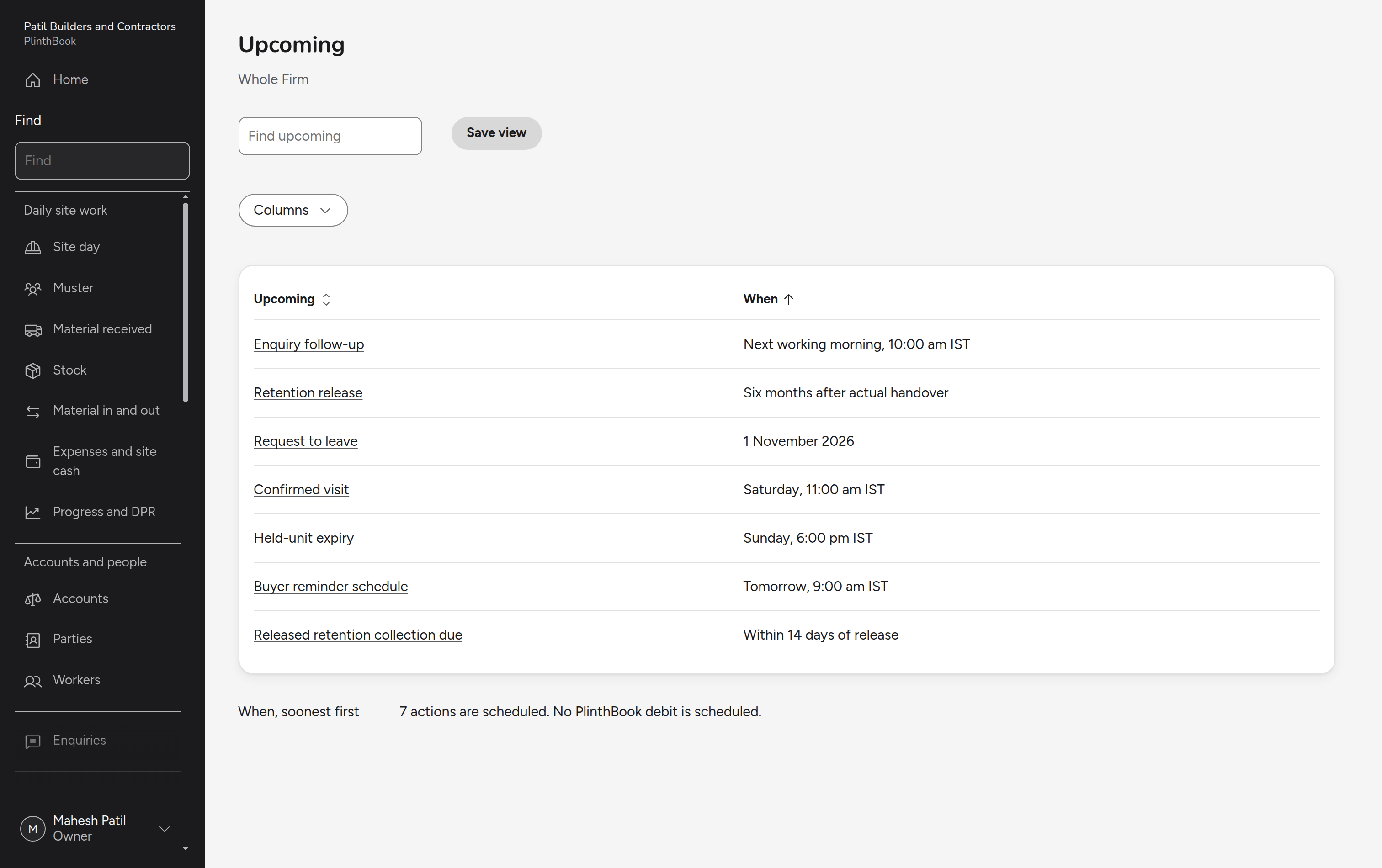
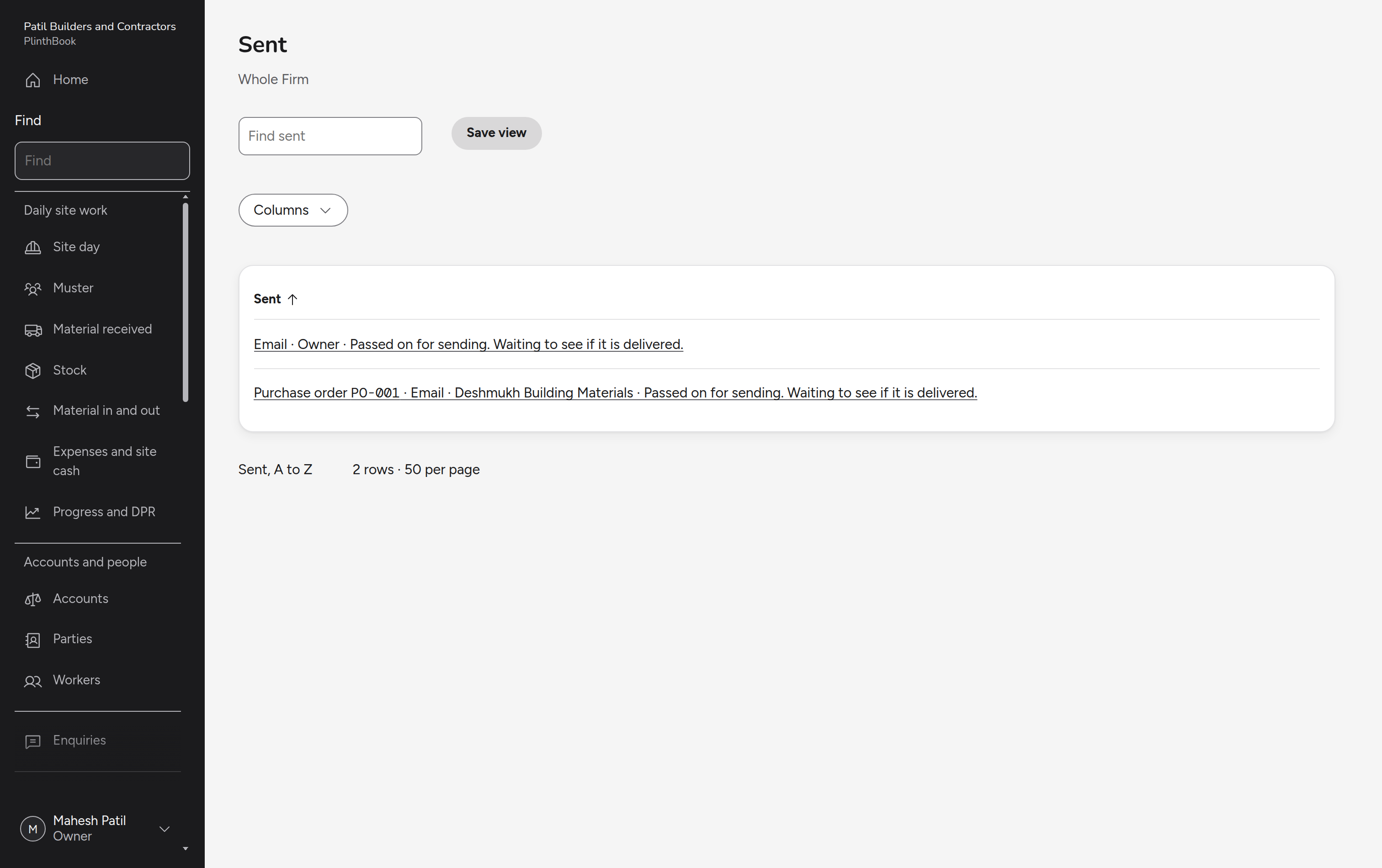
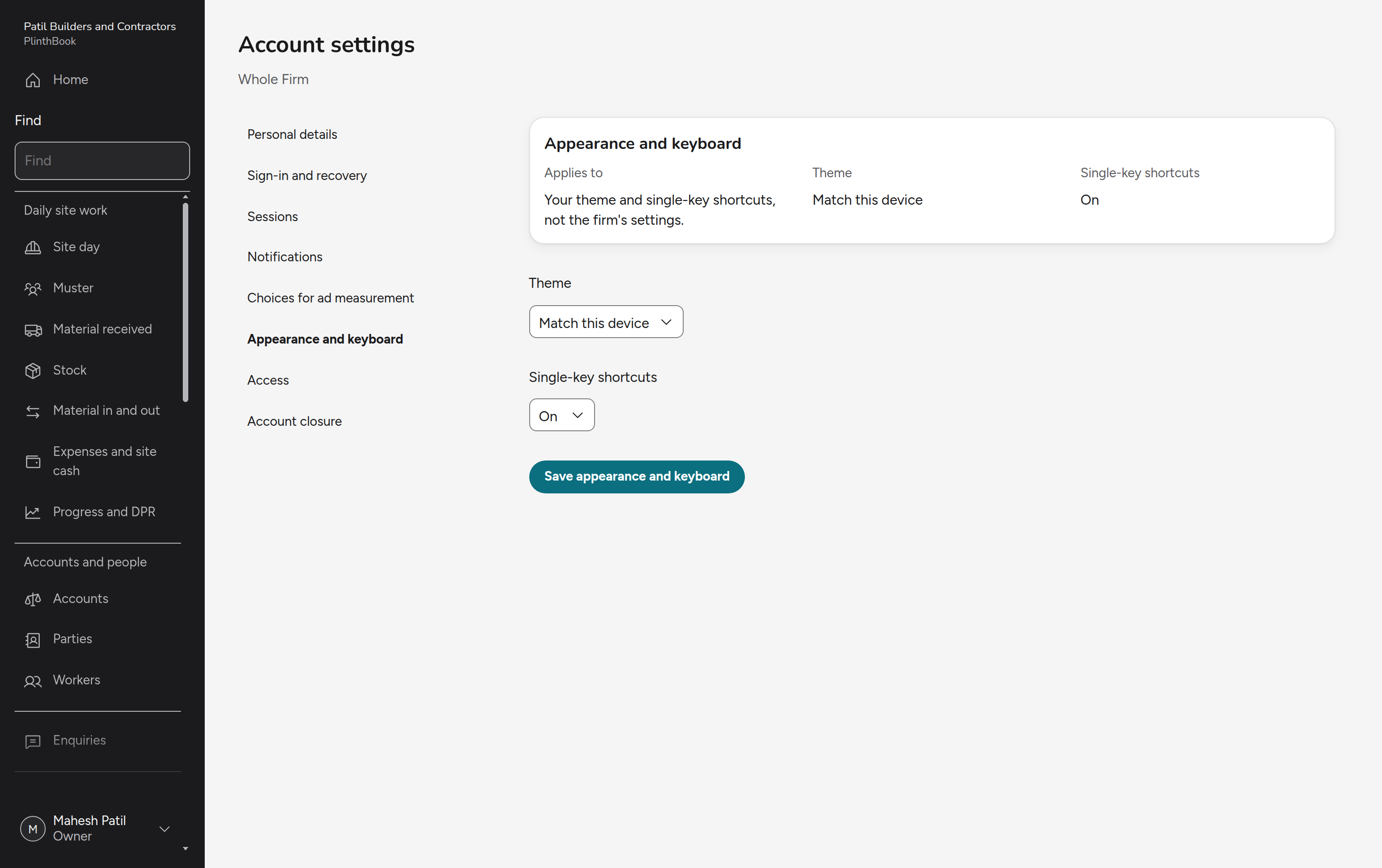
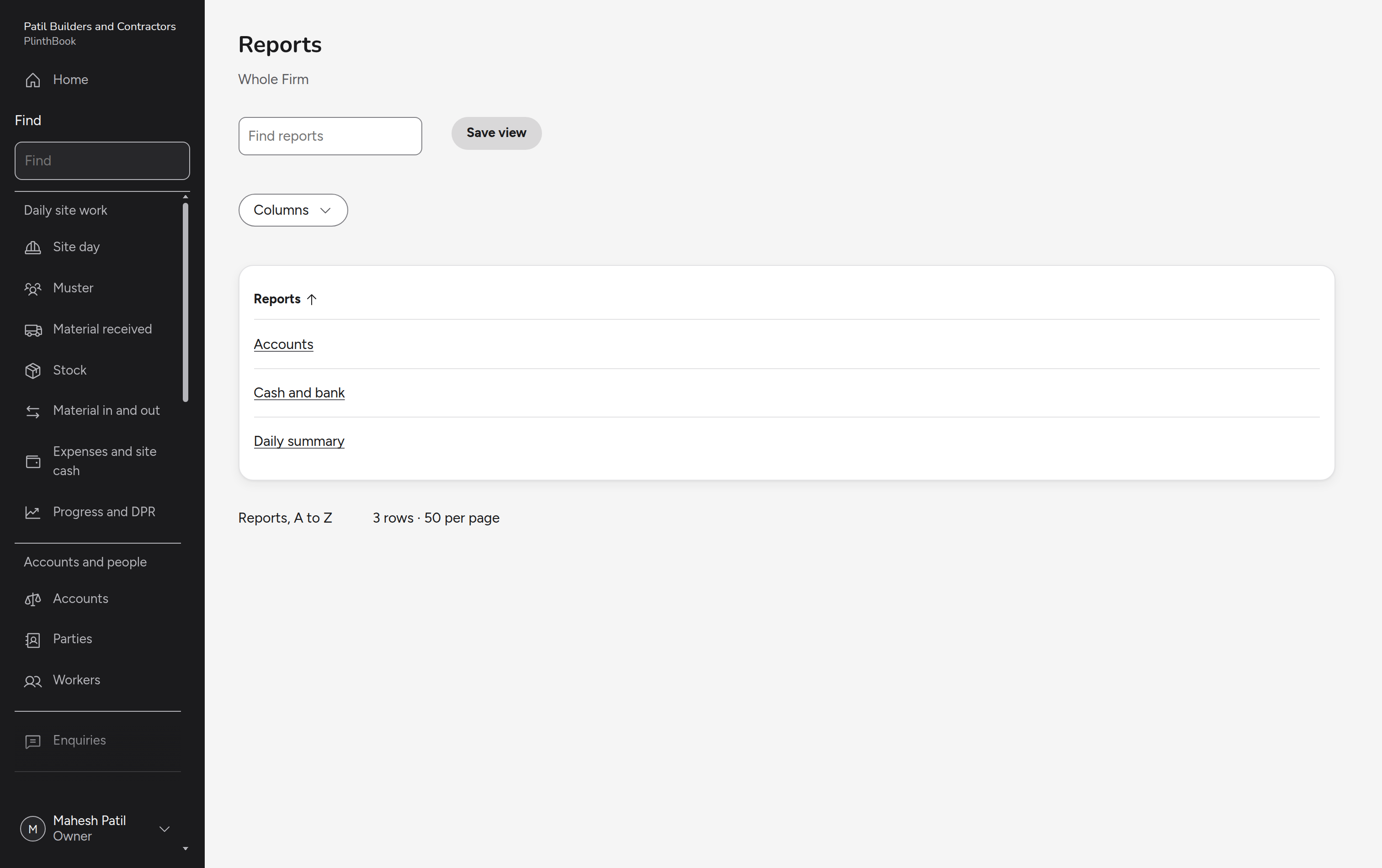
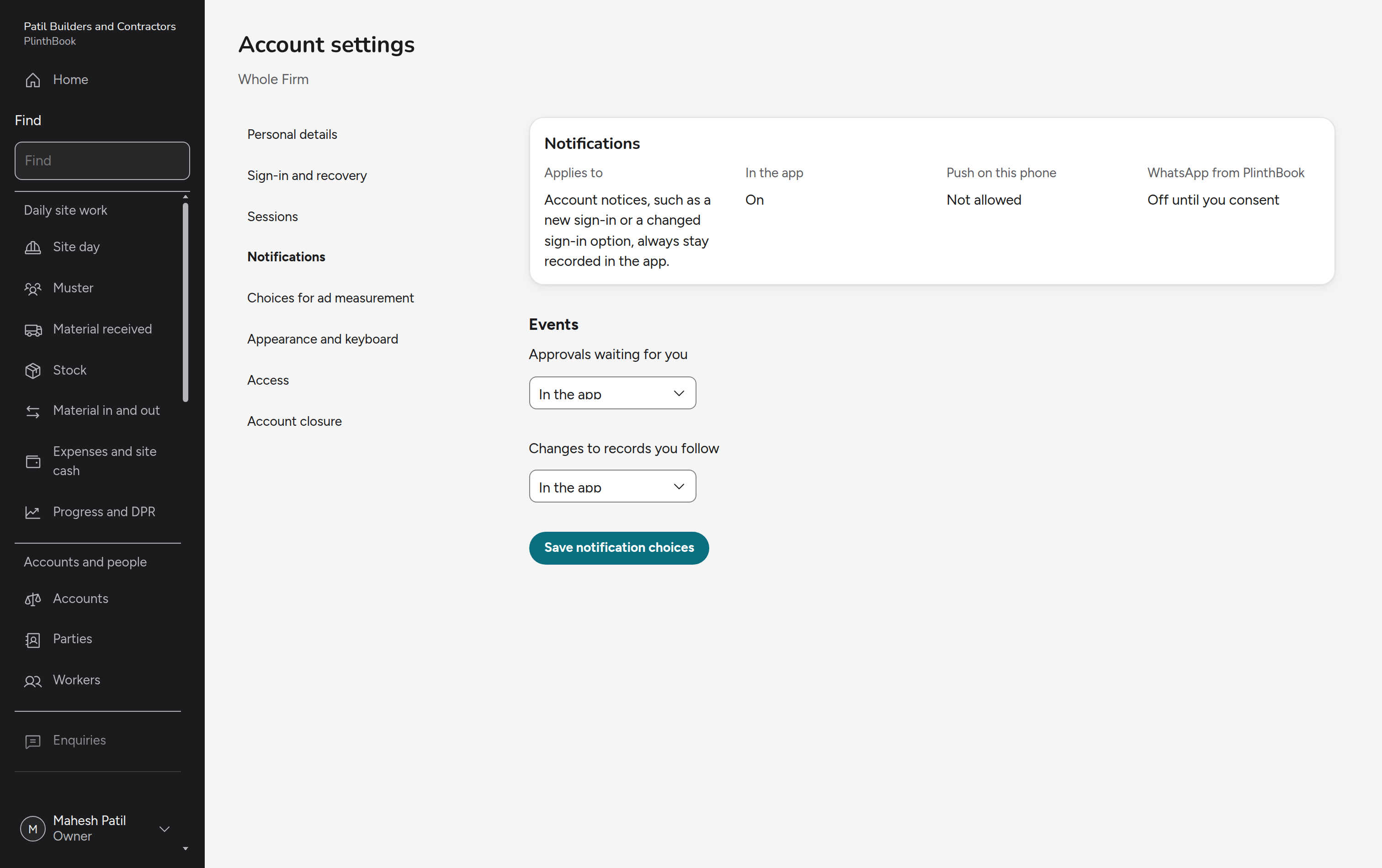
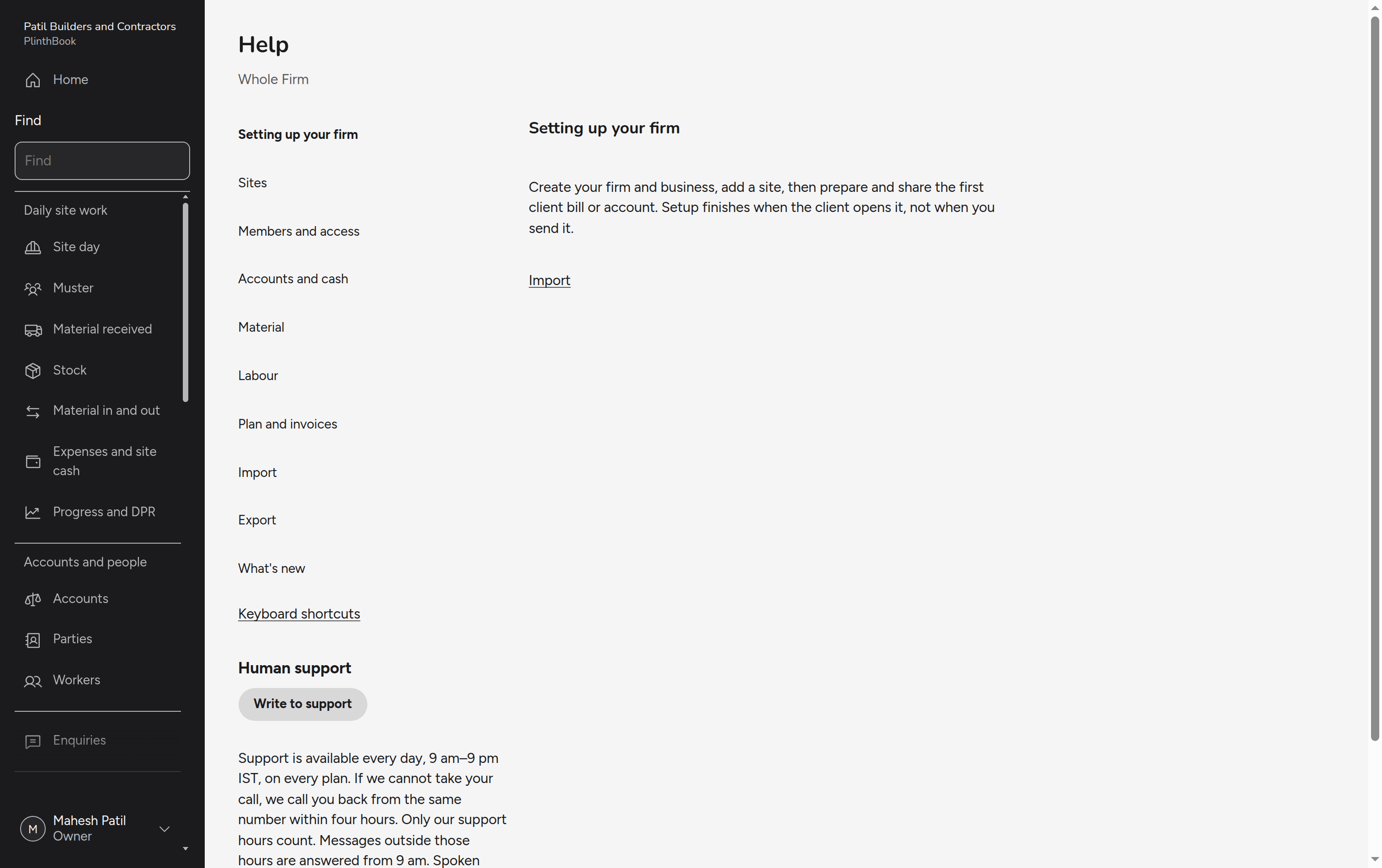
What every site and every role shares: signing up, working languages, entries kept on the phone, find, undo, import and export, leaving, follow-up, reports, alerts, settings and help.